
Topic · 9 templates
Lower third templates
Name and title bars for interviews, podcasts, documentaries and news reports.
A lower third is the name-and-title bar in the lower part of the frame that tells viewers who is speaking. Good ones appear quickly, stay long enough to read twice and get out of the way.
These range from a simple accent bar to documentary and broadcast styles, with photos, handles and logos. Most start transparent, ready to place over your interview footage.
9 templates, 6 of them free, below. Open one, make it yours and export an MP4 for social, a transparent MOV or WebM for your editor, or a PNG. Free templates need no account; Pro templates are marked PRO.
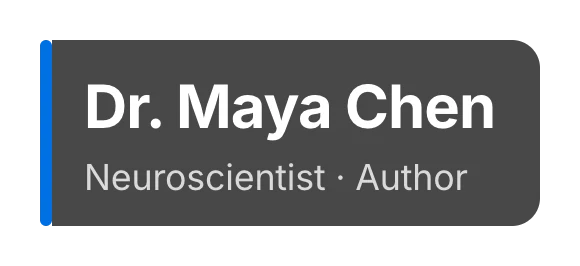 Lower thirdCaptions · transparent
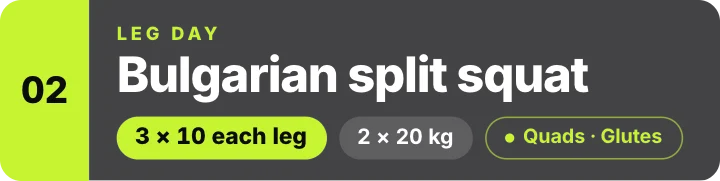 Exercise name lower-thirdFitness · transparent
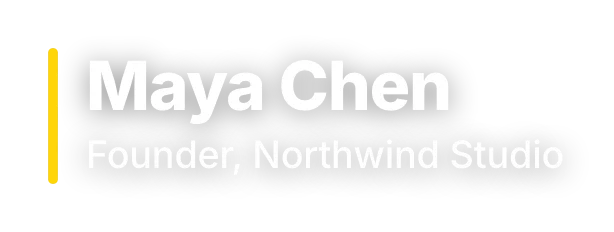 Lower third – simpleCaptions · transparent
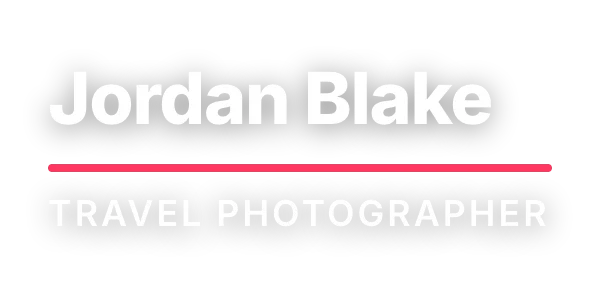 Lower third – underlineCaptions · transparent
 Lower third – boxedCaptions · transparent
 Lower third – photo pillCaptions · transparent
 Documentary lower thirdNews & docs · transparent
 Lower third – studioStudio
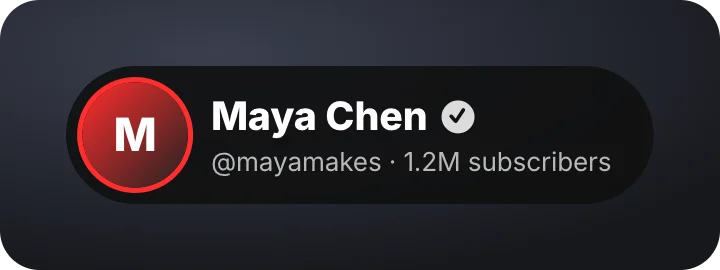 Creator lower thirdYouTube
Questions
How long should a lower third stay on screen?
About four to six seconds: long enough to read the name and title twice. Longer starts to distract from the speaker.
Can I add a logo or photo?
Several lower thirds take a photo or logo, and every name, title and color is editable.