
Topic · 40 templates
Animated text and kinetic typography templates
Titles and text effects that type, pop, slam or highlight, with no keyframes needed.
Kinetic typography means text that moves with meaning: words that pop in on the beat, slam onto the screen, type themselves out or get highlighted as they are spoken. It is the fastest way to make a talking-head clip, a quote or a title feel edited.
Each template here animates whatever you type, so there are no keyframes to set. Change the font size, colors and timing, and export on a transparent background to lay the text over your own video.
40 templates, 19 of them free, below. Open one, make it yours and export an MP4 for social, a transparent MOV or WebM for your editor, or a PNG. Free templates need no account; Pro templates are marked PRO.
 Typing bubbleChats
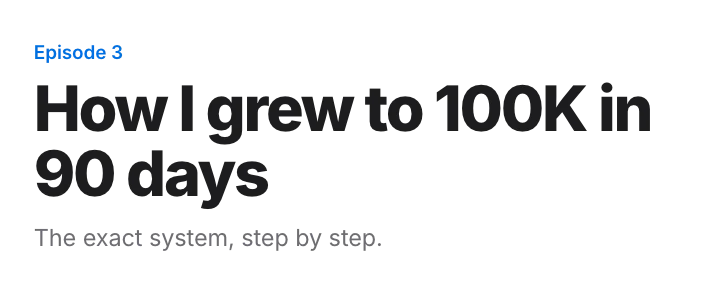 Title cardCaptions
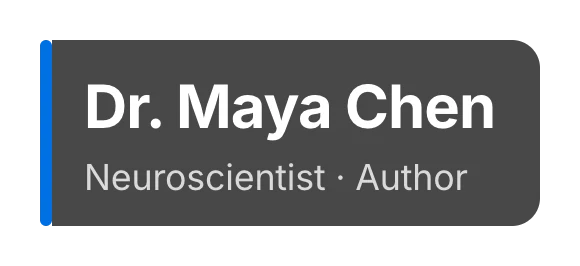 Lower thirdCaptions · transparent
 Caption barCaptions · transparent
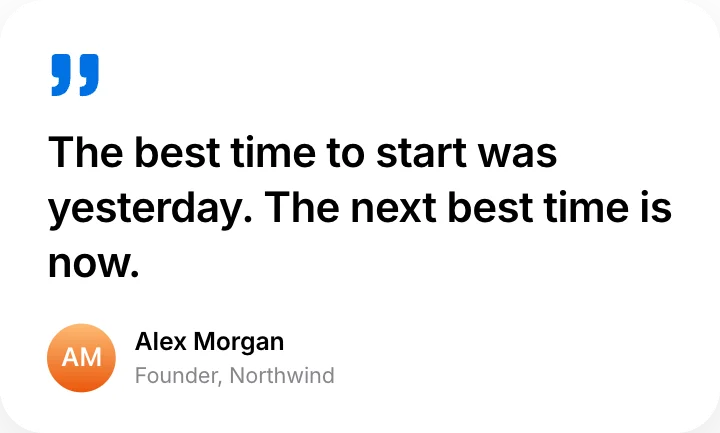 Quote cardCaptions
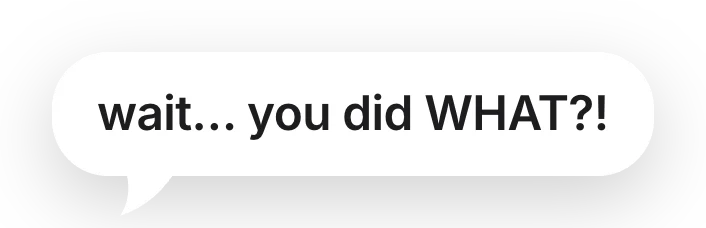 Speech bubbleCaptions · transparent
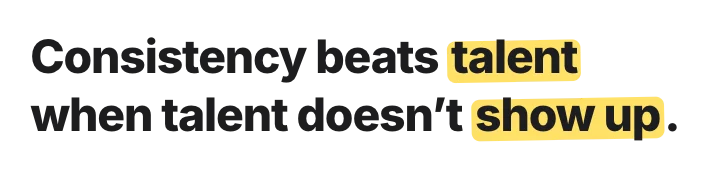 Highlighter textCaptions
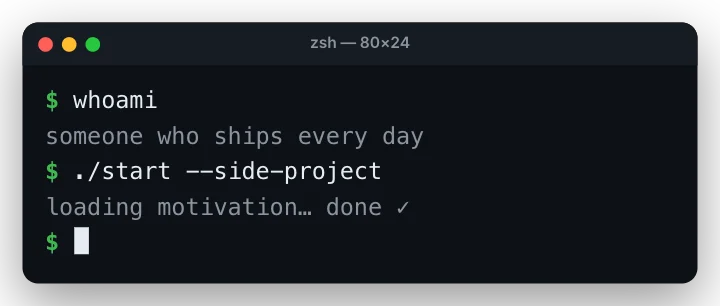 Typewriter terminal captionCaptions · transparent
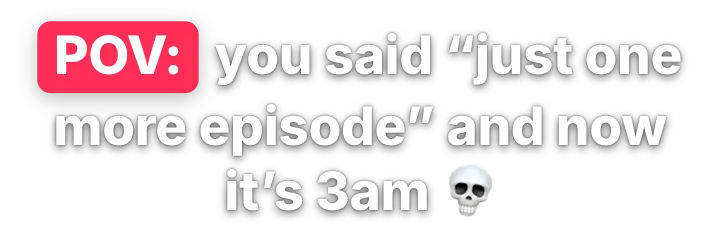 POV captionEmoji & memes · transparent
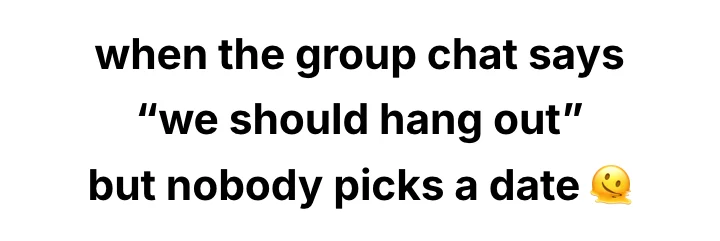 Short-video caption stackEmoji & memes · transparent
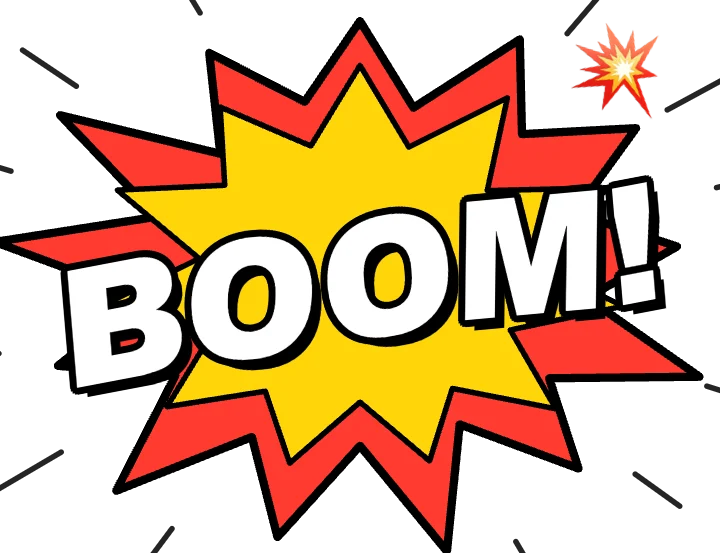 Comic sound effectEmoji & memes · transparent
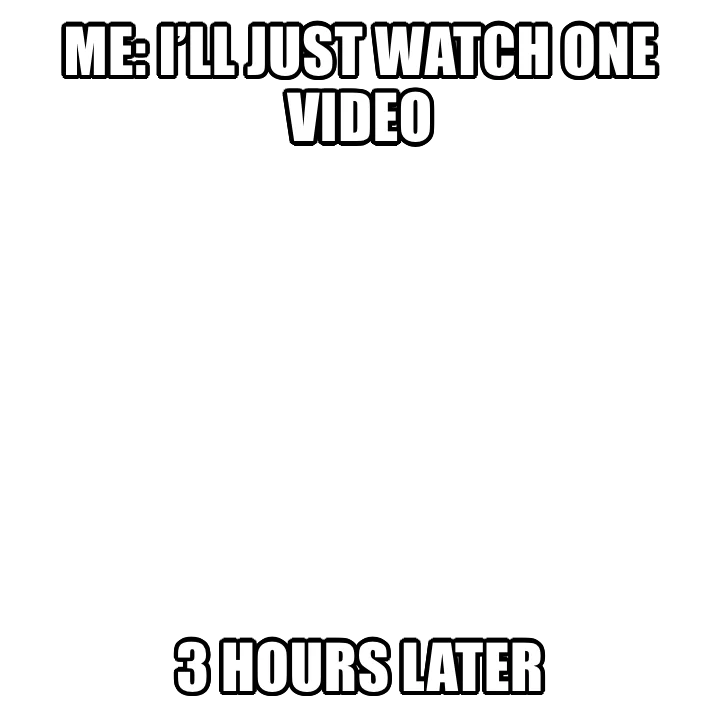 Meme captionEmoji & memes · transparent
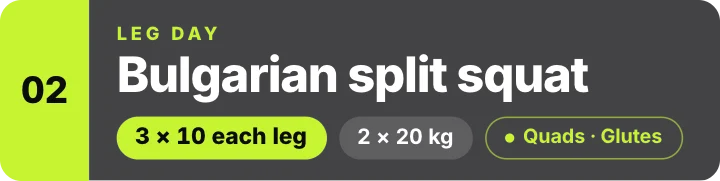 Exercise name lower-thirdFitness · transparent
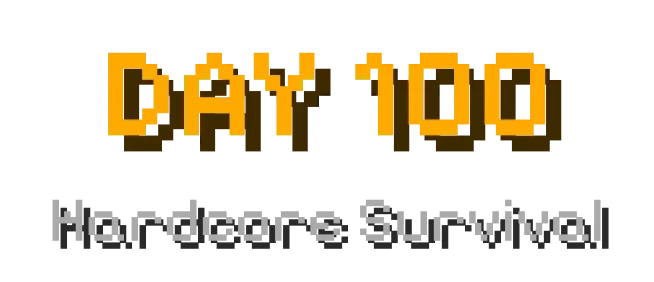 Block game – Title & subtitleGaming · transparent
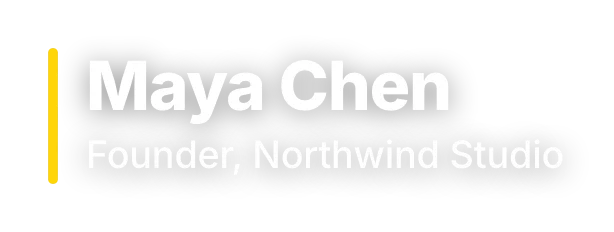 Lower third – simpleCaptions · transparent
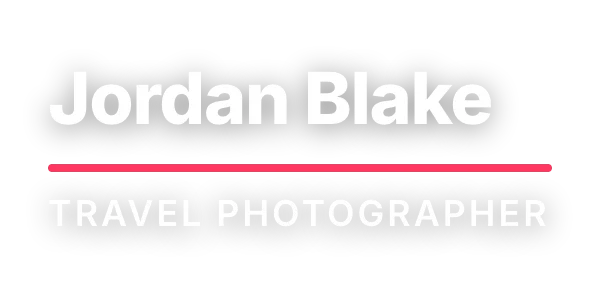 Lower third – underlineCaptions · transparent
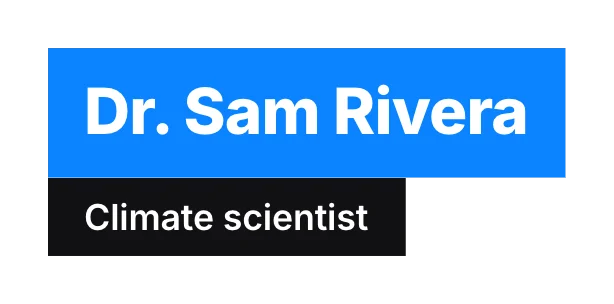 Lower third – boxedCaptions · transparent
 Lower third – photo pillCaptions · transparent
 Title – simpleCaptions · transparent
 Title – with ruleCaptions · transparent
 Chapter titleCaptions · transparent
 Subtitle boxCaptions · transparent
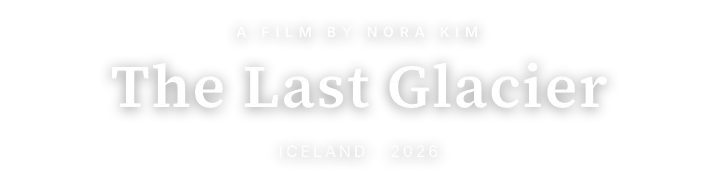 Documentary titleNews & docs · transparent
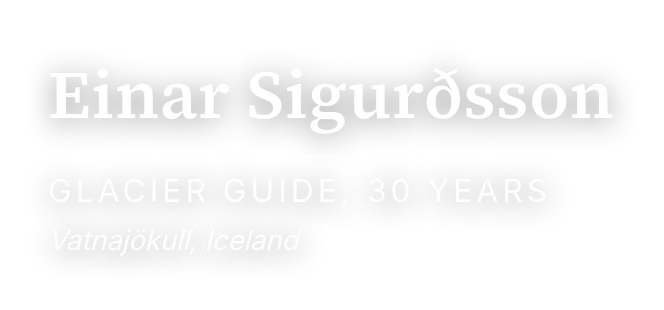 Documentary lower thirdNews & docs · transparent
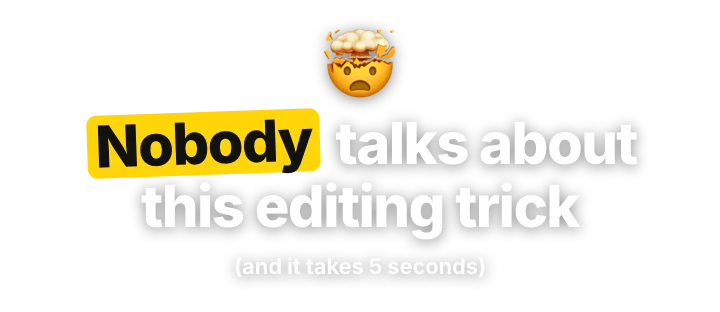 Hook titleCaptions · transparent
 Boxed word captionsCaptions · transparent
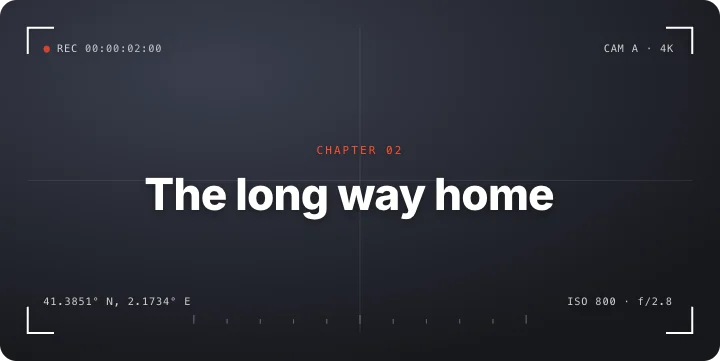 Technical title frameStudio
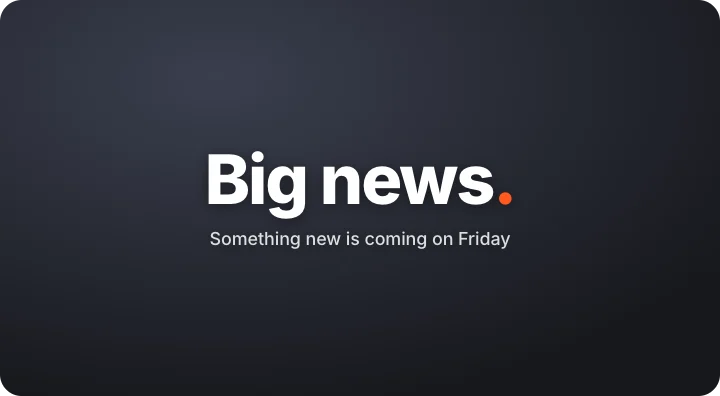 Starburst revealStudio
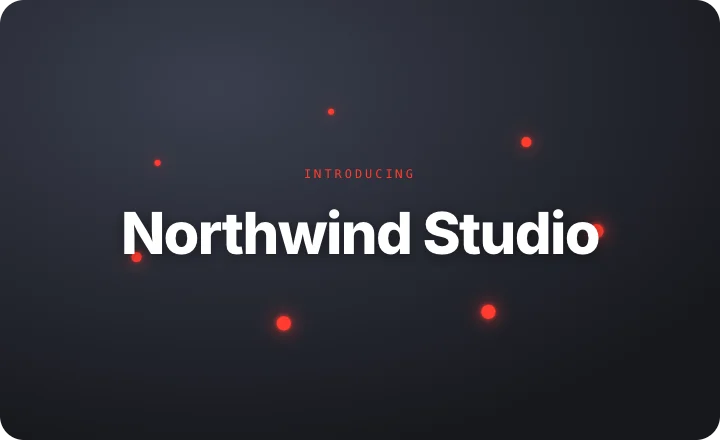 Orbit revealStudio
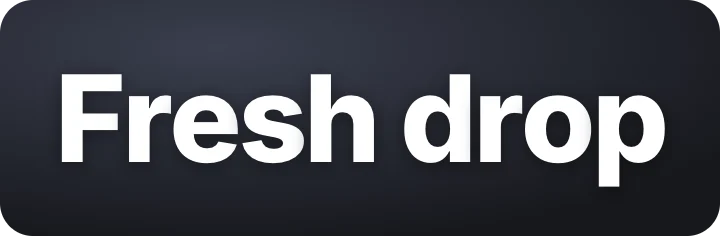 Letter cascadeStudio
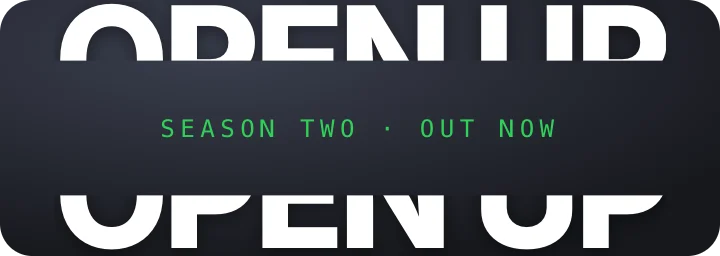 Split slice titleStudio
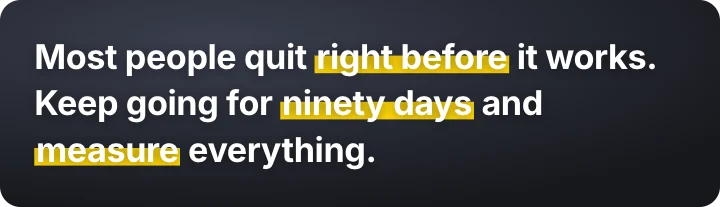 Highlighter sweepStudio
 Typed correctionStudio
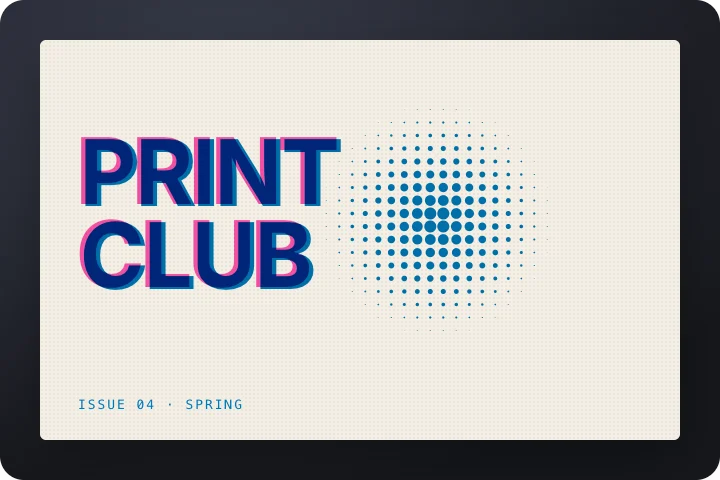 Riso print titleStudio
 Glitch titleStudio
 Outline to fillStudio
 Shine titleStudio
 Lower third – studioStudio
 Episode title cardYouTube
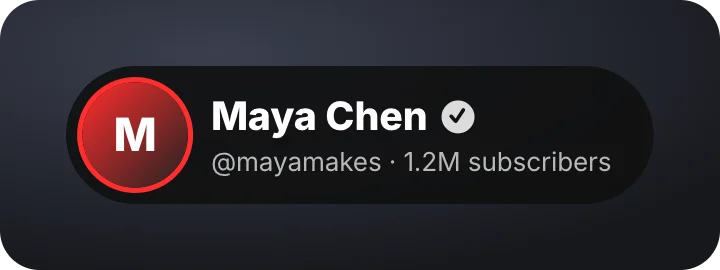 Creator lower thirdYouTube
Questions
What is kinetic typography?
Text animated in time with speech or music, where the movement adds emphasis: words popping, scaling, sliding or being highlighted as they are said.
Can I put animated text over my video?
Yes. Set the background to None and export a transparent MOV for Premiere Pro, Final Cut or DaVinci Resolve, or WebM for CapCut.