
48 templates · 27 free
Fake text message video maker
Make a fake text message video in a few minutes: type a conversation and watch it play out like a real chat, with typing dots, messages popping in, reactions and read receipts. Pick the look of a phone text thread, a green group chat, photo-app DMs, a community server chat and more than twenty other styles.
Chat stories are a popular storytelling format on TikTok, Reels and Shorts. A fake text message video needs no filming: type both sides of the conversation and gizzMotion times every message for you, so it reads at a natural pace without keyframes.
All chats templates
 Blue text messagesChats
 Green chatChats
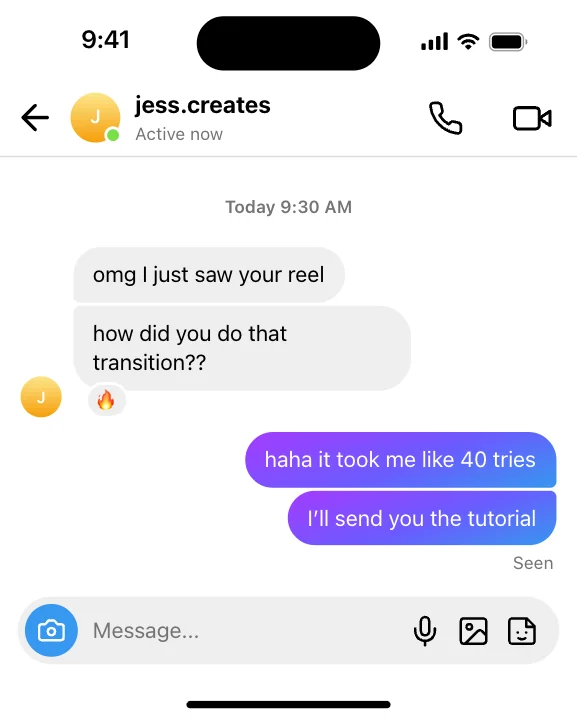 Gradient DMsChats
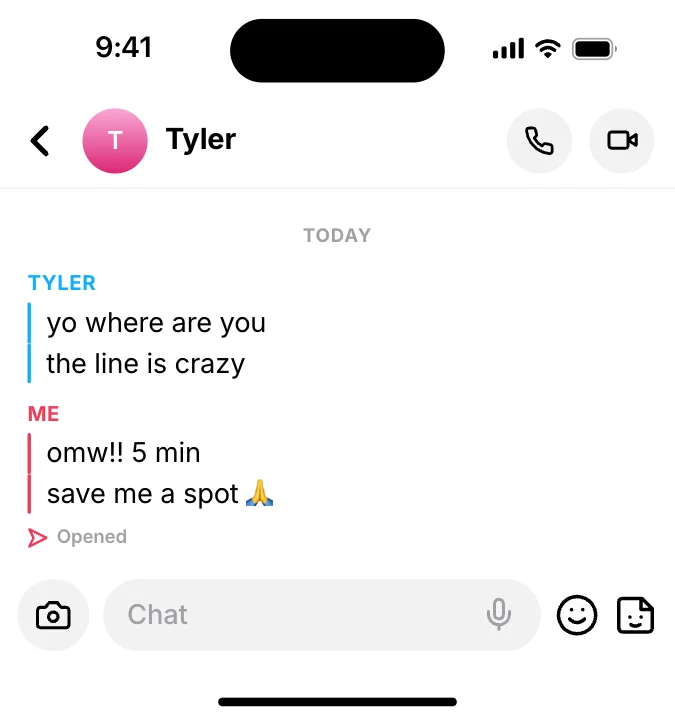 Yellow snap chatChats
 Community chatChats
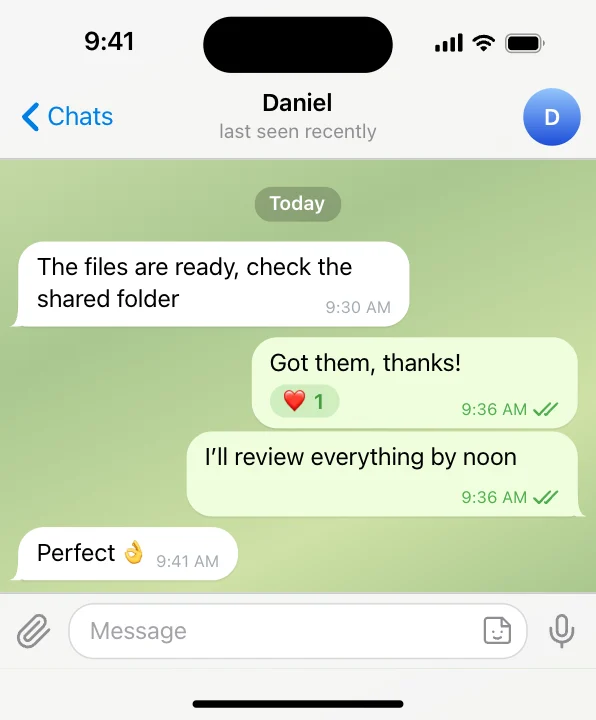 Sky-blue chatChats
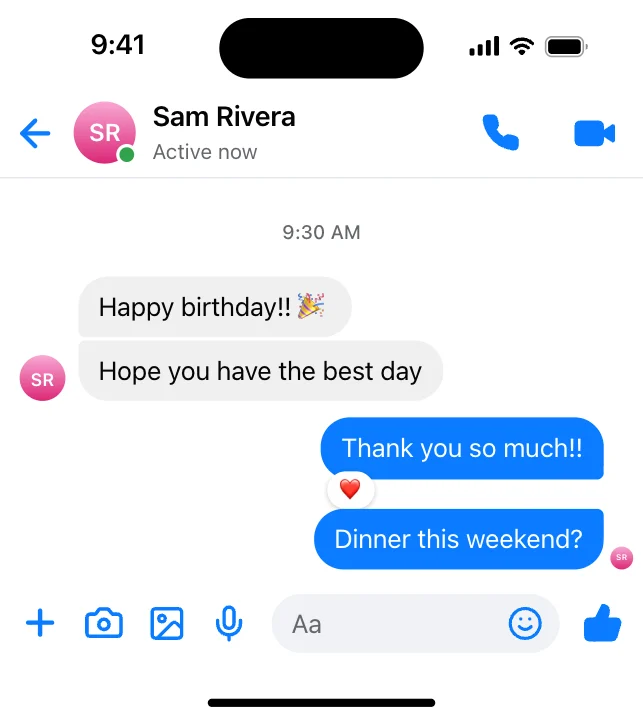 Bubble gradient chatChats
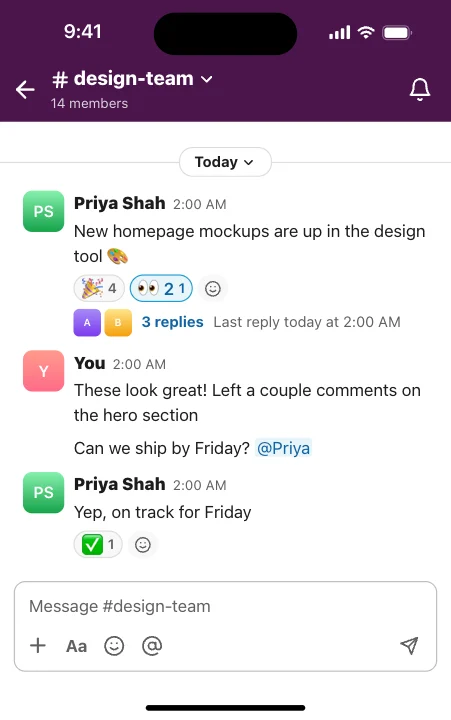 Workspace chatChats
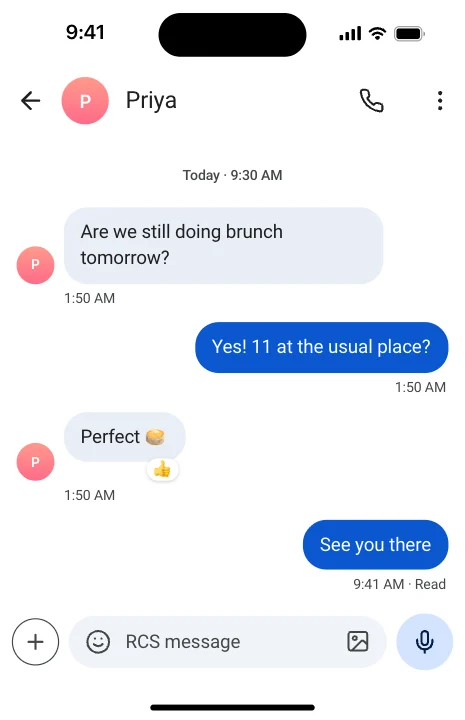
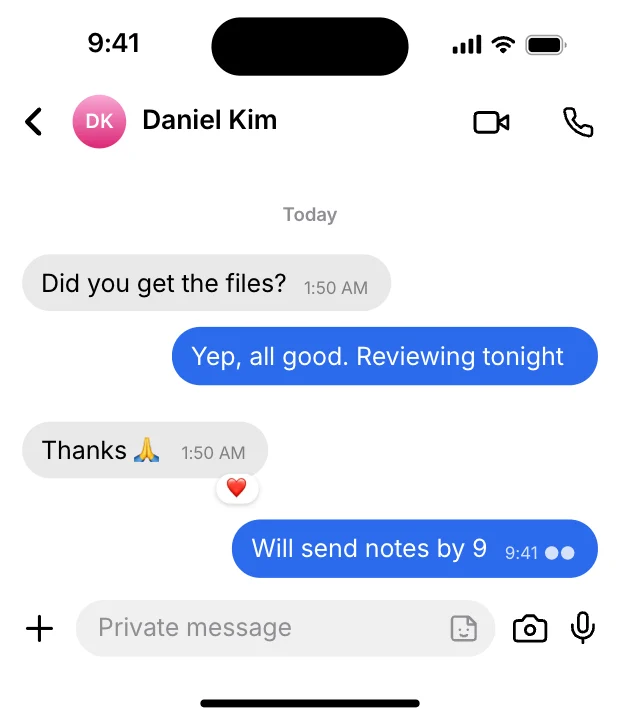 Private chatChats
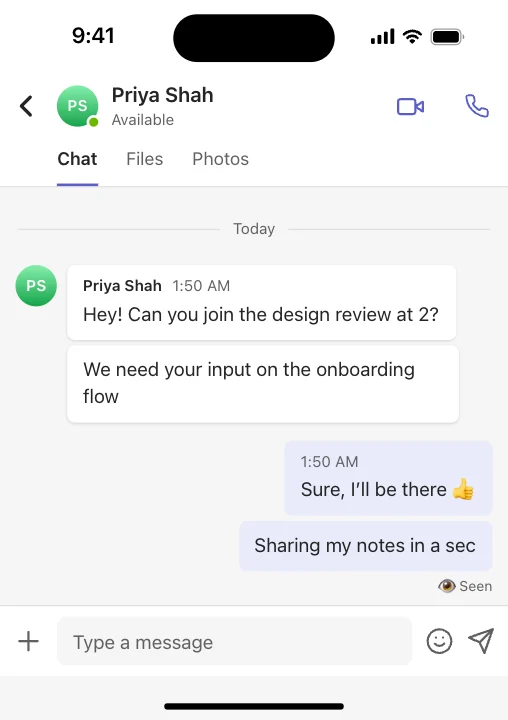 Team chatChats
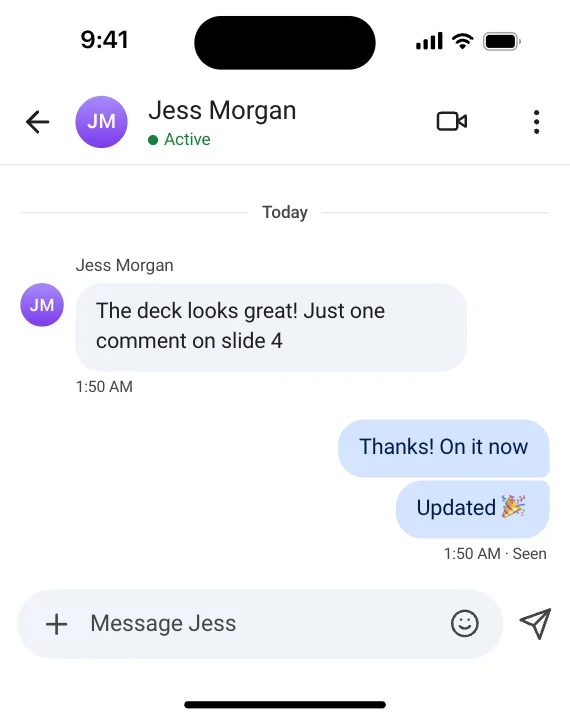 Office chatChats
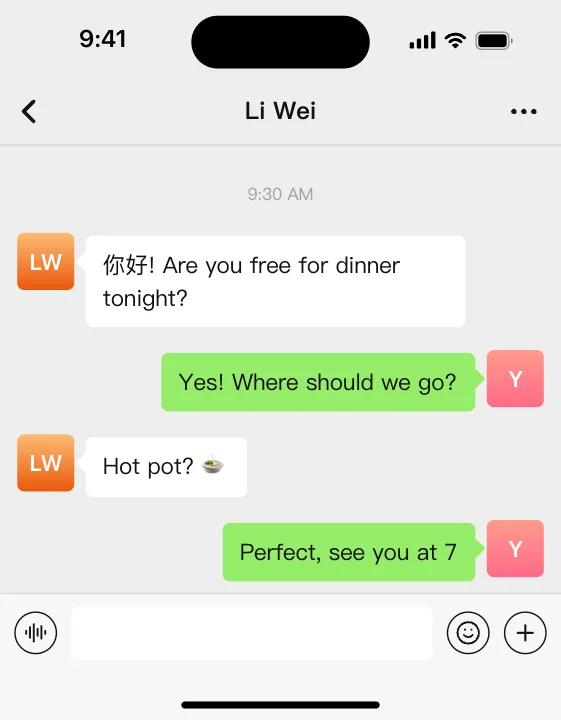 Green social chatChats
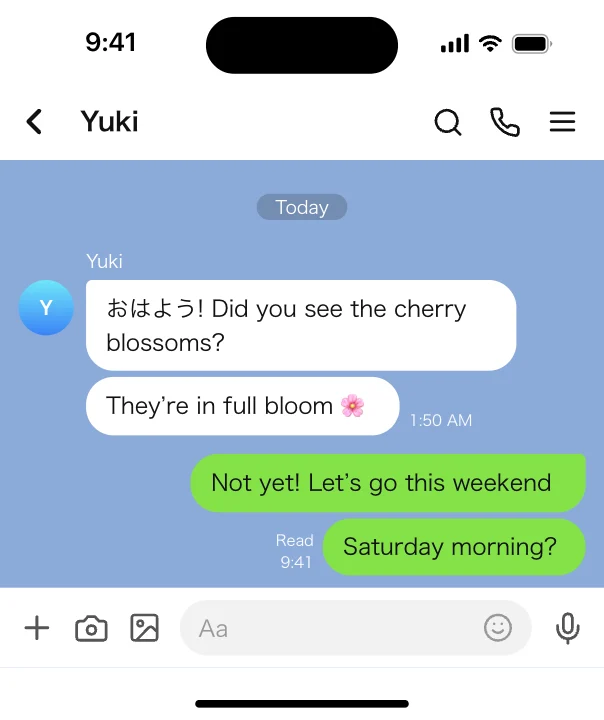 Sticker chatChats
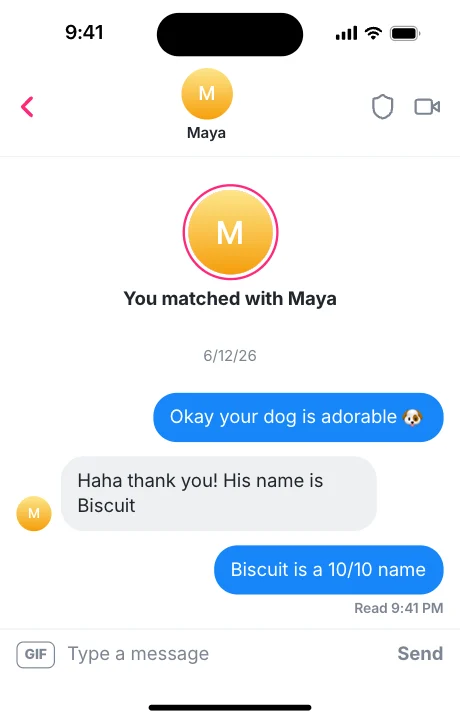 Dating chat – FlameChats
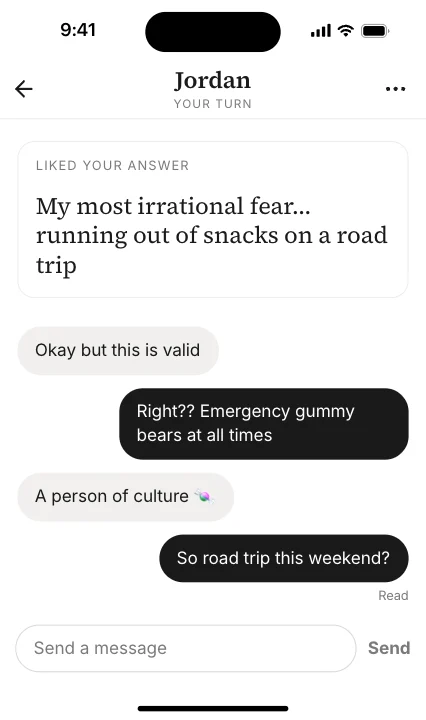 Dating chat – SerifChats
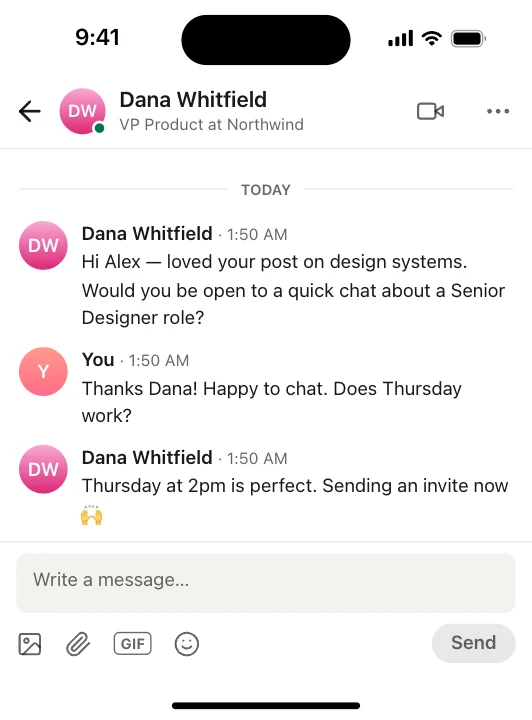 Career messagesChats
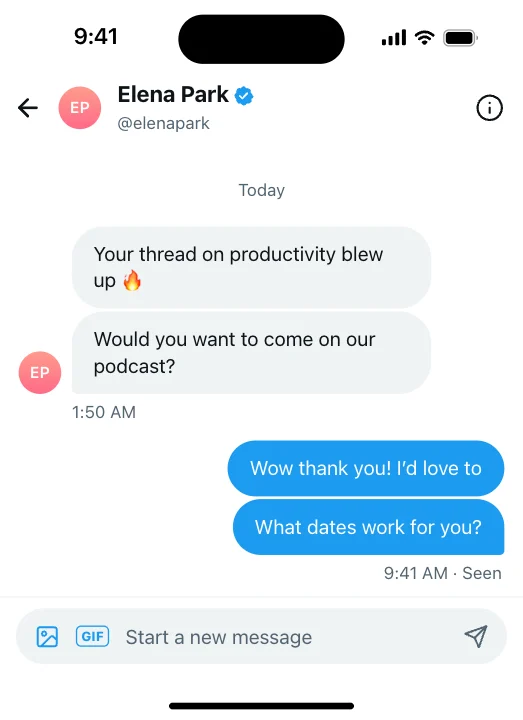 Short-post DMsChats
 Message – SentChats
 Message – ReceivedChats
 SMS – Green bubbleChats
 Green chat – SentChats

 Gradient DM – SentChats

 Message reactionChats
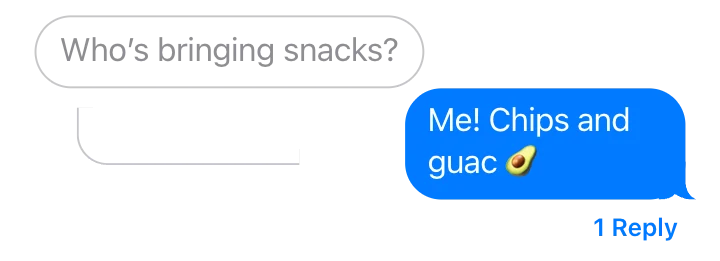 ReplyChats
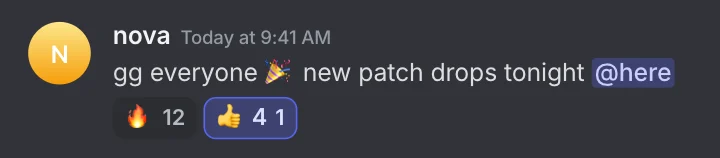
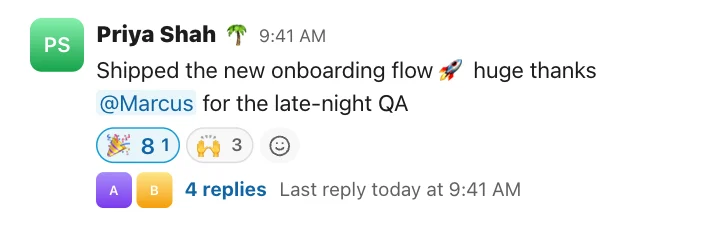


 Sky-blue chat – SentChats



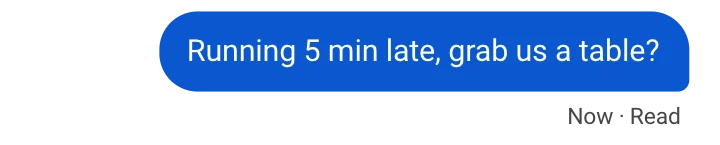 Material text – SentChats
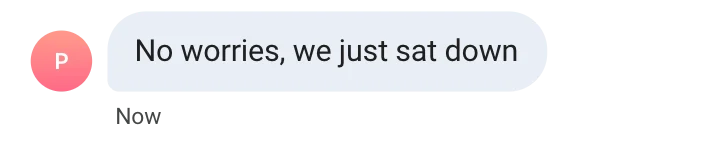
 Private chat – SentChats

 Typing bubbleChats
 Link preview bubbleChats
 Photo messageChats
 Location shareChats

 Big emoji messageChats
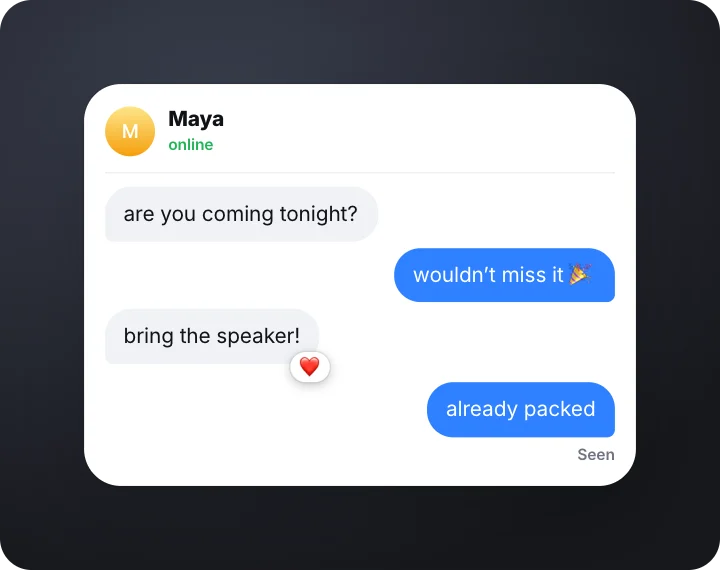 Chat story – typing and seenChats · transparent
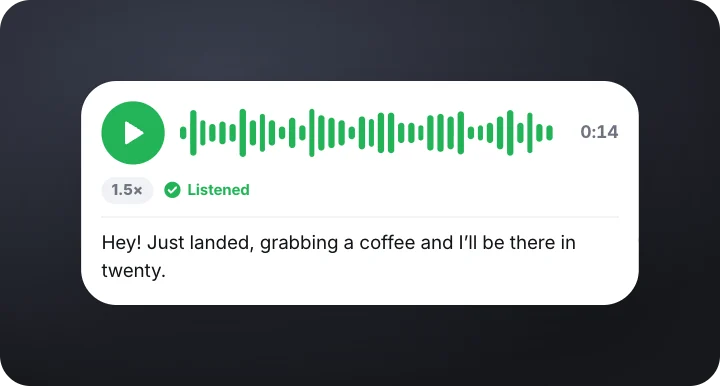 Voice note with transcriptChats · transparent
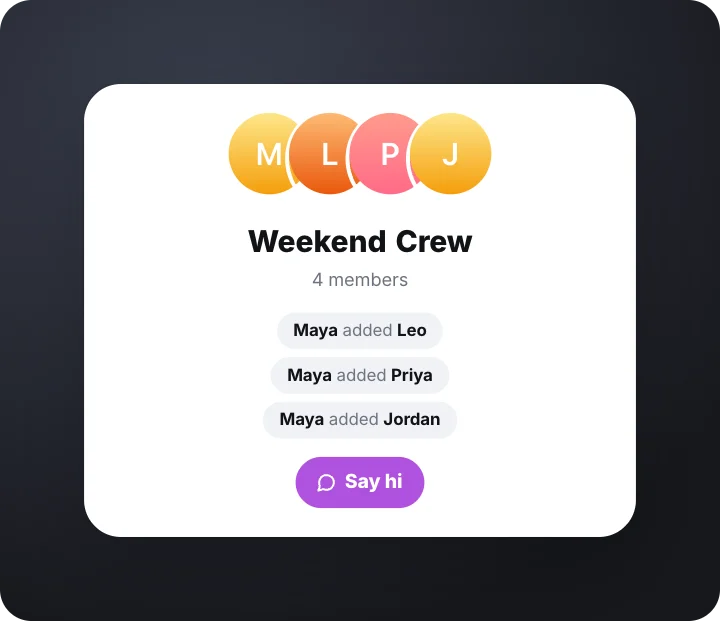 Group chat createdChats · transparent
How to make a fake text message video
- Pick a chat style. Blue or green text bubbles, a group chat, photo-app DMs, a dating chat, a work chat and more.
- Type both sides. Add messages for you and for them, plus photos, reactions, read receipts and “Today” dividers.
- Export the video. gizzMotion times every message so it reads naturally. Export an MP4 for TikTok, Reels or Shorts, free and with no watermark.
Questions
Is this fake text message video maker free?
Yes. Most chat styles are free to use and export, with no account and no watermark. The video is made in your browser, on your own device.
Can I make a text story for TikTok, Reels or Shorts?
Yes. Pick the 9:16 frame and export an MP4. The chat is sized for a phone screen, and you can add a background image or your own gameplay or footage behind it.
Can I control how fast the messages appear?
Yes. Set the typing speed and pauses in the Motion tab, or give a single message its own delay. The video length adjusts automatically.
Can I add photos, reactions and replies?
Most chat templates support images, reactions, quoted replies, read receipts and system messages. A voice note is a separate template you can export on its own.