Chats template
Big emoji message chat story video maker
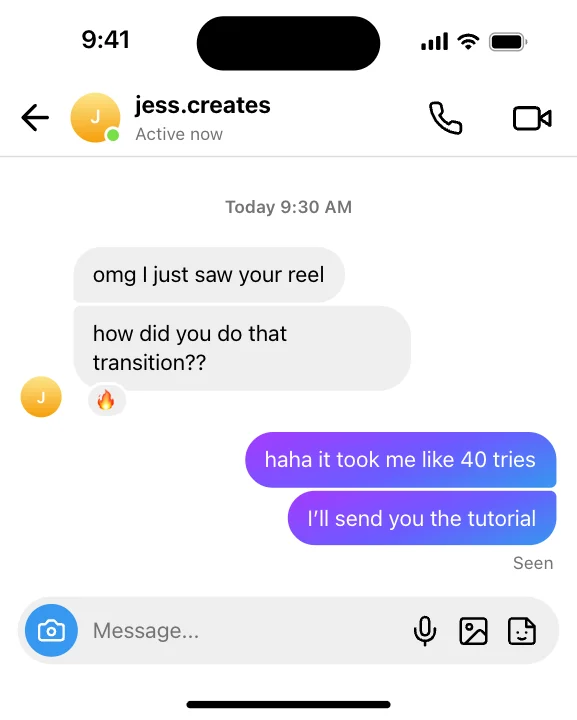
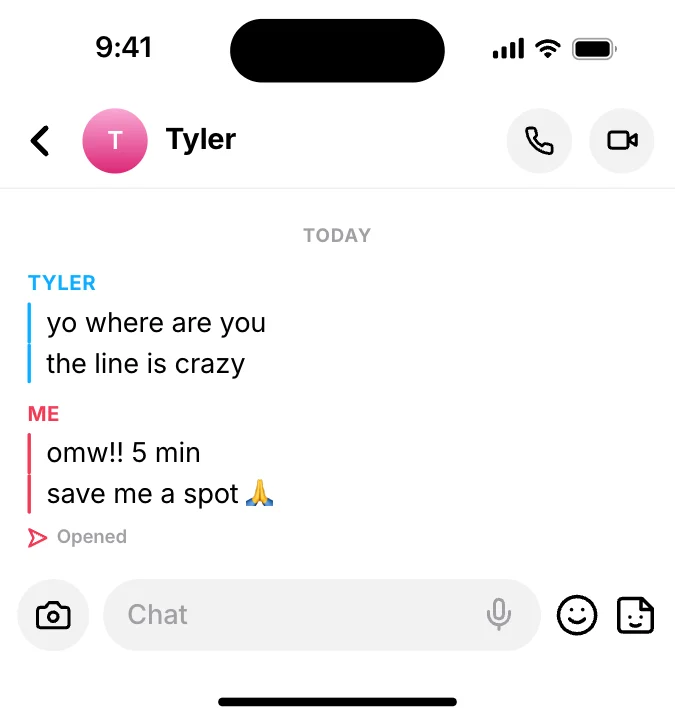
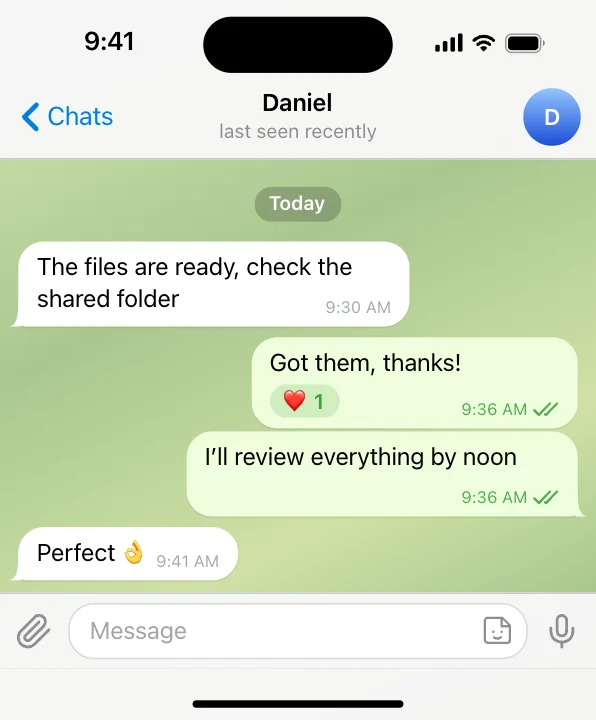
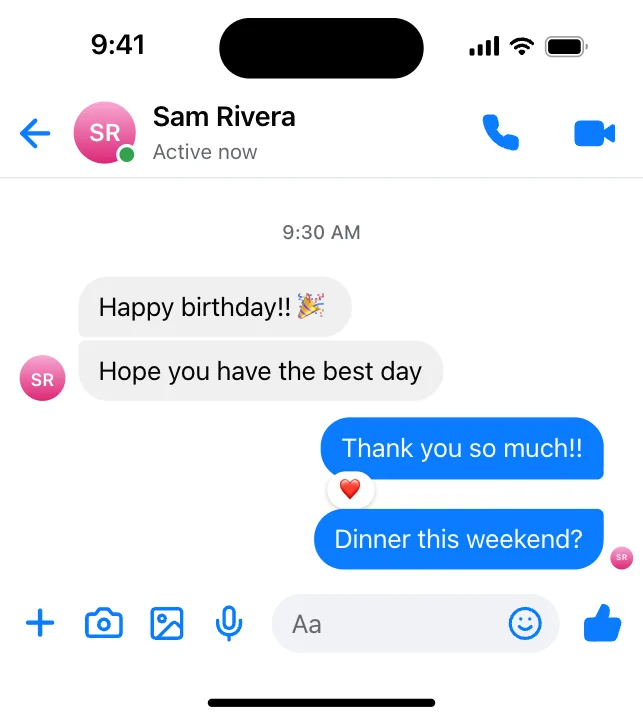
Make an animated conversation in the style of Big emoji message. Type the messages and they play out one by one with typing dots, reactions and read receipts, timed so viewers can read along.
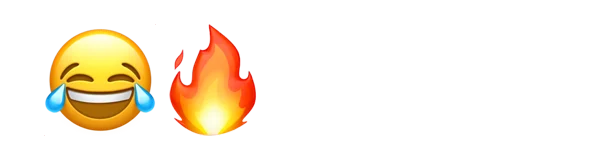
Put it on a gradient, a color, your own image or a transparent background. The example reads “😂🔥”; replace it with your own.
Open in the editor, freeFree · No signup · Runs in your browser
What you can customise
Content
- Emoji
- Side
- Delivered label
Style
- Theme
- Text size
- Width
- Background
Your brand
- Your logo (PNG, transparent works best)
- Your name or @handle
- Show badge
- Badge position
- Badge look
- Badge size
- Background photo (card sits on it)
- Background padding
How to make it
- Open the template. It opens in the free editor in your browser, already animated.
- Make it yours. Edit emoji, side, delivered label in the Content tab. The preview updates as you type.
- Pick the format. Choose 9:16 for TikTok, Reels and Shorts, or 16:9 for YouTube, and set the background.
- Export. Save an MP4 to post, a transparent MOV for Premiere Pro, Final Cut or DaVinci Resolve, a WebM for CapCut, or a PNG still.
Export formats
- MP4, 720p or 1080p, 30 or 60 fps
- MOV (ProRes 4444) with transparency
- WebM with transparency (CapCut)
- PNG image