
Emoji & memes template
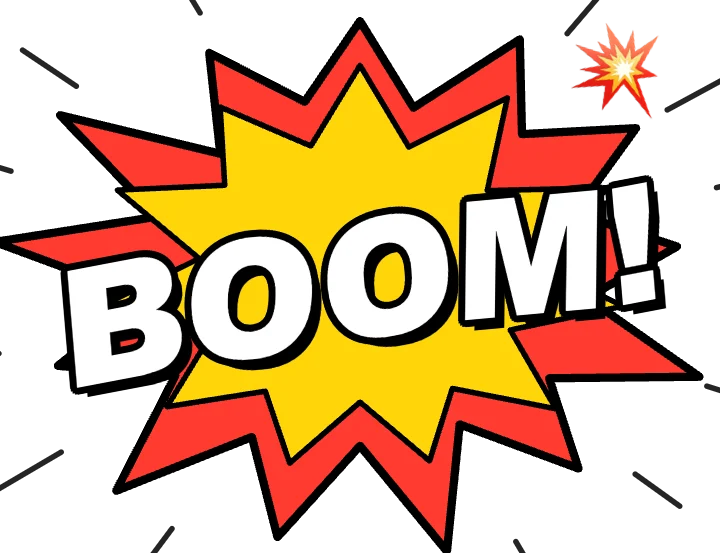
Comic sound effect animation
Comic sound effect is a ready-made emoji & memes animation. Change the content, pick the style and motion, then export a video for TikTok, Reels, Shorts or YouTube.
It starts on a transparent background, so you can export a MOV or WebM and lay it over your own footage. The example reads “BOOM!”; replace it with your own.
Best for action beats and comedy. A comic-book starburst with a word like "BOOM!" pops over your footage.
Open in the editor, freeFree · No signup · Runs in your browser
What you can customise
Effect
- Word
- Emoji
- Action lines
Style
- Size
- Inner burst
- Outer burst
- Text
- Background
Your brand
- Your logo (PNG, transparent works best)
- Your name or @handle
- Show badge
- Badge position
- Badge look
- Badge size
- Background photo (card sits on it)
- Background padding
How to make it
- Open the template. It opens in the free editor in your browser, already animated.
- Make it yours. Edit word, emoji, action lines in the Content tab. The preview updates as you type.
- Pick the format. Choose 9:16 for TikTok, Reels and Shorts, or 16:9 for YouTube, and set the background (it is transparent by default).
- Export. Save an MP4 to post, a transparent MOV for Premiere Pro, Final Cut or DaVinci Resolve, a WebM for CapCut, or a PNG still.
Export formats
- MP4, 720p or 1080p, 30 or 60 fps
- MOV (ProRes 4444) with transparency
- WebM with transparency (CapCut)
- PNG image
Guides and tools for this template
How to make motion graphics online, free and without After EffectsA simple way to make motion graphics and animations for Reels, TikTok and YouTube in your browser. No keyframes, no software, no signup.How to use a transparent video overlay in your editorExport animations with a transparent background (ProRes 4444 MOV or WebM) and place them over your footage in Premiere Pro, Final Cut Pro, DaVinci Resolve or CapCut.How to make emoji reaction overlaysMake emoji explosions, emoji rain and floating reactions with your own emoji or images, and export them as transparent overlays.Transparent overlay makerMake animated overlays with a transparent background: comic effects, emoji, captions and maps. Export ProRes 4444 MOV or WebM. Free, no signup.
Related templates
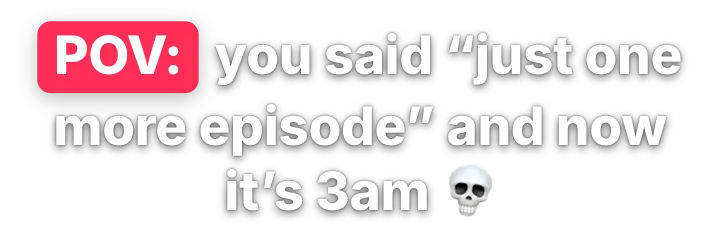 POV captionEmoji & memes · transparent
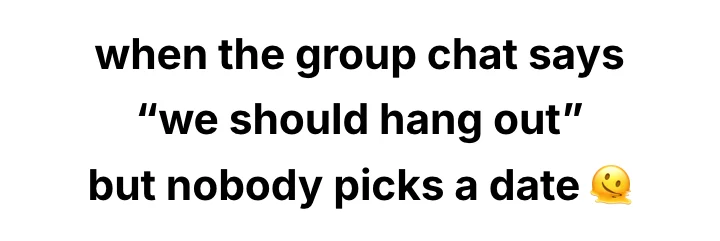 Short-video caption stackEmoji & memes · transparent
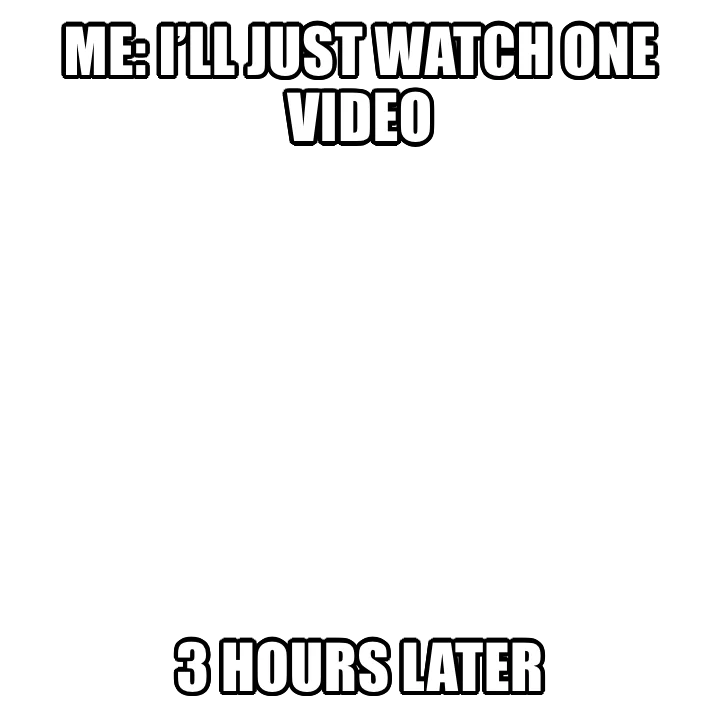 Meme captionEmoji & memes · transparent
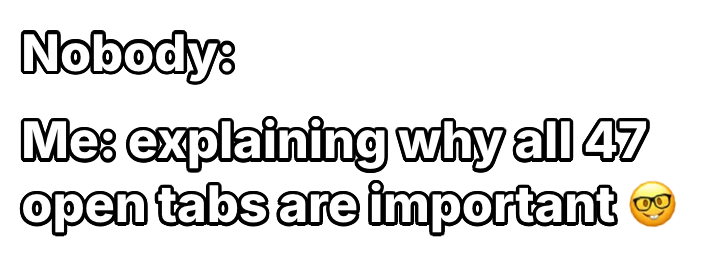 Nobody: / Me:Emoji & memes · transparent
 Aura pointsEmoji & memes · transparent
 Rizz meterEmoji & memes · transparent
 Spin the wheelEmoji & memes · transparent
 Tier listEmoji & memes · transparent