
Gaming template PRO
#1 Victory banner animation
#1 Victory banner is a ready-made gaming animation. Change the content, pick the style and motion, then export a video for TikTok, Reels, Shorts or YouTube.
It starts on a transparent background, so you can export a MOV or WebM and lay it over your own footage. The example reads “VICTORY”, “ELIMS”; replace it with your own.
Open in gizzMotionPro template · $9/month · See pricing

What you can customise
Banner
- Rank
- Title
- Players left countdown from
- Stat 1 label
- Stat 1
- Stat 2 label
- Stat 2
Style
- Size
- Gold
- Banner color
- Background
Your brand
- Your logo (PNG, transparent works best)
- Your name or @handle
- Show badge
- Badge position
- Badge look
- Badge size
- Background photo (card sits on it)
- Background padding
How to make it
- Open the template. It opens in the free editor in your browser, already animated.
- Make it yours. Edit rank, title, players left countdown from in the Content tab. The preview updates as you type.
- Pick the format. Choose 9:16 for TikTok, Reels and Shorts, or 16:9 for YouTube, and set the background (it is transparent by default).
- Export. Save an MP4 to post, a transparent MOV for Premiere Pro, Final Cut or DaVinci Resolve, a WebM for CapCut, or a PNG still.
Export formats
- MP4, 720p or 1080p, 30 or 60 fps
- MOV (ProRes 4444) with transparency
- WebM with transparency (CapCut)
- PNG image
Guides and tools for this template
How to use a transparent video overlay in your editorExport animations with a transparent background (ProRes 4444 MOV or WebM) and place them over your footage in Premiere Pro, Final Cut Pro, DaVinci Resolve or CapCut.How to make game overlay editsAdd advancement toasts, death screens, badge pop-ups and chat bubbles to your gameplay clips. Transparent overlays, free, no signup.
Related templates
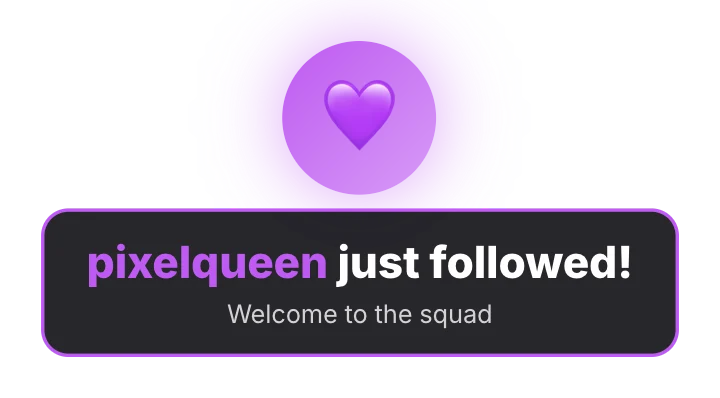 Follower alertGaming · transparent
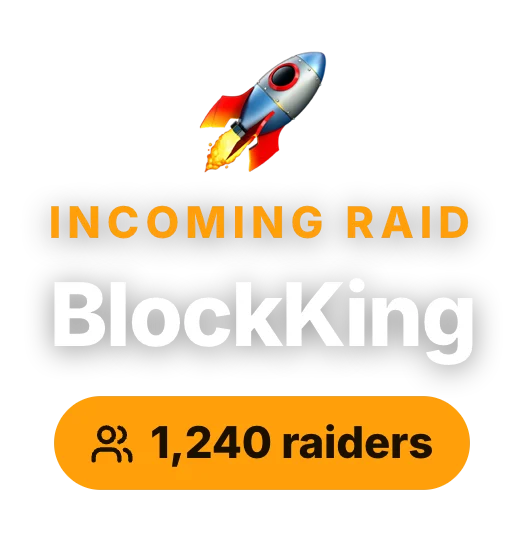 Raid alertGaming · transparent
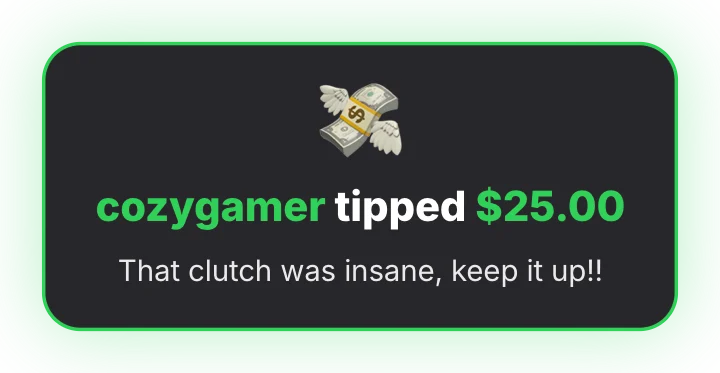 Tip alertGaming · transparent
 Block game – Advancement toastGaming · transparent
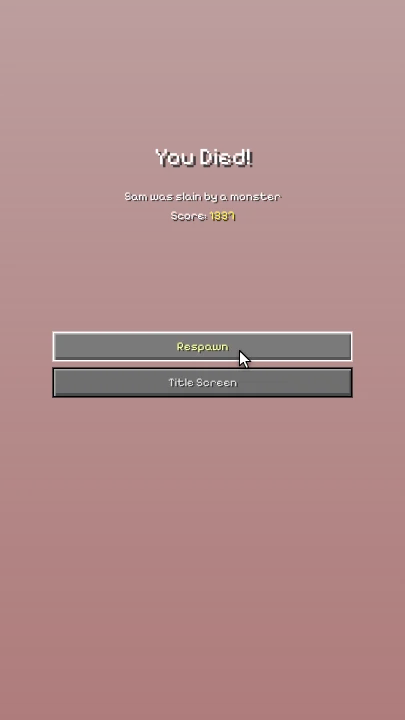 Block game – Death screenGaming · transparent
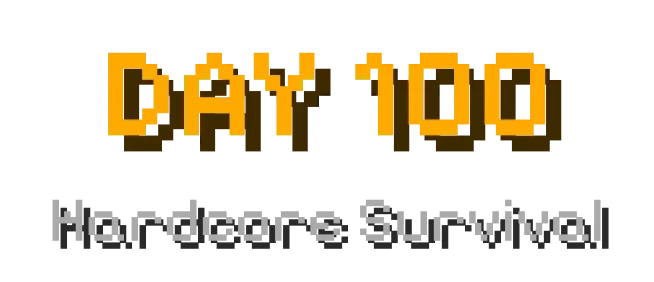 Block game – Title & subtitleGaming · transparent
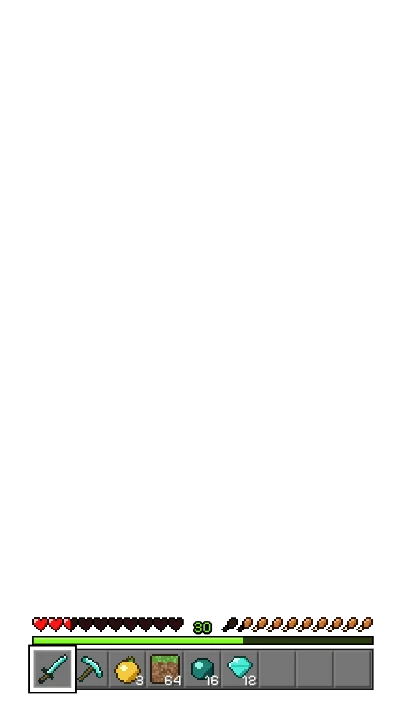 Block game – HUD taking damageGaming · transparent
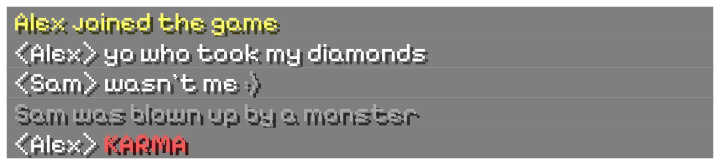 Block game – Live chatGaming · transparent