
Travel & maps template PRO
Route – flight arc animation
Route – flight arc is a ready-made travel & maps animation. Change the content, pick the style and motion, then export a video for TikTok, Reels, Shorts or YouTube.
Put it on a gradient, a color, your own image or a transparent background. The example reads “37,000 ft”, “560 mph”; replace it with your own.
Best for travel vlog intros. A plane flies an arc between two airports with distance and flight time.
Open in gizzMotionPro template · $9/month · See pricing

What you can customise
Trip
- From
- To
- Arc height
- From label
- To label
- Distance
- Travel time
- Units
- Show distance
- Altitude
Timing
- Journey length
- Journey progress in PNG export %
Map
- Map art
- Coastline detail
- Perspective
- Tilt angle
- Highlight places
- Start place color
- End place color
Style
- Text size
- Width
- Height
- Route color
- Vehicle color
Arrival photo
- Polaroid photo
- Handwritten caption
Your brand
- Your logo (PNG, transparent works best)
- Your name or @handle
- Show badge
- Badge position
- Badge look
- Badge size
- Background photo (card sits on it)
- Background padding
How to make it
- Open the template. It opens in the free editor in your browser, already animated.
- Make it yours. Edit from, to, arc height in the Content tab. The preview updates as you type.
- Pick the format. Choose 9:16 for TikTok, Reels and Shorts, or 16:9 for YouTube, and set the background.
- Export. Save an MP4 to post, a transparent MOV for Premiere Pro, Final Cut or DaVinci Resolve, a WebM for CapCut, or a PNG still.
Export formats
- MP4, 720p or 1080p, 30 or 60 fps
- MOV (ProRes 4444) with transparency
- WebM with transparency (CapCut)
- PNG image
Guides and tools for this template
How to make motion graphics online, free and without After EffectsA simple way to make motion graphics and animations for Reels, TikTok and YouTube in your browser. No keyframes, no software, no signup.How to make an animated travel map for a vlogCreate a flight path, road trip or 3D globe animation from A to B for travel vlogs, Reels and TikTok, with real map data.What are motion graphics?Motion graphics are animated graphic design: text, shapes, charts, maps and icons that move. Here is what they are, where they are used, and how to make them.Travel map animation makerAnimate a flight or road trip from A to B on a real map for your travel vlog. Places autocomplete, distance and time fill in. Free, export MP4 or MOV.
Related templates
 Route – 3D globe spinTravel & maps
 Floating globe (transparent)Travel & maps · transparent
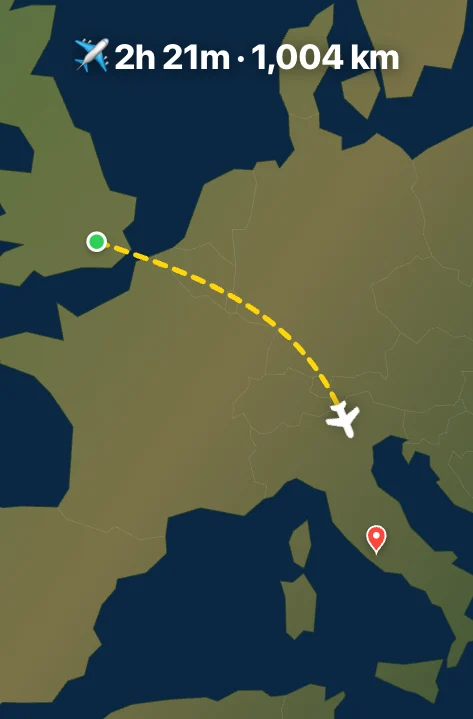 Route – zoom out & inTravel & maps
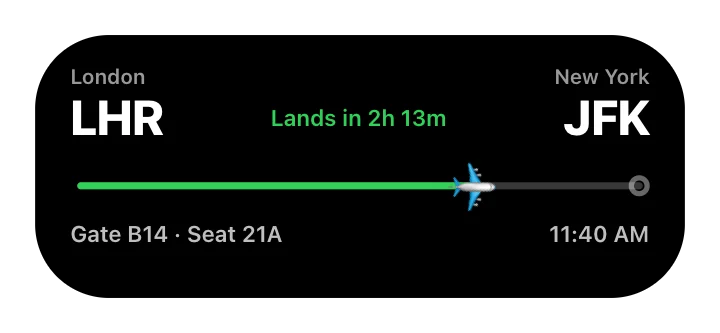 Route – pill notification tripTravel & maps
 Country to country (transparent)Travel & maps · transparent
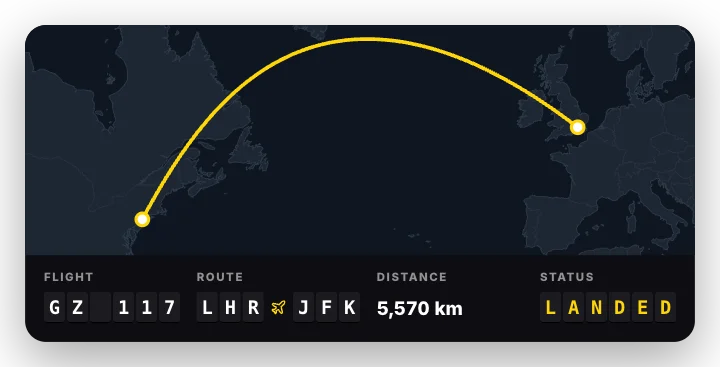 Flight boardTravel & maps
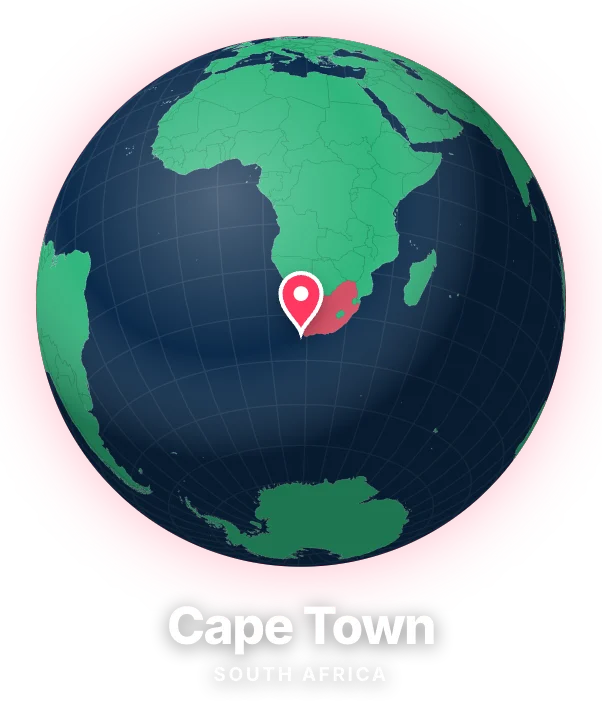 Globe spin to placeTravel & maps · transparent
 Map pin cardTravel & maps