Products & apps template PRO
Add to cart – fly to the bag animation
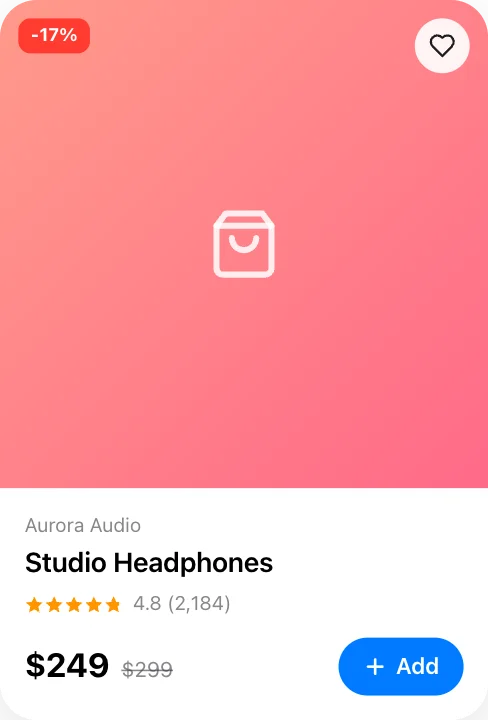
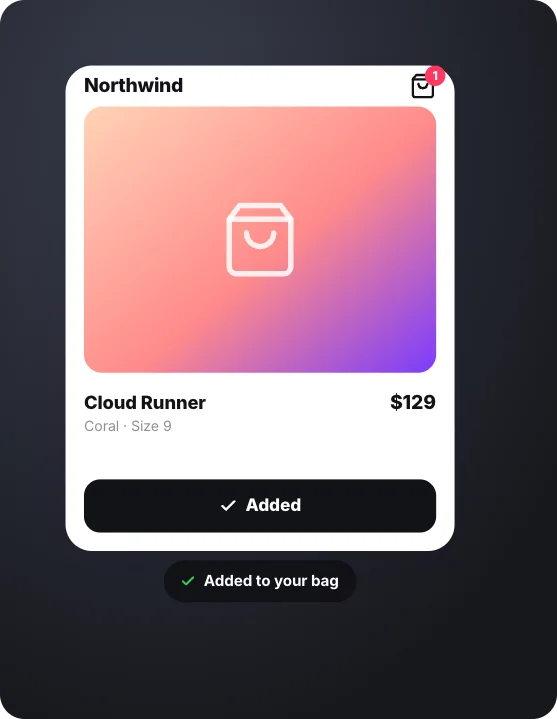
Add to bag is tapped, the product flies into the bag icon and the count bumps up. A ready-made products & apps animation: change the content, pick the style and motion, then export a video for TikTok, Reels, Shorts or YouTube.
It starts on a transparent background, so you can export a MOV or WebM and lay it over your own footage. The example reads “Northwind”, “Cloud Runner”; replace it with your own.
Good for: ui animation, app mockup, app demo, product video, interface.
Open in gizzMotionPro template · $9/month · See pricing
What you can customise
Product
- Store
- Product photo
- Product
- Variant
- Price
- Button
- After tap
- Items in bag after
- Note
Style
- Theme
- Pointer
- Accent
- Size
Your brand
- Your logo (PNG, transparent works best)
- Your name or @handle
- Show badge
- Badge position
- Badge look
- Badge size
- Background photo (card sits on it)
- Background padding
How to make it
- Open the template. It opens in the free editor in your browser, already animated.
- Make it yours. Edit store, product photo, product in the Content tab. The preview updates as you type.
- Pick the format. Choose 9:16 for TikTok, Reels and Shorts, or 16:9 for YouTube, and set the background (it is transparent by default).
- Export. Save an MP4 to post, a transparent MOV for Premiere Pro, Final Cut or DaVinci Resolve, a WebM for CapCut, or a PNG still.
Export formats
- MP4, 720p or 1080p, 30 or 60 fps
- MOV (ProRes 4444) with transparency
- WebM with transparency (CapCut)
- PNG image