
Gaming template PRO
Quest tracker animation
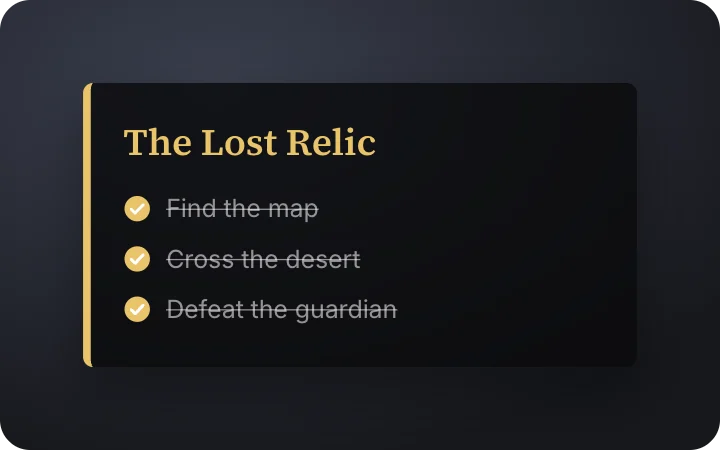
A quest tracker where objectives tick off. A ready-made gaming animation: change the content, pick the style and motion, then export a video for TikTok, Reels, Shorts or YouTube.
It starts on a transparent background, so you can export a MOV or WebM and lay it over your own footage. The example reads “The Lost Relic”, “Find the map Cross the desert Defeat the guardian”; replace it with your own.
Good for: quest, tracker.
Open in gizzMotionPro template · $9/month · See pricing
What you can customise
Content
- Quest
- Objectives
Style
- Accent
- Size
Your brand
- Your logo (PNG, transparent works best)
- Your name or @handle
- Show badge
- Badge position
- Badge look
- Badge size
- Background photo (card sits on it)
- Background padding
How to make it
- Open the template. It opens in the free editor in your browser, already animated.
- Make it yours. Edit quest, objectives, accent in the Content tab. The preview updates as you type.
- Pick the format. Choose 9:16 for TikTok, Reels and Shorts, or 16:9 for YouTube, and set the background (it is transparent by default).
- Export. Save an MP4 to post, a transparent MOV for Premiere Pro, Final Cut or DaVinci Resolve, a WebM for CapCut, or a PNG still.
Export formats
- MP4, 720p or 1080p, 30 or 60 fps
- MOV (ProRes 4444) with transparency
- WebM with transparency (CapCut)
- PNG image
Related templates
 Block game – Advancement toastGaming · transparent
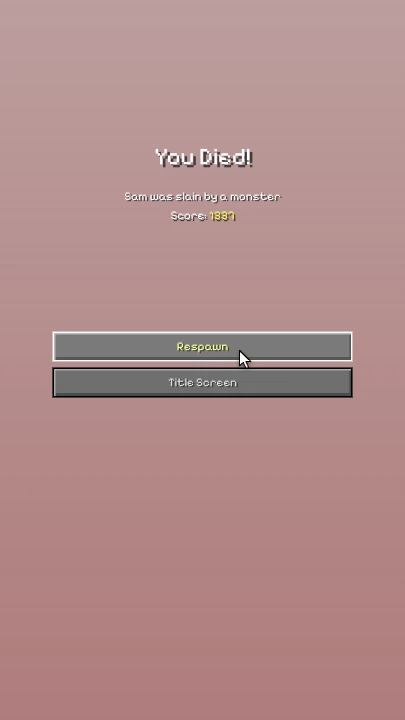 Block game – Death screenGaming · transparent
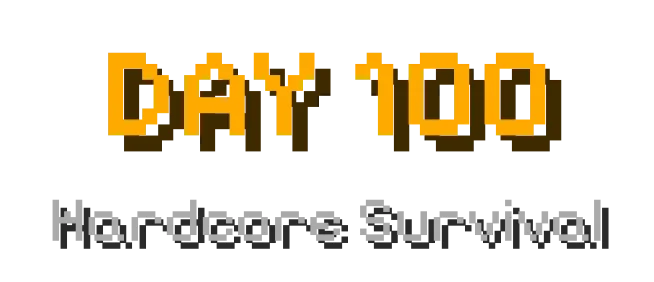 Block game – Title & subtitleGaming · transparent
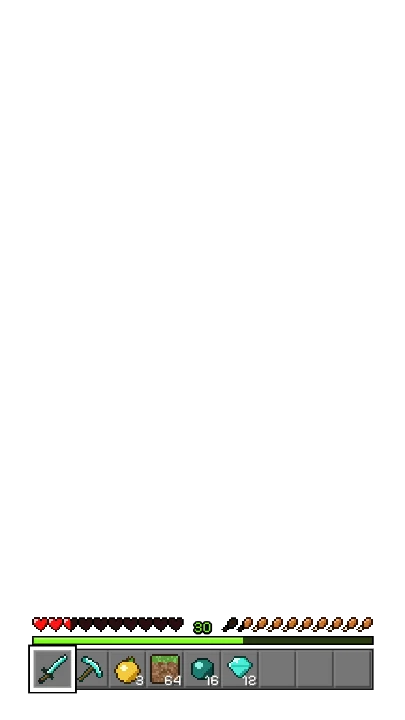 Block game – HUD taking damageGaming · transparent
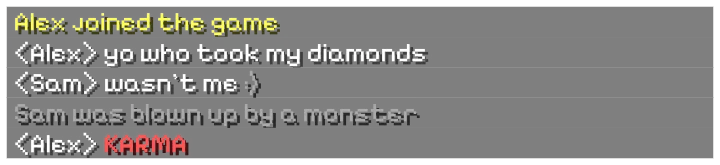 Block game – Live chatGaming · transparent
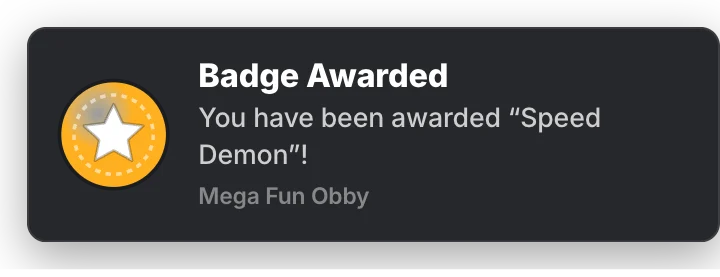 Obby game – Badge awardedGaming · transparent
 Obby game – Purchase promptGaming · transparent
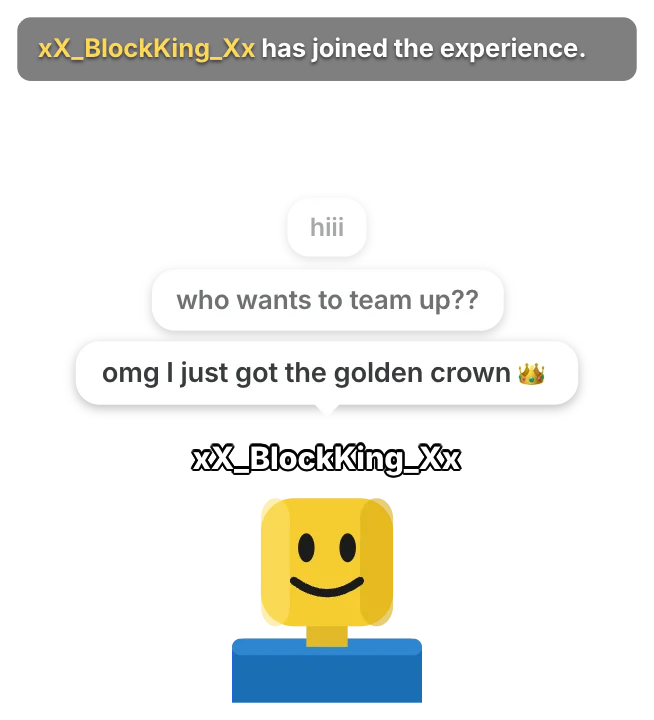 Obby game – Chat bubblesGaming · transparent