
162 templates · 6 free
Animated backgrounds and noise overlays
Animated backgrounds that loop seamlessly: moving mesh gradients, aurora skies, bokeh lights, a synthwave grid, dot waves, stripes, sunburst rays, topographic lines, halftone, paper texture and liquid gradients. Put one behind a title, a quote, a product or a talking head, and pick your own colors.
Texture overlays for your footage: moving film grain, TV static, old-film dust and scratches, light leaks, CRT scanlines and color noise. Export them with no background as a MOV or WebM and lay them on a track above your video in Premiere Pro, Final Cut Pro, DaVinci Resolve or CapCut.
All backgrounds templates
 Moving mesh gradientBackgrounds
 Bokeh lightsBackgrounds
 Scrolling stripesBackgrounds
 Paper textureBackgrounds
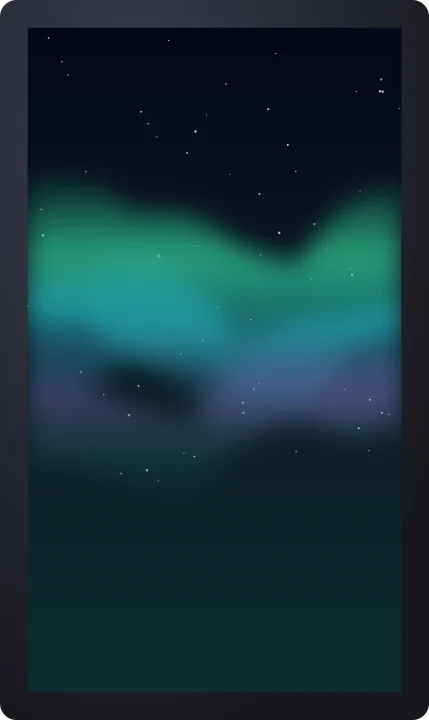 Aurora skyBackgrounds
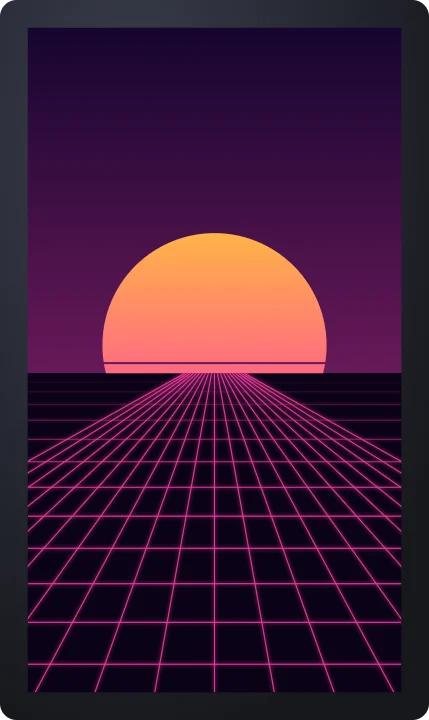 Retro gridBackgrounds
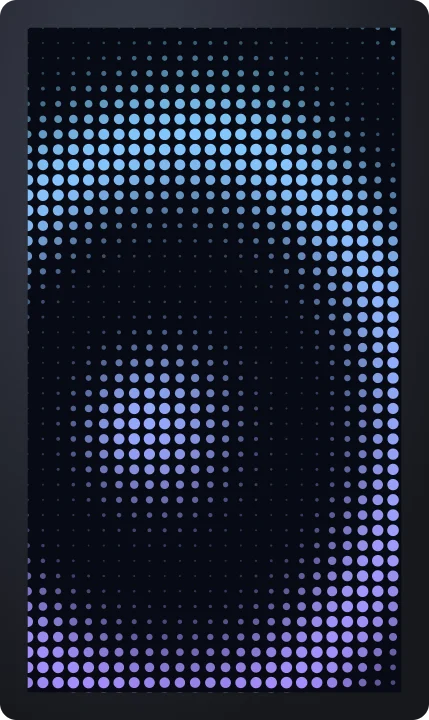 Dot waveBackgrounds
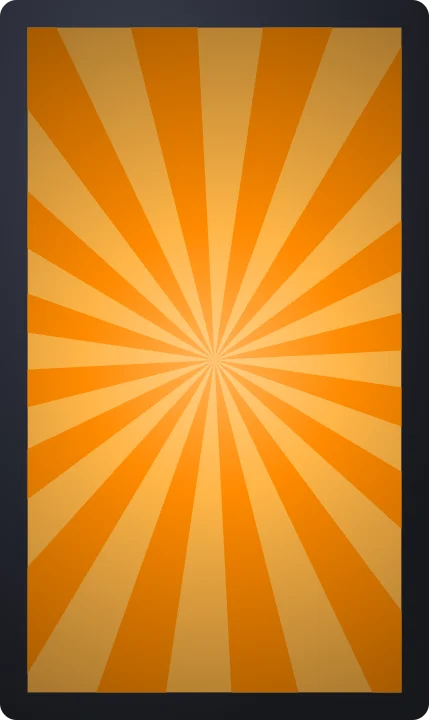 Sunburst raysBackgrounds
 Topographic linesBackgrounds
 Halftone patternBackgrounds
 Scrolling checkerboardBackgrounds
 Liquid gradientBackgrounds
 Film grain overlayBackgrounds
 TV staticBackgrounds
 Dust and scratchesBackgrounds
 Light leaksBackgrounds
 CRT scanlinesBackgrounds
 Color noiseBackgrounds
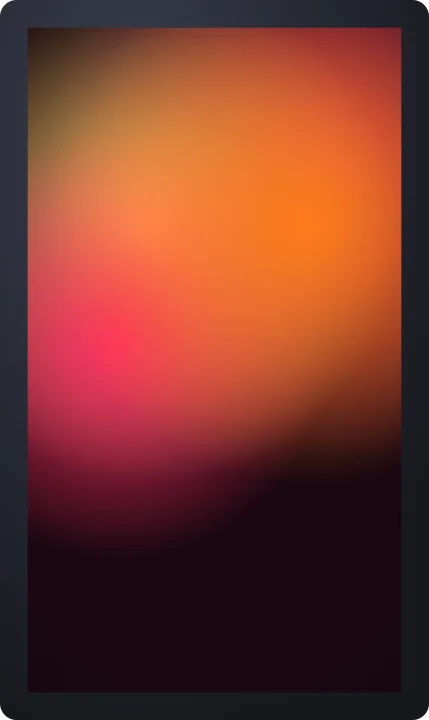 Mesh gradient – sunsetBackgrounds
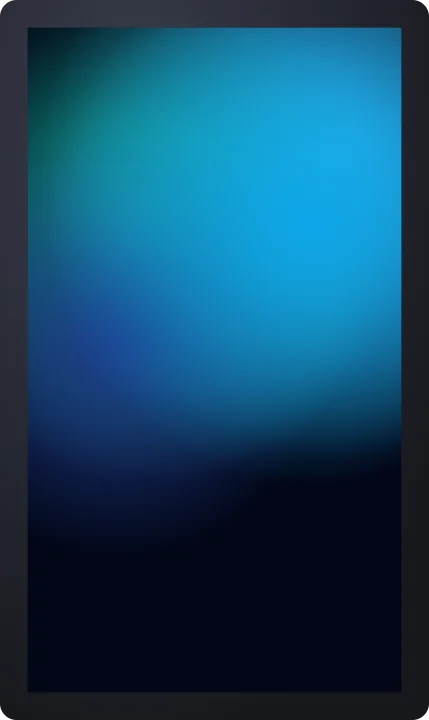 Mesh gradient – oceanBackgrounds
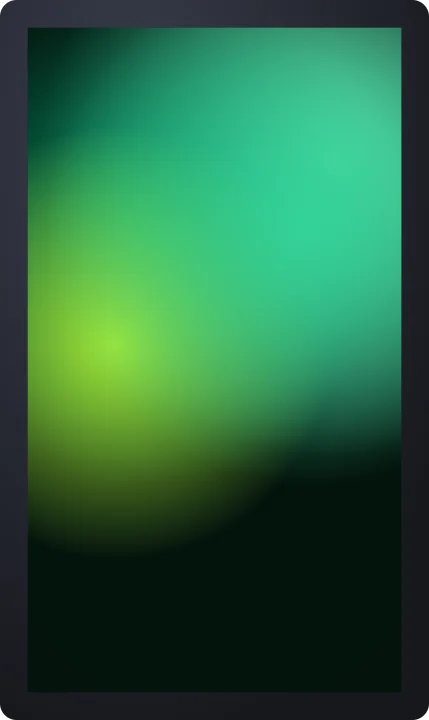 Mesh gradient – mintBackgrounds
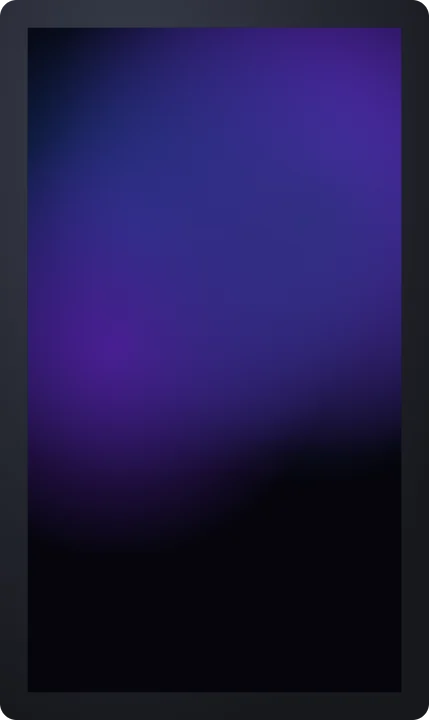 Mesh gradient – midnightBackgrounds
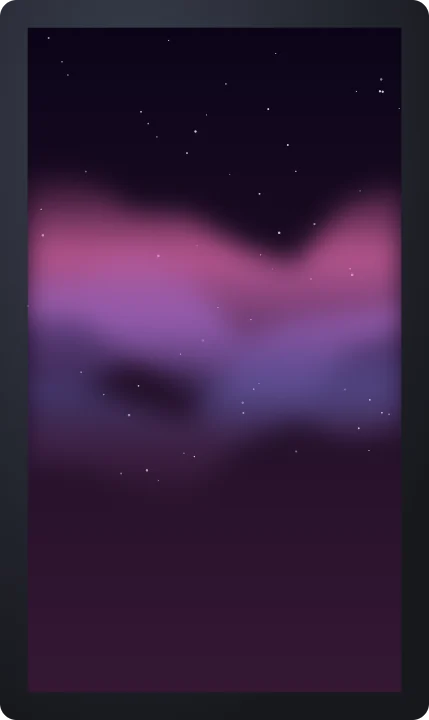 Aurora – magentaBackgrounds
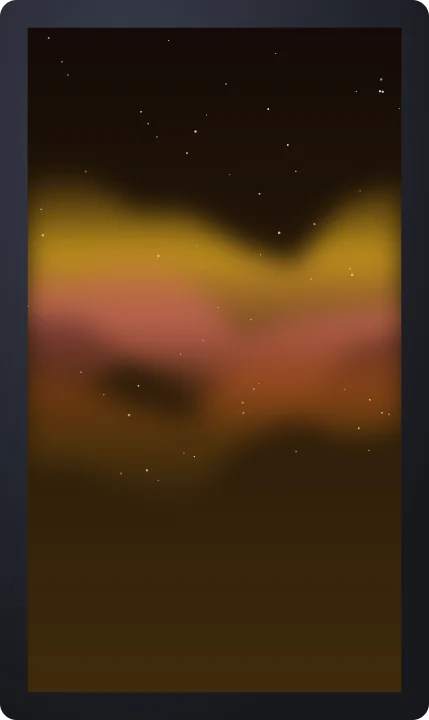 Aurora – golden dawnBackgrounds
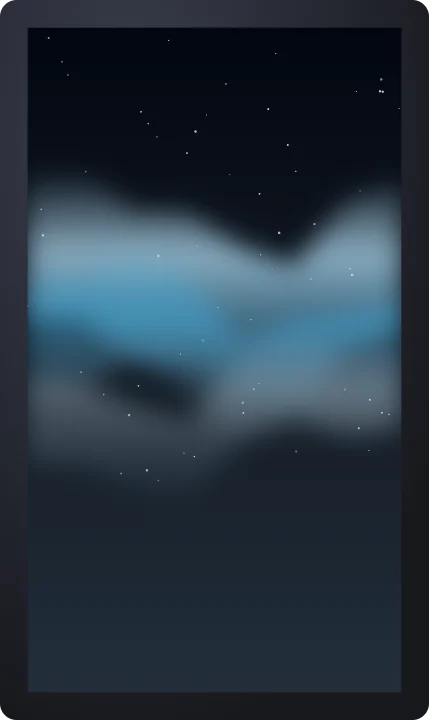 Aurora – iceBackgrounds
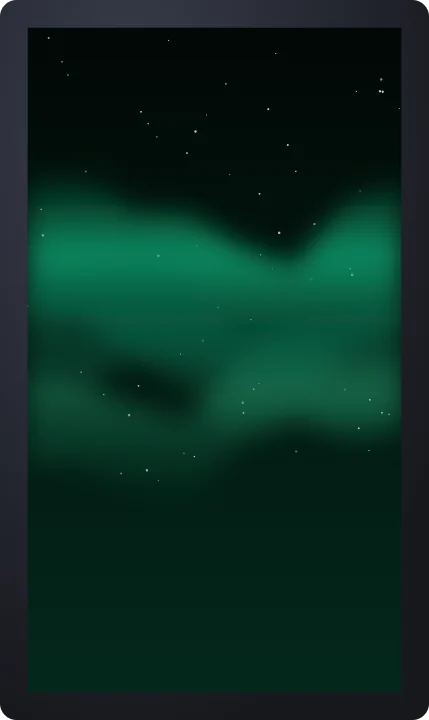 Aurora – deep emeraldBackgrounds
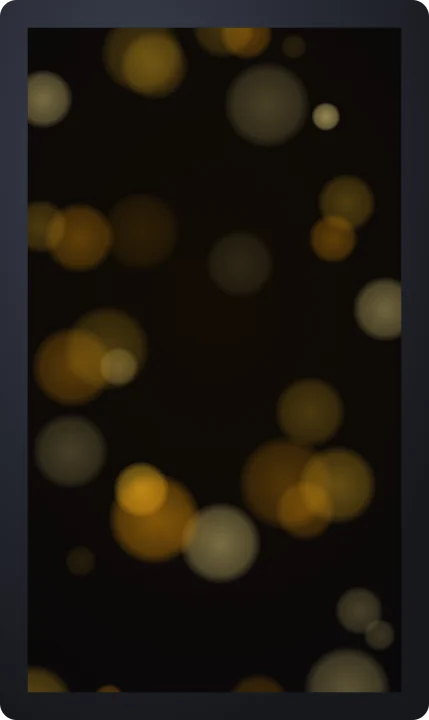 Bokeh – golden cityBackgrounds
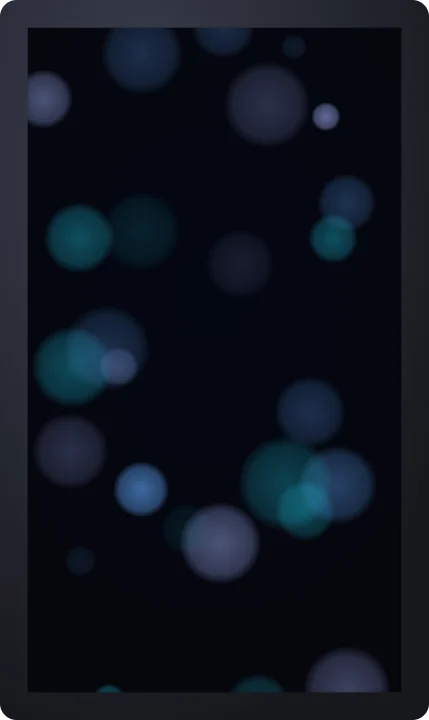 Bokeh – blue nightBackgrounds
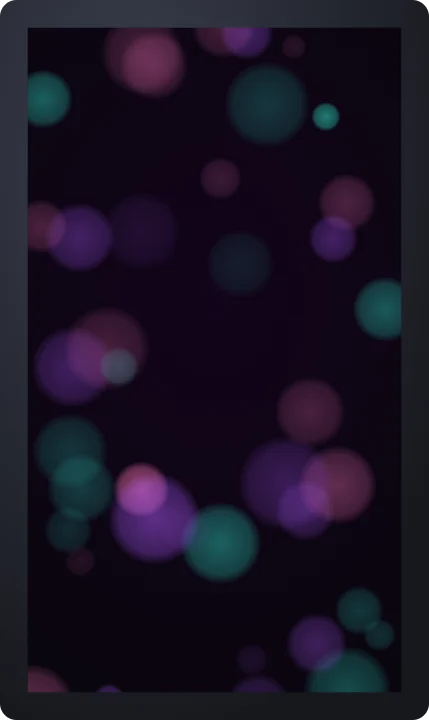 Bokeh – partyBackgrounds
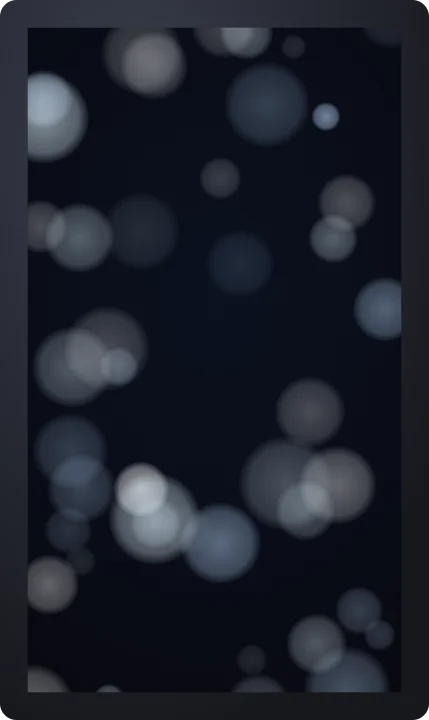 Bokeh – winterBackgrounds
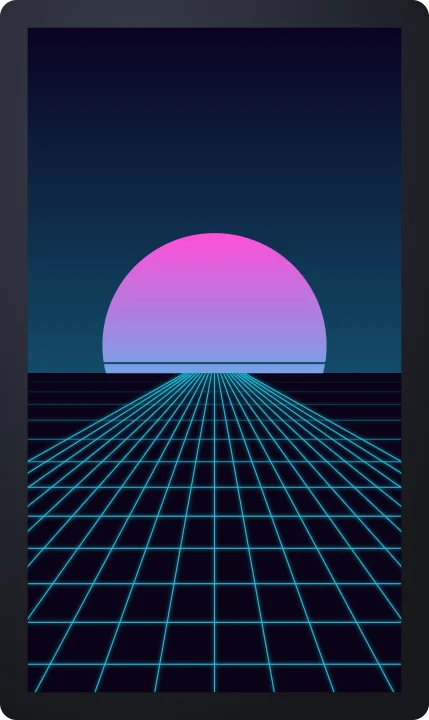 Retro grid – outrun cyanBackgrounds
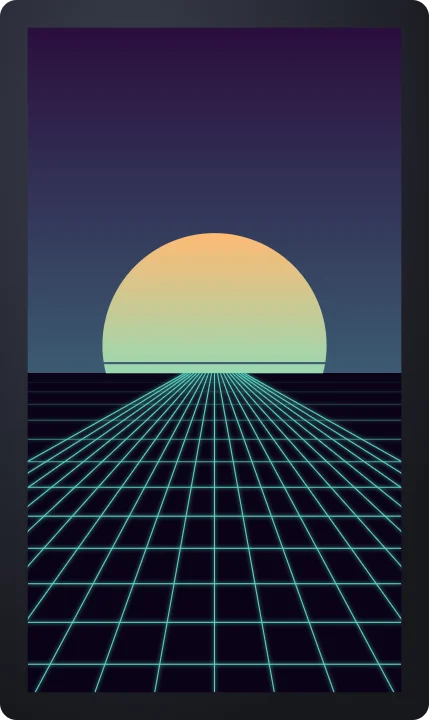 Retro grid – vaporBackgrounds
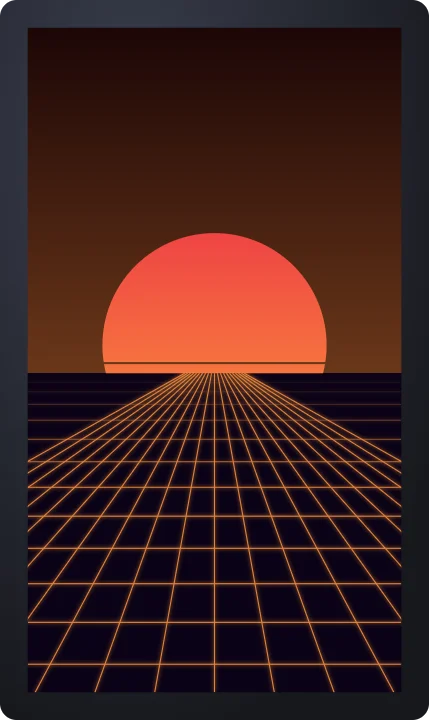 Retro grid – sunset driveBackgrounds
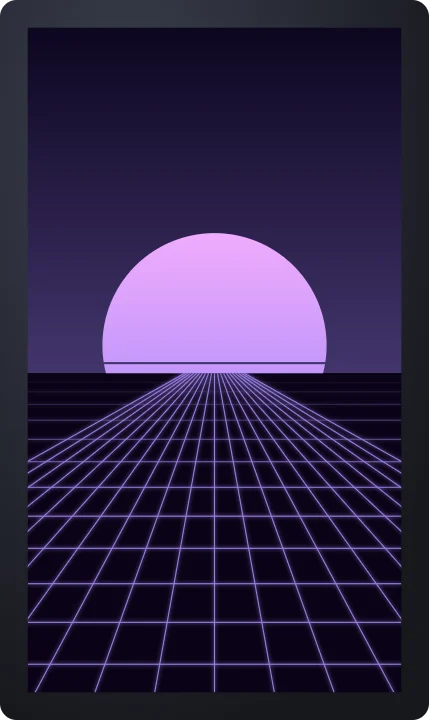 Retro grid – purple hazeBackgrounds
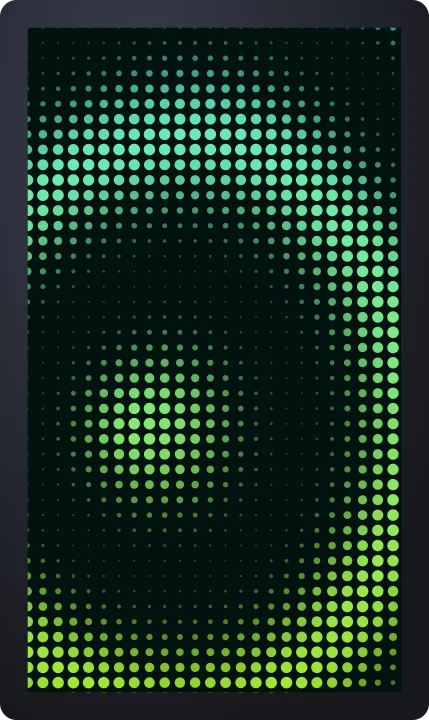 Dot wave – mintBackgrounds
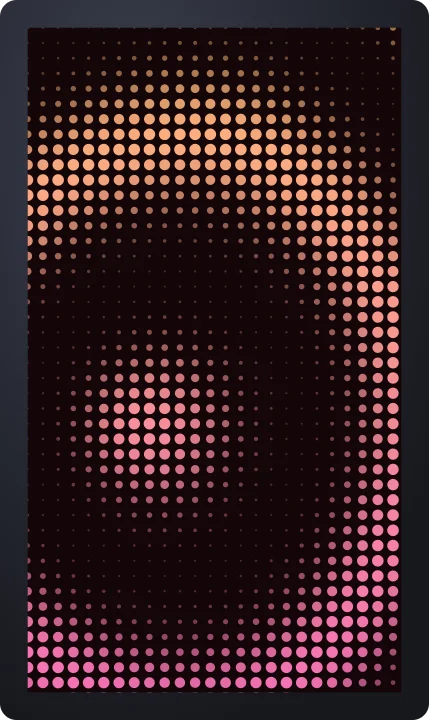 Dot wave – sunsetBackgrounds
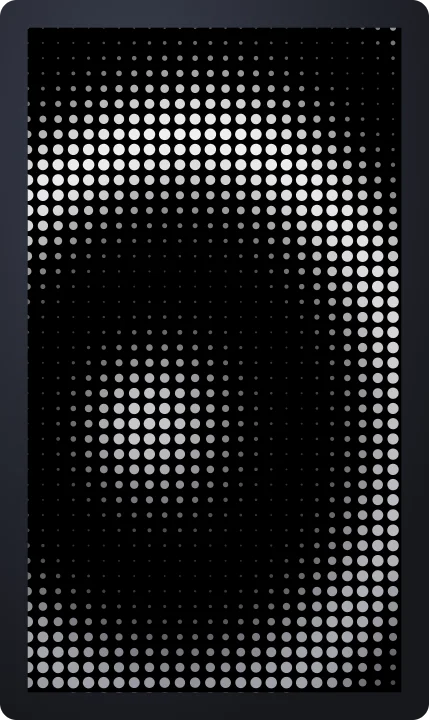 Dot wave – monoBackgrounds
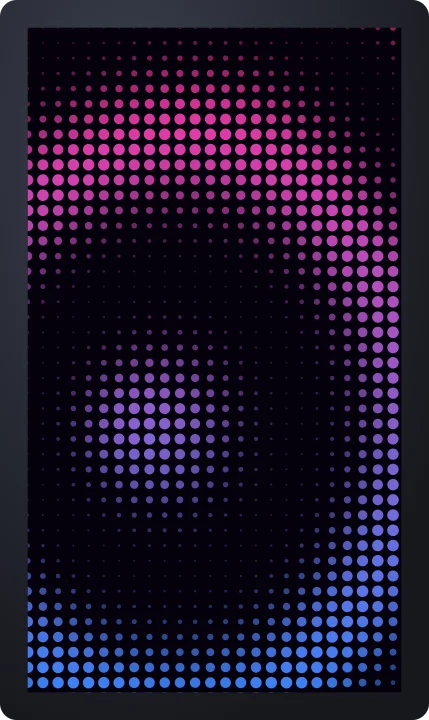 Dot wave – cyberBackgrounds
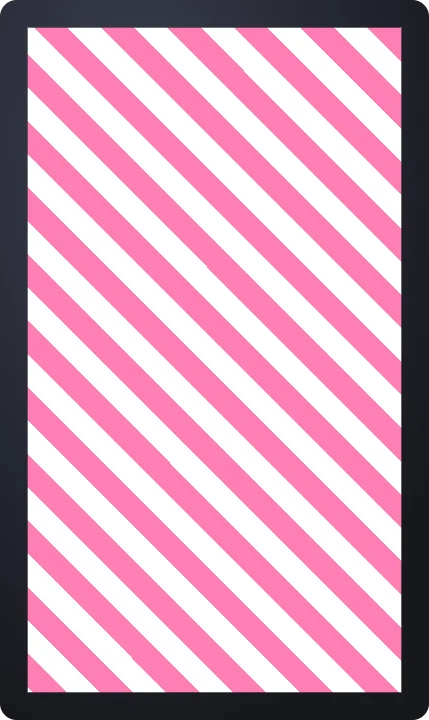 Stripes – candyBackgrounds
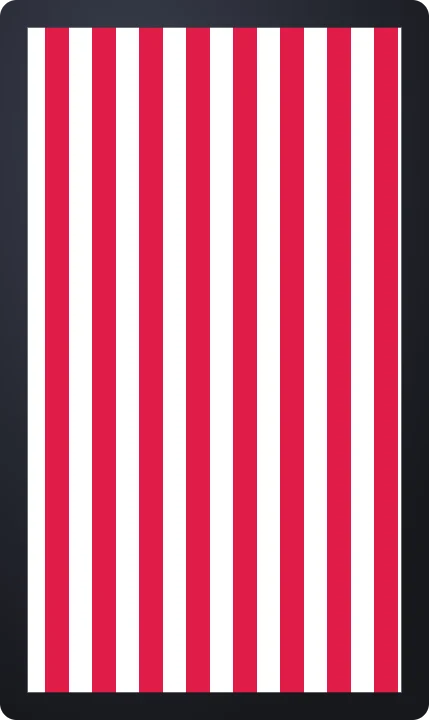 Stripes – barber poleBackgrounds
 Stripes – mint linesBackgrounds
 Stripes – hazardBackgrounds
 Sunburst – comic blueBackgrounds
 Sunburst – pop pinkBackgrounds
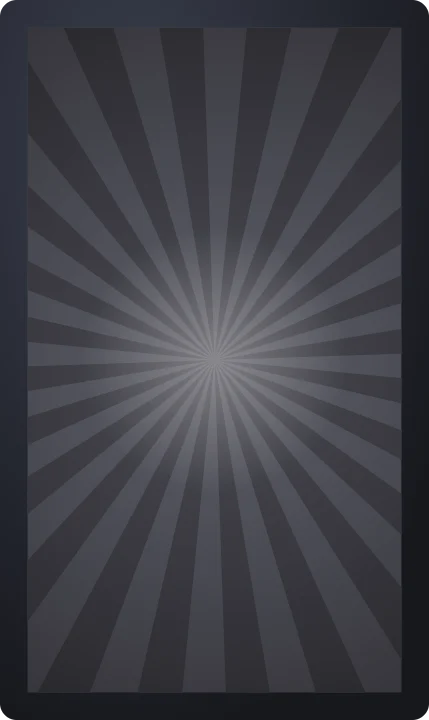 Sunburst – monoBackgrounds
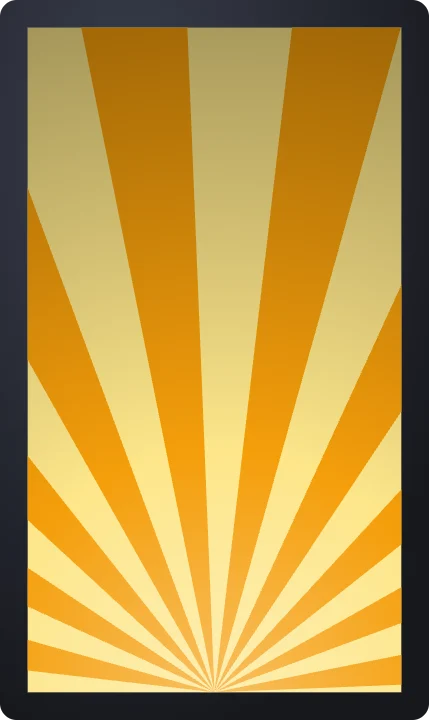 Sunburst – sunriseBackgrounds
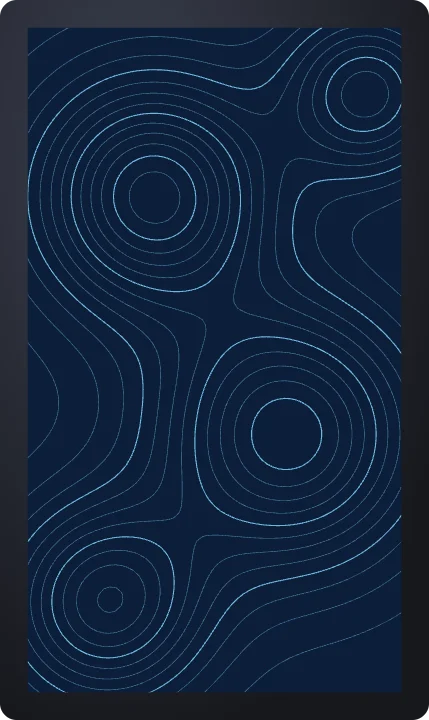 Topographic – blueprintBackgrounds
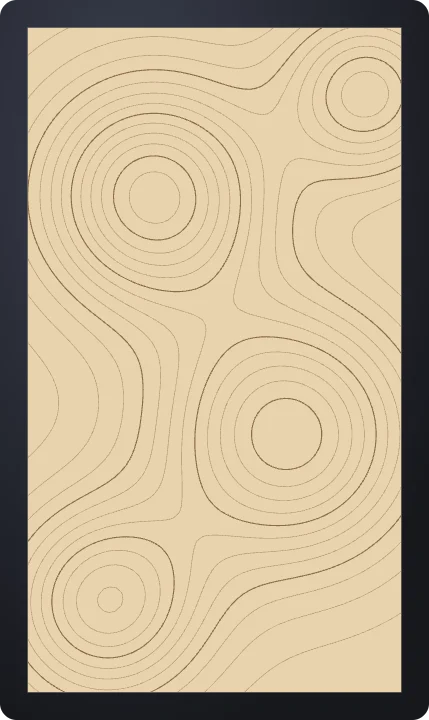 Topographic – desertBackgrounds
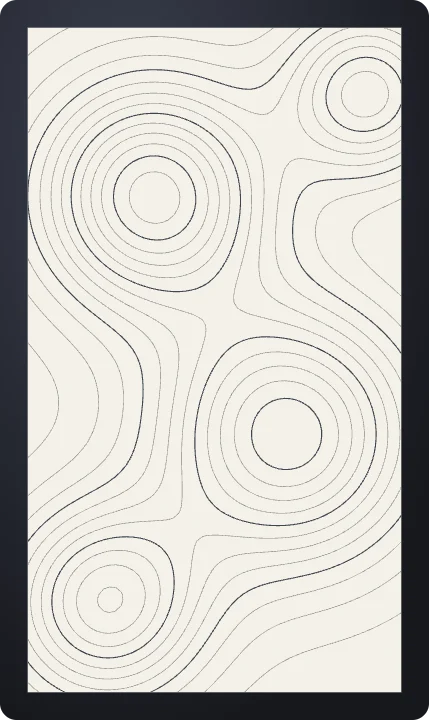 Topographic – ink on paperBackgrounds
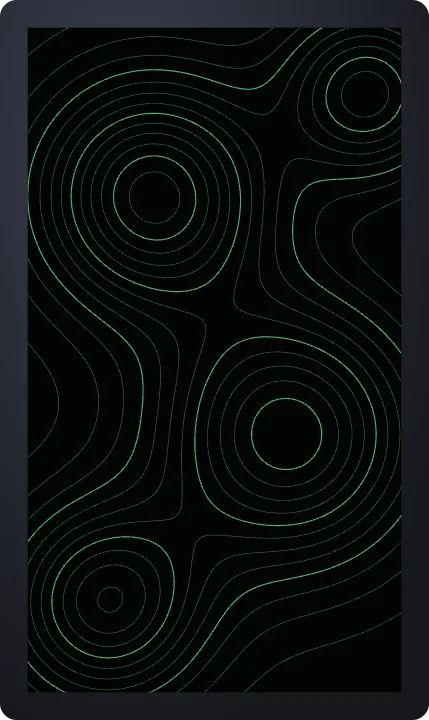 Topographic – neonBackgrounds
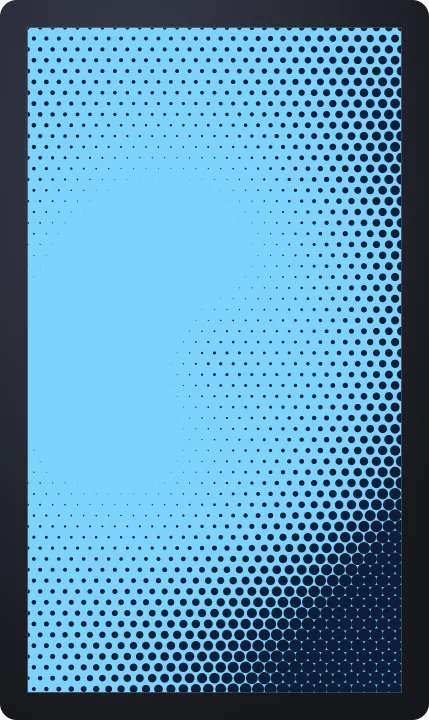 Halftone – blue printBackgrounds
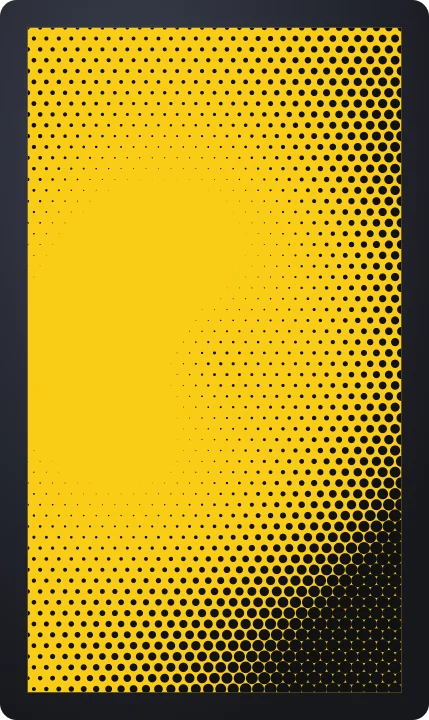 Halftone – yellow popBackgrounds
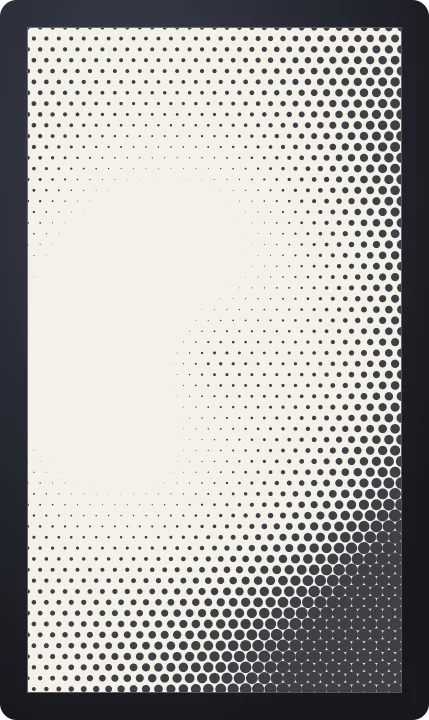 Halftone – newsprintBackgrounds
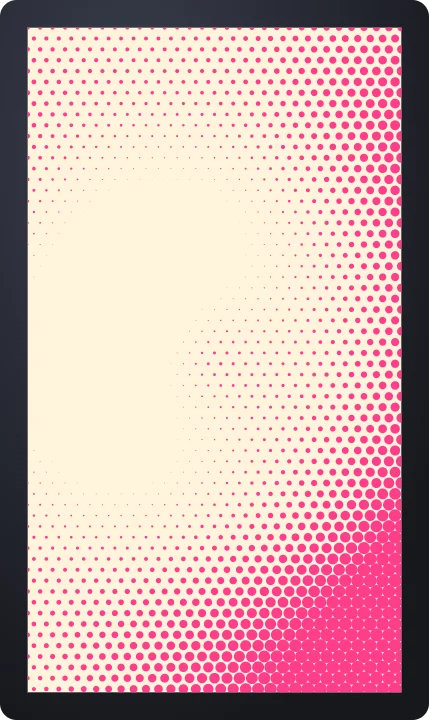 Halftone – riso pinkBackgrounds
 Paper – kraftBackgrounds
 Paper – white sketchbookBackgrounds
 Paper – black cardBackgrounds
 Paper – blue constructionBackgrounds
 Checkerboard – racing flagBackgrounds
 Checkerboard – pastelBackgrounds
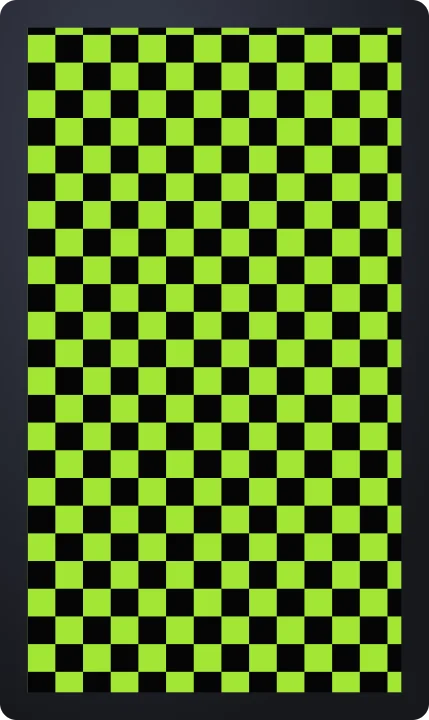 Checkerboard – neonBackgrounds
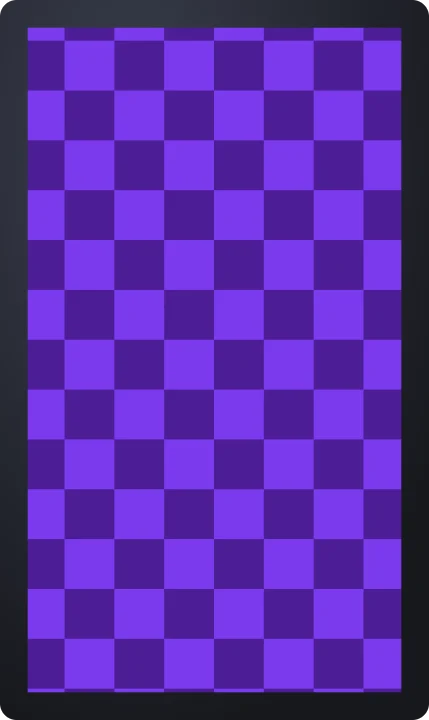 Checkerboard – big tilesBackgrounds
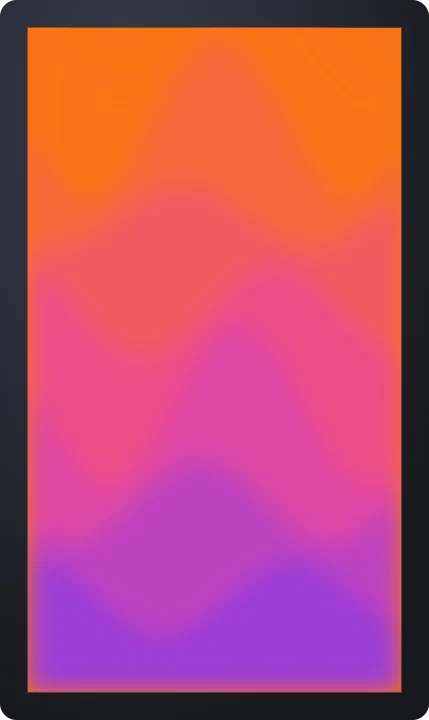 Liquid gradient – sunsetBackgrounds
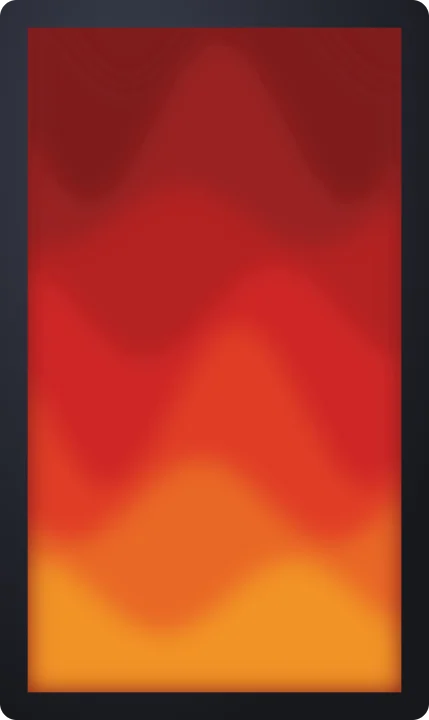 Liquid gradient – lavaBackgrounds
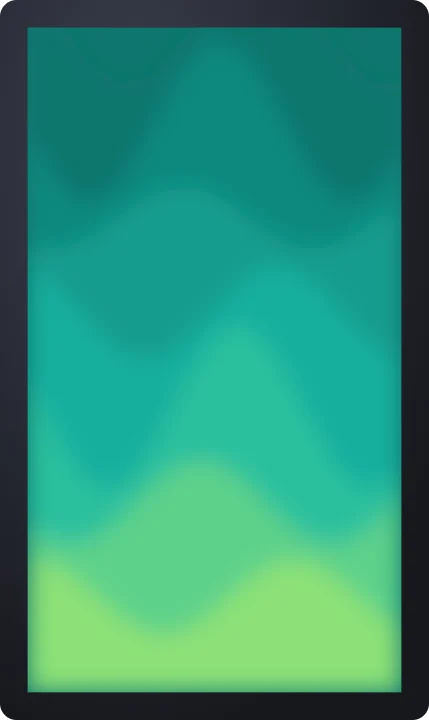 Liquid gradient – mintBackgrounds
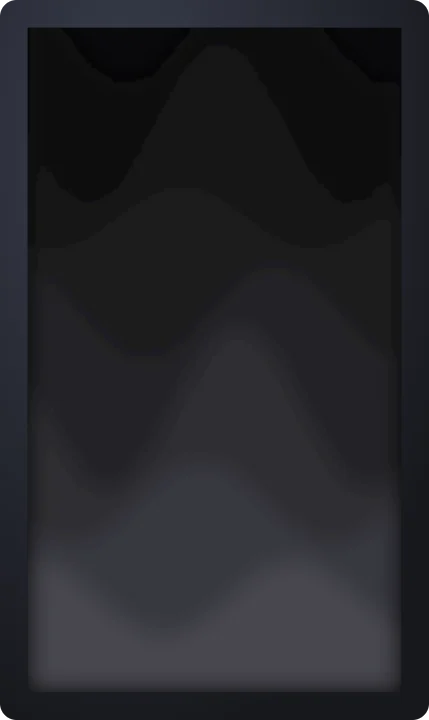 Liquid gradient – graphiteBackgrounds
 Film grain – fine 35mmBackgrounds
 Film grain – heavy 16mmBackgrounds
 Film grain – softBackgrounds
 Film grain – fast flickerBackgrounds
 TV static – full screenBackgrounds
 TV static – fineBackgrounds
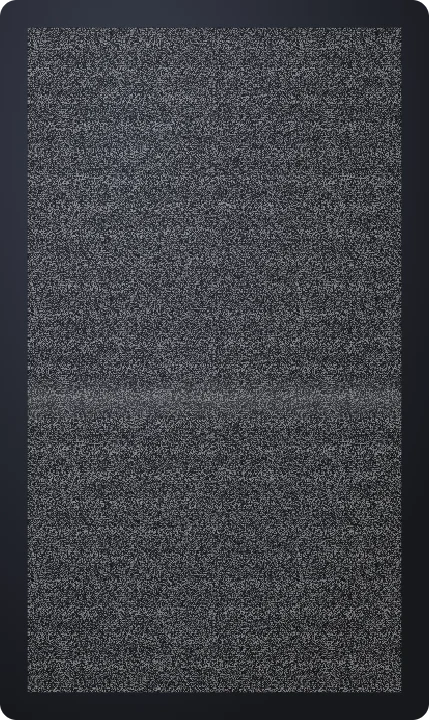 TV static – chunkyBackgrounds
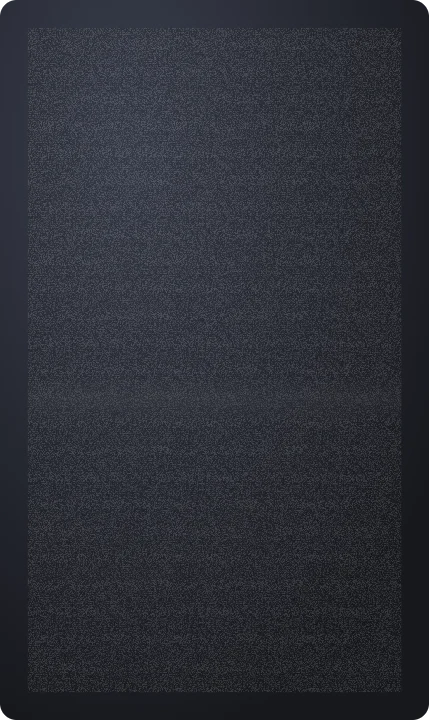 TV static – faintBackgrounds
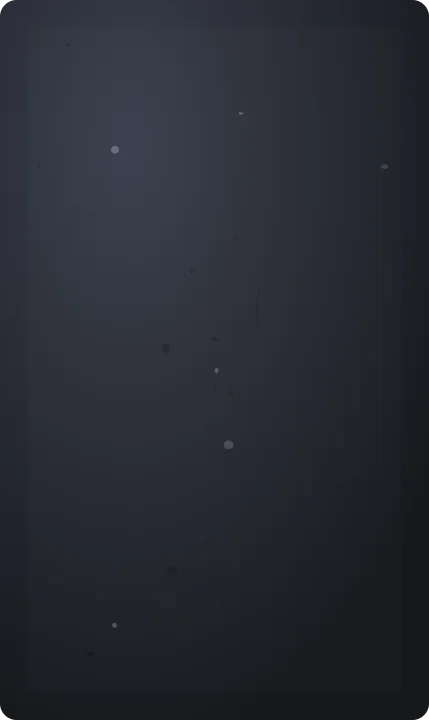 Dust – lightBackgrounds
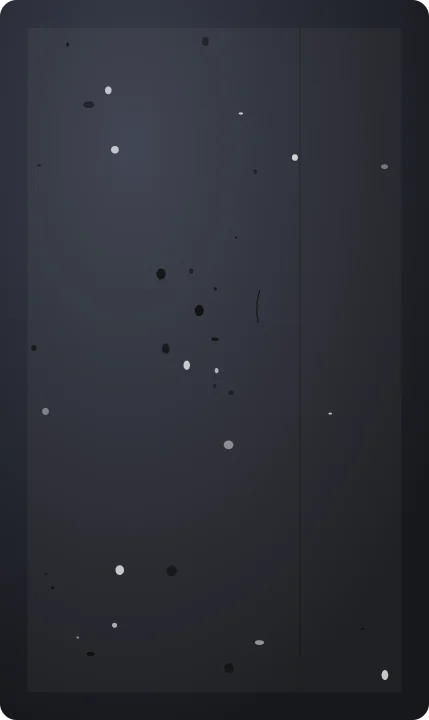 Dust – heavyBackgrounds
 Dust – slow projectorBackgrounds
 Dust – busyBackgrounds
 Light leaks – cool blueBackgrounds
 Light leaks – pinkBackgrounds
 Light leaks – golden hourBackgrounds
 Light leaks – prismBackgrounds
 Scanlines – fineBackgrounds
 Scanlines – thickBackgrounds
 Scanlines – monochromeBackgrounds
 Scanlines – fast rollBackgrounds
 Color noise – fineBackgrounds
 Color noise – chunkyBackgrounds
 Color noise – strongBackgrounds
 Color noise – subtleBackgrounds
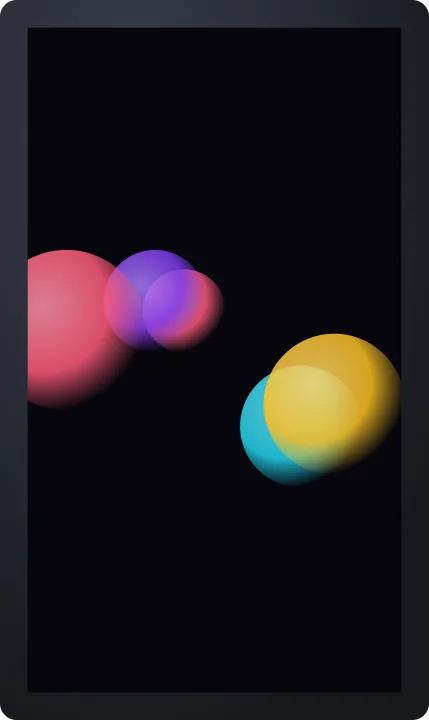 Glowing orbsBackgrounds
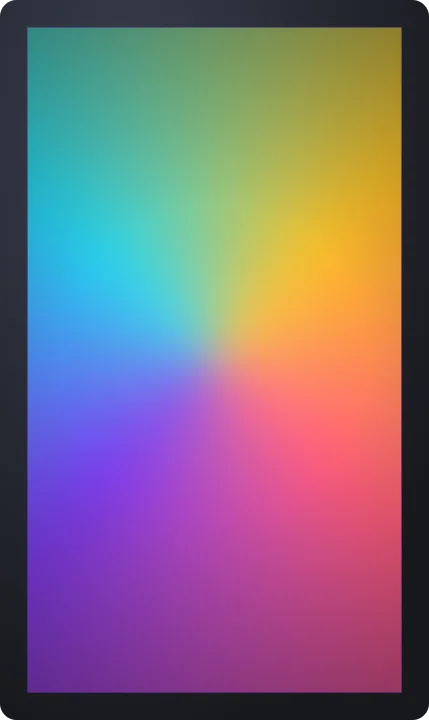 Conic swirlBackgrounds
 Grainy gradientBackgrounds
 Duotone flowBackgrounds
 Light pillarsBackgrounds
 Spiral galaxyBackgrounds
 NebulaBackgrounds
 Shooting starsBackgrounds
 Hexagon bokehBackgrounds
 FirefliesBackgrounds
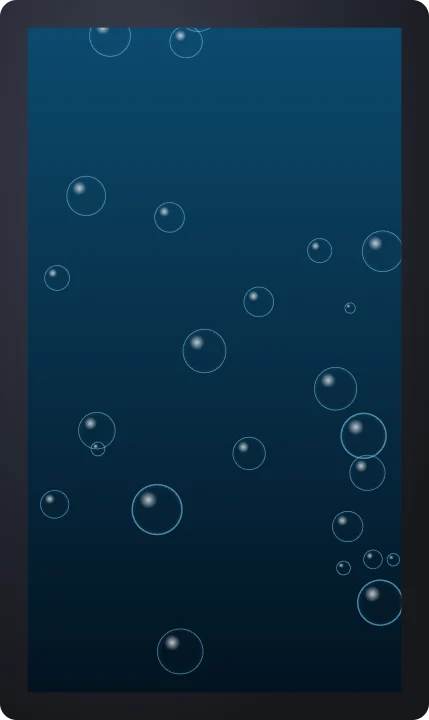 Rising bubblesBackgrounds
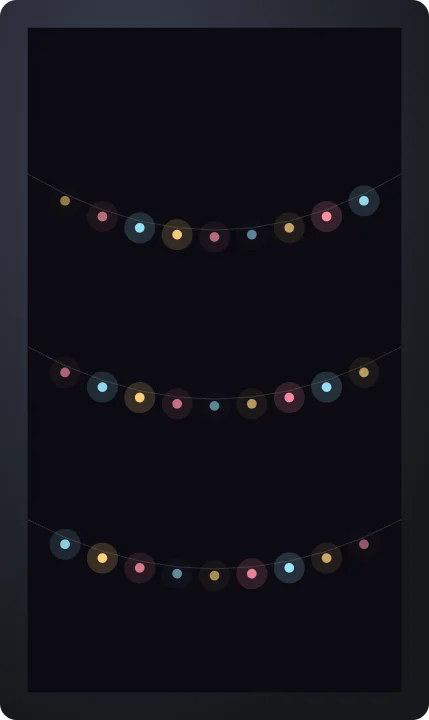 Fairy lightsBackgrounds
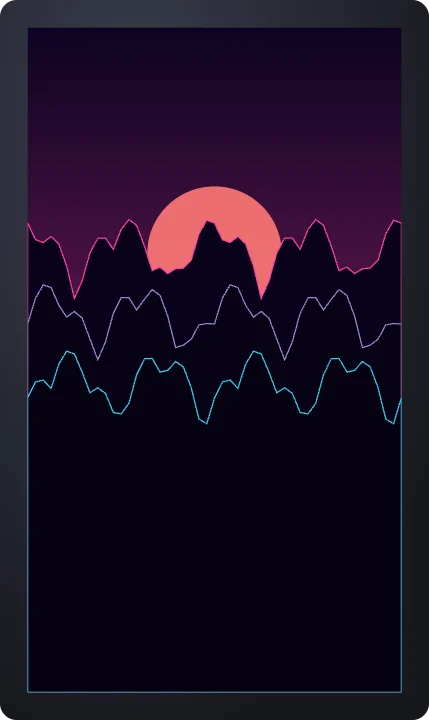 Wireframe mountainsBackgrounds
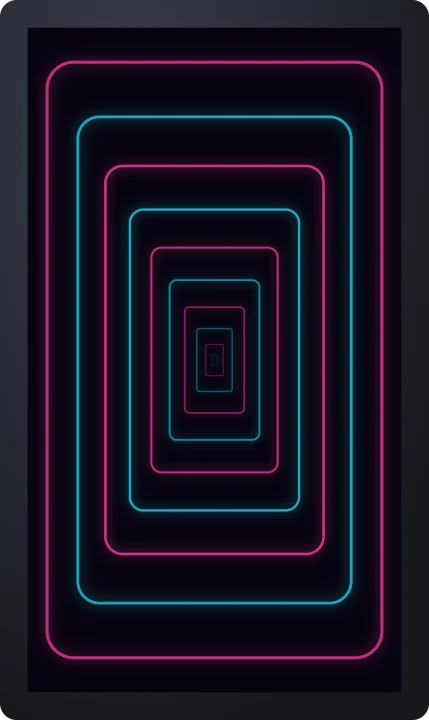 Neon tunnelBackgrounds
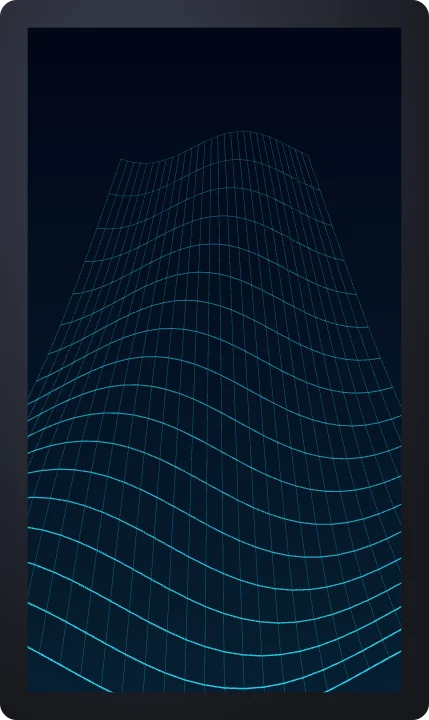 Grid waveBackgrounds
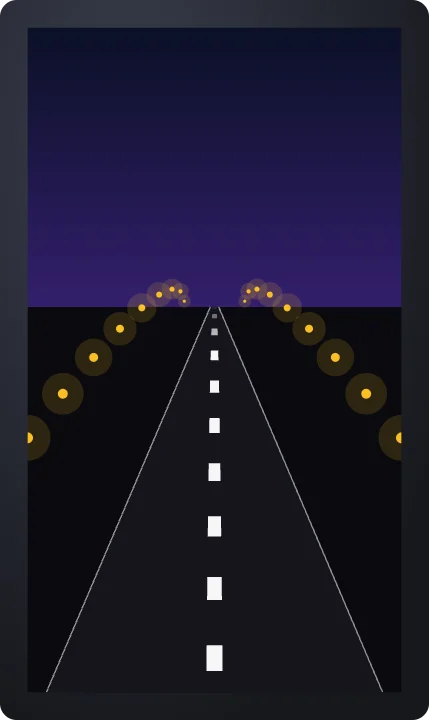 Night highwayBackgrounds
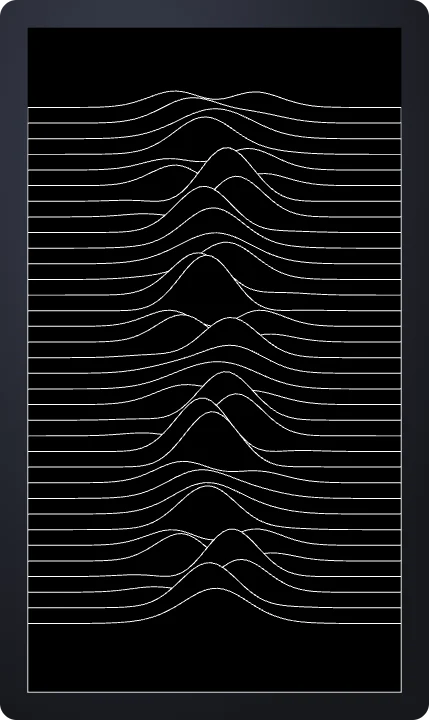 Ridge linesBackgrounds
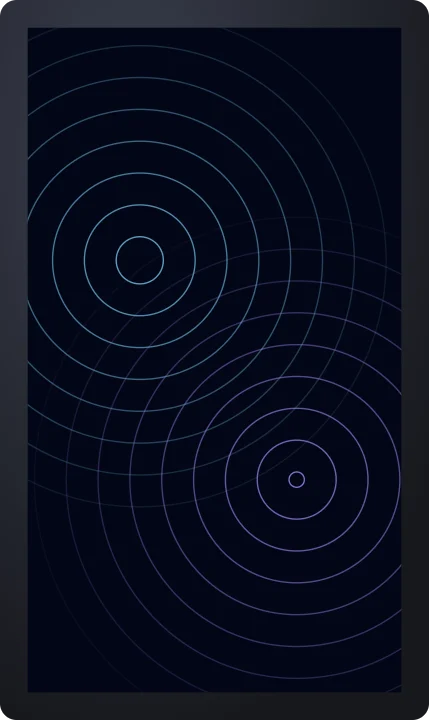 Ripple ringsBackgrounds
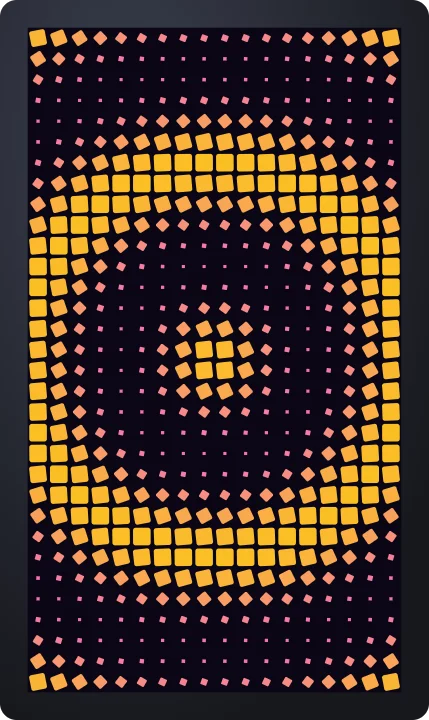 Square waveBackgrounds
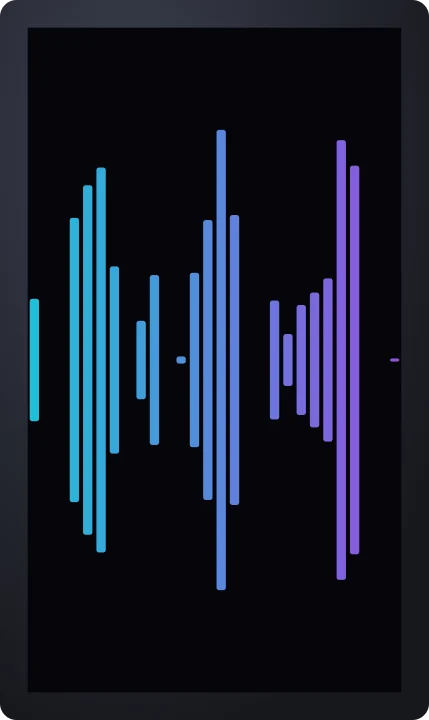 Equalizer barsBackgrounds
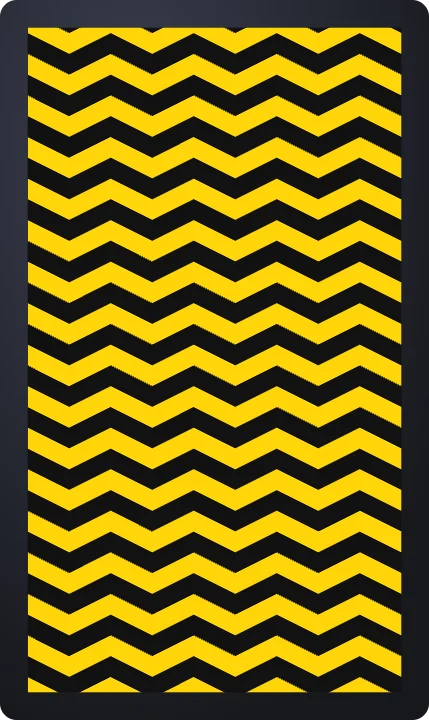 ChevronBackgrounds
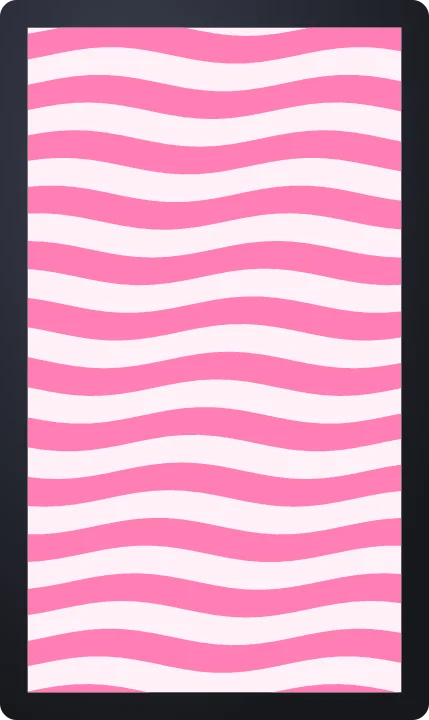 Wavy stripesBackgrounds
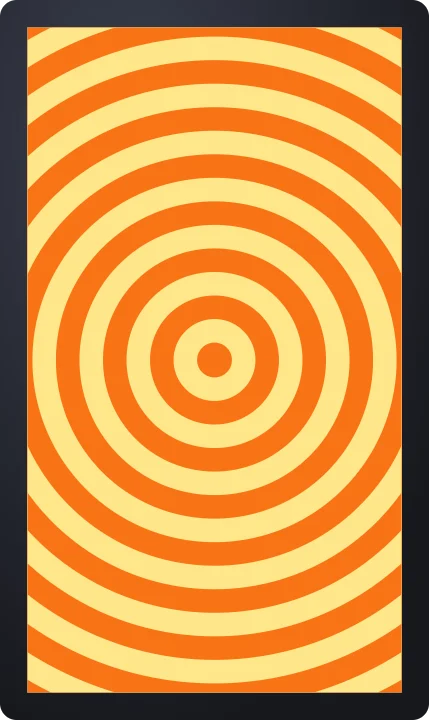 Expanding ringsBackgrounds
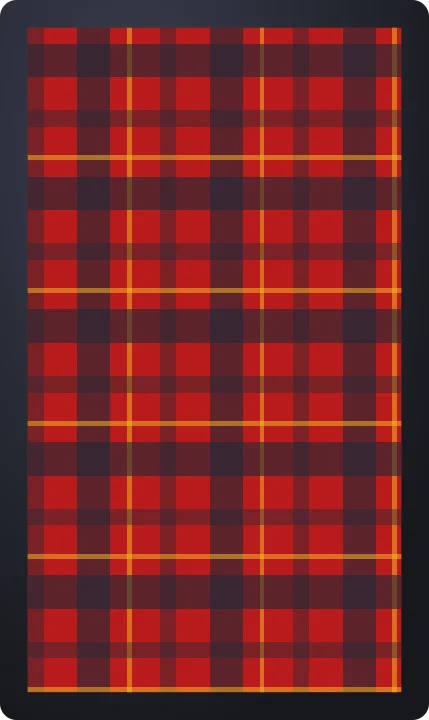 PlaidBackgrounds
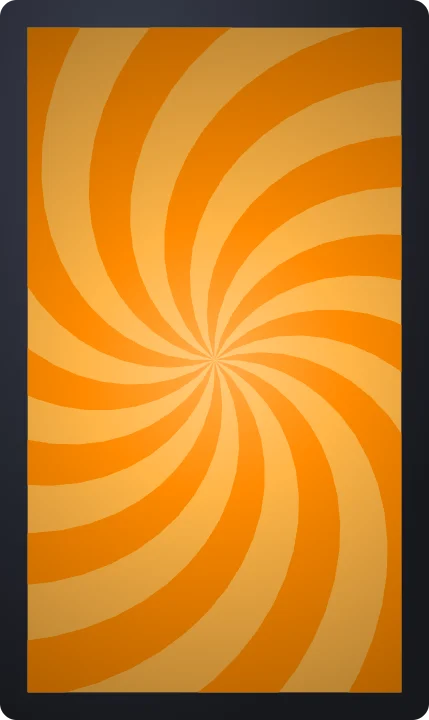 Spiral burstBackgrounds
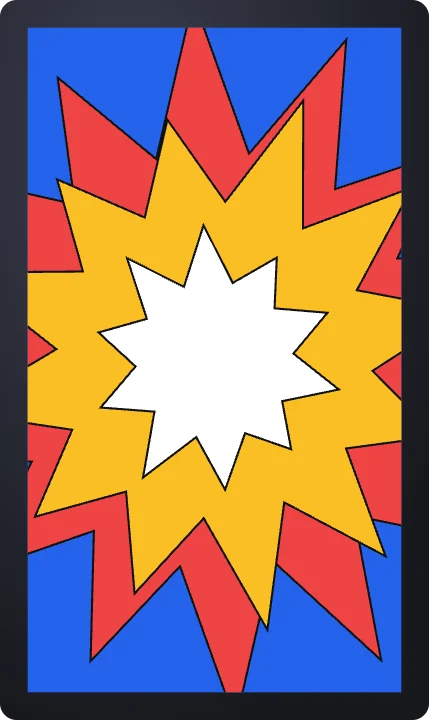 Comic star burstBackgrounds
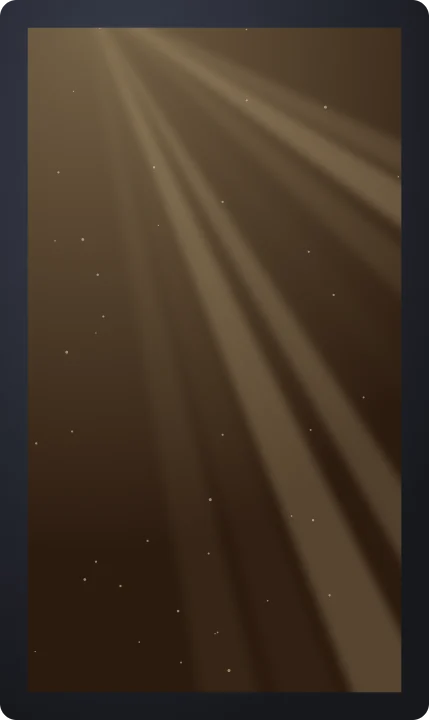 God raysBackgrounds
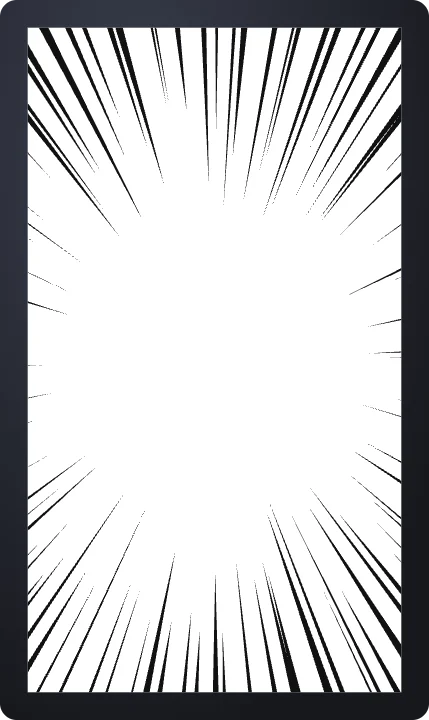 Speed linesBackgrounds
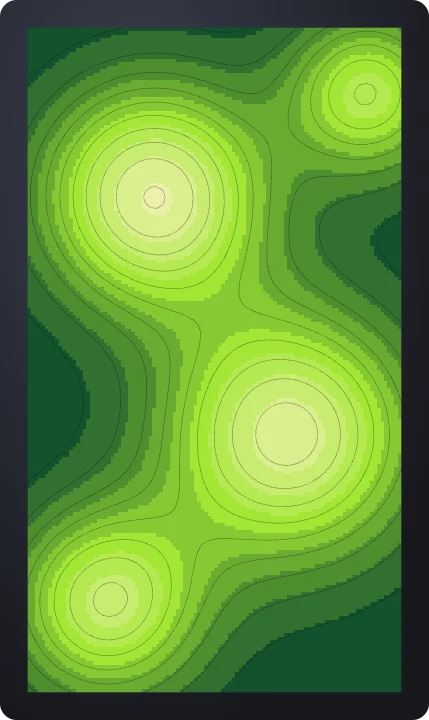 Filled terrainBackgrounds
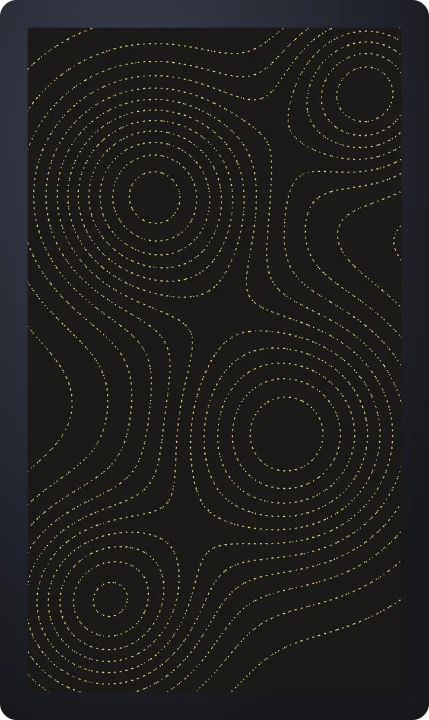 Dotted contoursBackgrounds
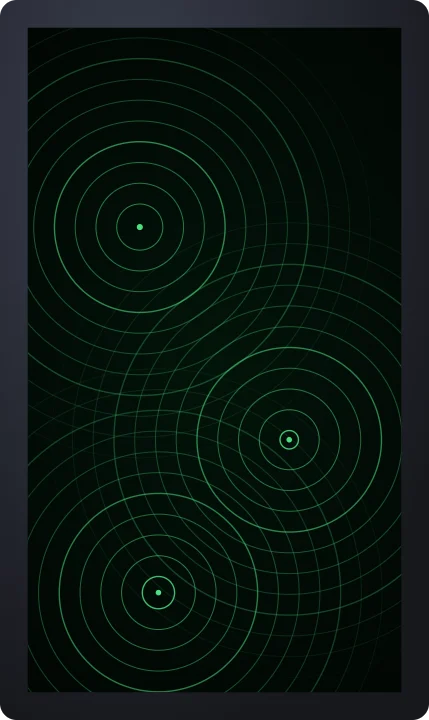 Sonar ringsBackgrounds
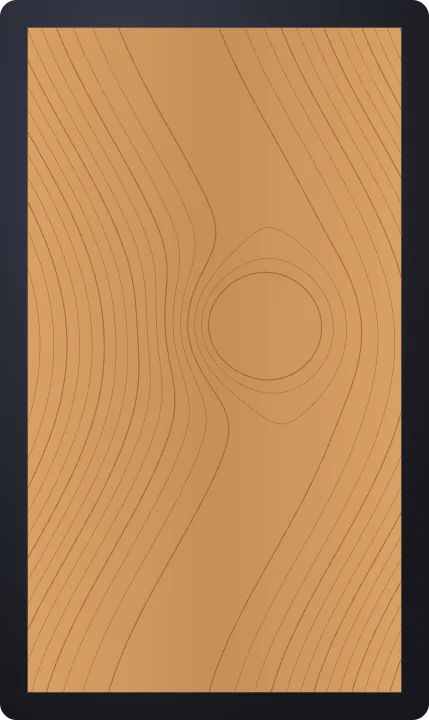 Wood grainBackgrounds
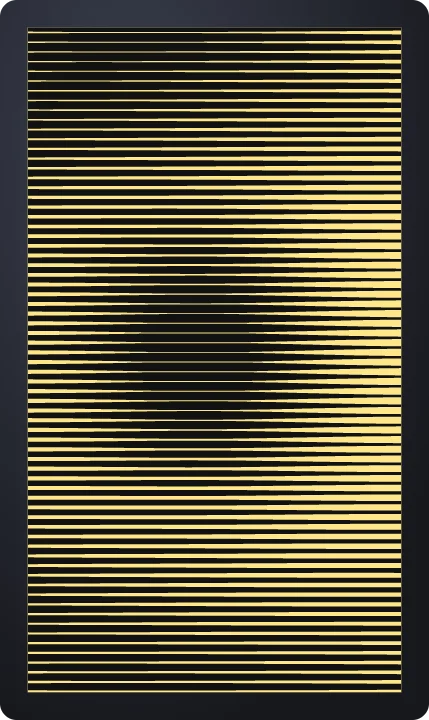 Line halftoneBackgrounds
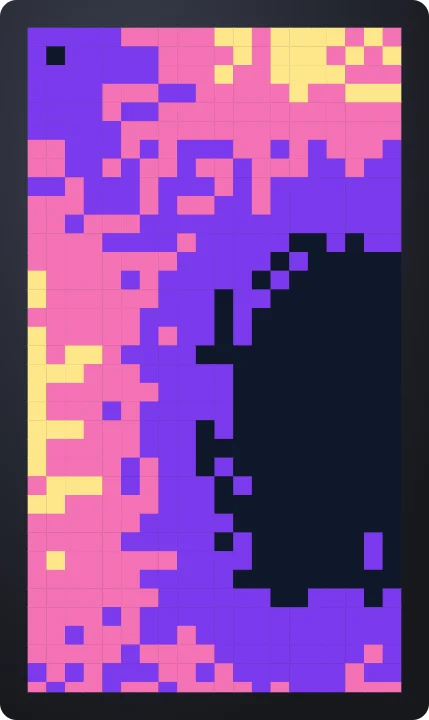 Pixel mosaicBackgrounds
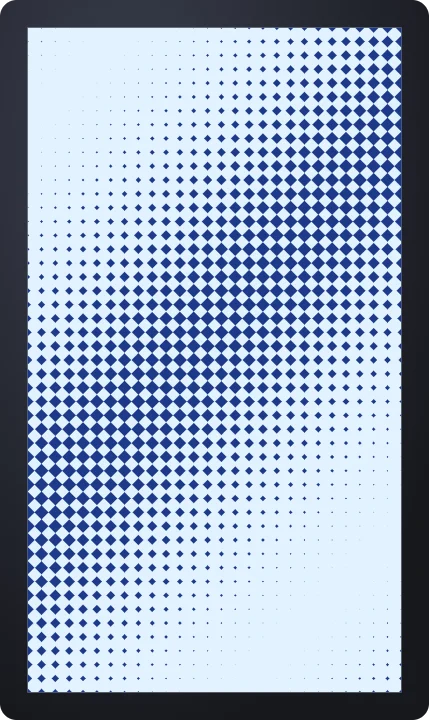 Diamond halftoneBackgrounds
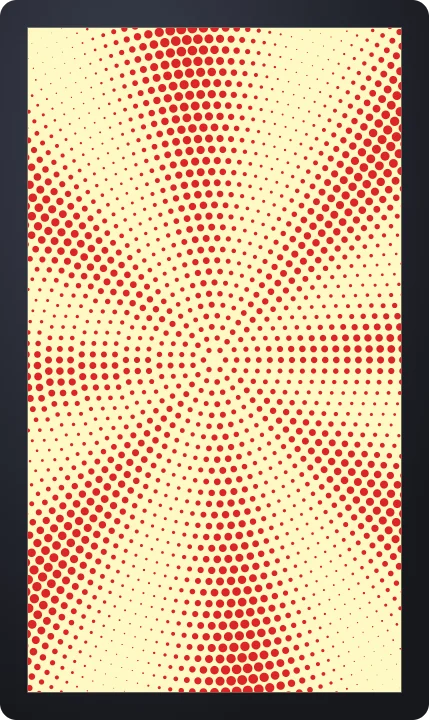 Radial halftoneBackgrounds
 Lined notebookBackgrounds
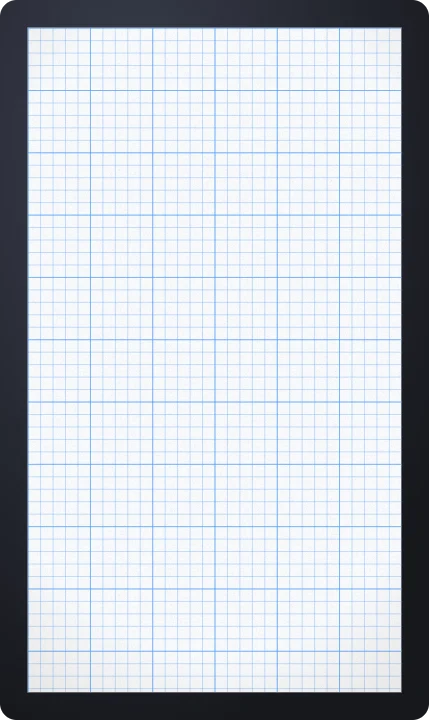 Graph paperBackgrounds
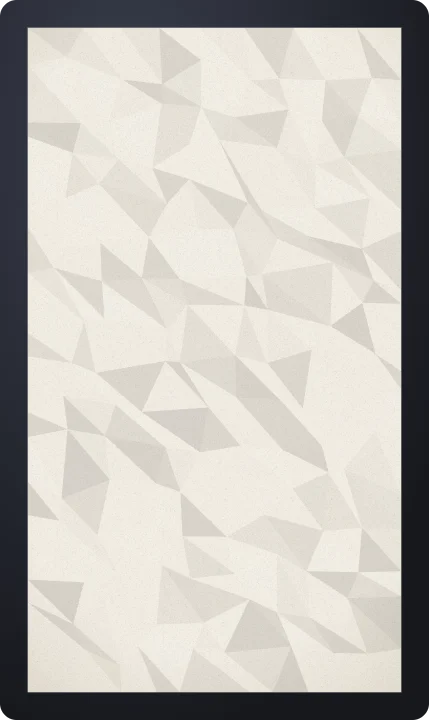 Crumpled paperBackgrounds
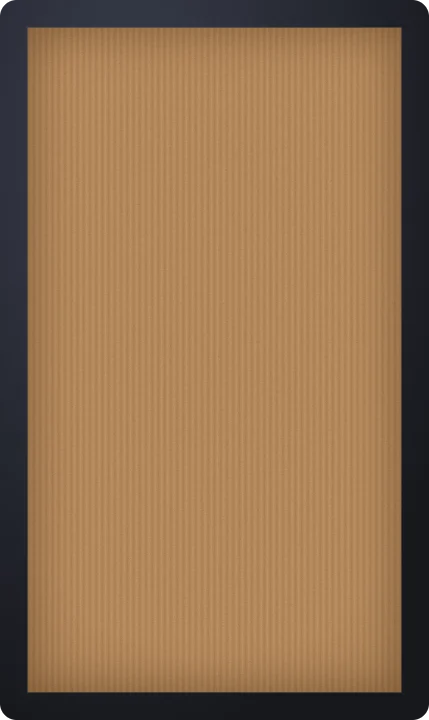 CardboardBackgrounds
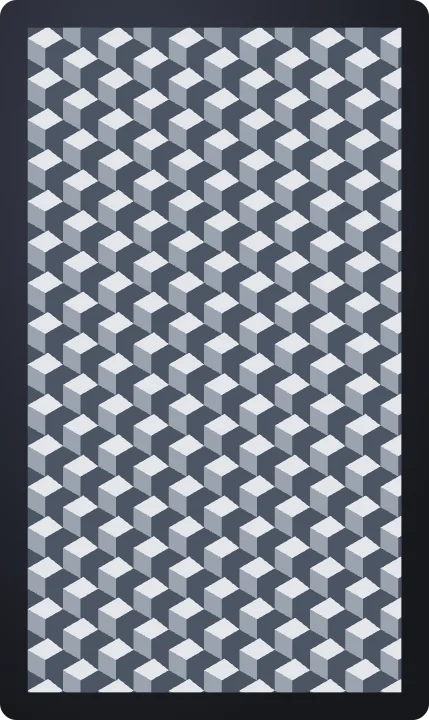 Isometric cubesBackgrounds
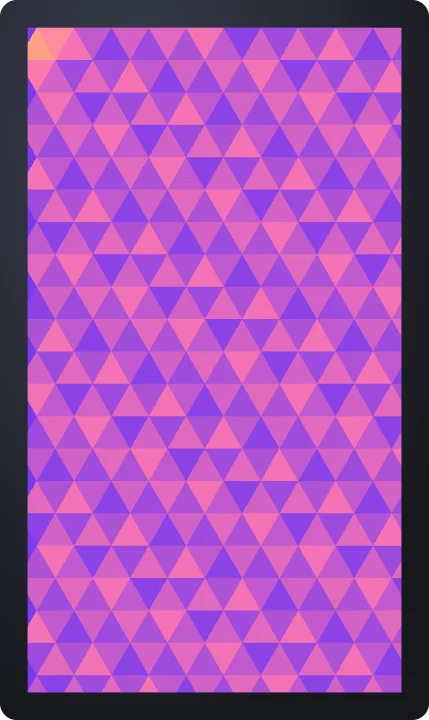 TrianglesBackgrounds
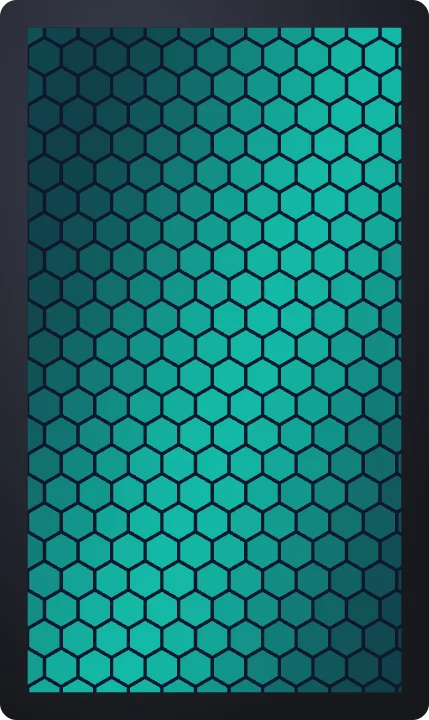 Hex tilesBackgrounds
 ArgyleBackgrounds
 Lava lampBackgrounds
 Silk linesBackgrounds
 Ink bloomBackgrounds
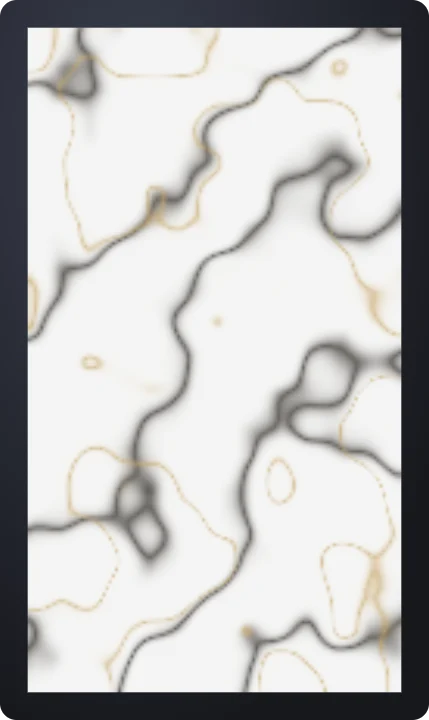 MarbleBackgrounds
 Vintage film lookBackgrounds
 Film gateBackgrounds
 Exposure flickerBackgrounds
 Cinema lookBackgrounds
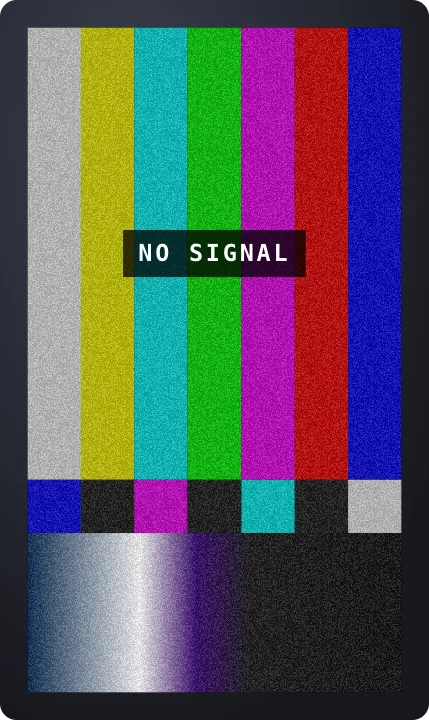 No signal barsBackgrounds
 Channel changeBackgrounds
 Signal interferenceBackgrounds
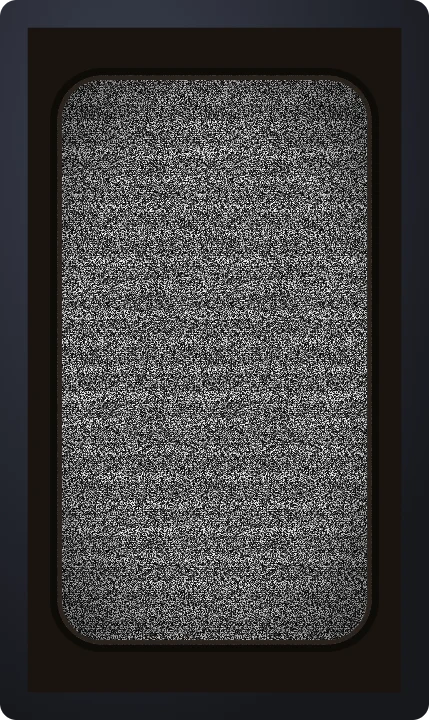 Static old TVBackgrounds
 Film hairsBackgrounds
 Vertical scratchesBackgrounds
 Cue marksBackgrounds
 Film burnBackgrounds
 Lens flareBackgrounds
 Rainbow edgeBackgrounds
 Light sweepBackgrounds
 Flare orbsBackgrounds
 VHS trackingBackgrounds
 Interlace flickerBackgrounds
 LCD pixel gridBackgrounds
 Green phosphorBackgrounds
 Glitch blocksBackgrounds
 Chroma fringeBackgrounds
 Pixel snowBackgrounds
 RGB linesBackgrounds
How to make an animated background or overlay
- Pick a background or a texture. A looping gradient, lights, a pattern or a paper texture, or grain, static, dust, light leaks or scanlines.
- Choose the colors and the feel. Set the colors, the pattern size, how strong the texture is and how long one loop lasts.
- Export it. An MP4 for a background, or a transparent MOV or WebM for a texture over your own footage. The video is one loop long, so it repeats seamlessly in your editor.
Questions
Are these animated backgrounds free?
Several are free with no account and no watermark: the moving mesh gradient, bokeh lights, scrolling stripes, paper texture, film grain and TV static. The rest are part of Pro.
Do the backgrounds loop seamlessly?
Yes. Every background moves in a cycle of the length you set, and the video opens at exactly one loop long, so placing it end to end in your editor shows no jump.
How do I put film grain or static over my video?
Open the overlay, set Background to None in the Style tab and export a transparent MOV for Premiere Pro, Final Cut Pro or DaVinci Resolve, or a WebM for CapCut. Place it on a track above your footage; for light leaks, the Screen blend mode looks most natural.
Can I use them for vertical and horizontal video?
Yes. Each one fills the whole frame, whether you pick 9:16 for TikTok, Reels and Shorts, 16:9 for YouTube, or 1:1 and 4:5 for posts.