
Social & reviews template
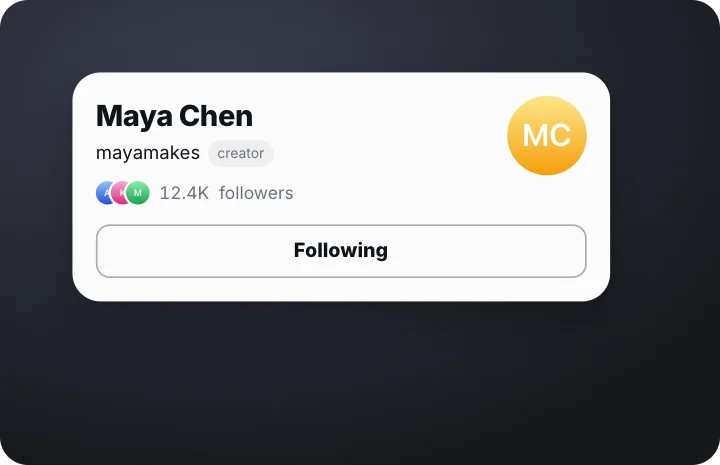
Follow button – photo on the right animation
A profile card with the photo on the right and a full-width Follow button that gets tapped while the follower count ticks up. A ready-made social & reviews animation: change the content, pick the style and motion, then export a video for TikTok, Reels, Shorts or YouTube.
It starts on a transparent background, so you can export a MOV or WebM and lay it over your own footage. The example reads “Maya Chen”, “mayamakes”; replace it with your own. With the example text it plays for about 3 seconds; longer text gets more time.
Good for: follow button, follower count, profile card, social.
What you can customise
Profile
- Name
- Handle
- Photo
- Tag
- Followers
- Followers label
Button
- Button
- After tap
- Pointer
Style
- Card
- Width
- Size
Your brand
- Your logo (PNG, transparent works best)
- Your name or @handle
- Show badge
- Badge position
- Badge look
- Badge size
- Background photo (card sits on it)
- Background padding
How to make it
- Open the template. It opens in the free editor in your browser, already animated.
- Make it yours. Edit name, handle, photo in the Content tab. The preview updates as you type.
- Pick the format. Choose 9:16 for TikTok, Reels and Shorts, or 16:9 for YouTube, and set the background (it is transparent by default).
- Export. Save an MP4 to post, a transparent MOV for Premiere Pro, Final Cut or DaVinci Resolve, a WebM for CapCut, or a PNG still.
Export formats
- MP4, 720p or 1080p, 30 or 60 fps
- MOV (ProRes 4444) with transparency
- WebM with transparency (CapCut)
- PNG image
Questions
Is the Follow button – photo on the right template free?
Yes. It's one of gizzMotion's 411 free templates: no account, no watermark and unlimited exports in MP4, MOV, WebM and PNG.
Can I export Follow button – photo on the right with a transparent background?
Yes, it starts transparent. Export a ProRes 4444 MOV for Premiere Pro, Final Cut Pro or DaVinci Resolve, or a WebM for CapCut and OBS, and the background stays see-through with no green screen or keying.
How long is the Follow button – photo on the right animation?
About 3 seconds with the example text. Longer text gets more time so it stays readable.
Do I need After Effects or an account to use it?
No. It runs in your web browser with nothing to install and no signup. Your text, images and the exported video are made on your own device and are never uploaded.
Related templates
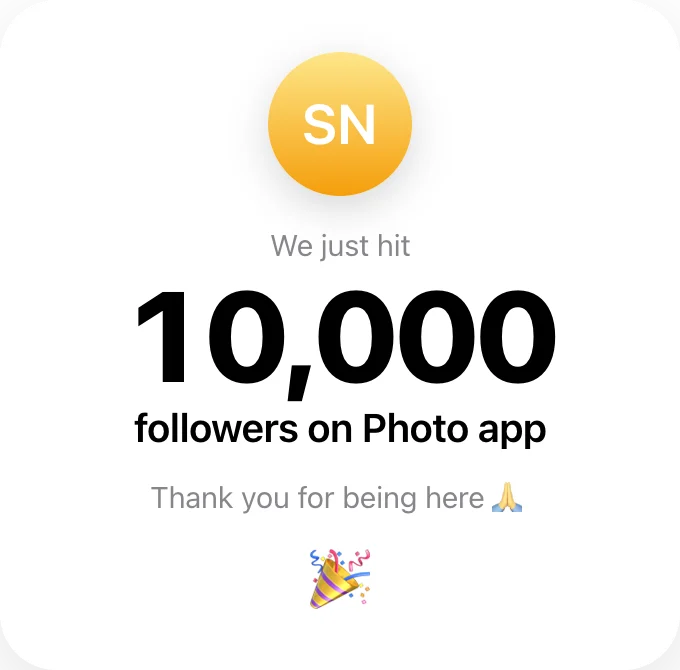 Follower milestoneSocial & reviews
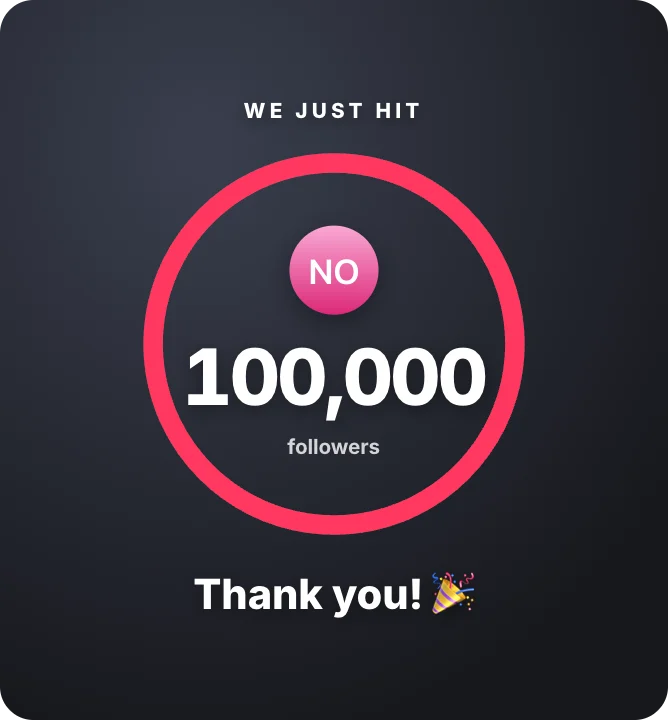 Follower milestone ringSocial & reviews · transparent
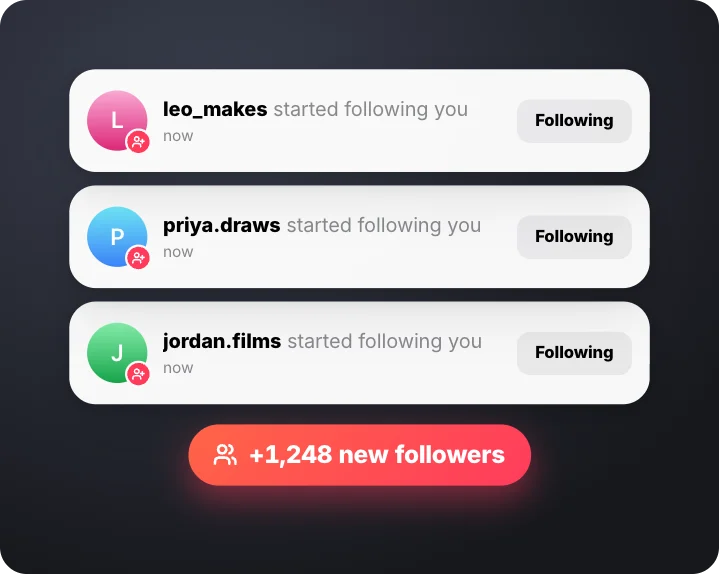 New followers notificationsSocial & reviews · transparent
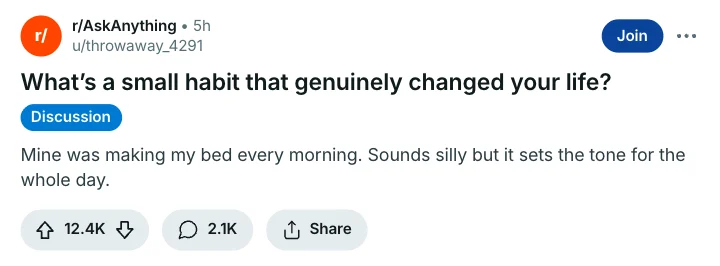 Forum postSocial & reviews
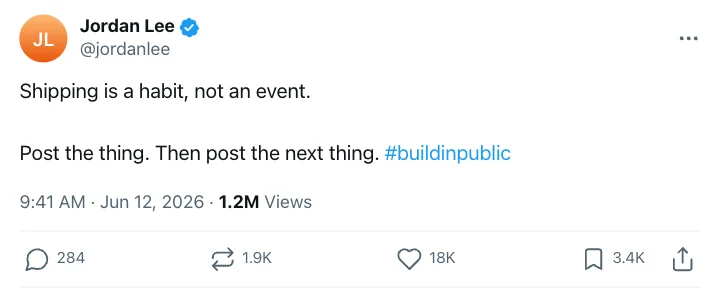 Short postSocial & reviews
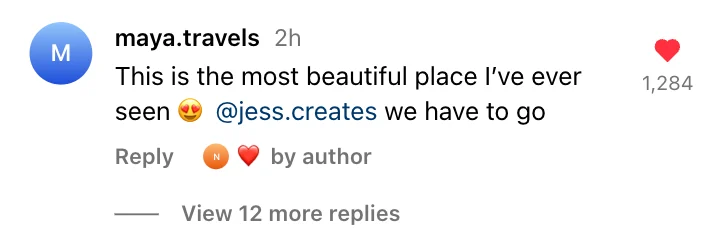 Photo commentSocial & reviews
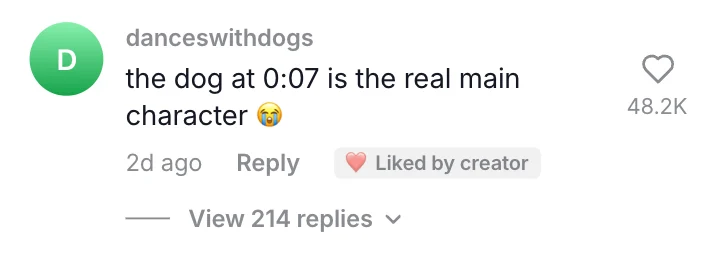 Short-video commentSocial & reviews
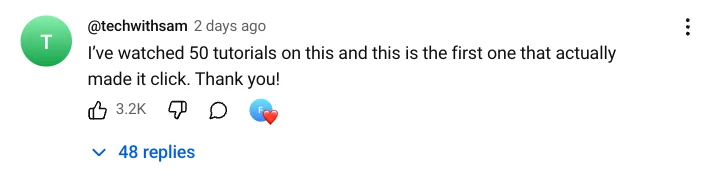 Video commentSocial & reviews