
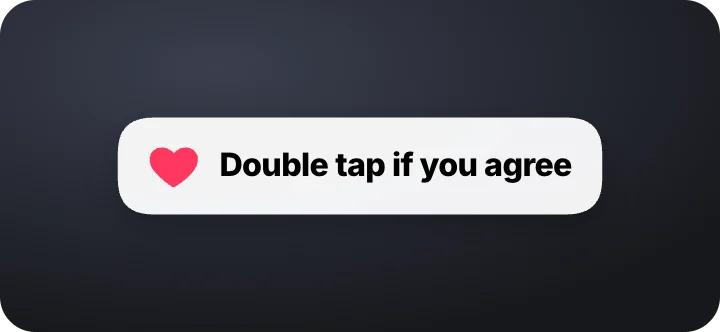
 FreeDouble tap if you agree
Two tap rings land on a heart, it fills and bursts beside your line: a like prompt to lay over any short video
Open in editorShort video · Template pack
Place a clear next action beside a short video. Follow, save and comment cues work as a visual closing beat after the viewer has seen the useful part.
6 Free · 14 Pro · 5 Pro Max. Choose individual templates below; export each piece and combine it in your edit.
Show the useful tip first, then choose one action that matches it.
The prompts are video graphics; tapping an exported button does not perform an action.
Every one opens free in your browser to edit and preview. Free ones export with no watermark (a free account after 3 exports); Pro and Pro Max need Pro, and Pro Max scenes are included with it.
FreeDouble tap if you agreeTwo tap rings land on a heart, it fills and bursts beside your line: a like prompt to lay over any short video
Open in editor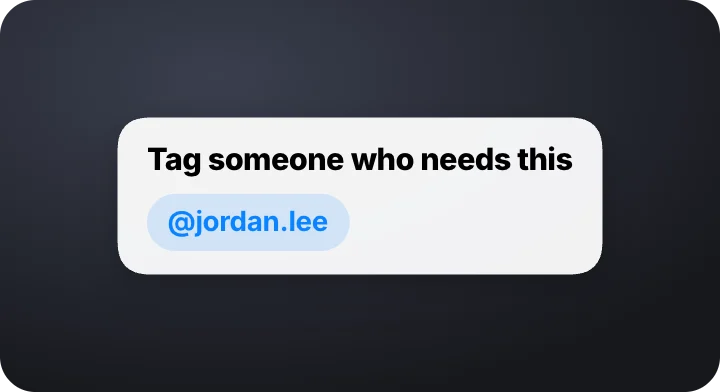 FreeTag someone who…
Your line, then an @ bubble types a friend’s name: a tag-a-friend prompt for Reels, Shorts and TikTok
Open in editor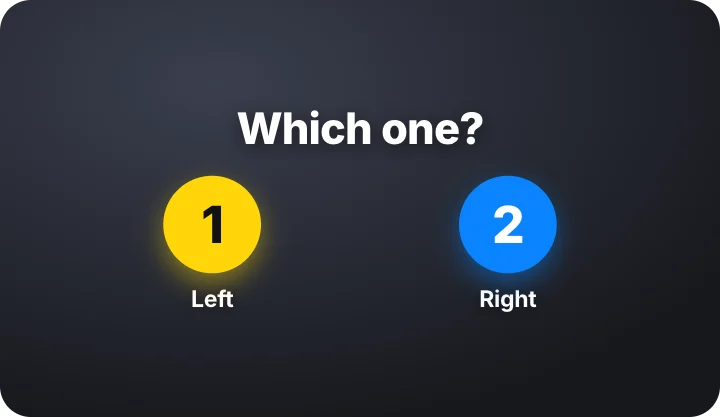 FreeWhich one? 1 or 2
Two number chips bounce in turn under your question, for this-or-that videos and split-screen choices
Open in editor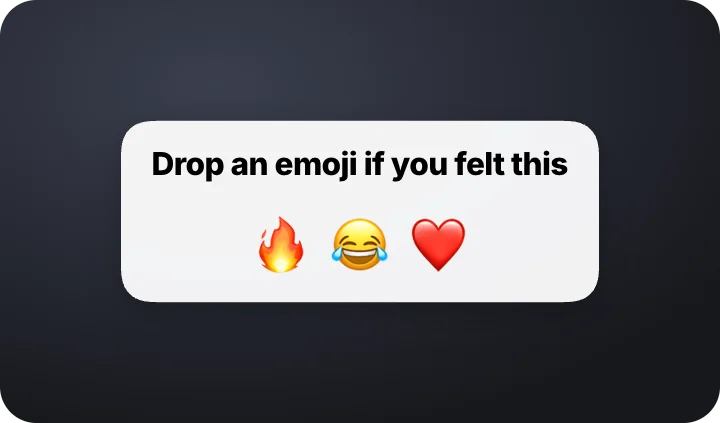 FreeDrop an emoji if…
Three emoji hop in a row beside your line, asking viewers to answer with one in the comments
Open in editor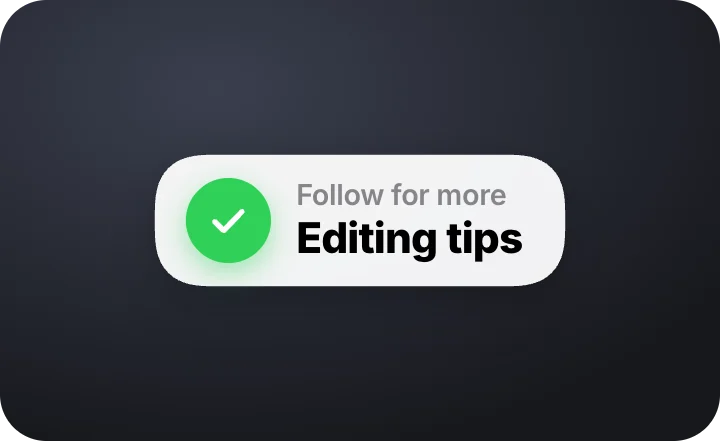 FreeFollow for more of this
A plus chip is tapped and flips to a tick beside “Follow for more” and your topic
Open in editor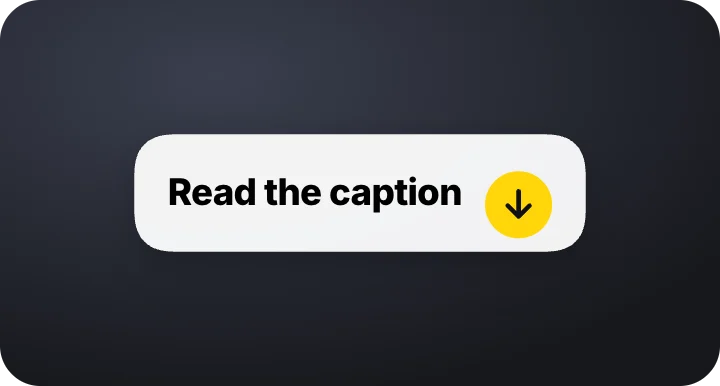 FreeRead the caption
A small arrow dips toward the caption under your video, with your own words beside it
Open in editor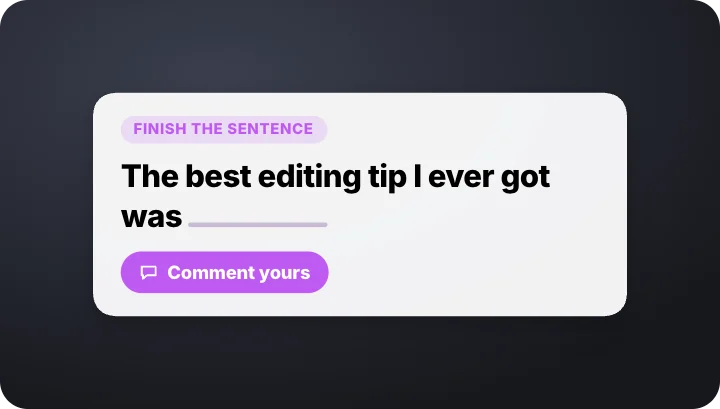 ProFinish the sentence
A sentence with a blinking blank for the viewer to complete in the comments, and a comment chip
Open in editor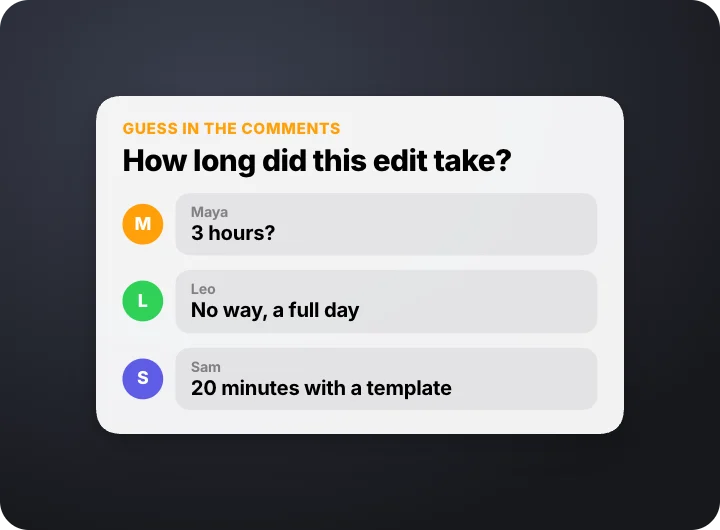 ProGuess in the comments
Your question on a card, with three sample guesses sliding in underneath to start the thread
Open in editor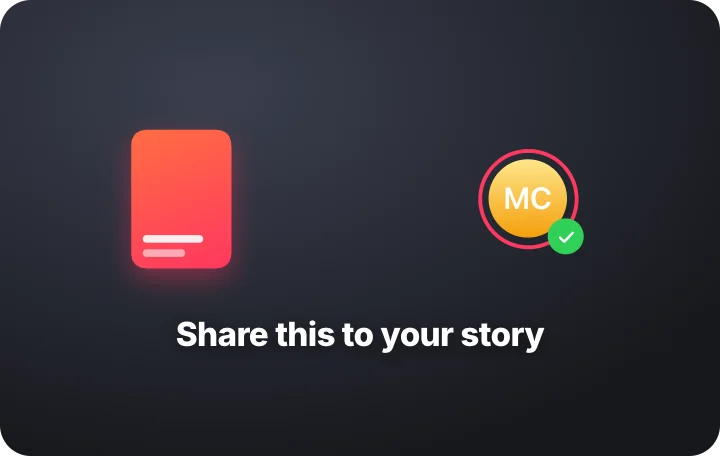 ProShare to your story
A copy of the post lifts off and flies into a story ring, which fills and ticks
Open in editor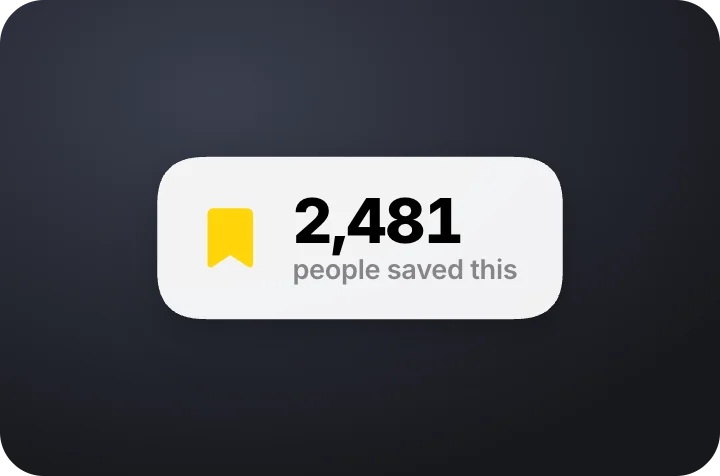 ProSaves counter
A bookmark is tapped, fills, and the save count rolls up by one
Open in editor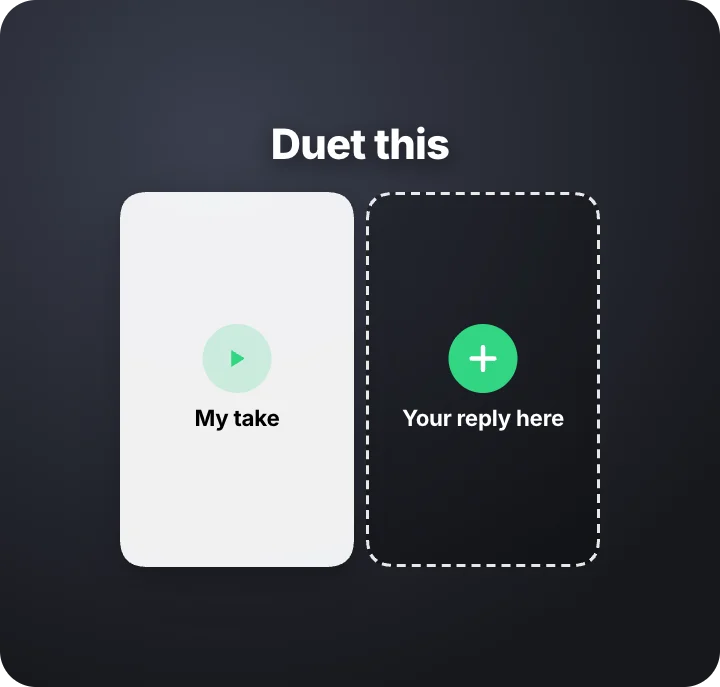 ProDuet or remix this
The frame splits in two and the empty half invites the viewer to reply with their own video
Open in editor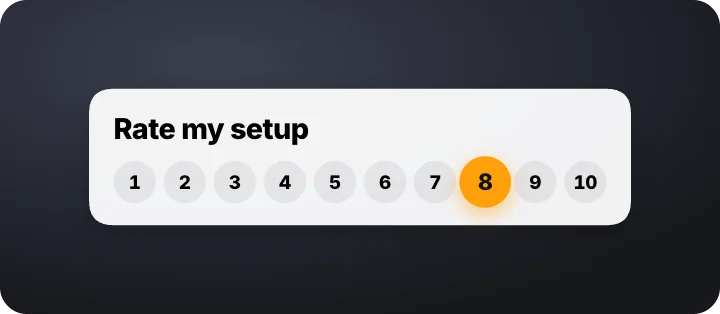 ProRate my… 1 to 10
A row of numbers from 1 to 10 pops in under your question and one of them pulses
Open in editor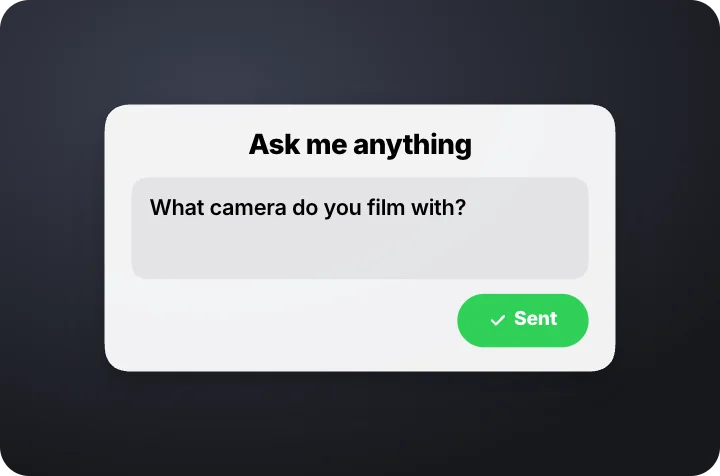 ProAsk me anything box
A question box: a sample question types itself in, Send is tapped and it posts
Open in editor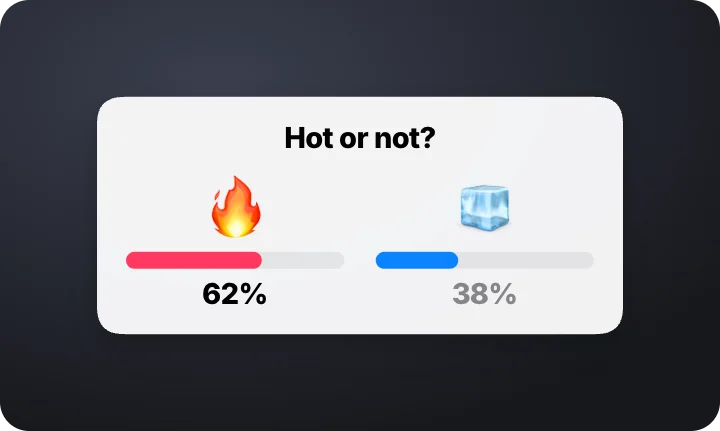 ProVote with an emoji
Two emoji with bars filling under them and the percentages counting up
Open in editor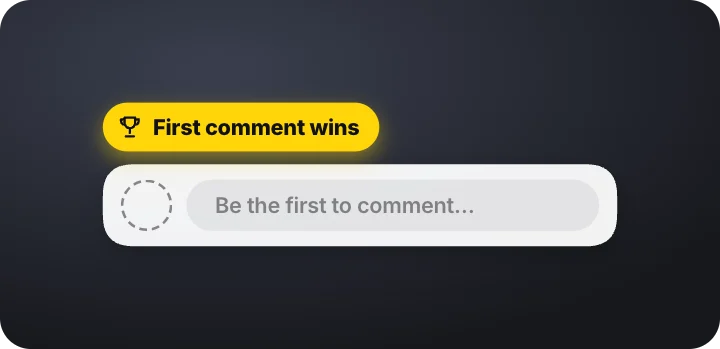 ProFirst comment wins
An empty comment row waits with a blinking cursor while a trophy chip wobbles beside it
Open in editor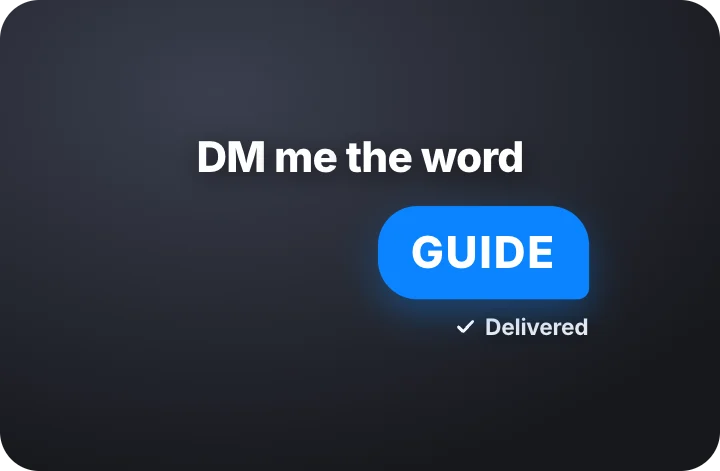 ProDM me the word
A message bubble types your keyword and sends it, then shows Delivered
Open in editor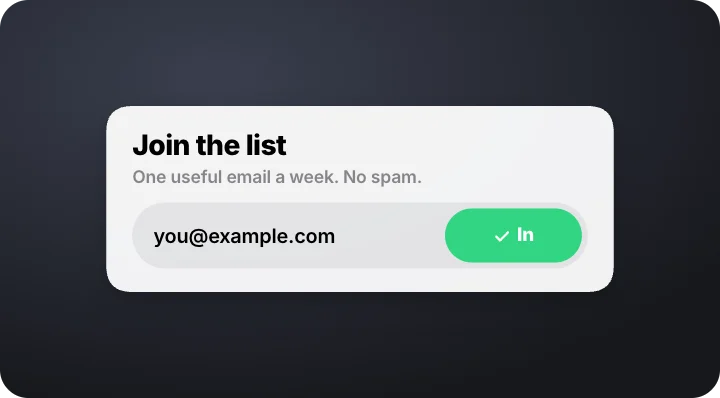 ProJoin the email list
An email types into a pill, Join is tapped, a paper plane leaves and it says you’re in
Open in editor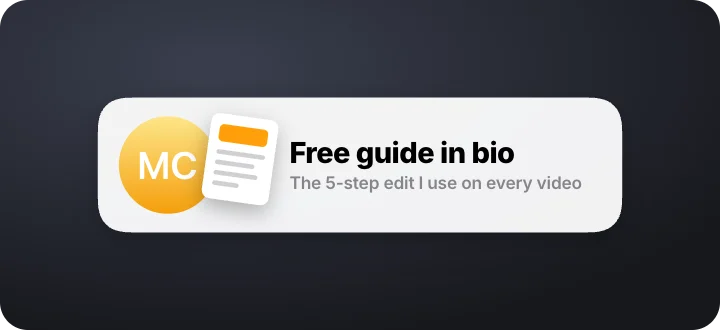 ProFree guide in bio
A small document lifts out of your profile photo with “Free guide in bio”
Open in editor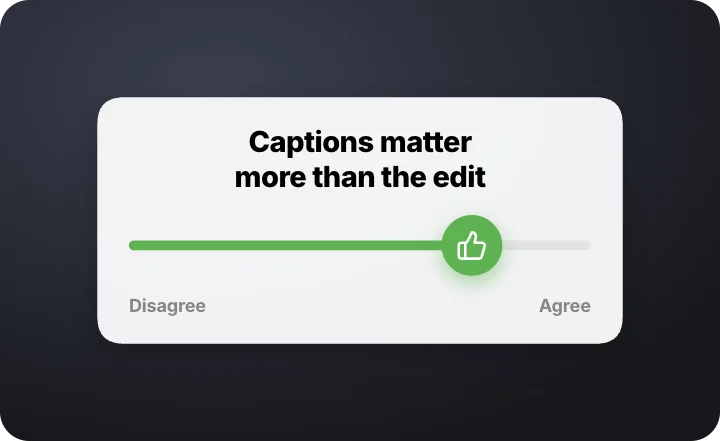 ProAgree or not scale
A thumb slides along a line from Disagree to Agree and settles where you set it
Open in editor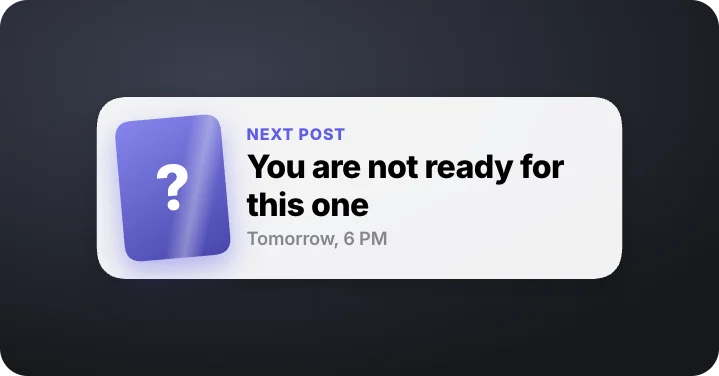 ProNext post tease
A covered card with a question mark wobbles beside “Next post” and the time it drops
Open in editor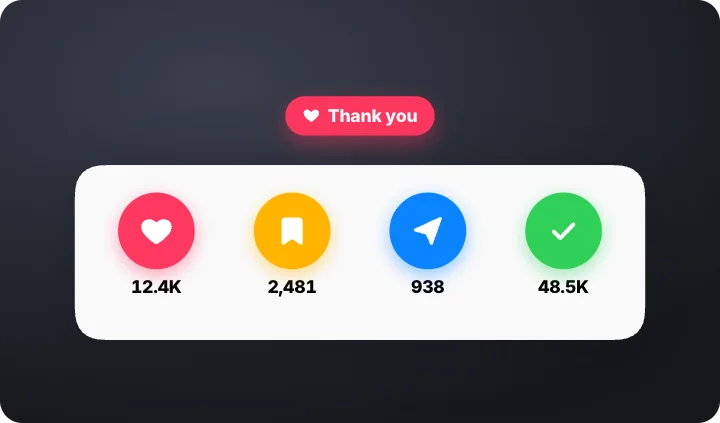 Pro MaxFour taps in a row – like, save, share, follow
A pointer taps like, save, share and follow in order; each one fills and its count rolls, then a thank-you chip pops
Open in editor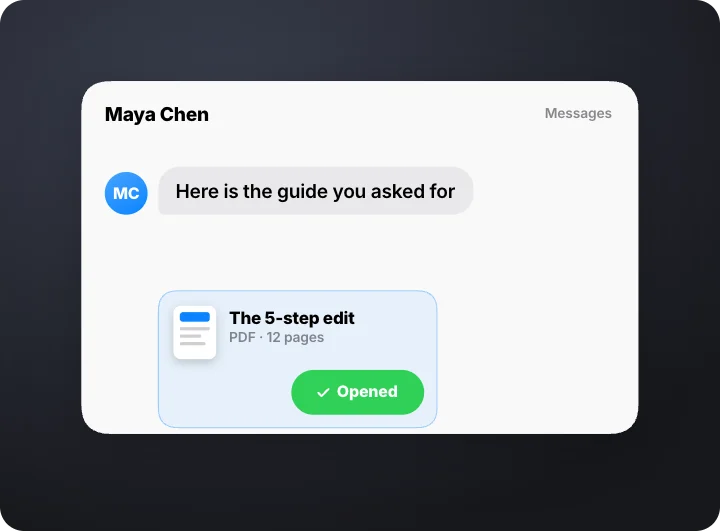 Pro MaxComment to inbox – keyword, reply, guide delivered
A viewer comments your keyword, you reply, and the scene pushes to their messages where the free guide lands
Open in editor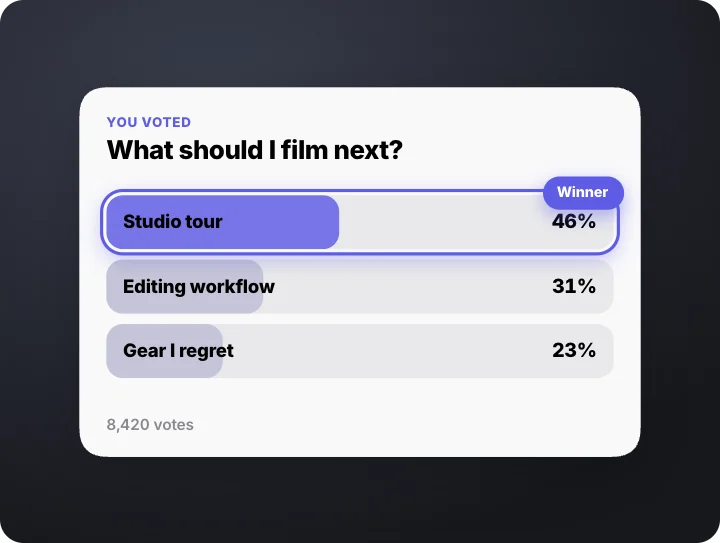 Pro MaxVote, race, winner – a poll that plays out
Three answers race as the votes come in, the lead changes, and the winner is boxed with the final count
Open in editor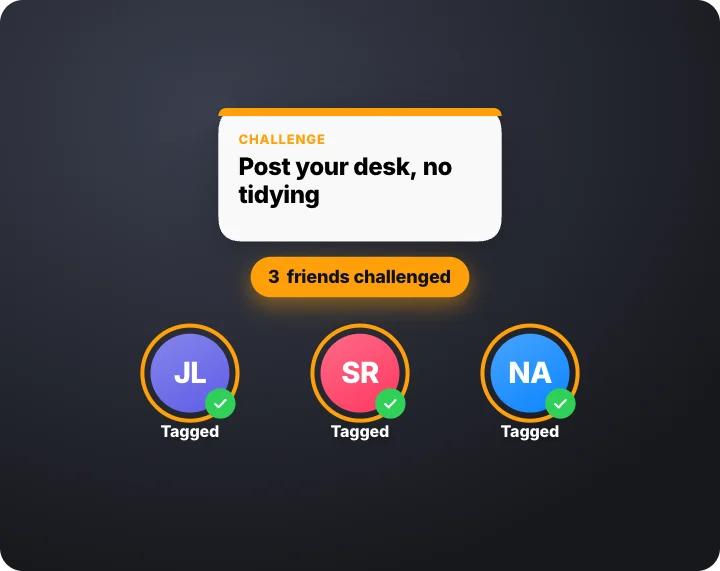 Pro MaxPass the challenge – tag three friends
A challenge card is handed to three friends in turn; each one is tagged and ticks, then the count lands
Open in editor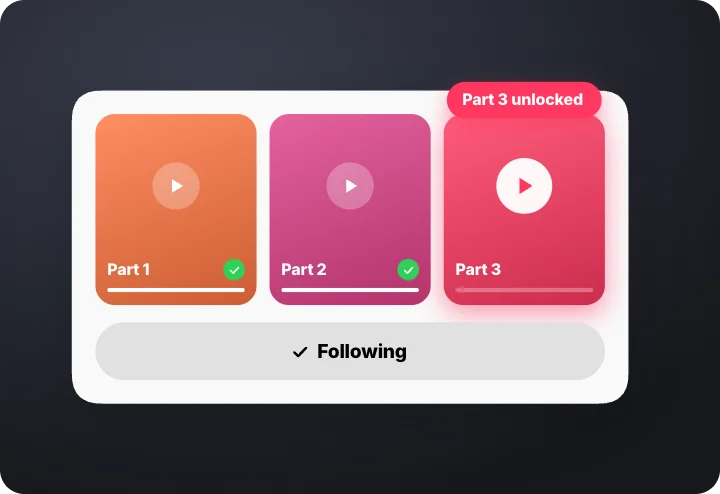 Pro MaxFollow the series – unlock the next part
Parts 1 and 2 are watched, part 3 is locked; Follow is tapped, the lock opens and the next part is ready
Open in editorChoose the action that fits the clip: save for a reference, comment for a question, or follow for a continuing series. One readable prompt is easier to place.
The prompts are video graphics; tapping an exported button does not perform an action.