
Free and Pro templates
3D device mockups
High-detail device mockups that turn in 3D with your screenshot on the screen: flat-edge phones front and back, a phone pair, flip, book and tri-fold foldables, a thin laptop that opens, an all-in-one desktop in seven colours, a studio monitor, a curved ultrawide, tablets with a stylus or keyboard, square and round smartwatches, a TV and a full desk setup.
Every device shows a sample app until you add your own screenshot, and each one turns, rises, zooms or floats into view, then holds at the angle you choose.
All 3d mockups templates
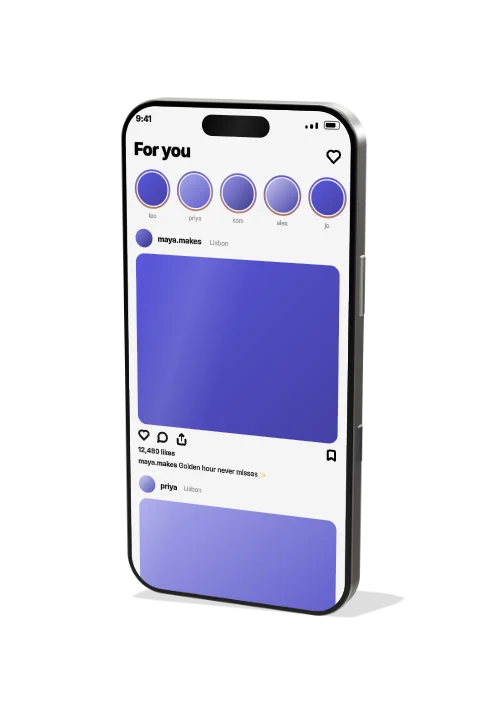 Phone – flat-edge, 3D turn3D Mockups
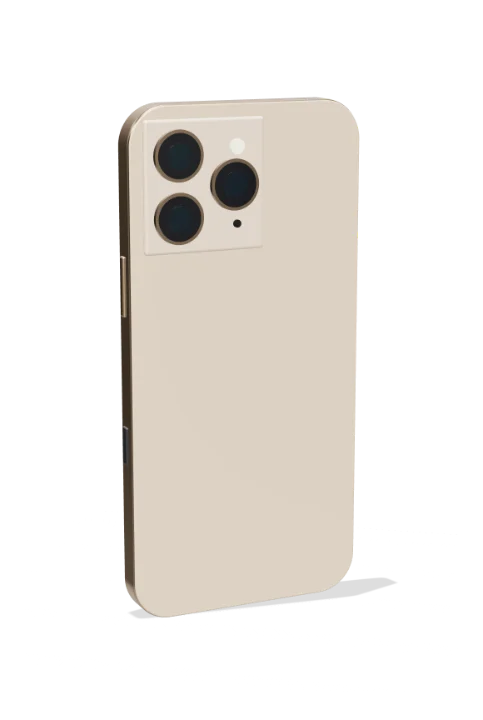 Phone – turns to show the back3D Mockups
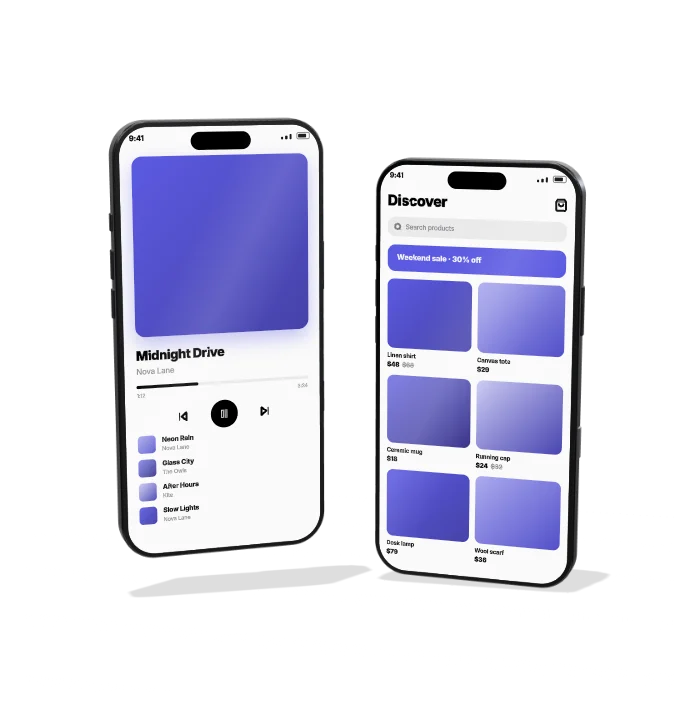 Phone pair – two screens3D Mockups
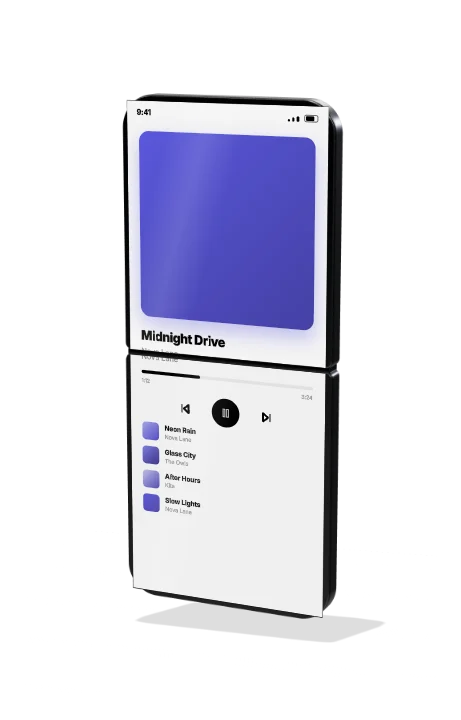 Flip foldable phone3D Mockups
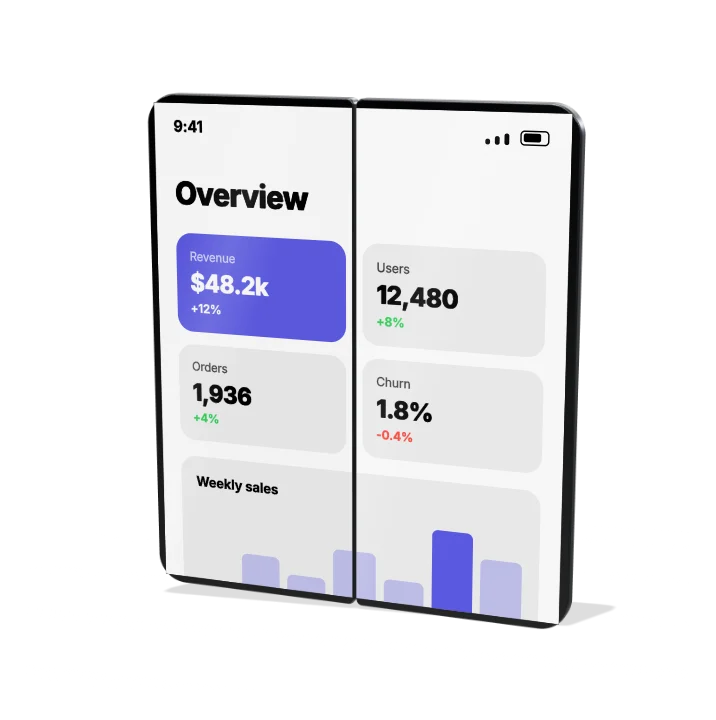 Book foldable phone3D Mockups
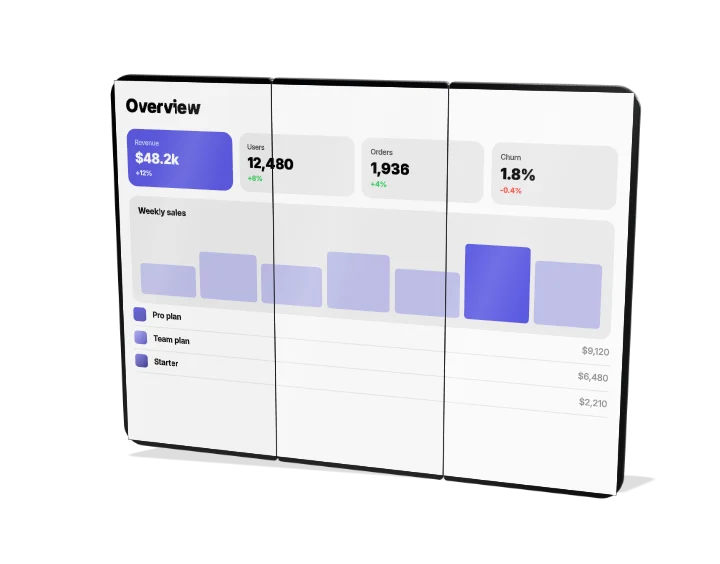 Tri-fold phone3D Mockups
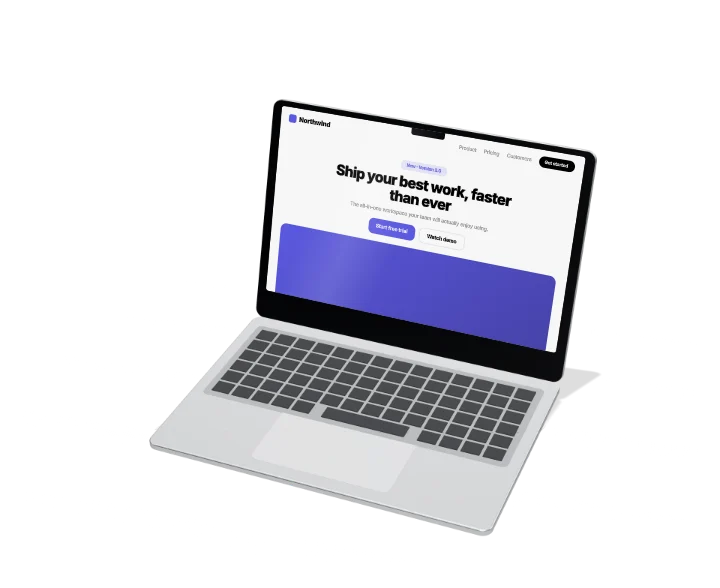 Thin laptop – lid opens3D Mockups
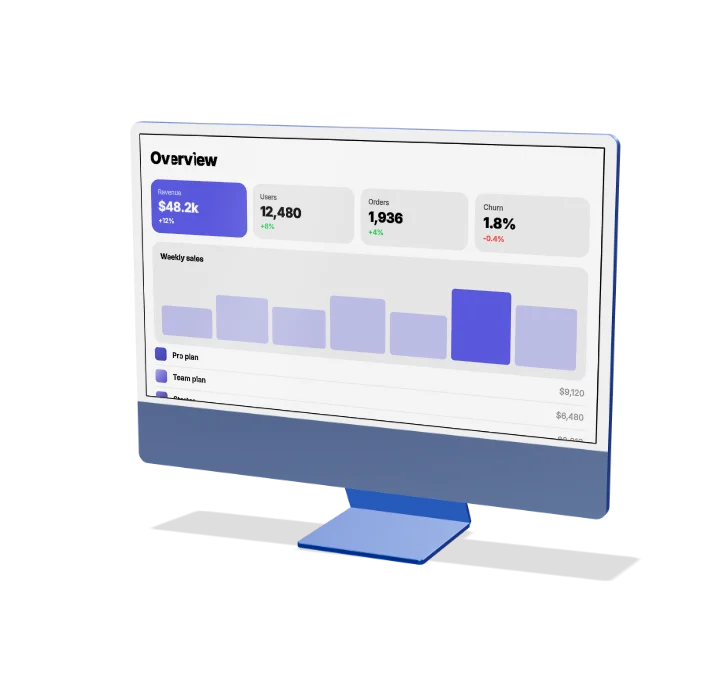 All-in-one desktop3D Mockups
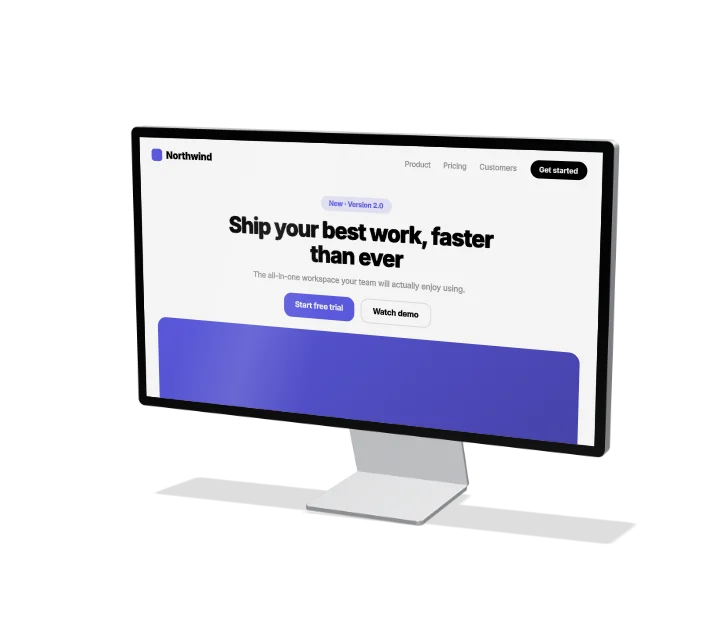 Studio monitor3D Mockups
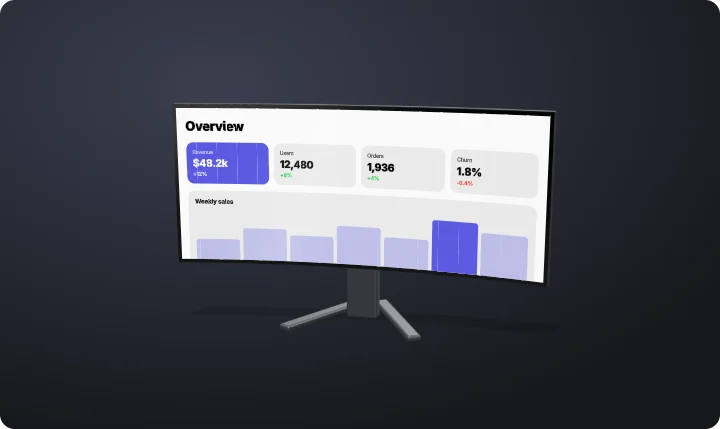 Curved ultrawide monitor3D Mockups
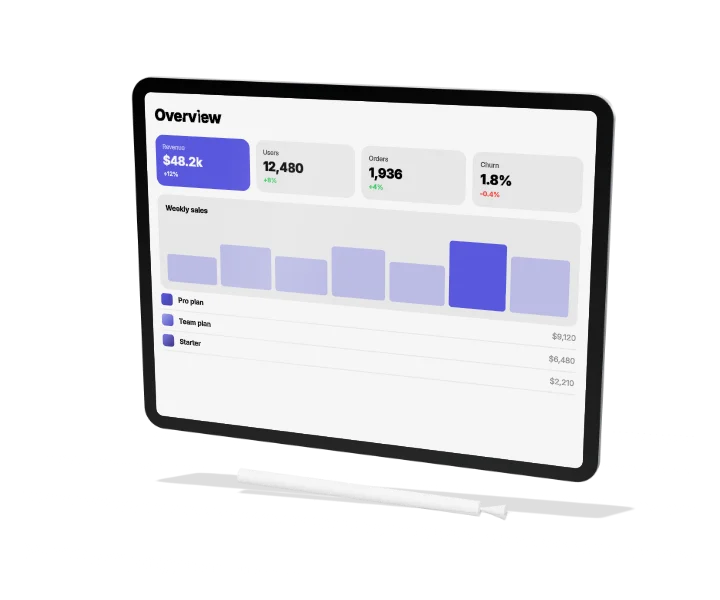 Tablet with stylus3D Mockups
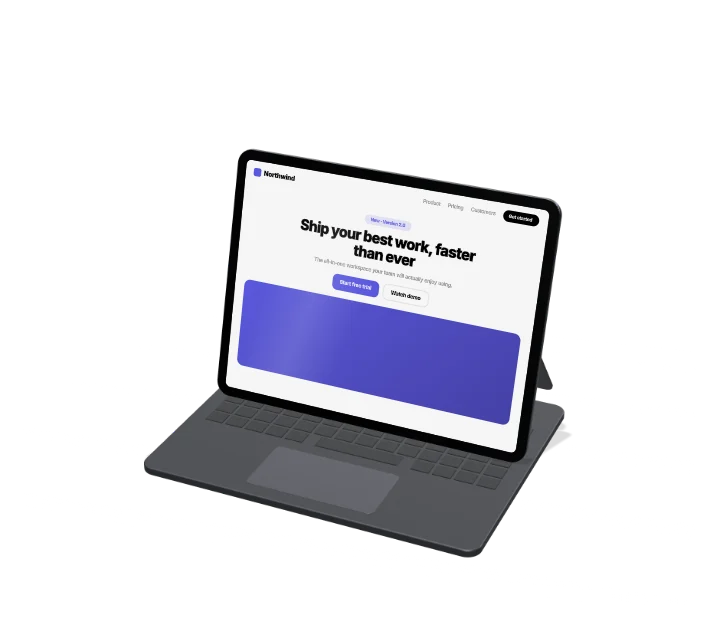 Tablet on a keyboard3D Mockups
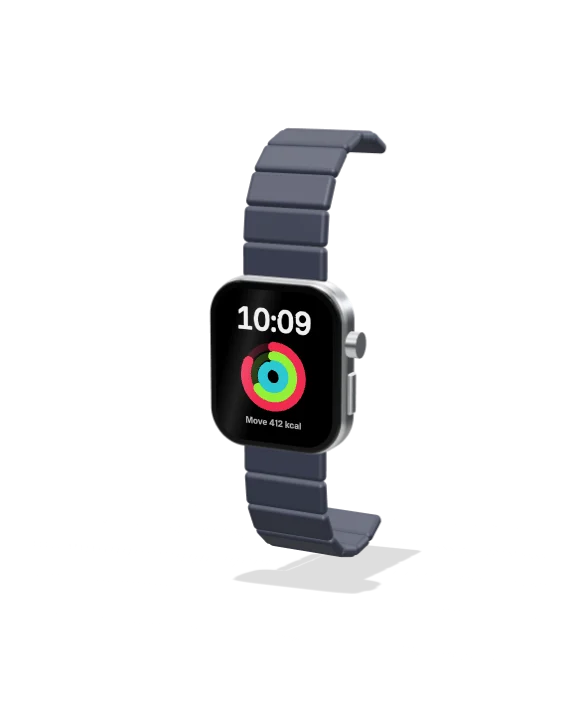 Smartwatch – square3D Mockups
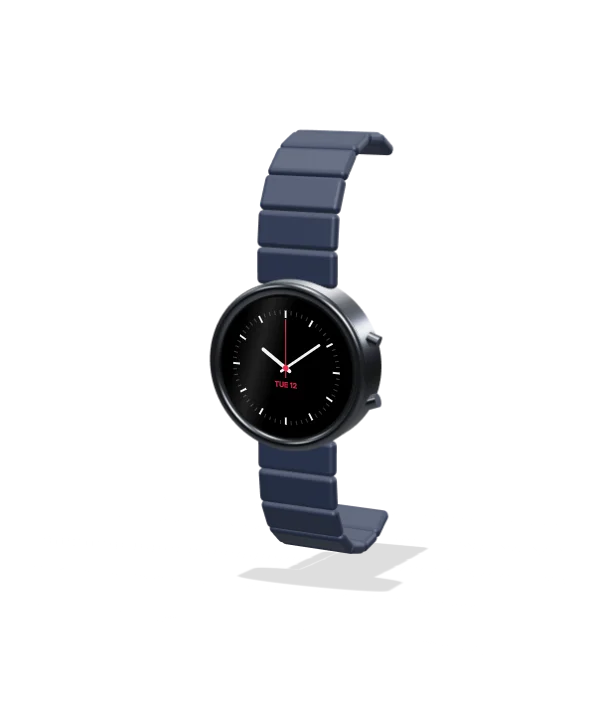 Smartwatch – round3D Mockups
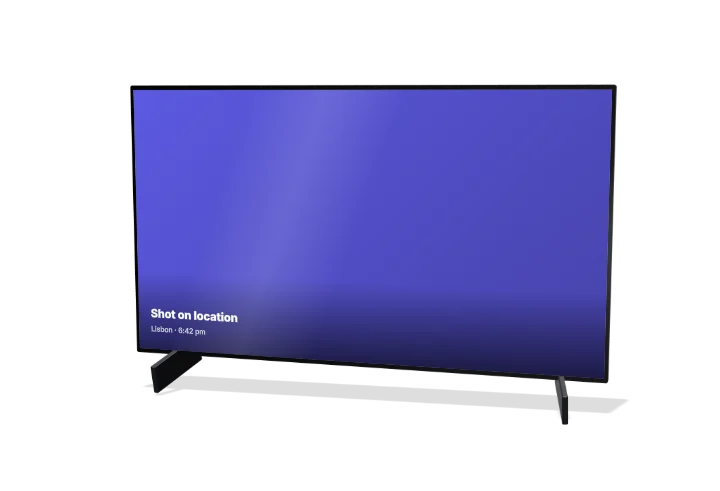 TV screen3D Mockups
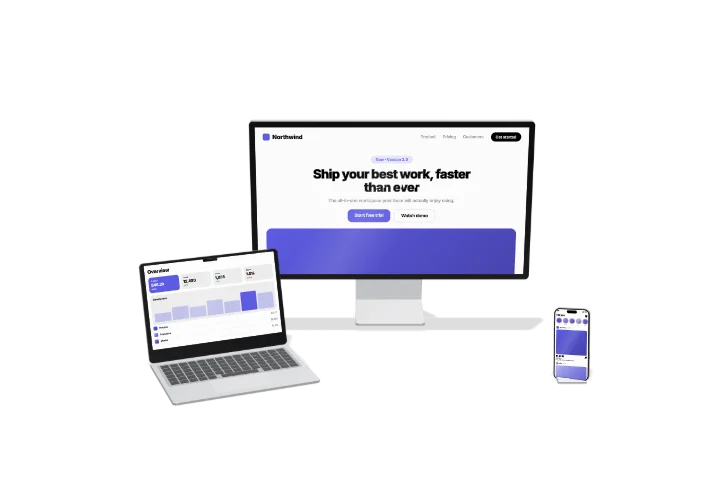 Desk setup – monitor, laptop and phone3D Mockups
How to make a device mockup video
- Pick a device. Phones, foldables, laptops, desktops, monitors, tablets, watches and TVs.
- Add your screenshot. Drop in an app screen or a web page; long screenshots scroll.
- Export the video. An MP4 for launches and ads, or a transparent MOV for your editor.
Questions
Are these real brand devices?
They are generic devices drawn from scratch, with no logos or brand names, so they are safe to use in ads and product videos.
Can I change the angle and finish?
Yes. Set the angle, tilt, motion and metal finish for each device.