
Free and Pro templates
Motion Clips
Motion Clips are complete mini-scenes of about nine seconds, each one designed and animated by hand: a setup wizard, a two-step sign in, a command palette, a deploy pipeline, a plan upgrade, a dark mode switch, a number that counts up while its chart draws, and more.
Type your own words and numbers, pick light or dark and your colour, then export an MP4 or a transparent MOV in 9:16 or 16:9.
All motion clips templates
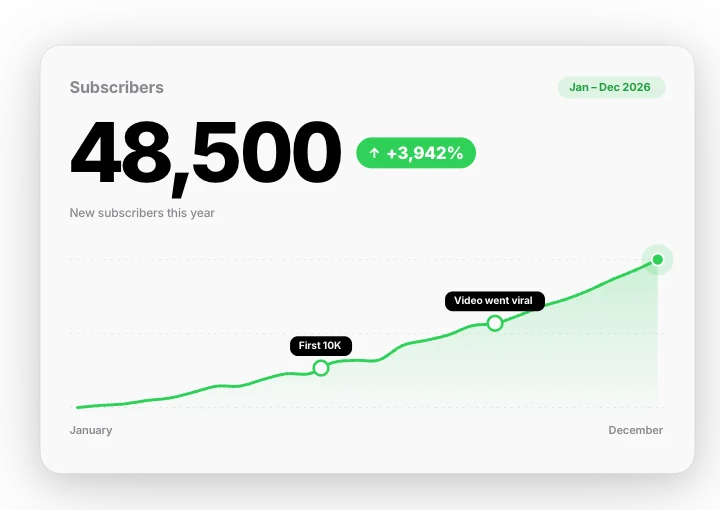 Number growth – count and chartMotion Clips
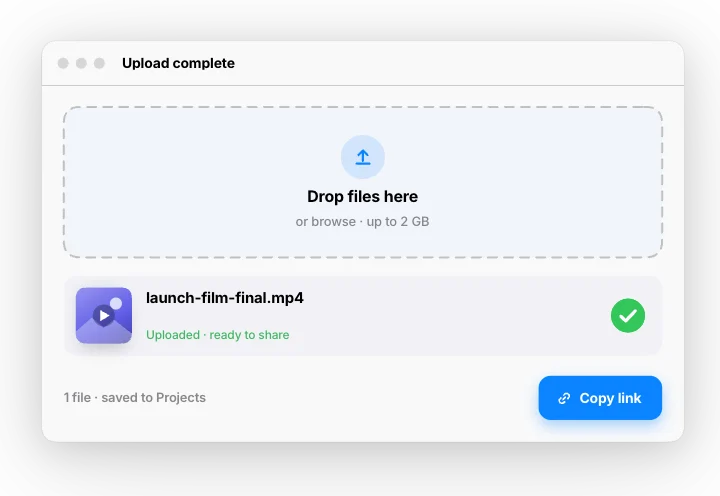 Upload complete – drag, progress, doneMotion Clips
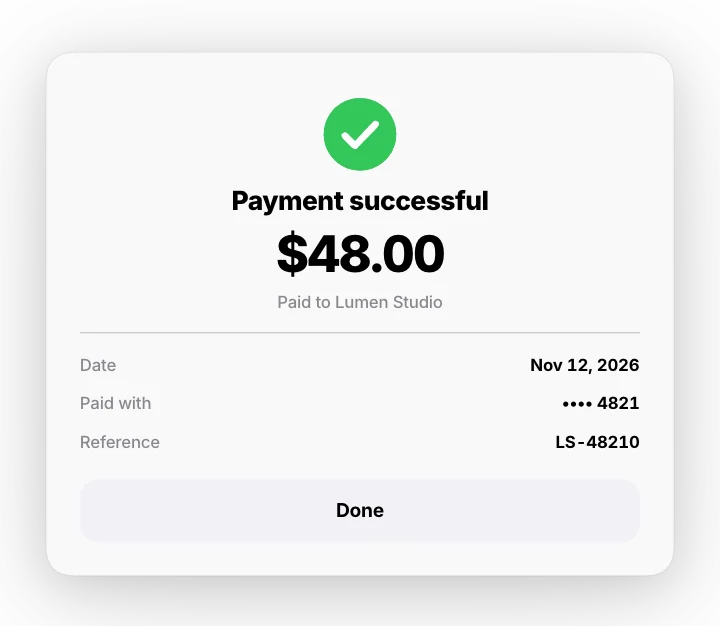 Payment success – pay, spinner, receiptMotion Clips
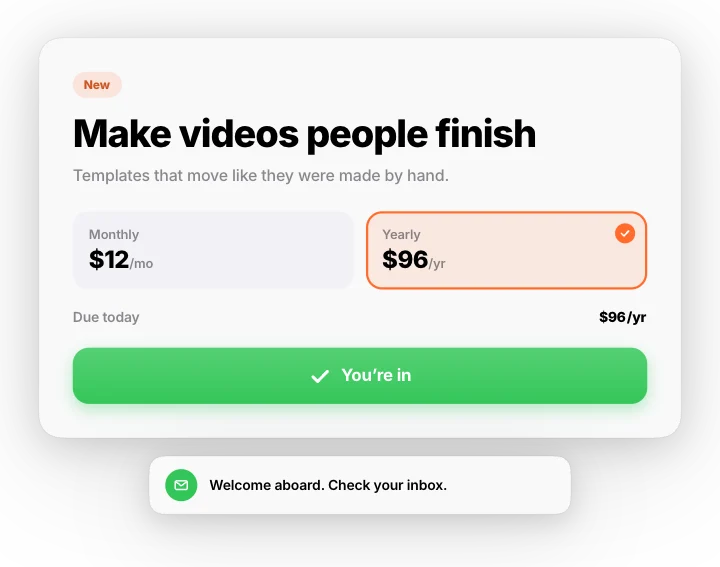 Cursor click – pick a plan and sign upMotion Clips
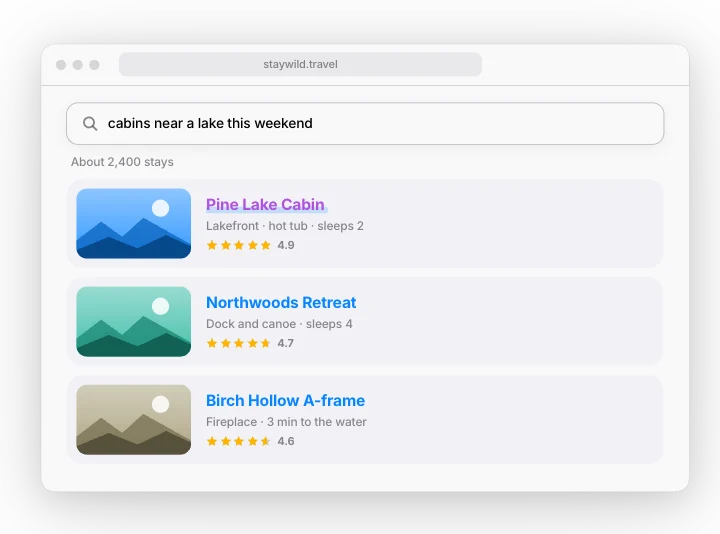 Website search – type, suggest, resultsMotion Clips
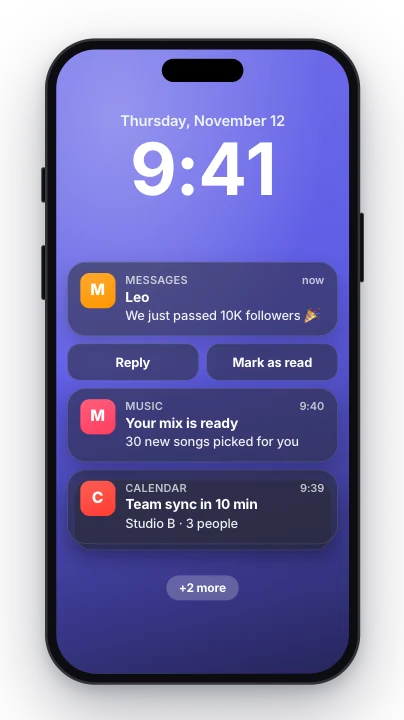 Notification stack – phone lock screenMotion Clips
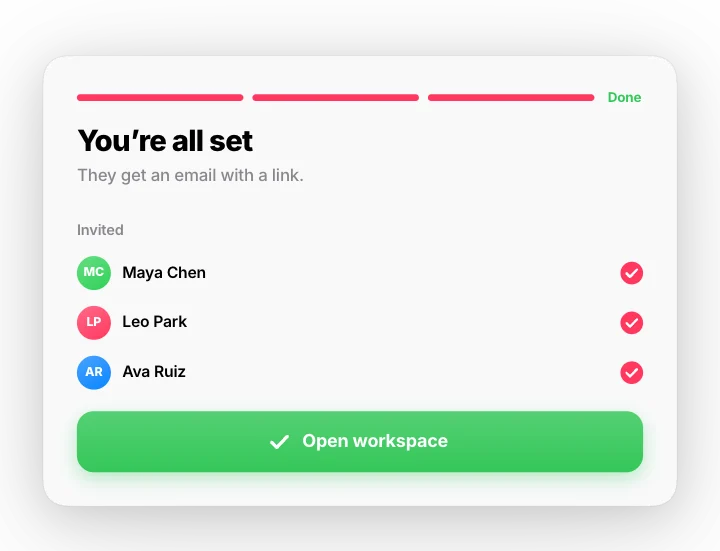 Setup wizard – three steps to readyMotion Clips
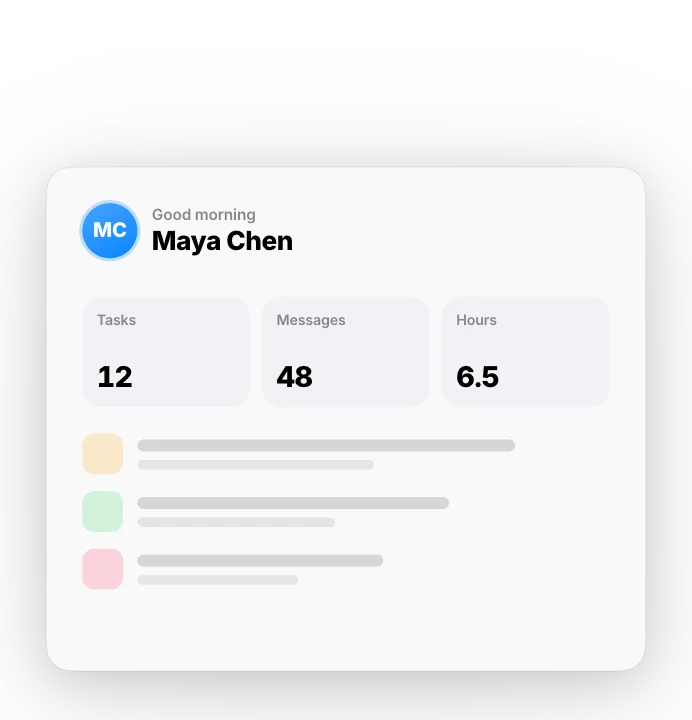 Two-step sign in – code arrives, you’re inMotion Clips
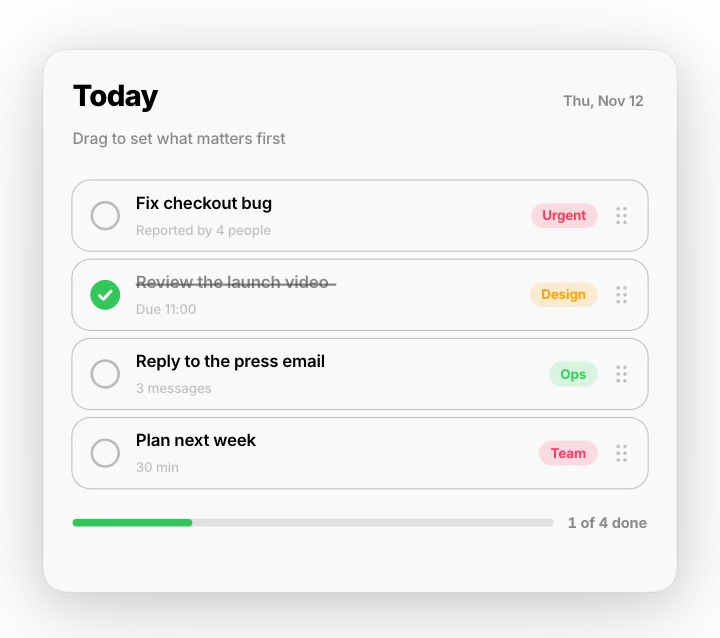 Drag to reorder – task listMotion Clips
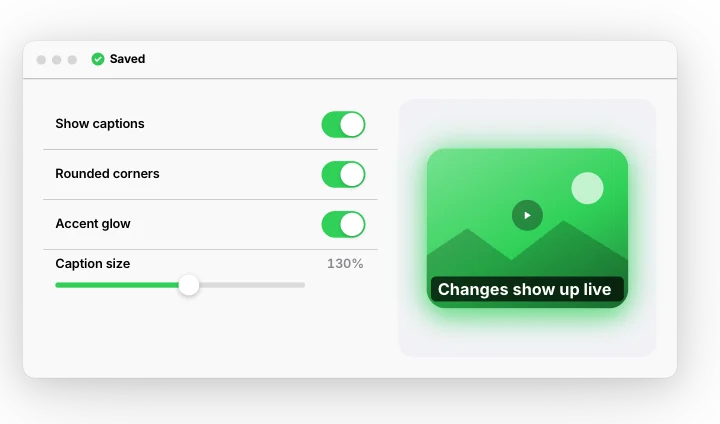 Settings with live previewMotion Clips
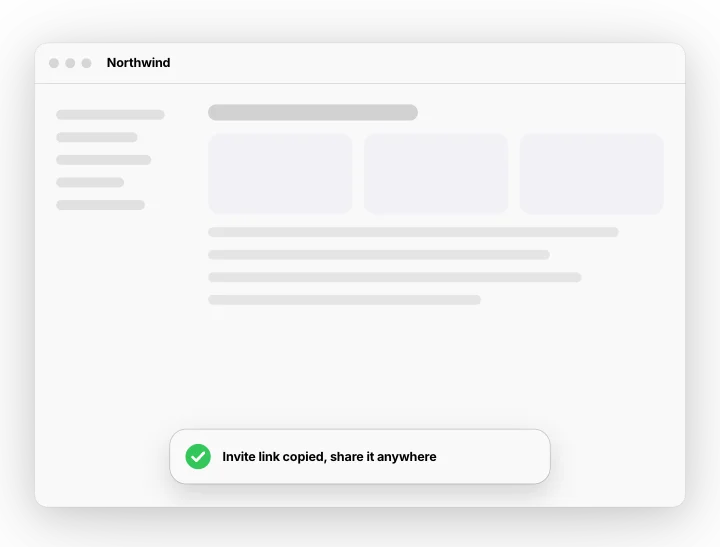 Command palette – type and runMotion Clips
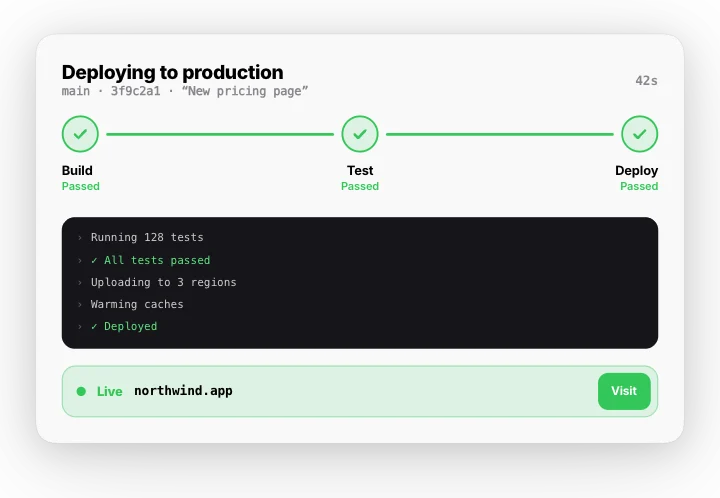 Deploy pipeline – build, test, liveMotion Clips
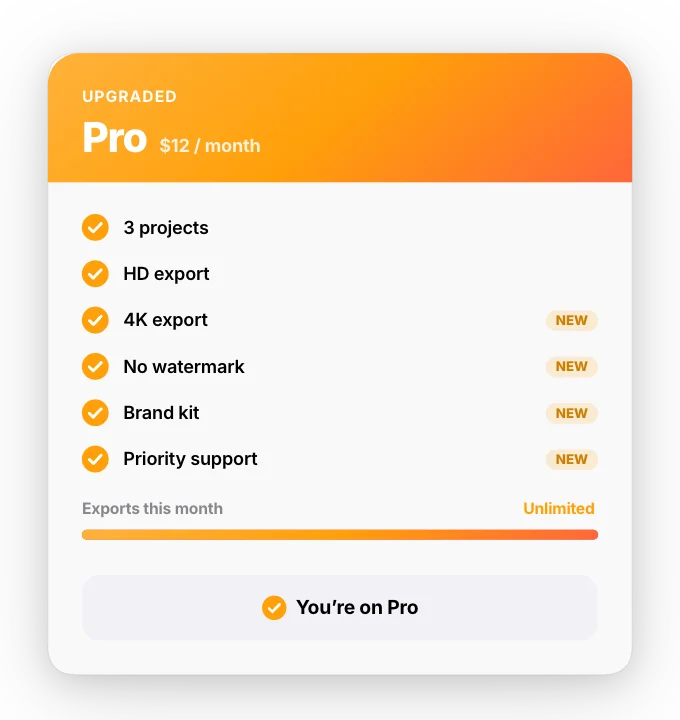 Plan upgrade – Free to ProMotion Clips
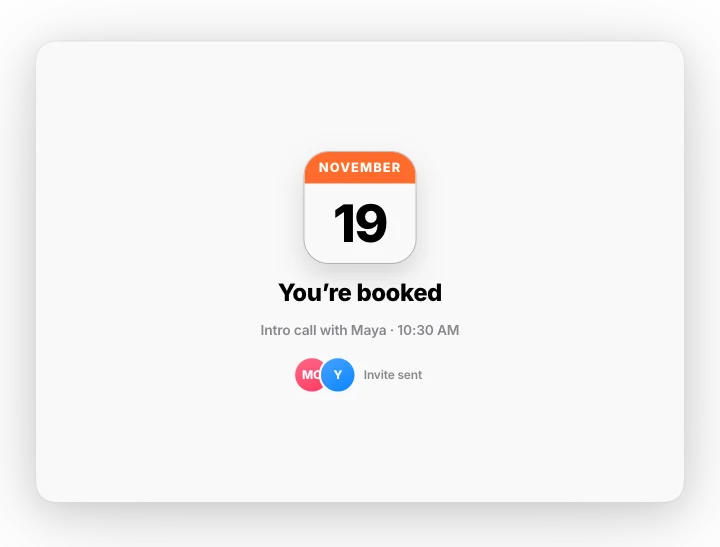 Book a slot – pick a day and timeMotion Clips
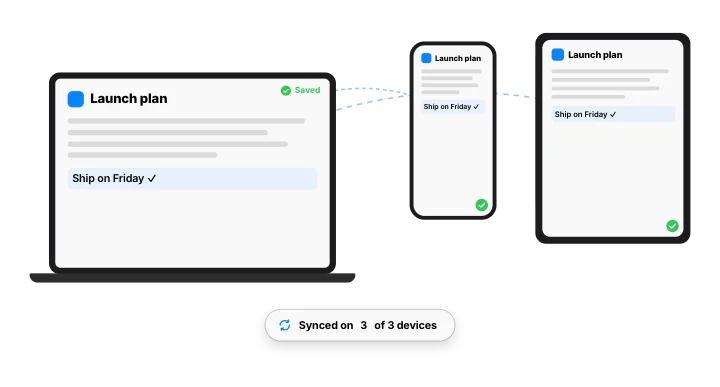 Sync across devicesMotion Clips
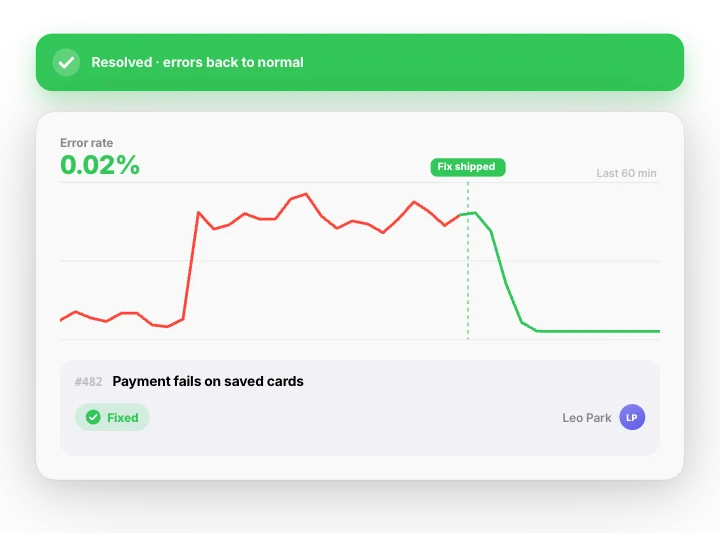 Bug to fixed – alert, issue, recoveryMotion Clips
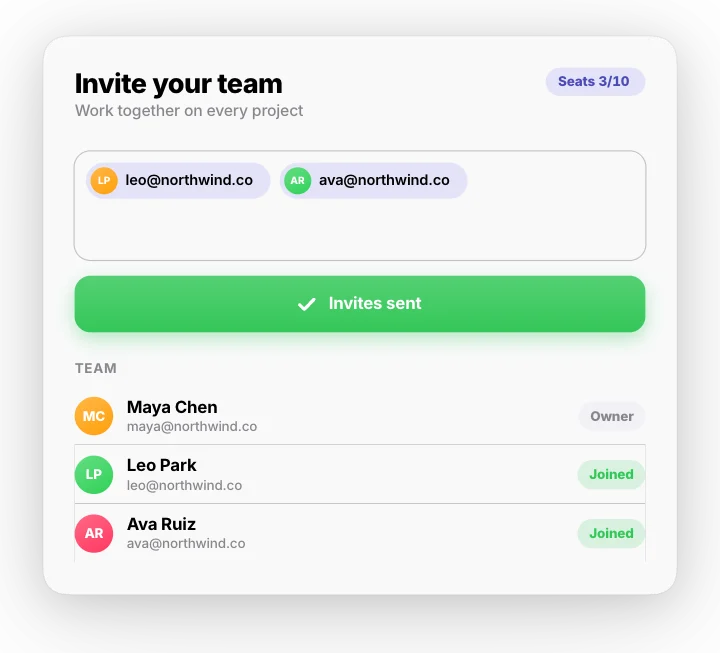 Team invite – emails, sent, joinedMotion Clips
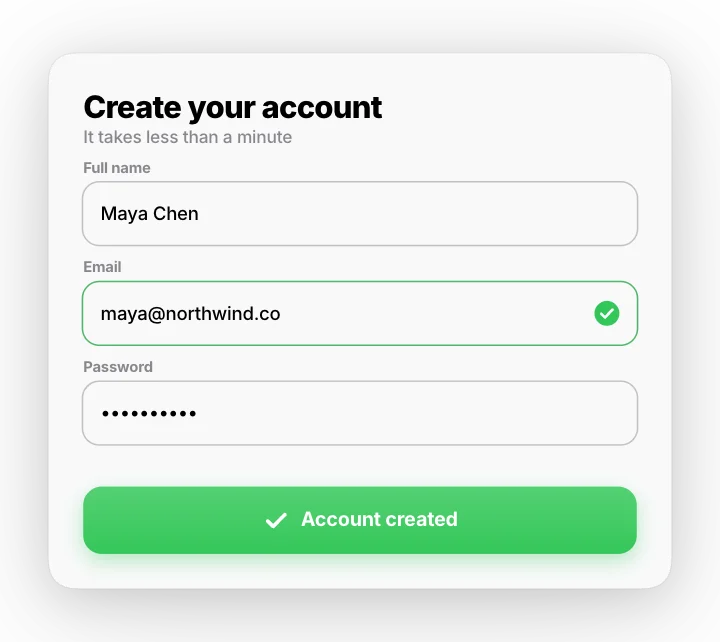 Form fix – error, correct, submitMotion Clips
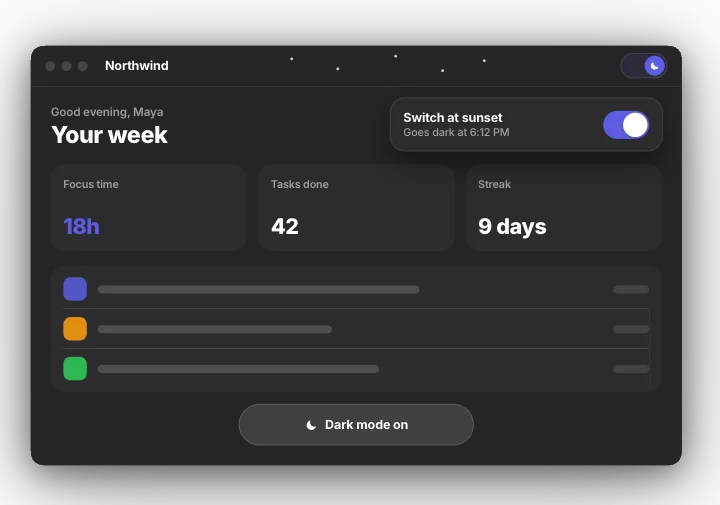 Dark mode – one circular sweepMotion Clips
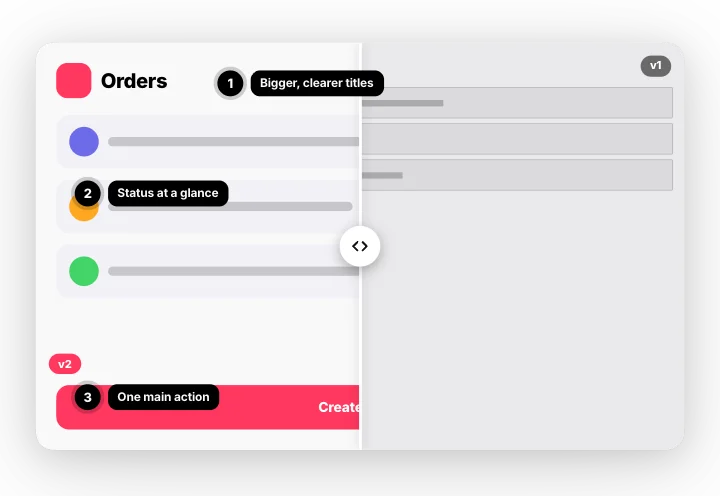 Version compare – before and after sliderMotion Clips
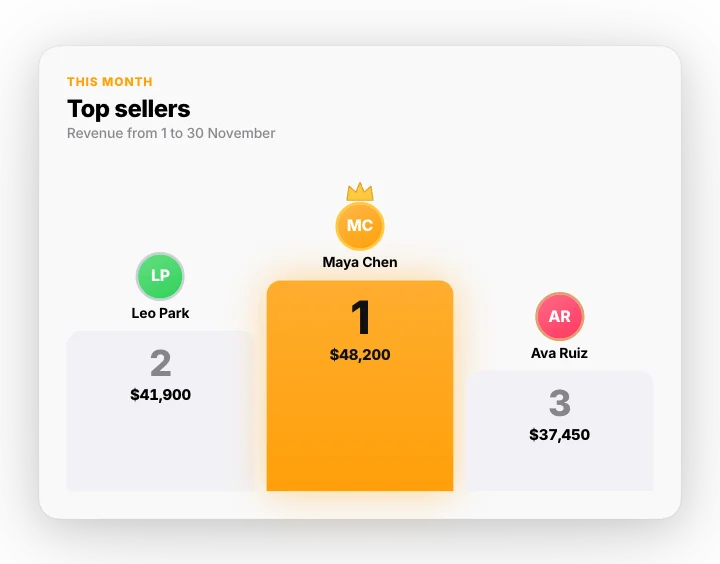 Podium – top three revealedMotion Clips
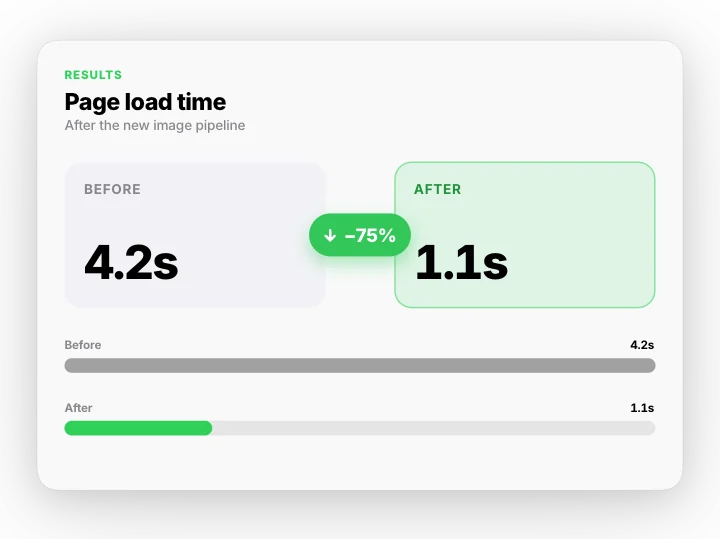 Before and after – the numbersMotion Clips
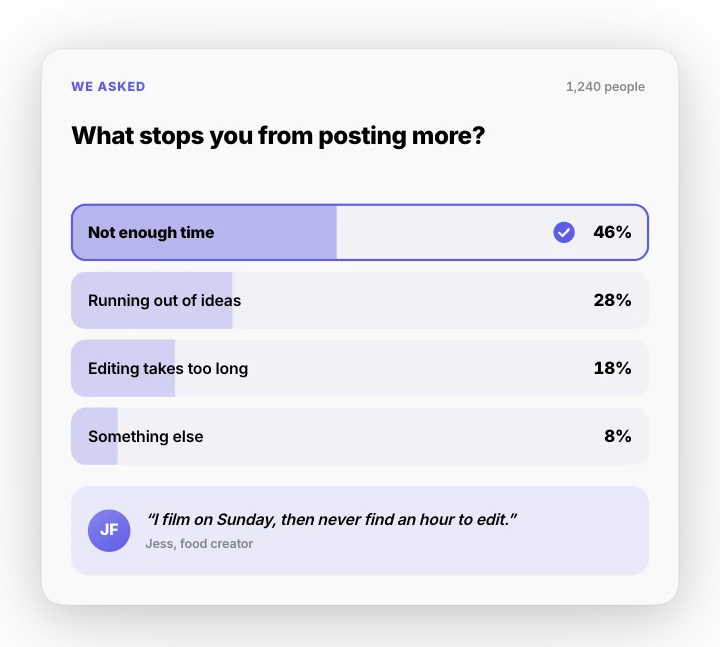 Survey results – bars and a quoteMotion Clips
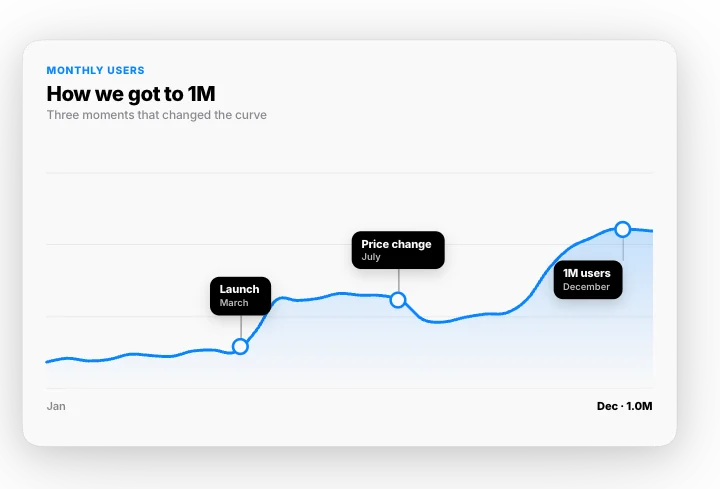 Annotated chart – the story of a lineMotion Clips
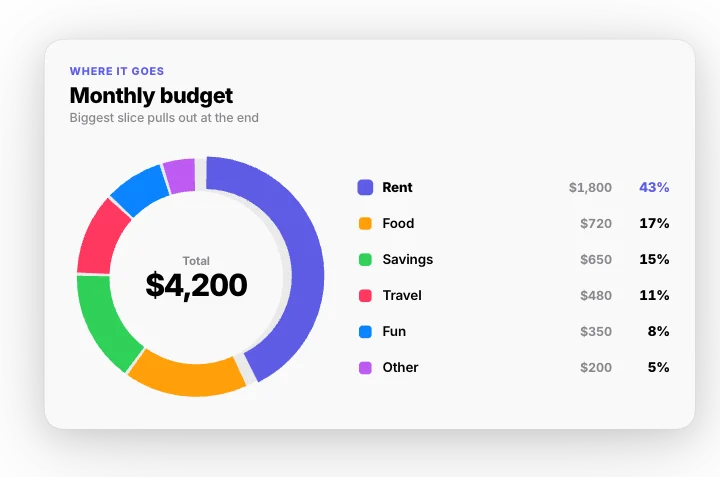 Budget donut – where it goesMotion Clips
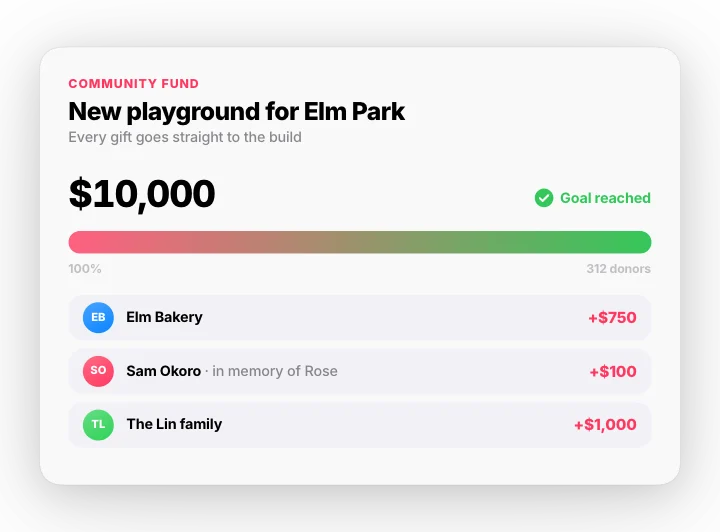 Fundraiser goal – gifts to goalMotion Clips
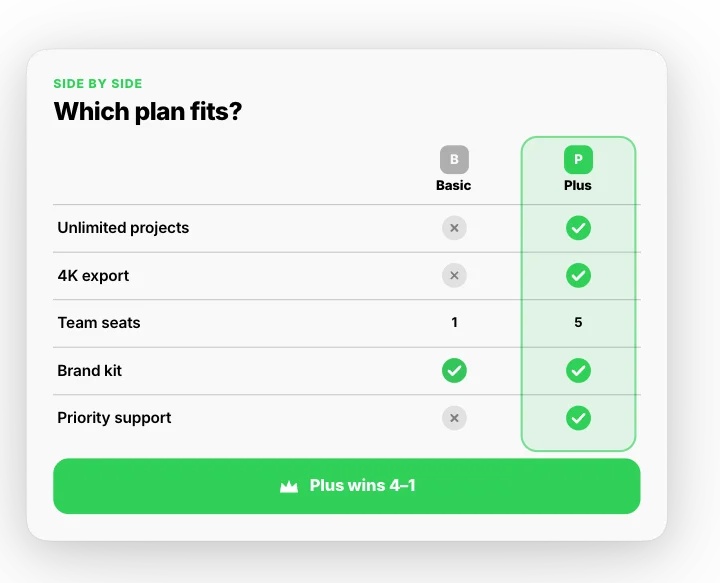 Compare table – ticks and crossesMotion Clips
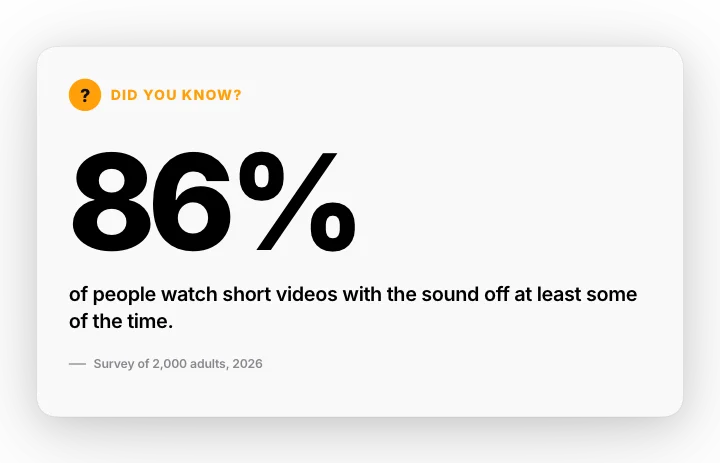 Did you know? – one big factMotion Clips
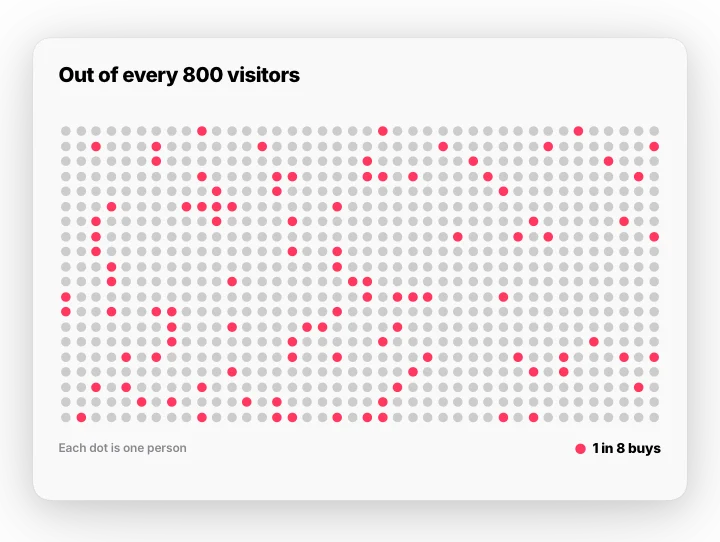 Scale zoom – one in manyMotion Clips
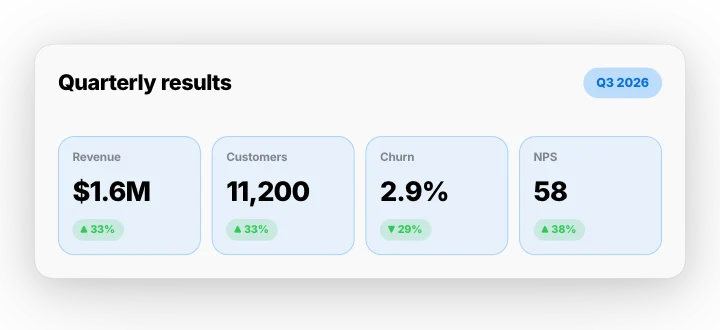 Quarter report – cards flip overMotion Clips
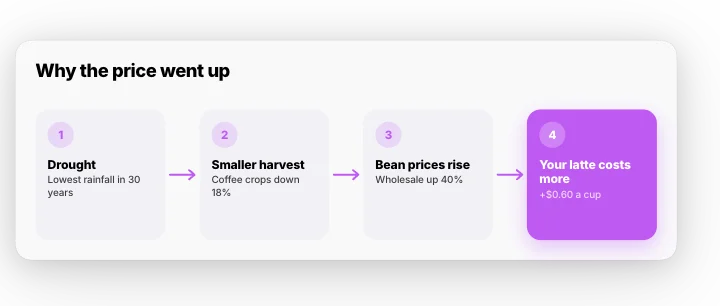 Cause and effect – a chainMotion Clips
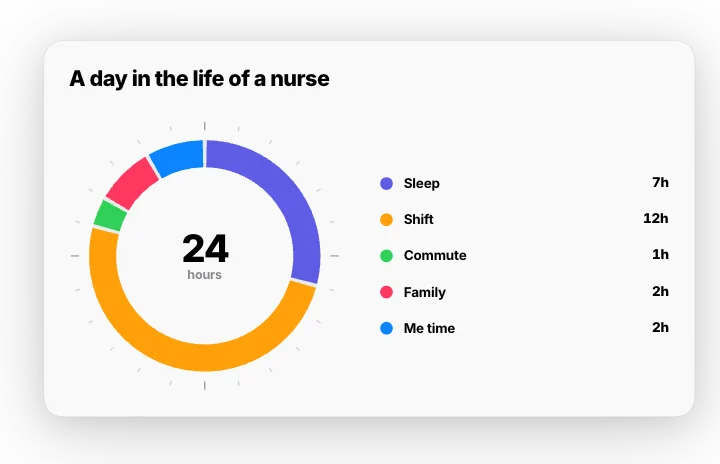 A day in hours – 24-hour ringMotion Clips
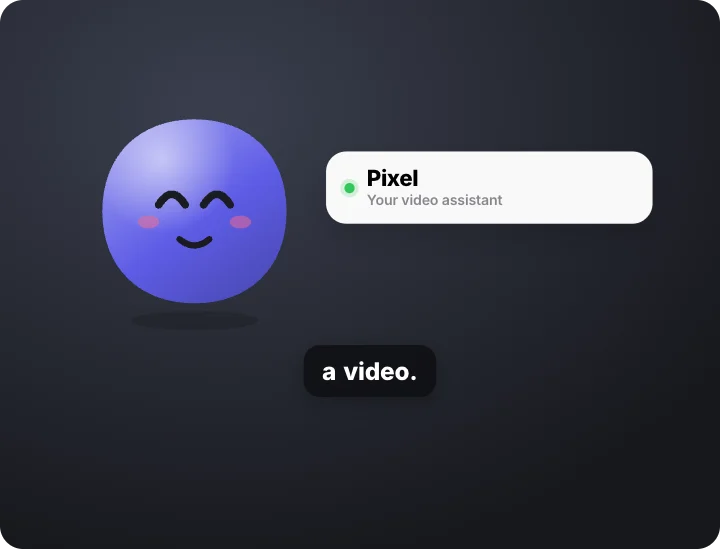 Bot intro – hello and name cardMotion Clips · transparent
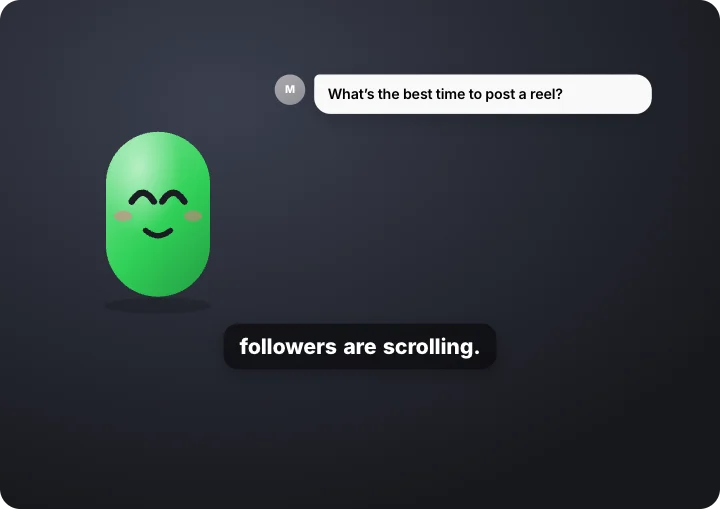 Bot thinks, then answersMotion Clips · transparent
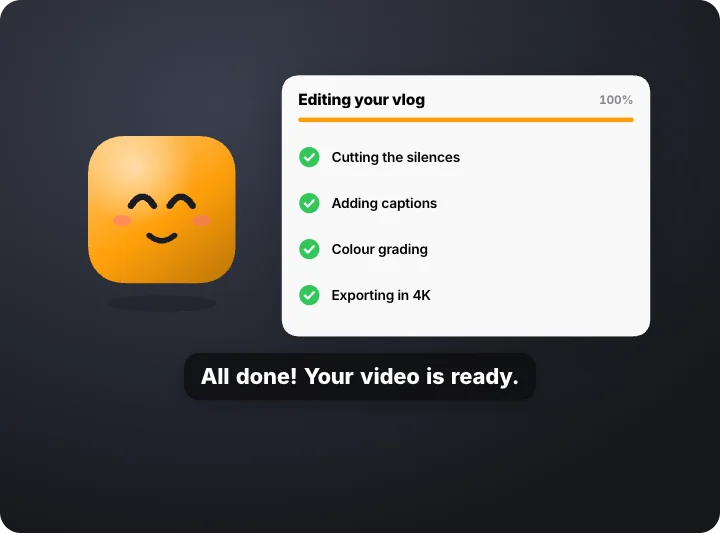 Bot working through a taskMotion Clips · transparent
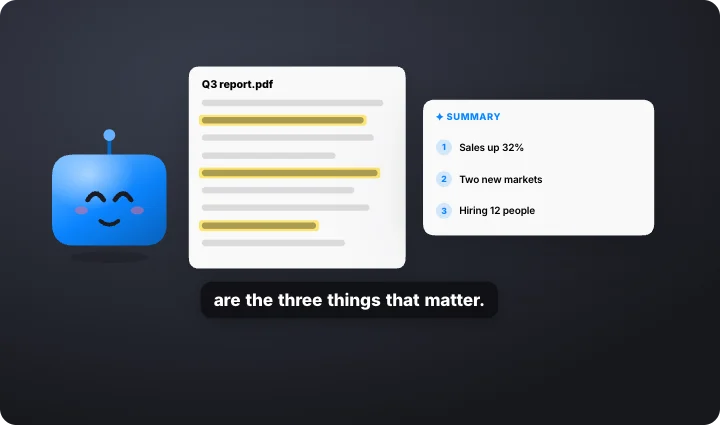 Bot reads a documentMotion Clips · transparent
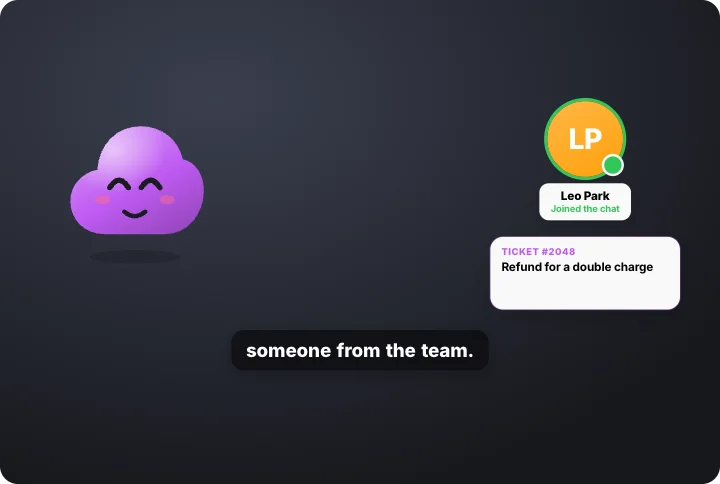 Bot hands off to a personMotion Clips · transparent
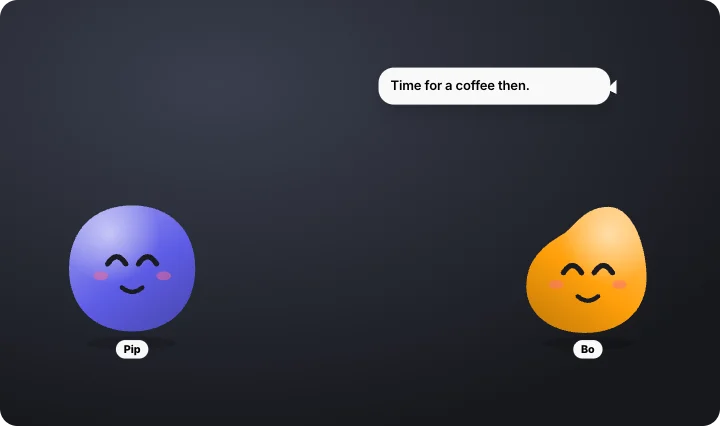 Two bots talkingMotion Clips · transparent
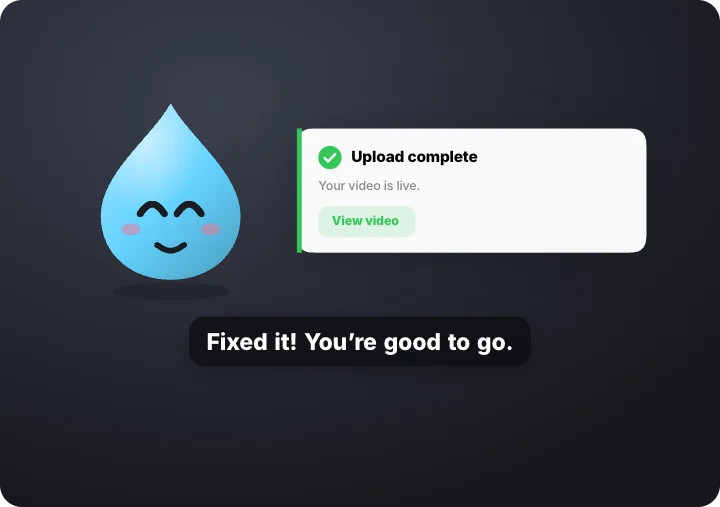 Bot oops, then fixedMotion Clips · transparent
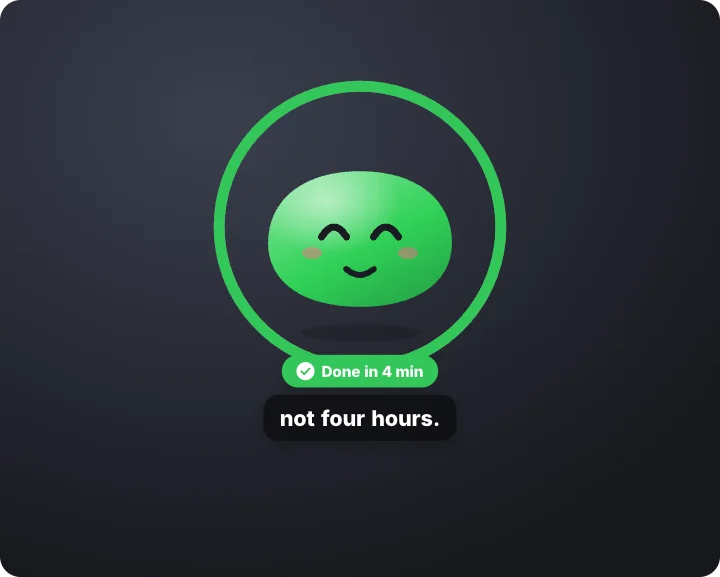 Bot celebrates – task doneMotion Clips · transparent
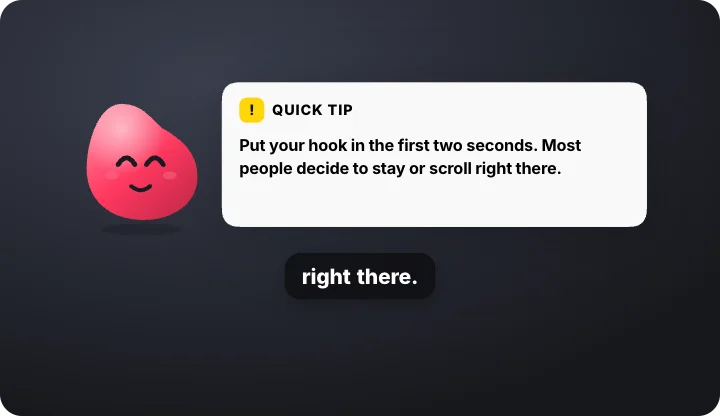 Bot quick tip – corner overlayMotion Clips · transparent
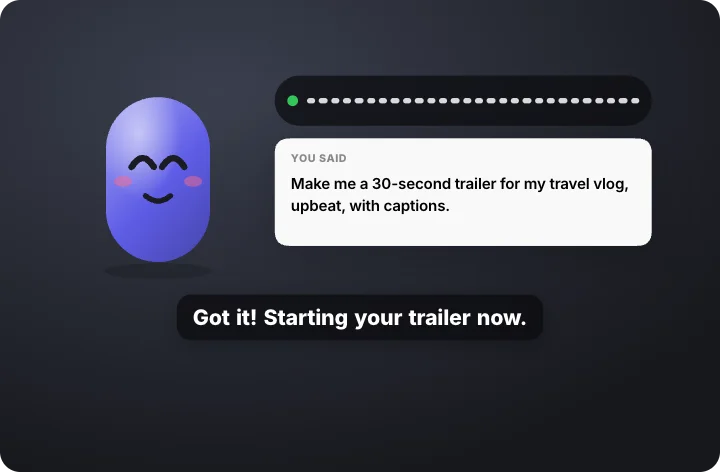 Bot listening – voice to textMotion Clips · transparent
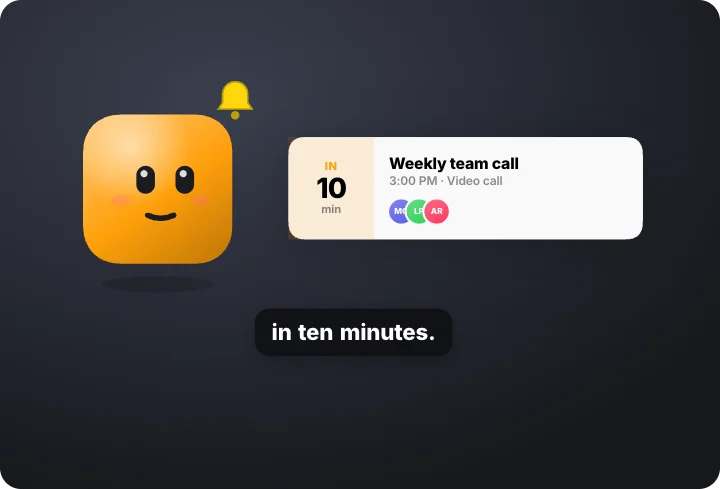 Bot reminder – bell and eventMotion Clips · transparent
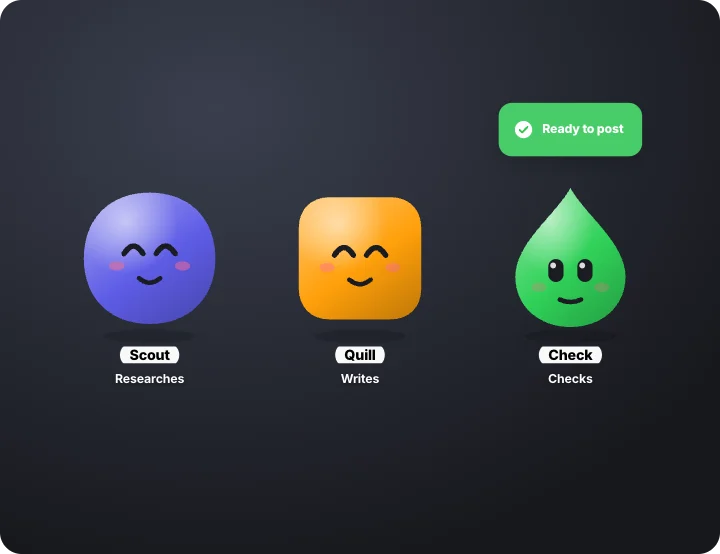 Bot team – passing a task alongMotion Clips · transparent
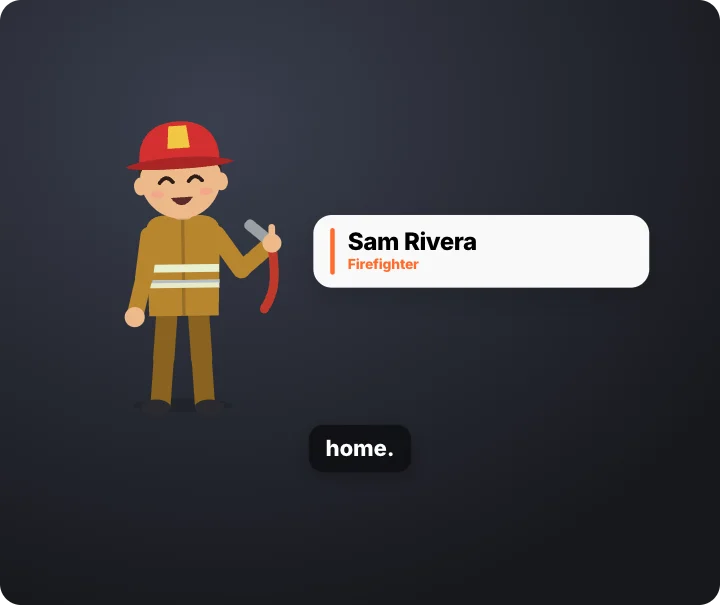 Character waves hello – name cardMotion Clips · transparent
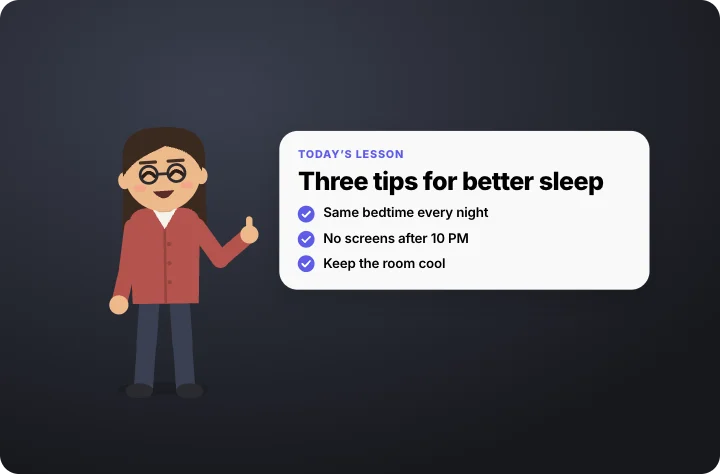 Character points at your textMotion Clips · transparent
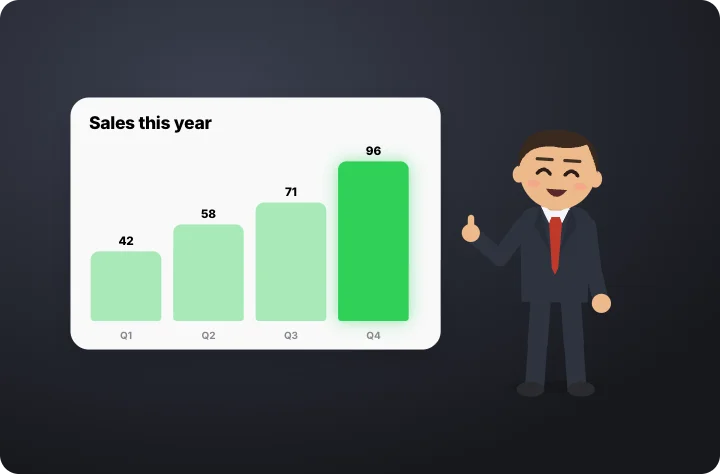 Character presents a chartMotion Clips · transparent
 Character thumbs up – approved stampMotion Clips · transparent
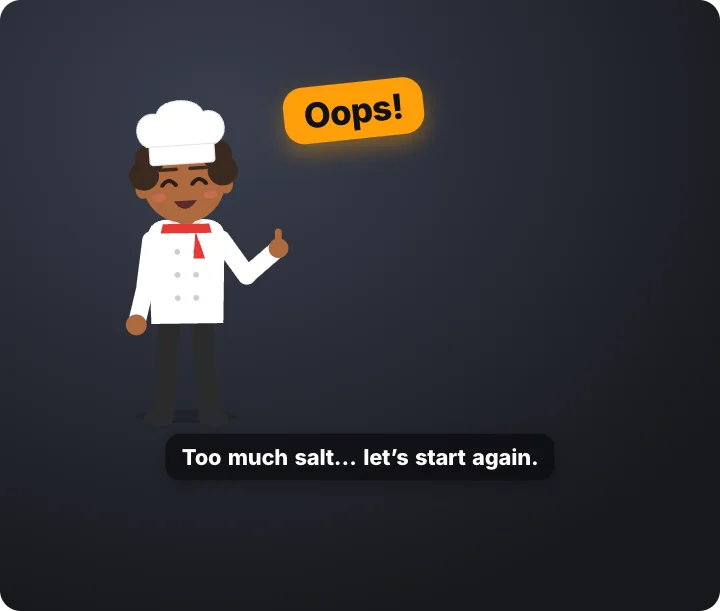 Character oops – then fixes itMotion Clips · transparent
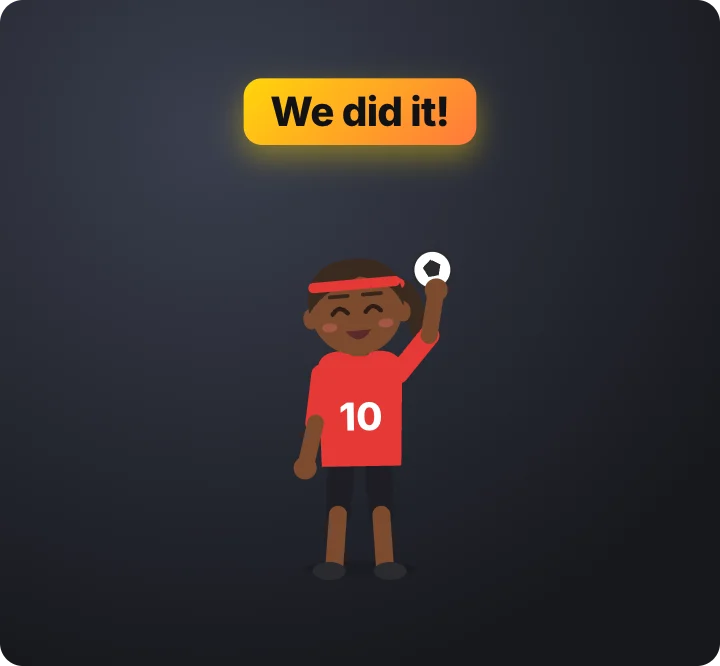 Character celebrates – jumps and confettiMotion Clips · transparent
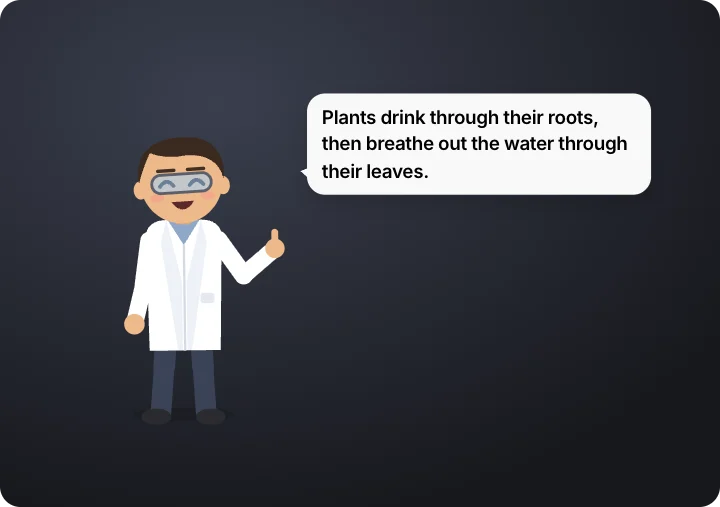 Character explains – speech bubbleMotion Clips · transparent
 Character holds up a signMotion Clips · transparent
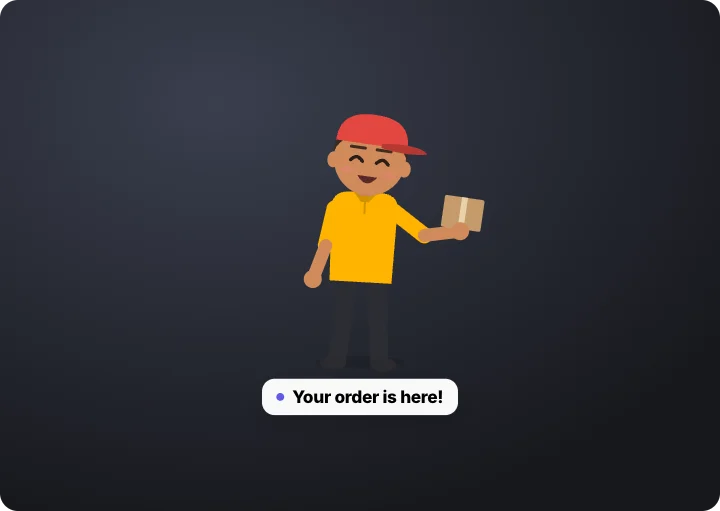 Character walks in and wavesMotion Clips · transparent
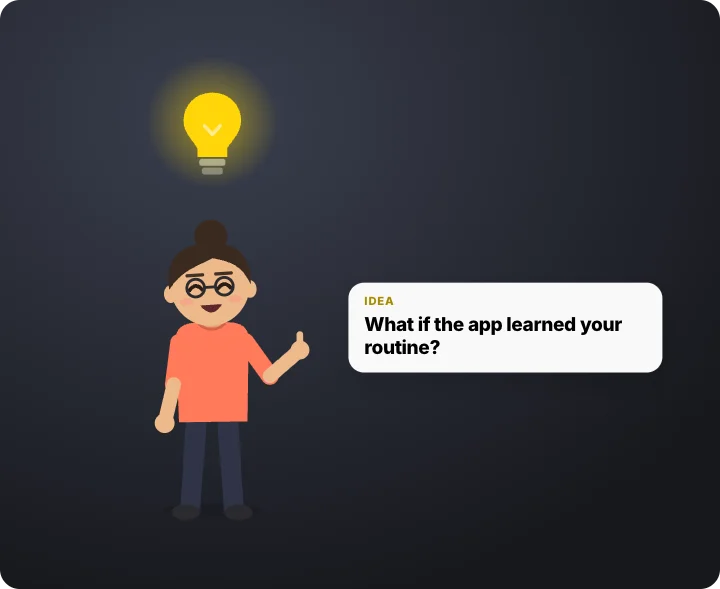 Character has an idea – lightbulbMotion Clips · transparent
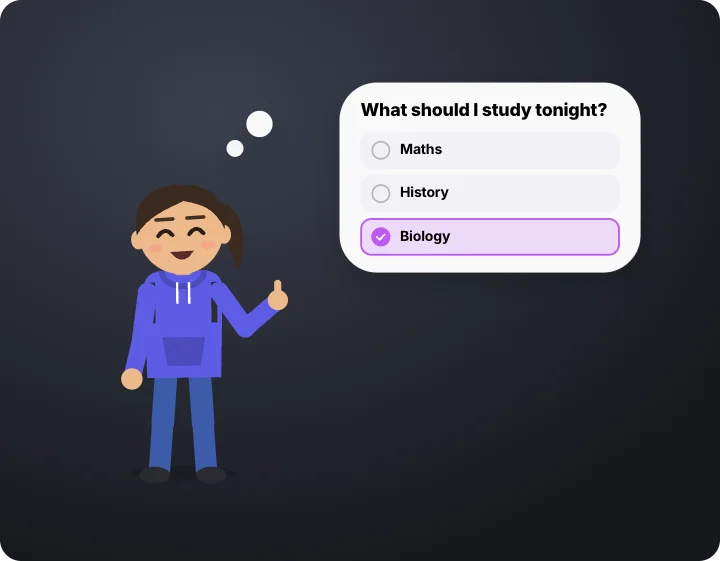 Character thinking it over – optionsMotion Clips · transparent
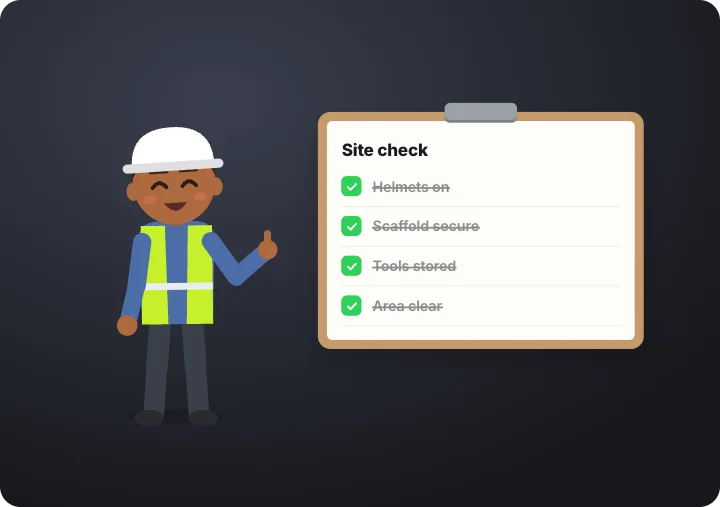 Character with a checklist clipboardMotion Clips · transparent
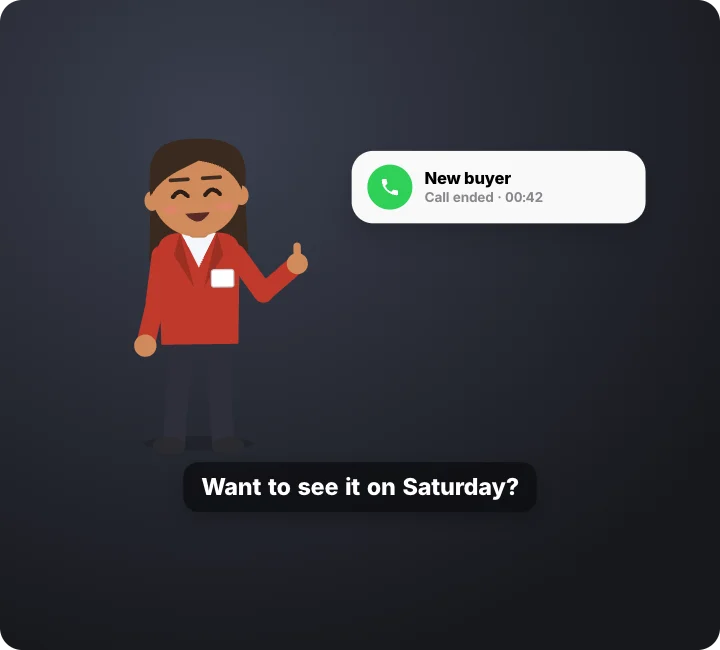 Character on a phone callMotion Clips · transparent
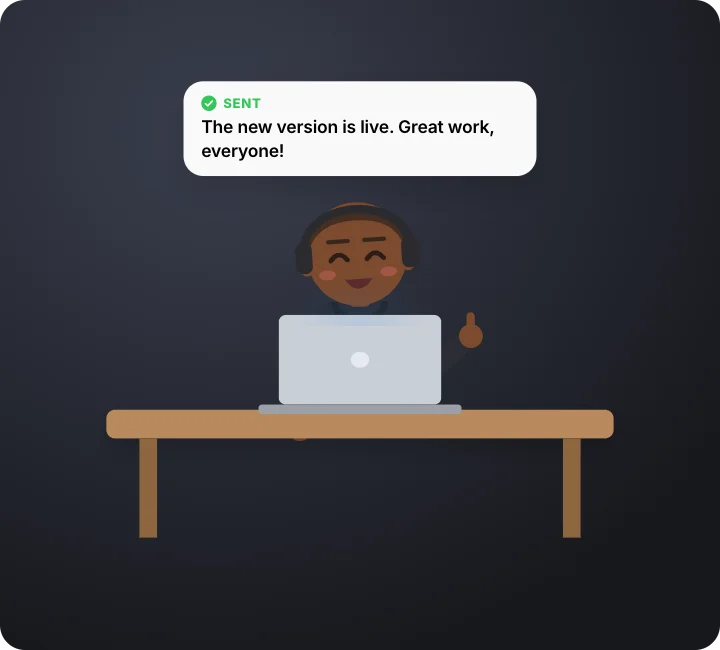 Character typing at a deskMotion Clips · transparent
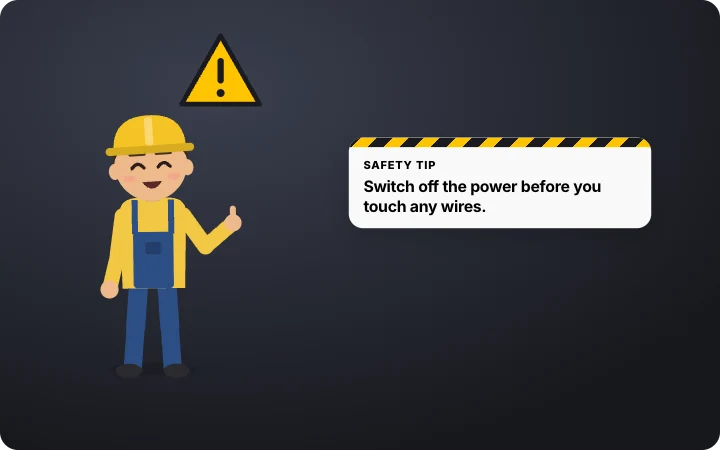 Character safety tip – warning signMotion Clips · transparent
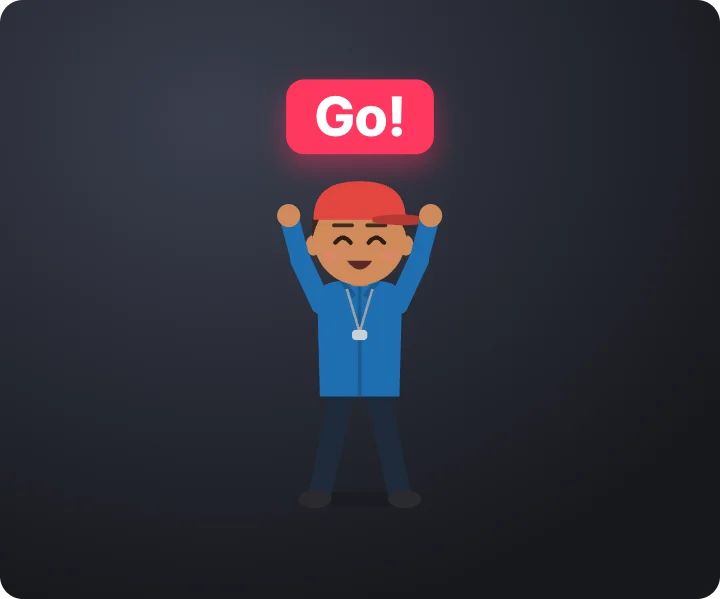 Character countdown cards – 3, 2, 1, goMotion Clips · transparent
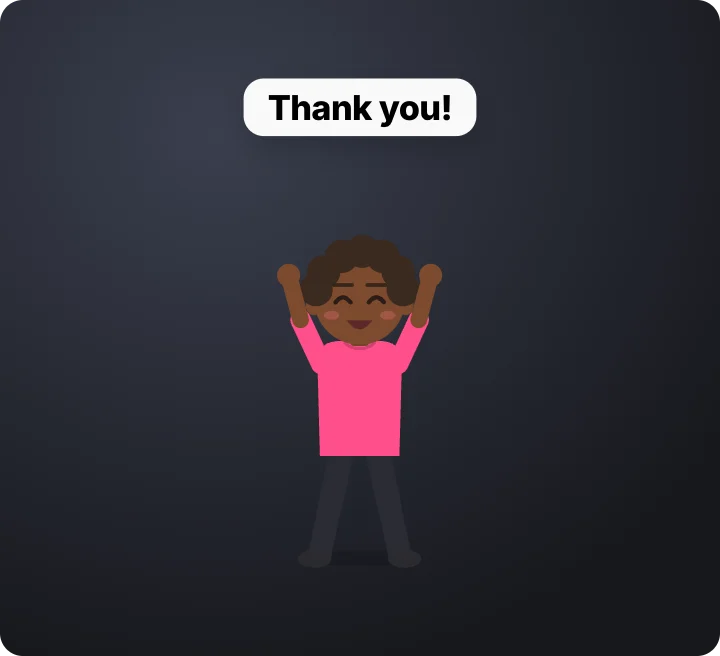 Character applause – thank youMotion Clips · transparent
 Team line-up – three charactersMotion Clips · transparent
 Two characters shake on a dealMotion Clips · transparent
 Meet our… – character lower thirdMotion Clips · transparent
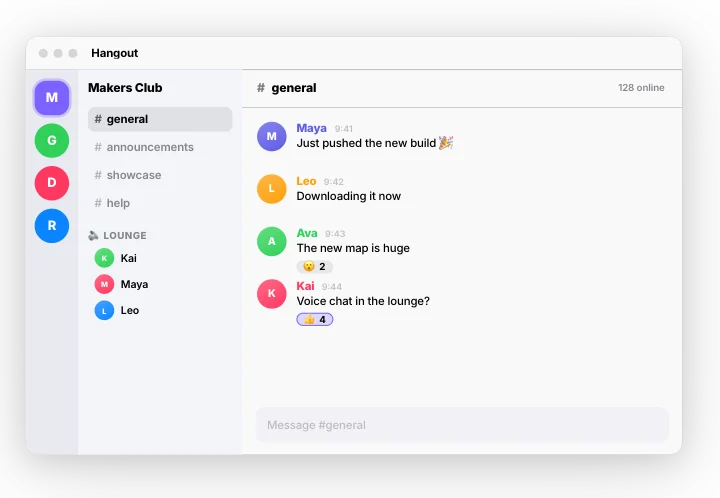 Community chat app – messages and voiceMotion Clips
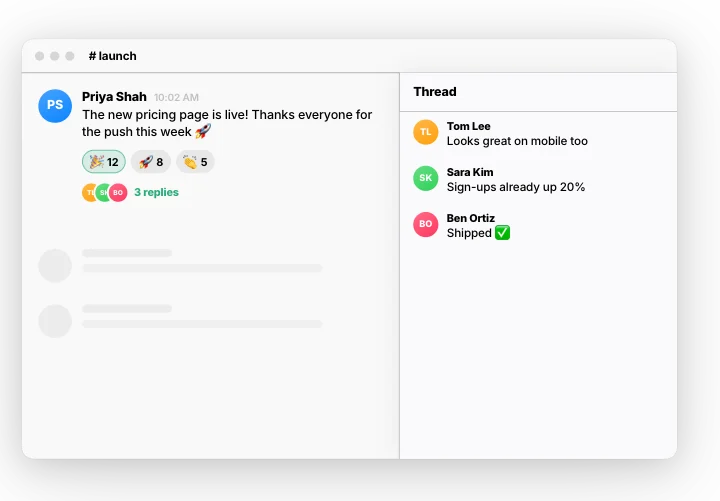 Work chat – reactions and a threadMotion Clips
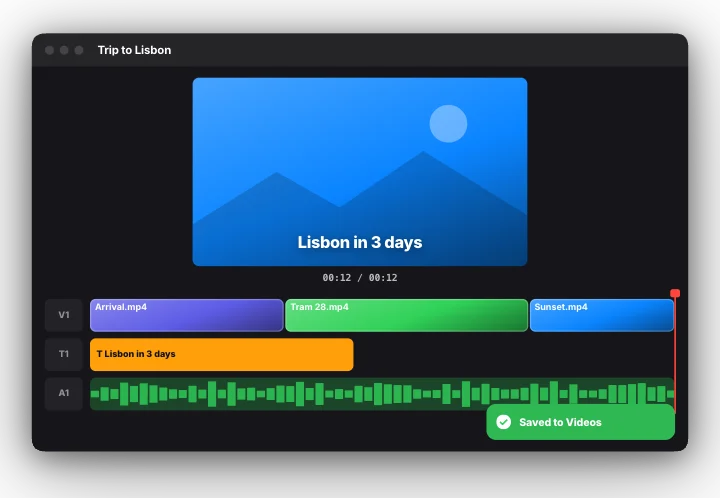 Video editor – timeline to exportMotion Clips
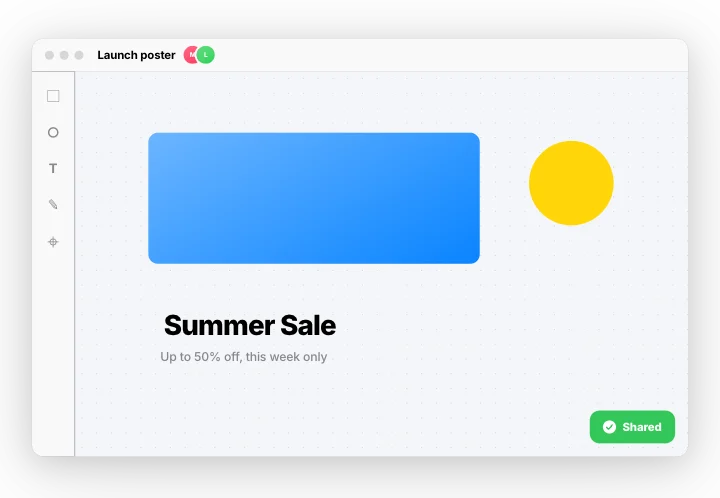 Design canvas – two people at onceMotion Clips
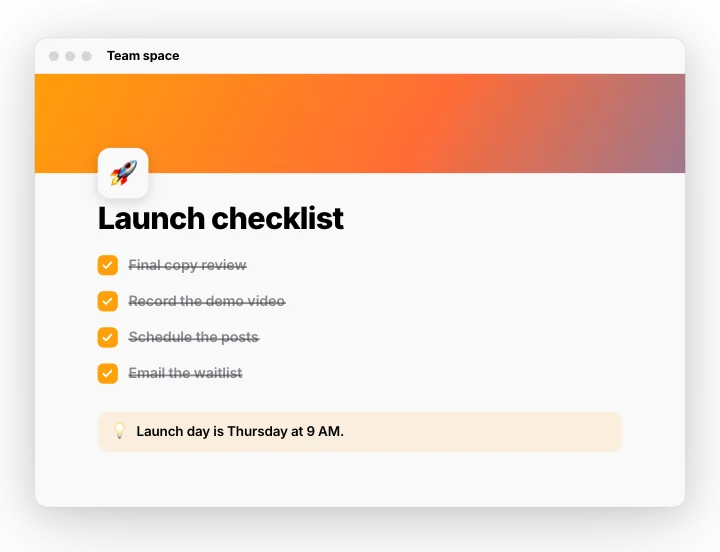 Notes doc – slash menu to checklistMotion Clips
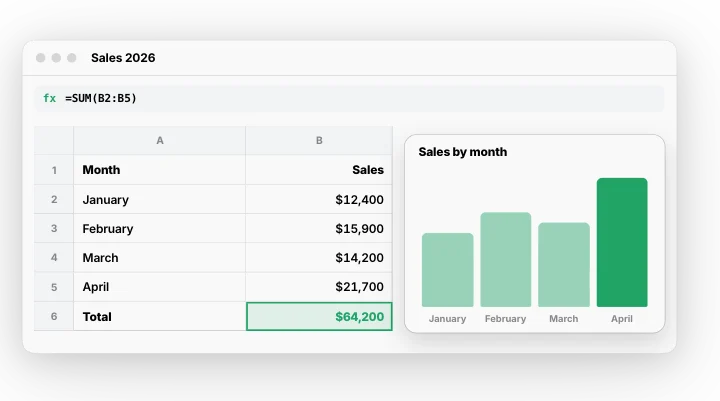 Spreadsheet – sum and chartMotion Clips
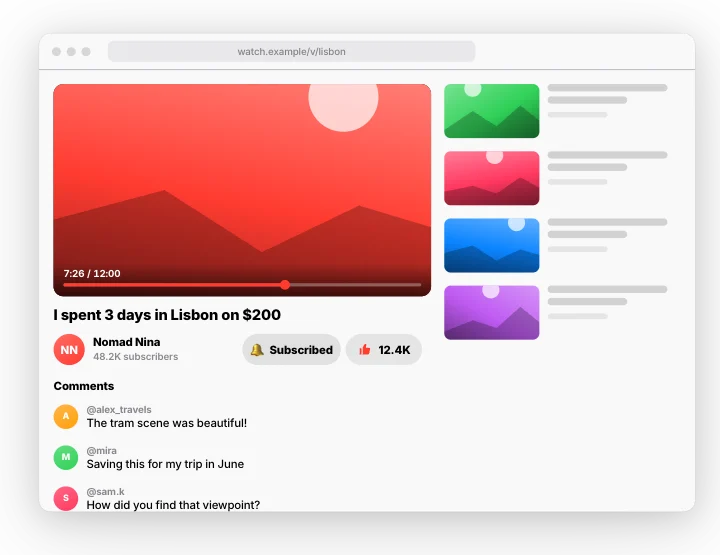 Video site – subscribe and likeMotion Clips
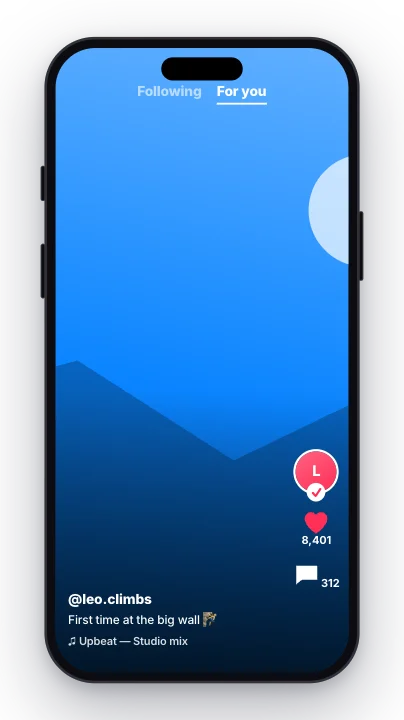 Short-video feed – swipe, like, followMotion Clips
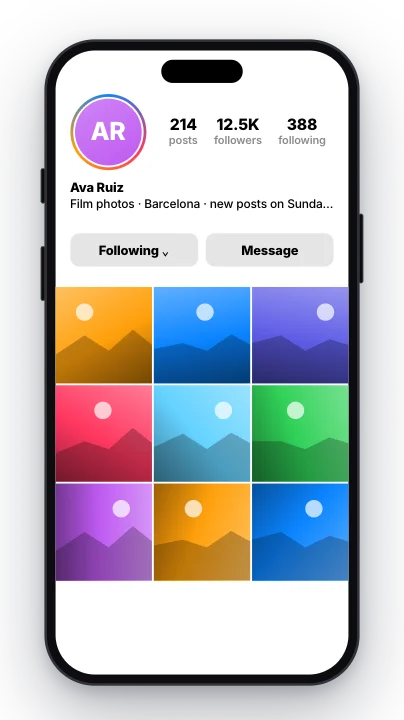 Photo profile – follow and gridMotion Clips
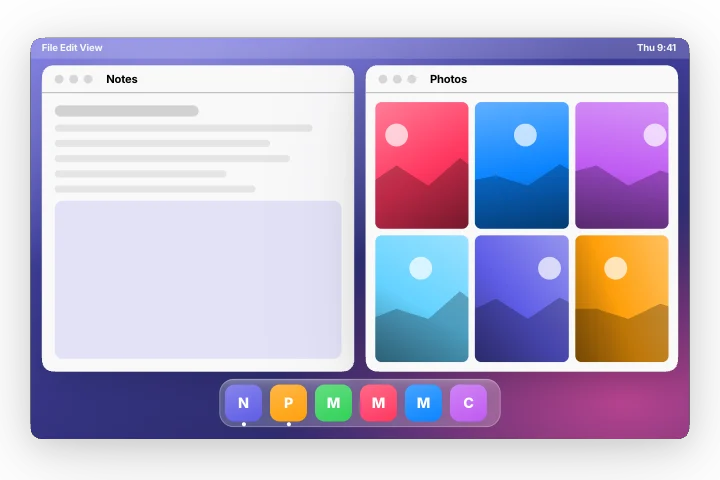 Desktop – dock and windowsMotion Clips
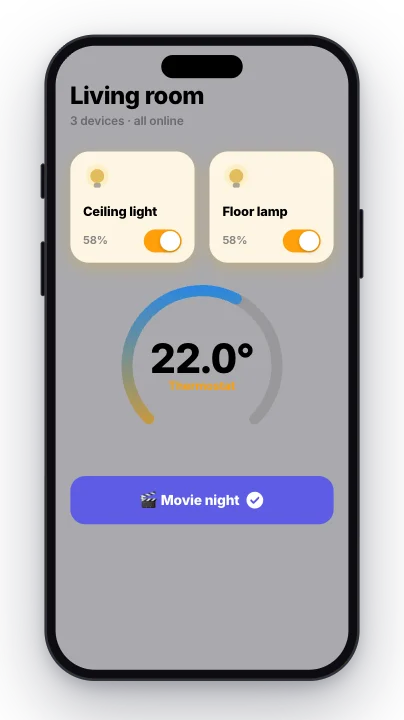 Smart home – lights and thermostatMotion Clips
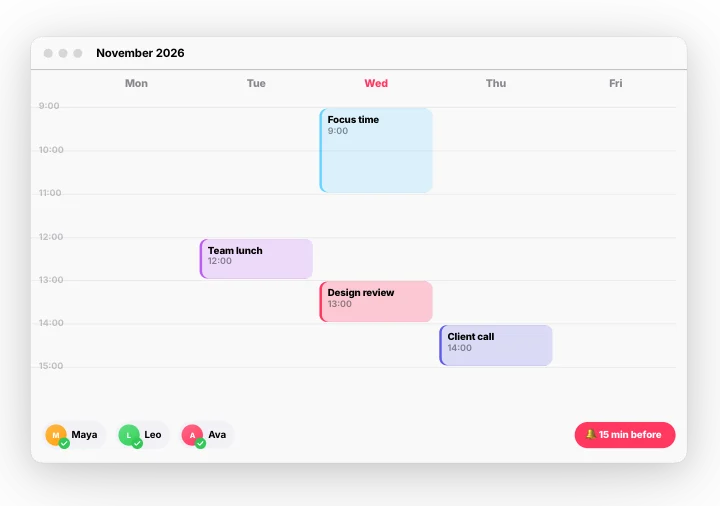 Calendar week – drag an eventMotion Clips
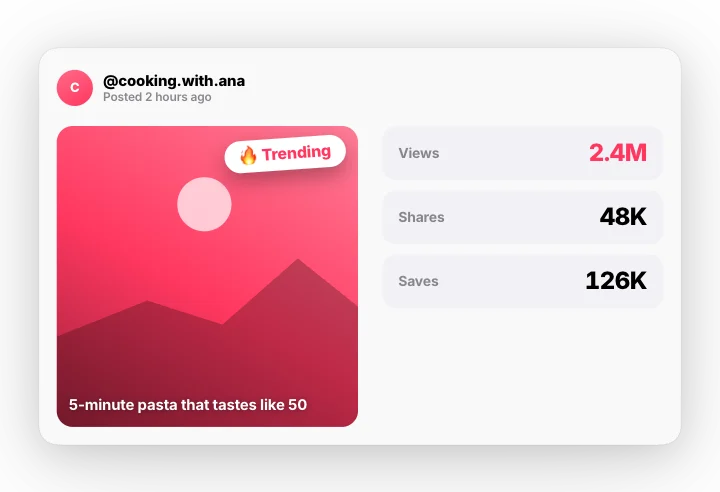 Going viral – views explodeMotion Clips
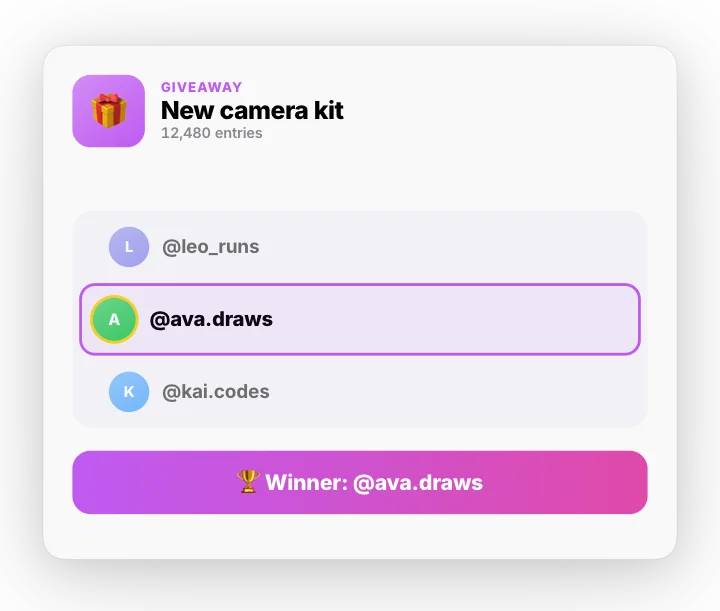 Giveaway draw – spin for a winnerMotion Clips
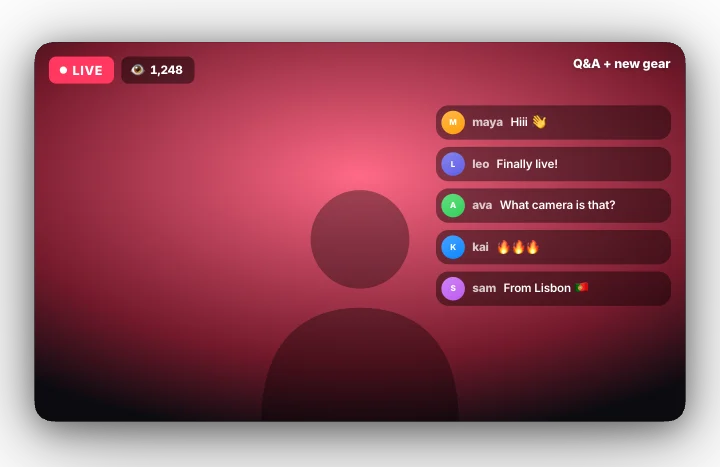 Going live – 3, 2, 1, liveMotion Clips
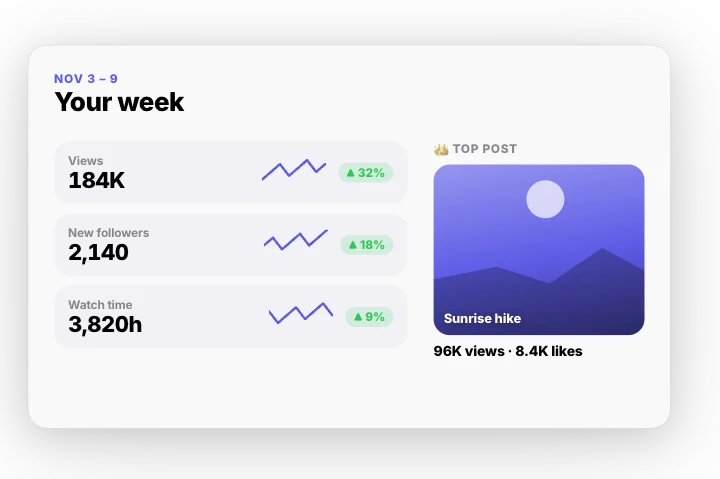 Creator week recapMotion Clips
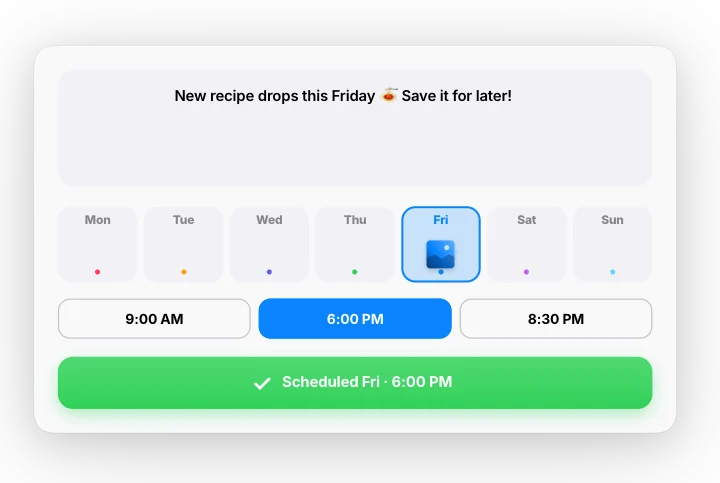 Schedule a postMotion Clips
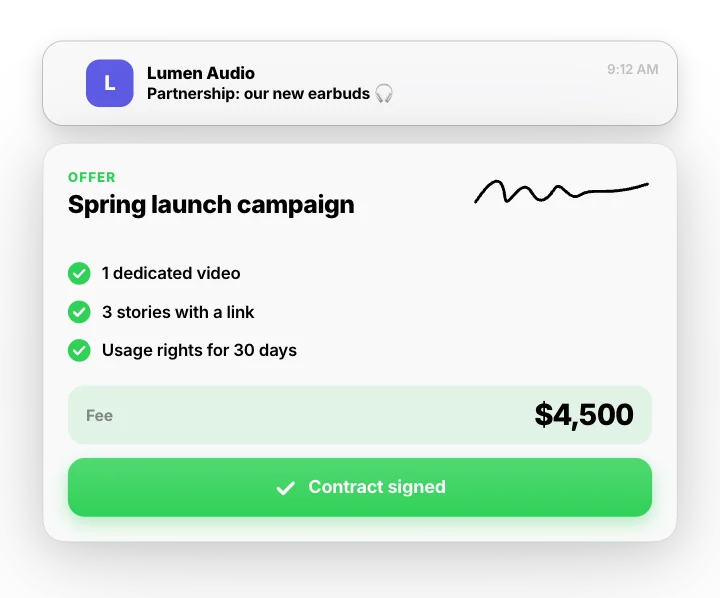 Brand deal – offer to signedMotion Clips
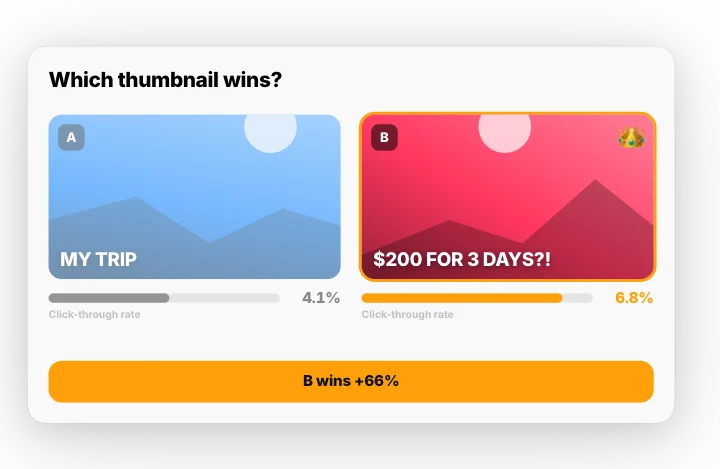 Thumbnail A/B testMotion Clips
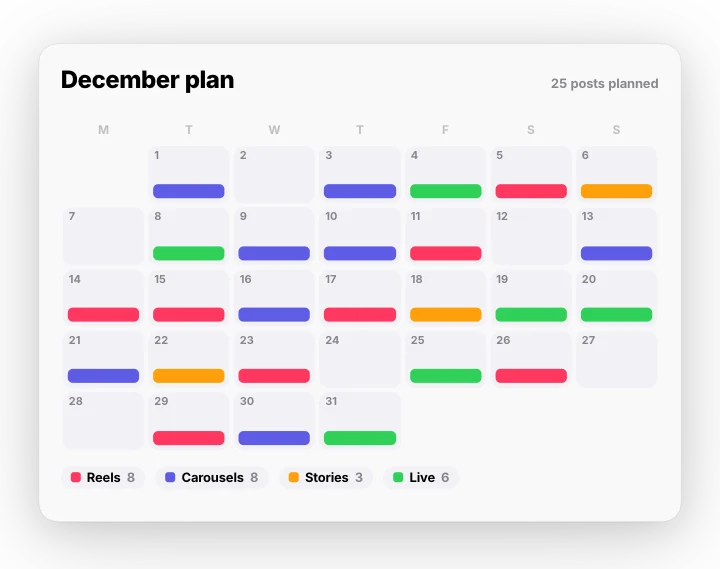 Content calendar – a month plannedMotion Clips
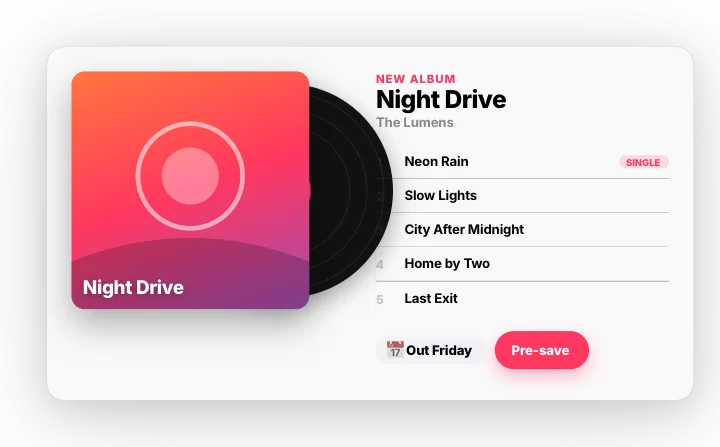 New release – album dropMotion Clips
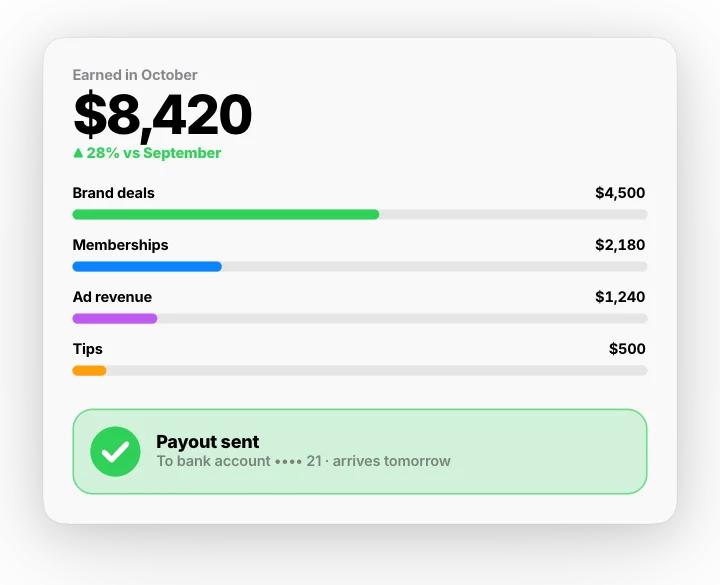 Creator payout – earnings sentMotion Clips
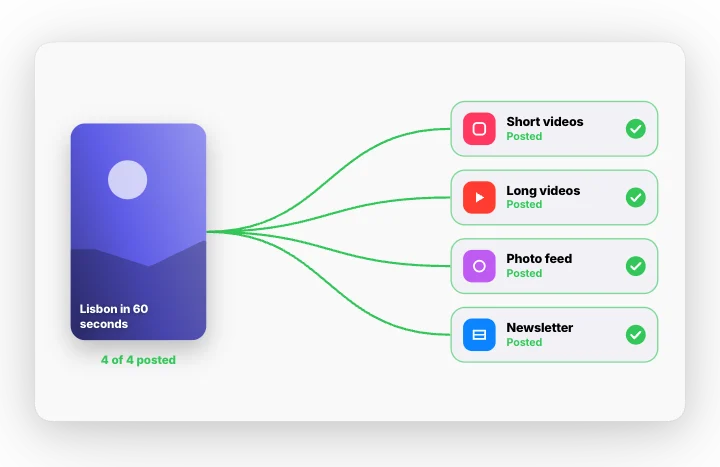 Post everywhere – one video, four placesMotion Clips
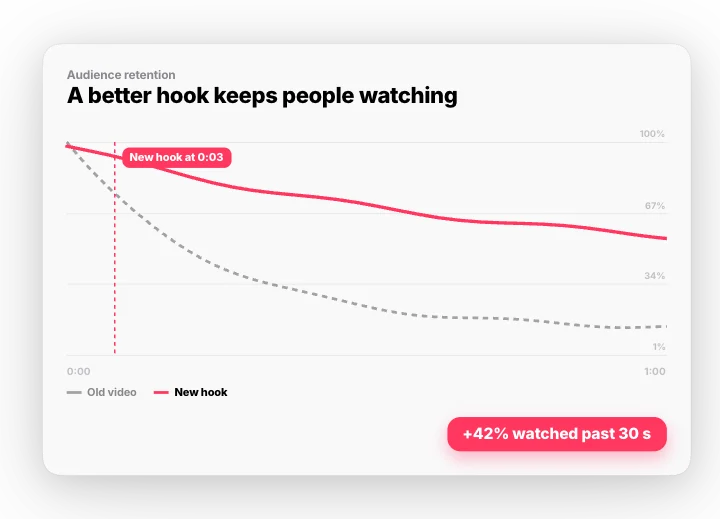 Audience retention – a better hookMotion Clips
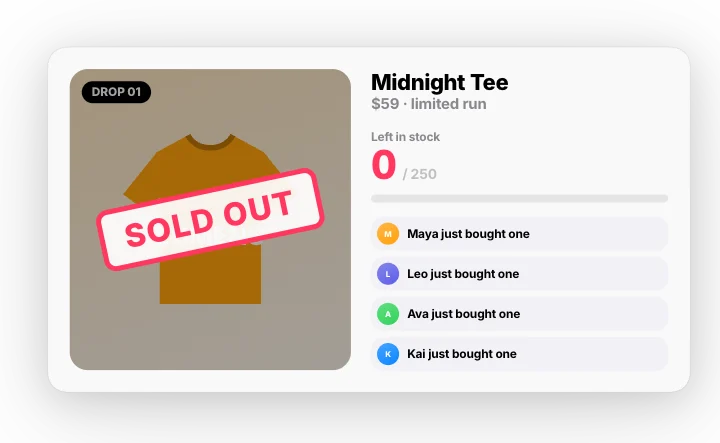 Merch drop – sold outMotion Clips
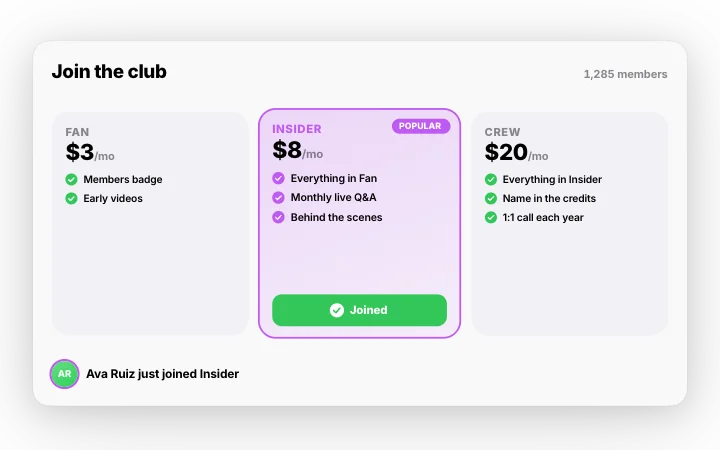 Membership tiers – a fan joinsMotion Clips
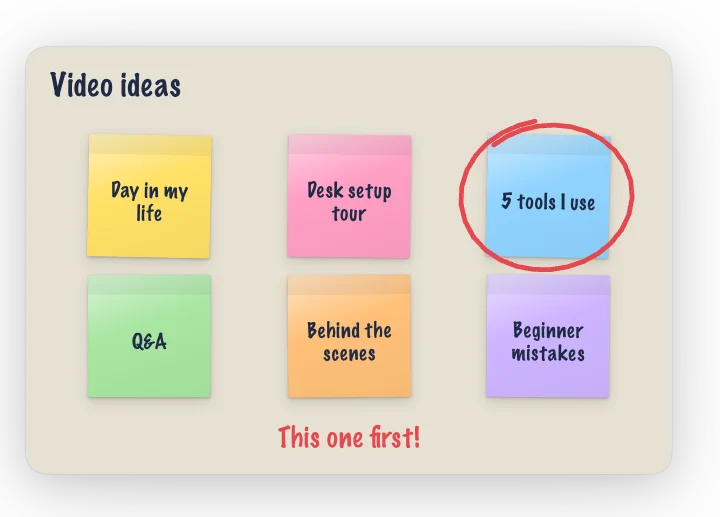 Sticky notes – brainstorm to top pickMotion Clips
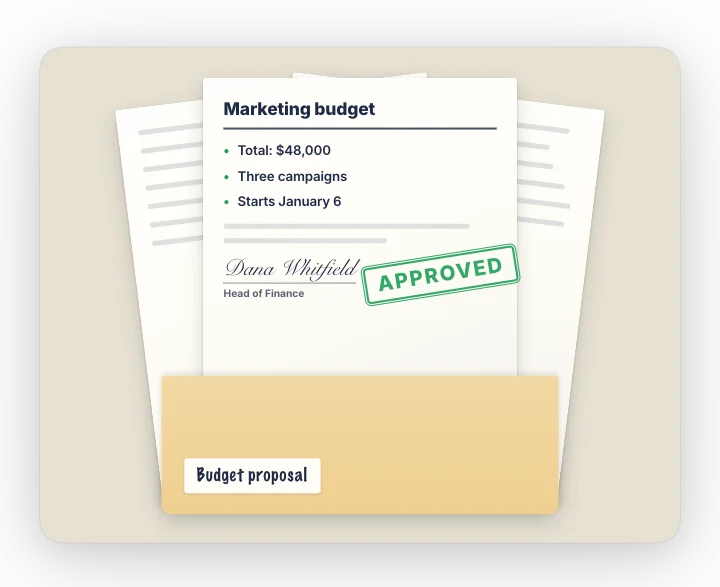 Folder – pages out, APPROVEDMotion Clips
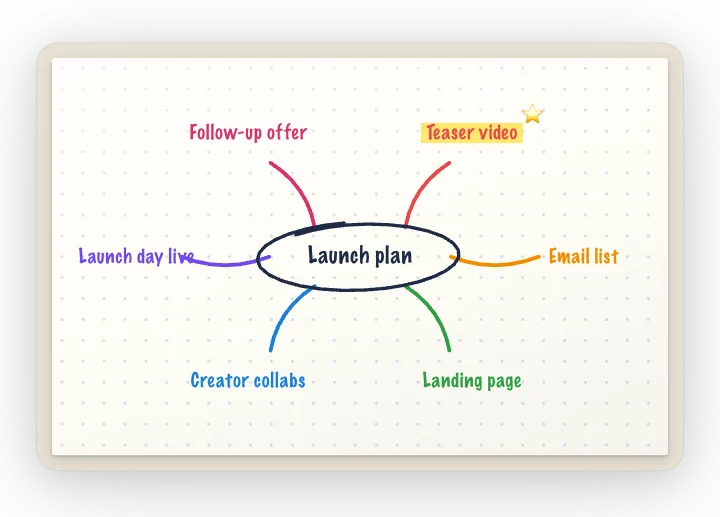 Mind map drawn by penMotion Clips
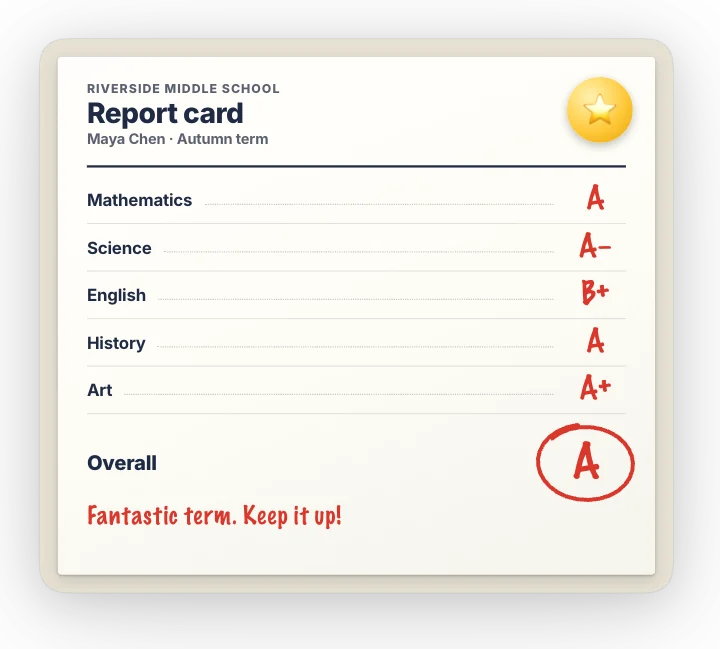 Report card – grades written inMotion Clips
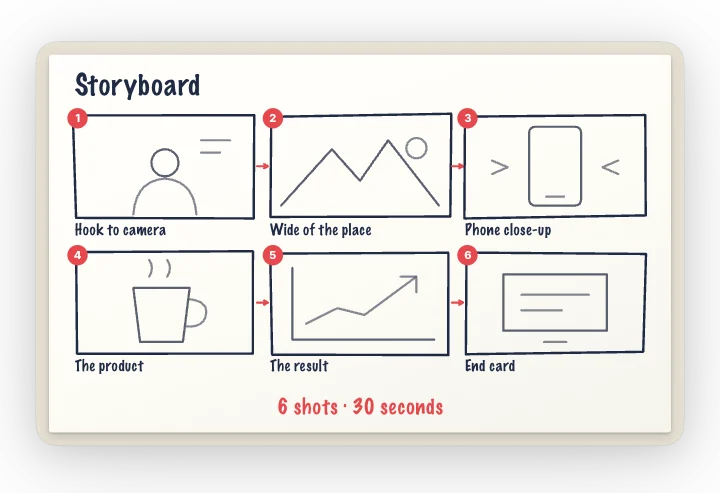 Storyboard – six shots sketchedMotion Clips
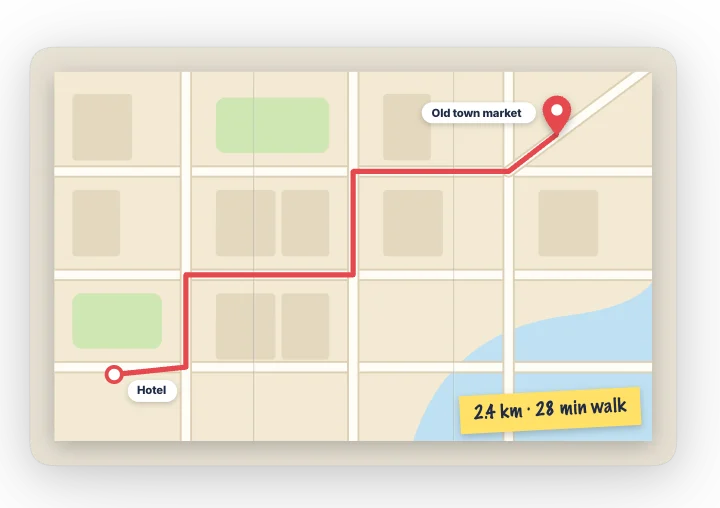 Paper map unfolds – route drawnMotion Clips
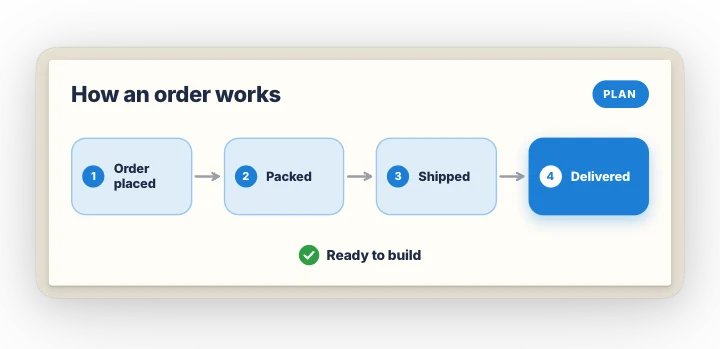 Sketch to clean planMotion Clips
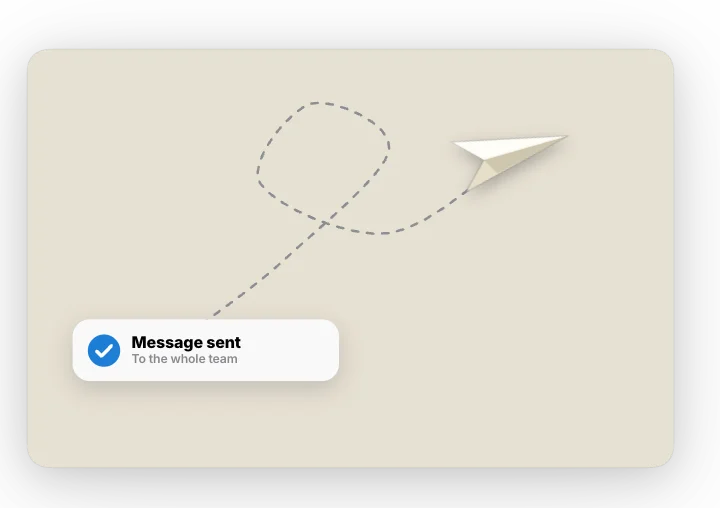 Note folds into a paper planeMotion Clips
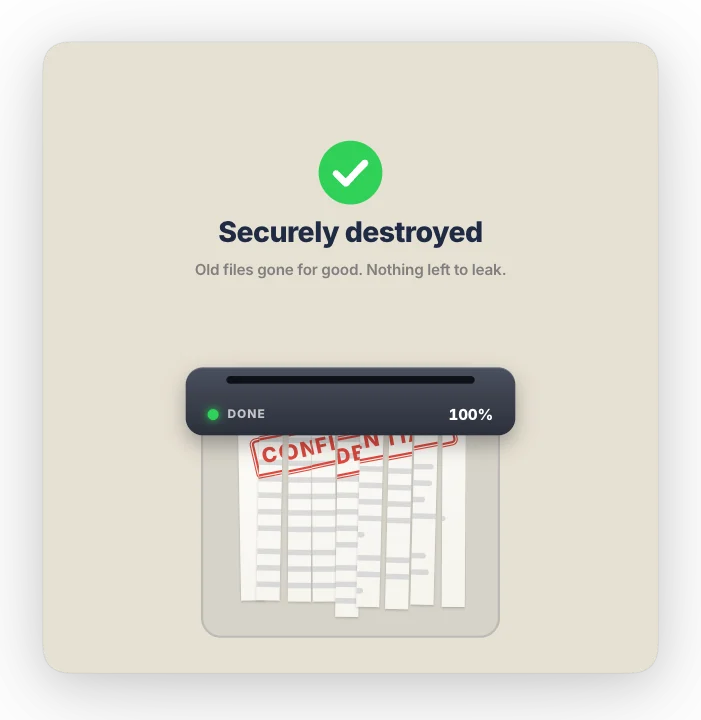 Paper shredder – securely destroyedMotion Clips
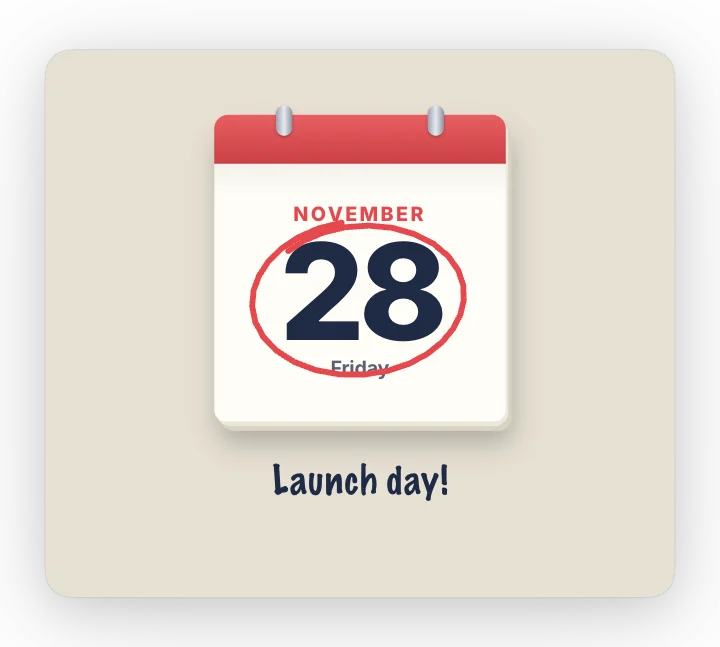 Tear-off calendar – counting to the dayMotion Clips
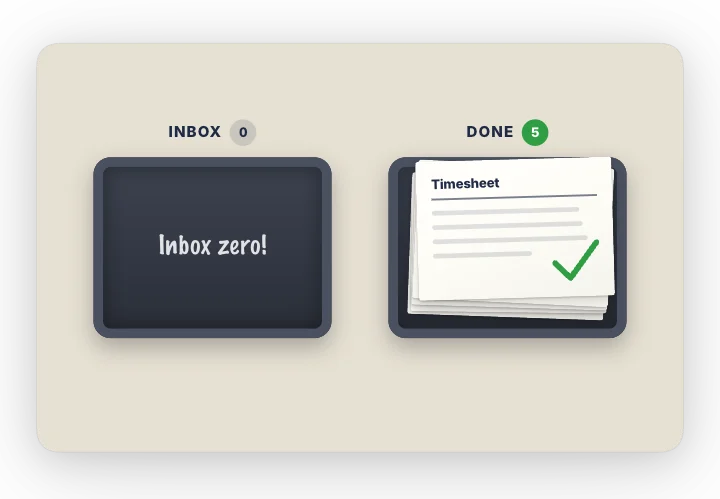 Desk trays – inbox to doneMotion Clips
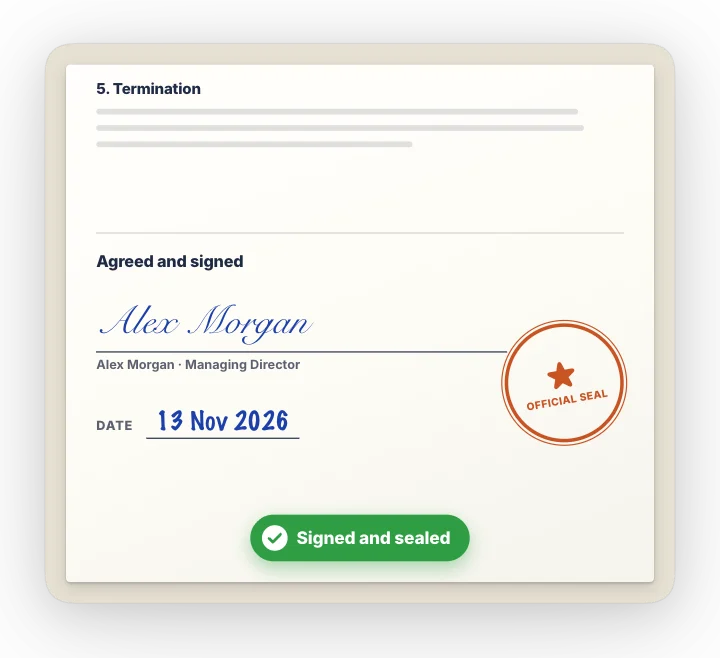 Contract – scroll, sign and sealMotion Clips
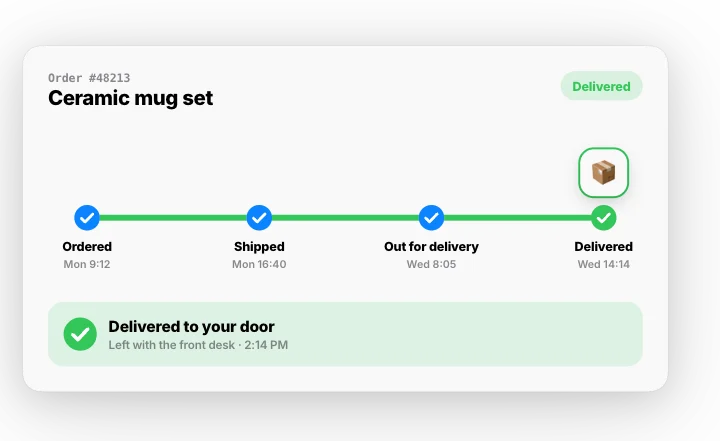 Order tracking – ordered to deliveredMotion Clips
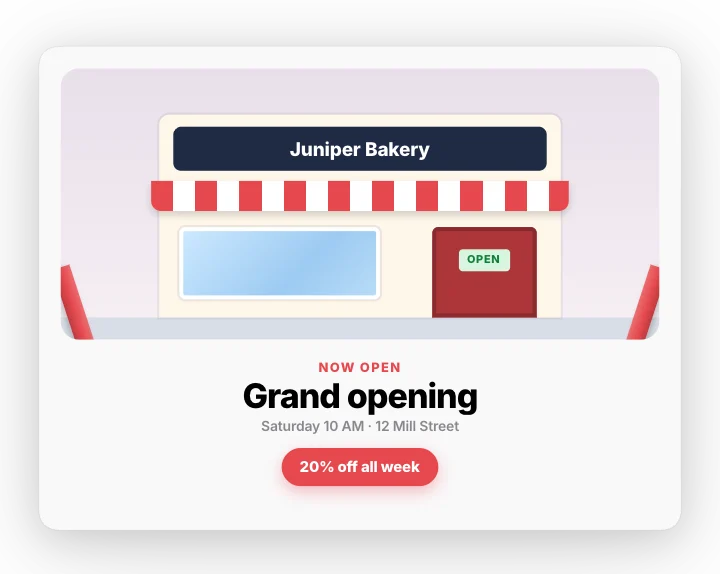 Grand opening – ribbon cutMotion Clips
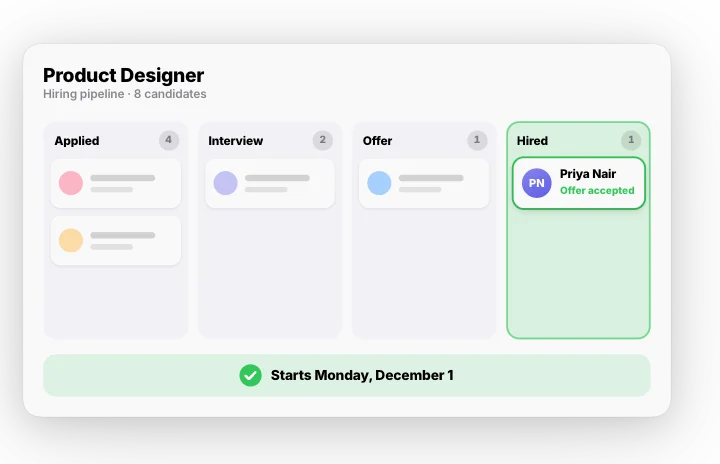 Hiring pipeline – applied to hiredMotion Clips
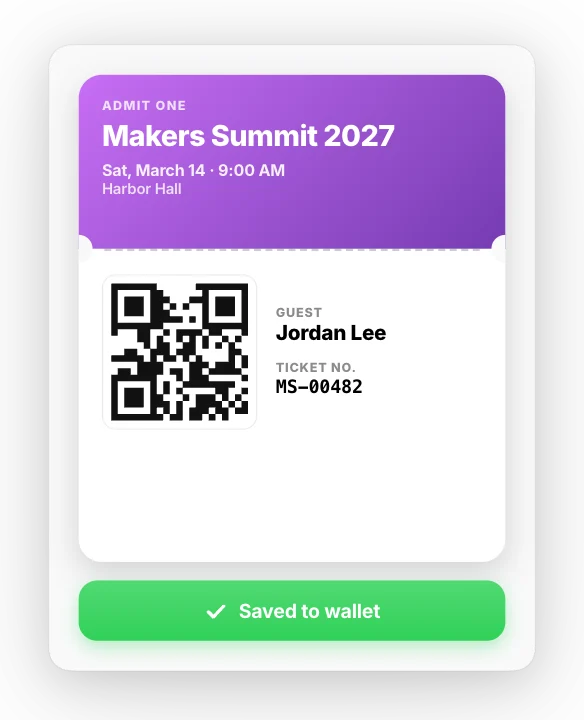 Event sign-up – ticket to walletMotion Clips
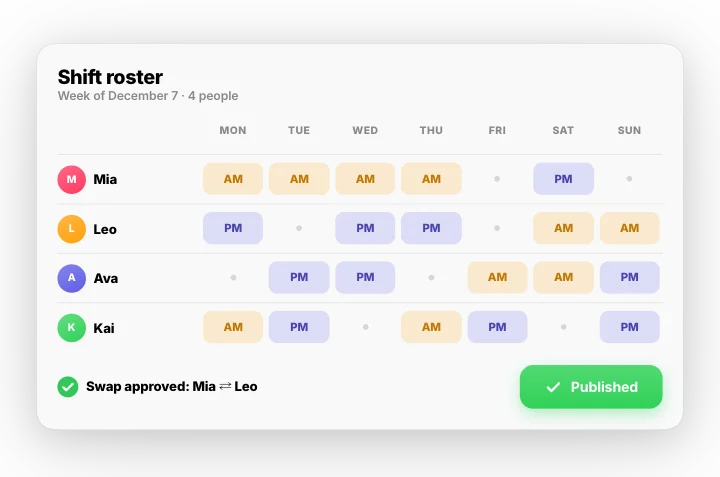 Shift roster – fill, swap, publishMotion Clips
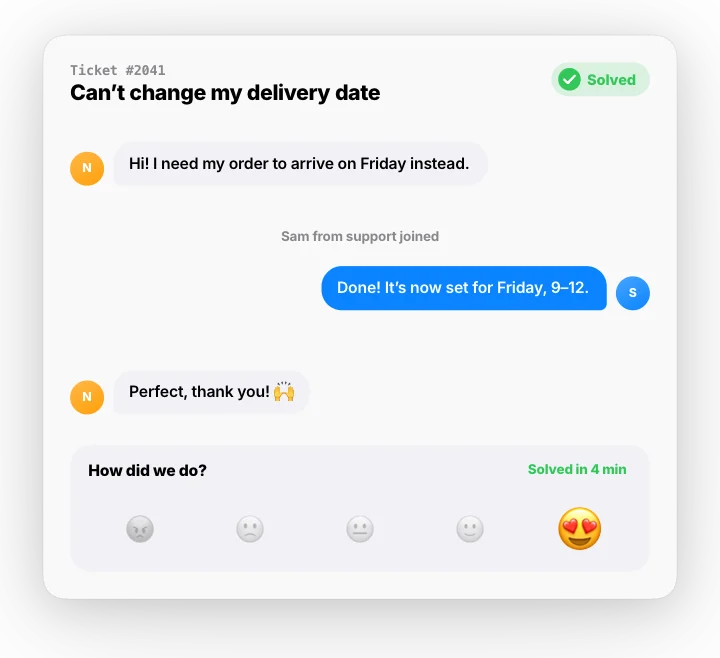 Support ticket – open to solvedMotion Clips
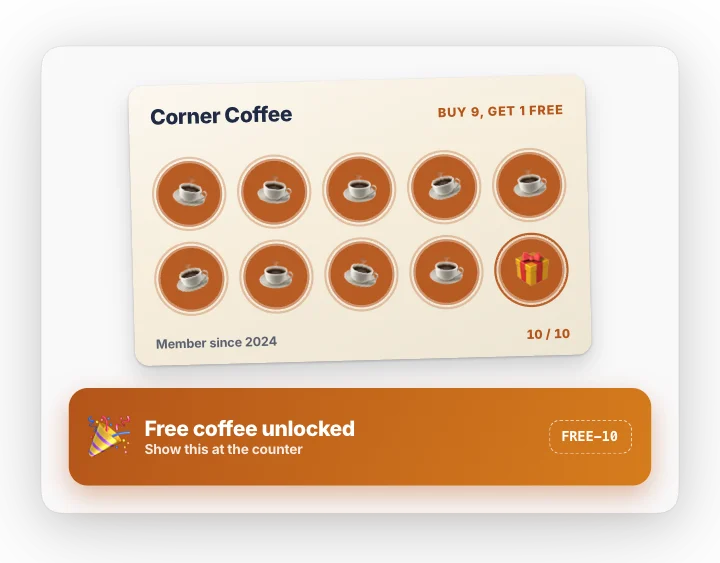 Loyalty stamp card – the 10th is freeMotion Clips
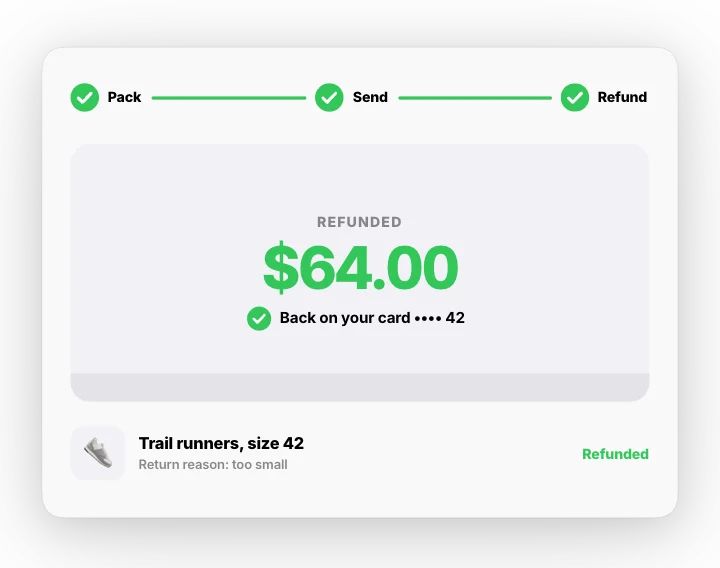 Easy return – box to refundMotion Clips
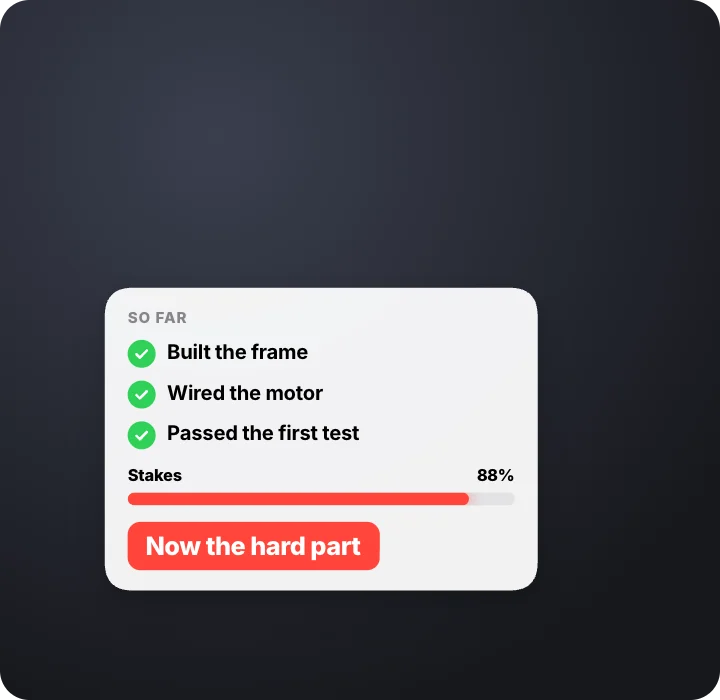 Mid-video resetMotion Clips · transparent
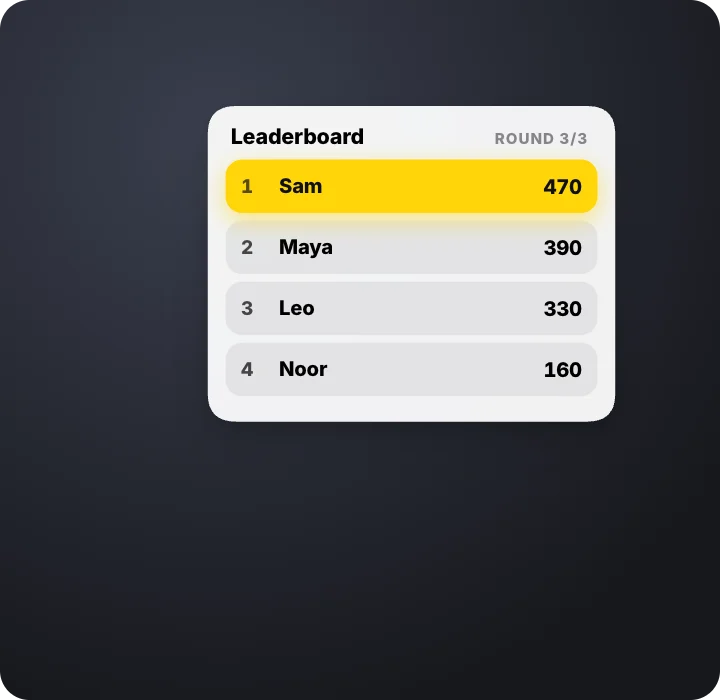 Leaderboard shuffleMotion Clips · transparent
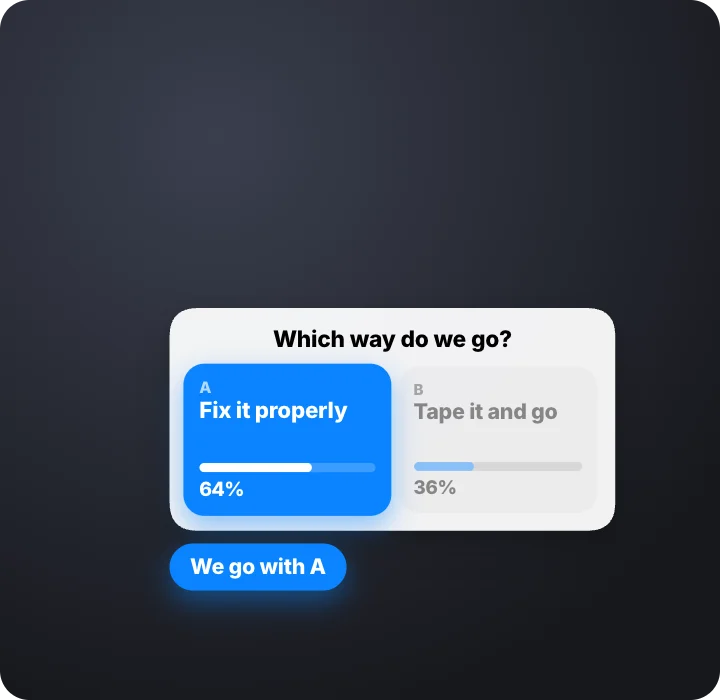 Fork in the roadMotion Clips · transparent
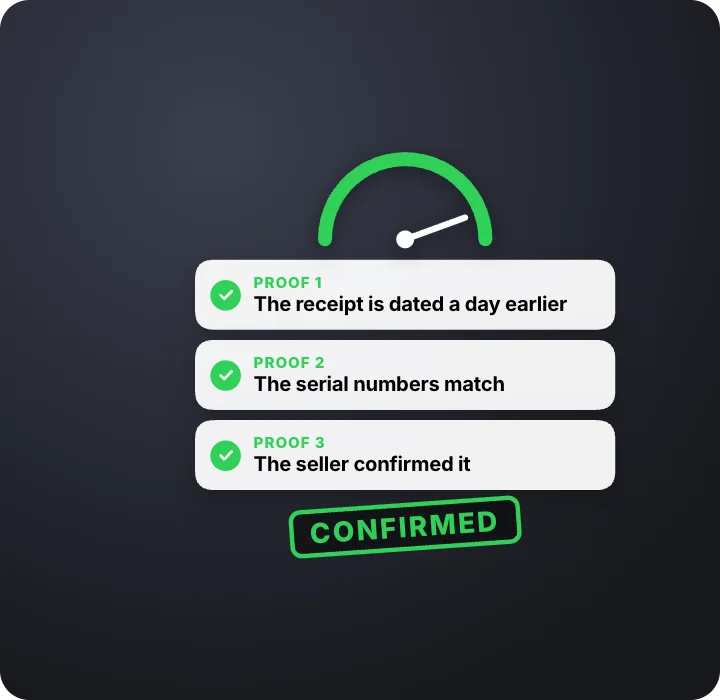 Proof stacks upMotion Clips · transparent
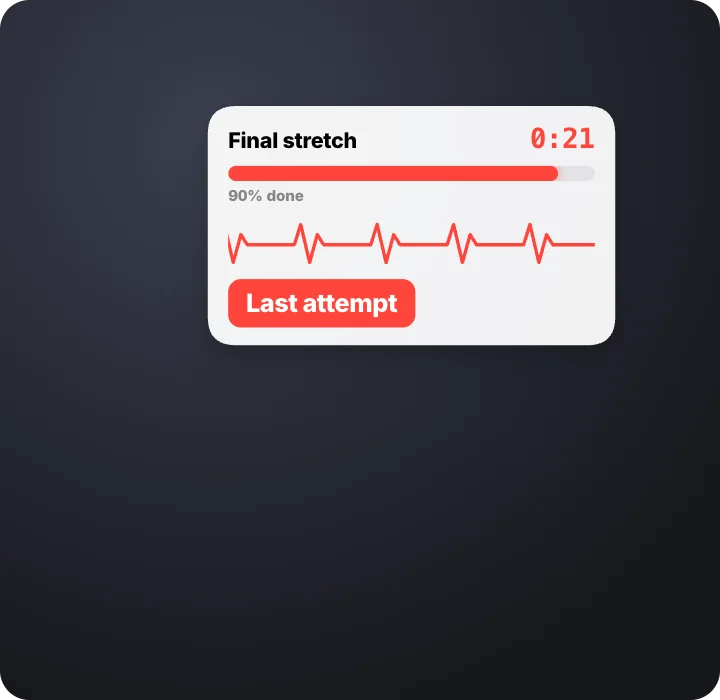 Final stretchMotion Clips · transparent
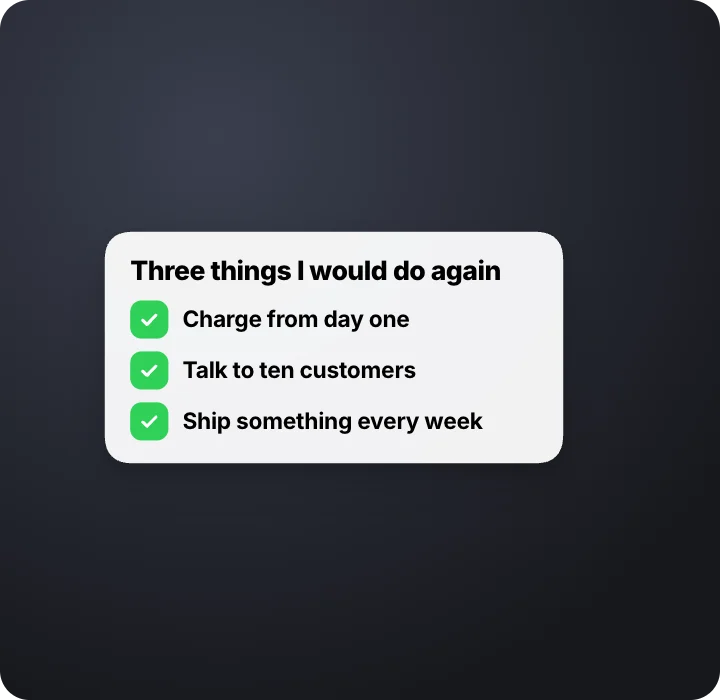 Three points, built liveMotion Clips · transparent
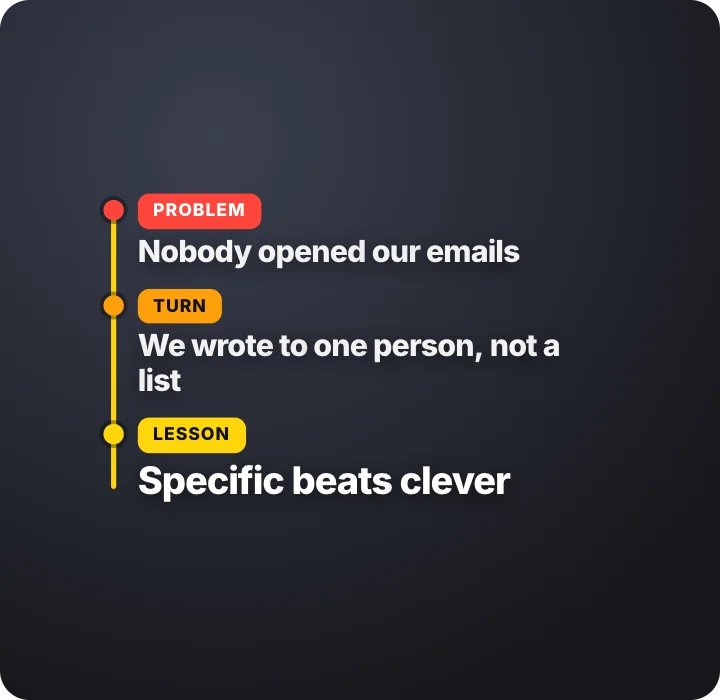 Problem, turn, lessonMotion Clips · transparent
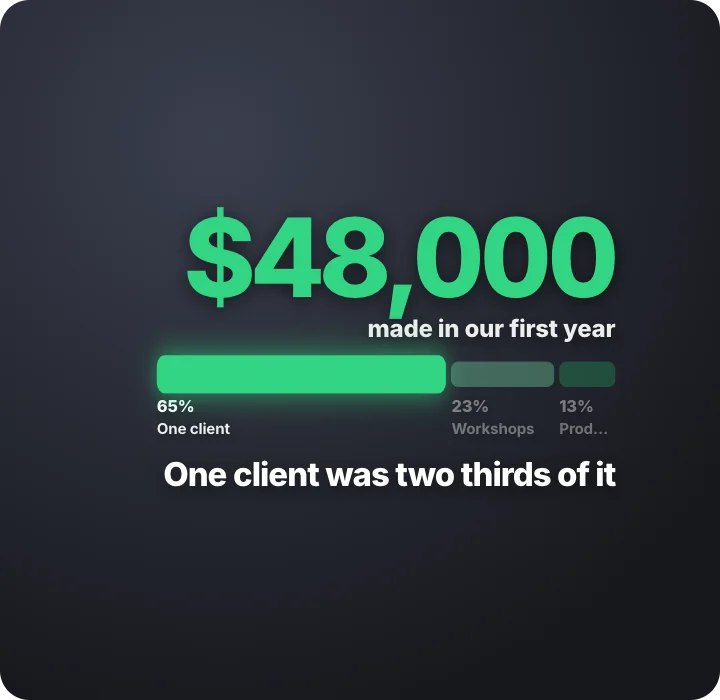 A number, explainedMotion Clips · transparent
 Hot take, backed upMotion Clips · transparent
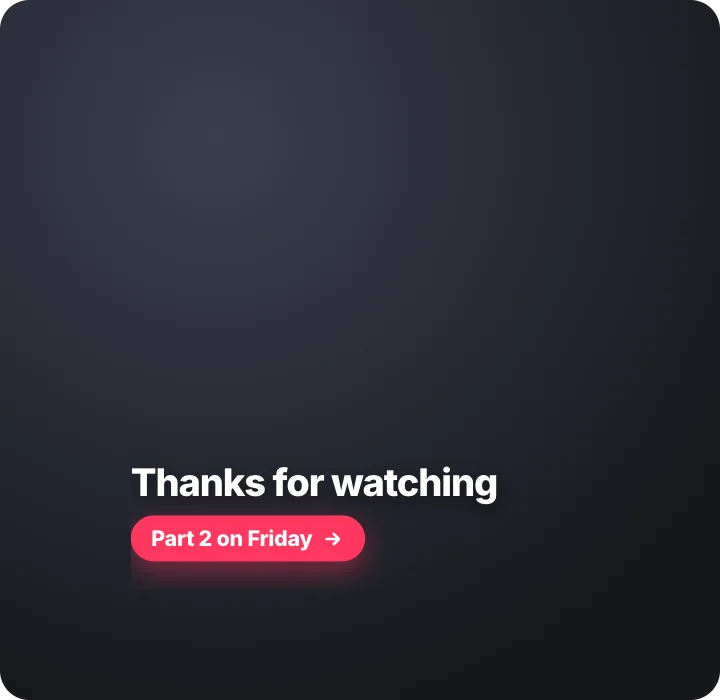 Opener and sign-offMotion Clips · transparent
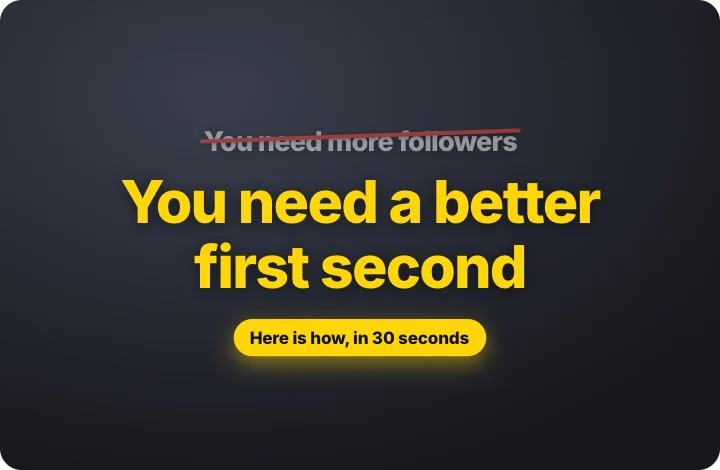 Hook, twist, promiseMotion Clips · transparent
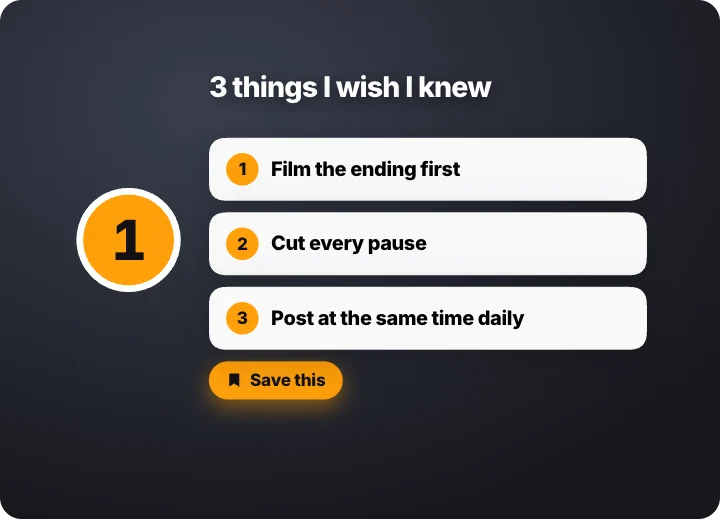 3 things in 9 secondsMotion Clips · transparent
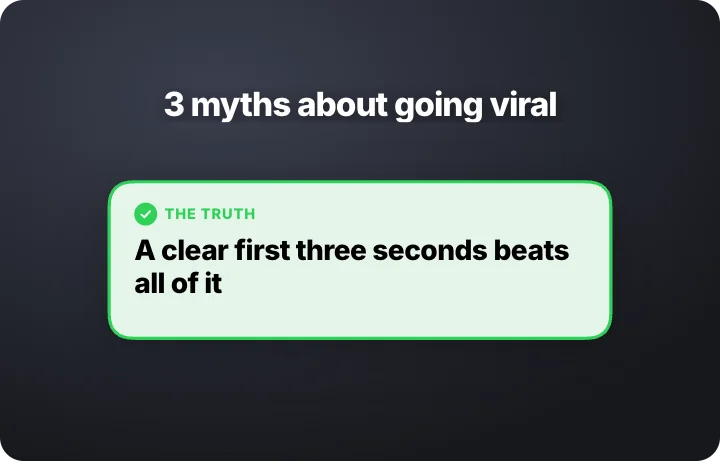 Myths knocked downMotion Clips · transparent
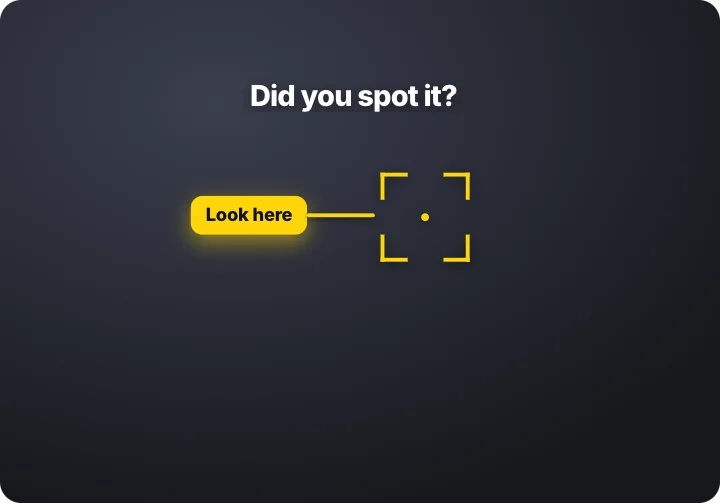 Zoom to the detailMotion Clips · transparent
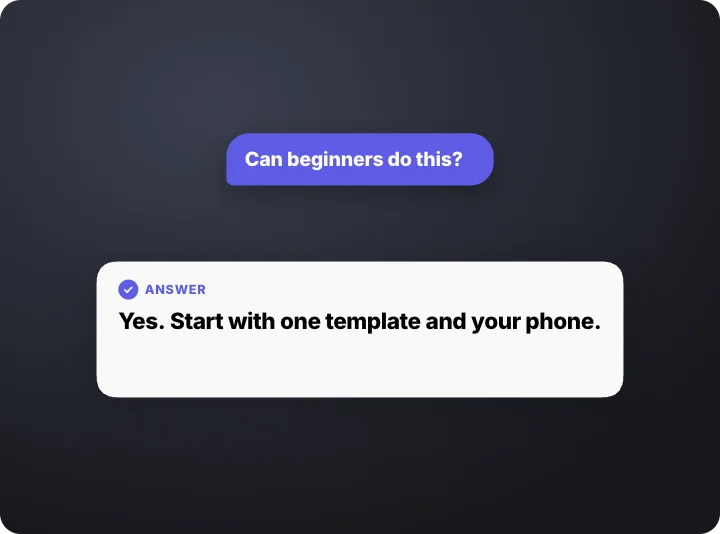 Questions flood inMotion Clips · transparent
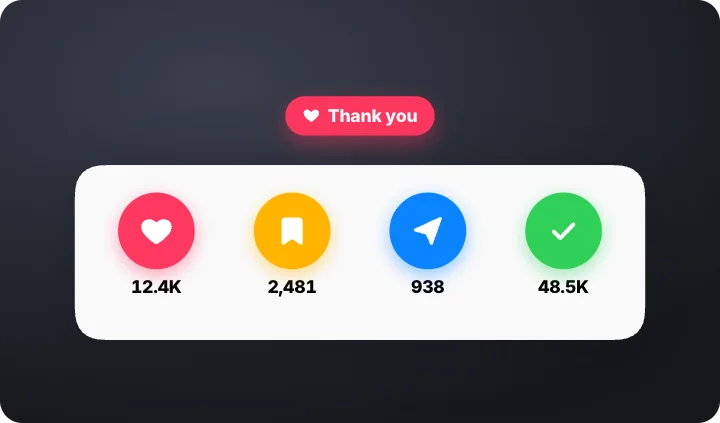 Four taps in a row – like, save, share, followMotion Clips · transparent
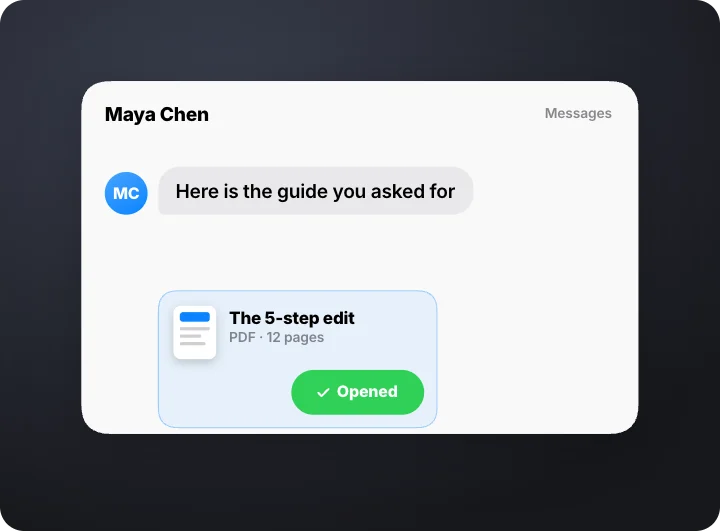 Comment to inbox – keyword, reply, guide deliveredMotion Clips · transparent
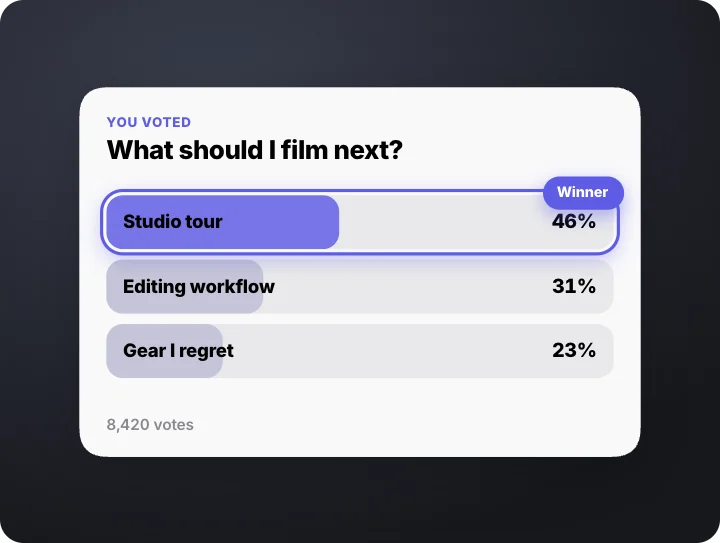 Vote, race, winner – a poll that plays outMotion Clips · transparent
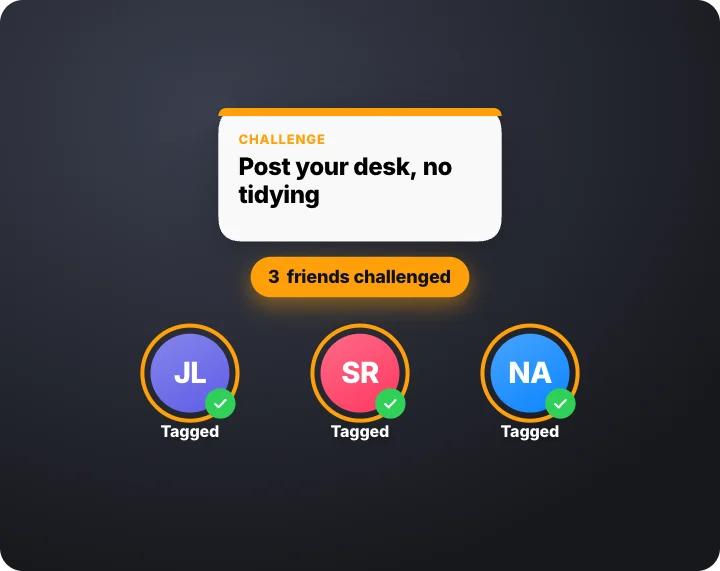 Pass the challenge – tag three friendsMotion Clips · transparent
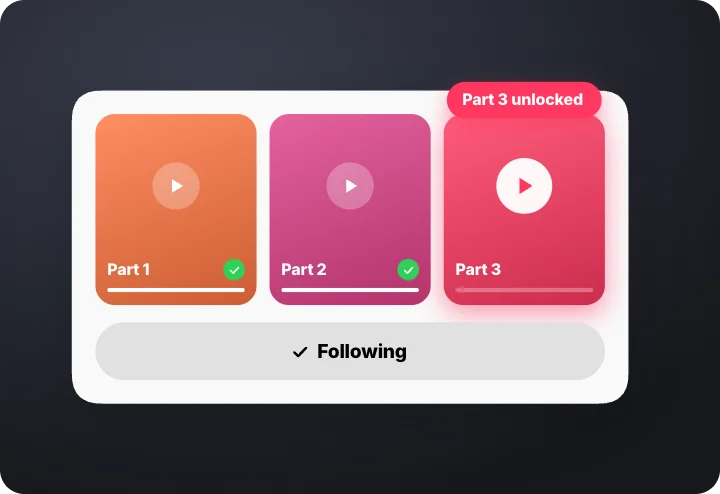 Follow the series – unlock the next partMotion Clips · transparent
How to make a Motion Clip
- Pick a clip. Each one is a whole scene with a beginning, a payoff and a held last frame.
- Make it yours. Change the words, numbers, colour and theme; the timing stays right.
- Export it. MP4 for a quick post, or a transparent MOV to lay over your own footage.
Questions
How long is a Motion Clip?
About nine seconds, ending on a held frame so it is easy to cut into an edit.
Are the clips generated by AI?
No. Every clip is designed and animated by hand, so the motion is the same every time you export.