
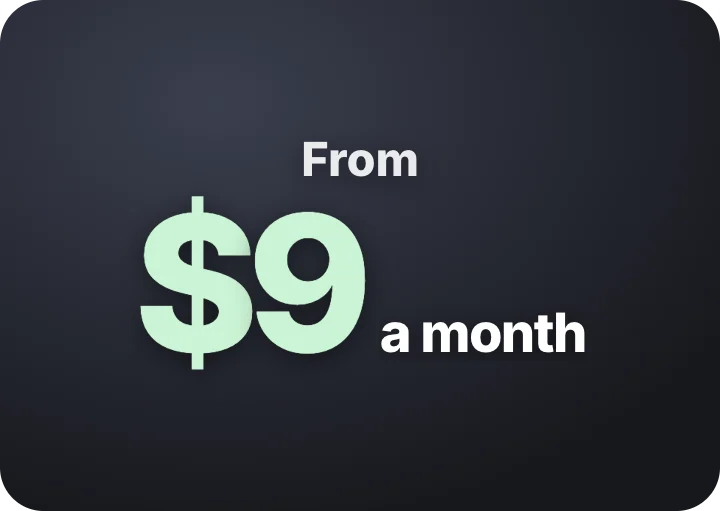
 FreeFrom price line
The word From and a large price count up in your accent colour, then the period such as a month fades in
Open in editorProduct launches · Template pack
Explain a plan or offer as part of a product video. Price labels and comparison graphics help separate the amount, the included value and the action to take.
6 Free · 14 Pro · 5 Pro Max. Choose individual templates below; export each piece and combine it in your edit.
Name the plan, state the billing basis, then show the offer terms and next step.
These are pricing illustrations, not a checkout or a live discount system.
Every one opens free in your browser to edit and preview. Free ones export with no watermark (a free account after 3 exports); Pro and Pro Max need Pro, and Pro Max scenes are included with it.
FreeFrom price lineThe word From and a large price count up in your accent colour, then the period such as a month fades in
Open in editor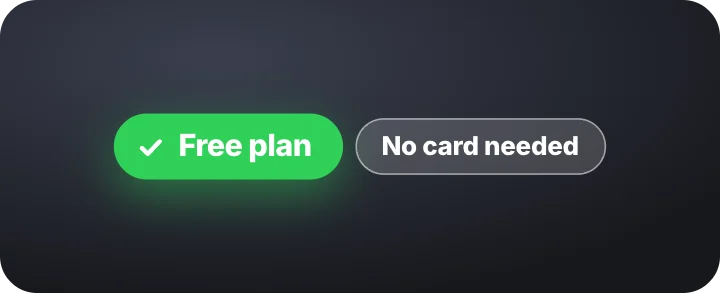 FreeFree plan pill
A pill with a ticking tick pops in naming the free plan, then an outlined pill says no card is needed
Open in editor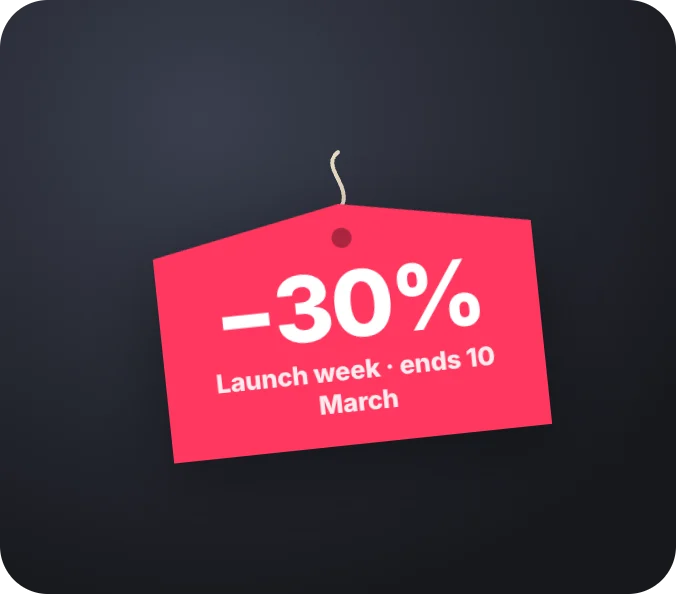 FreeLaunch discount tag
A hanging tag with a percentage off and an end date drops in and swings gently on its string before settling
Open in editor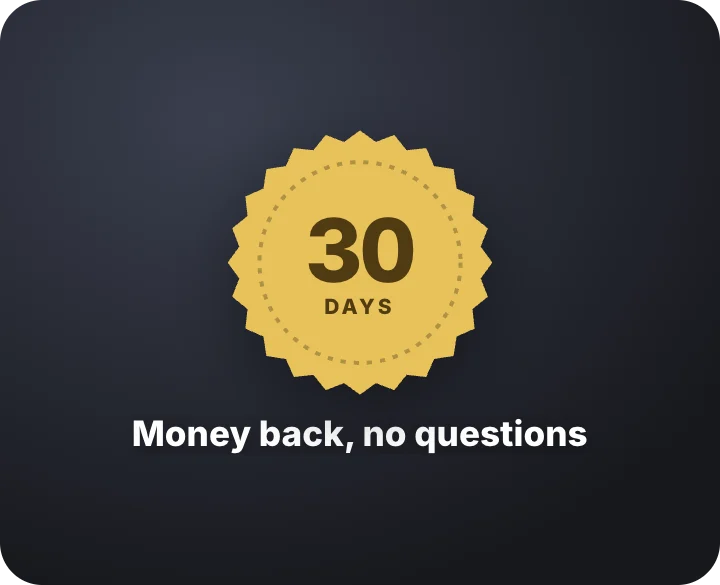 FreeMoney-back seal
A scalloped gold seal spins in with a bounce while the day count rises inside, then a guarantee line fades in
Open in editor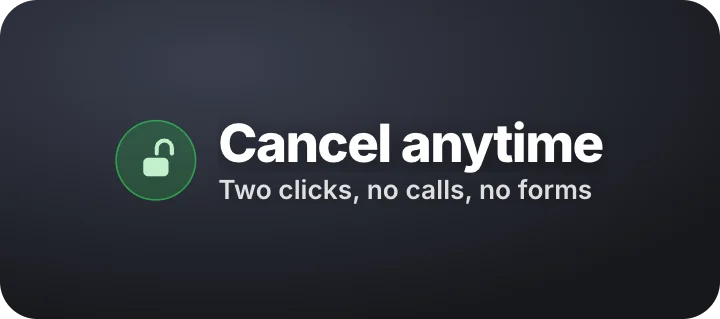 FreeCancel anytime line
A circle holding a lock icon that opens, beside a calm bold line, with a smaller reassurance line fading in underneath
Open in editor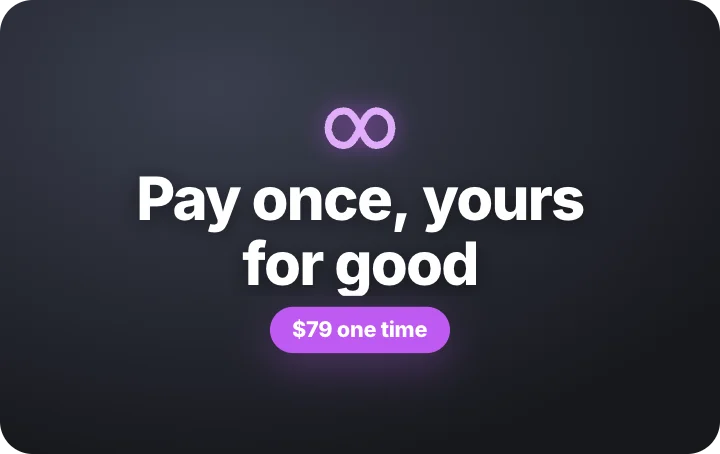 FreePay once tag
A looping line draws above a bold pay-once headline that rises word by word, then a glowing pill shows the one-time price
Open in editor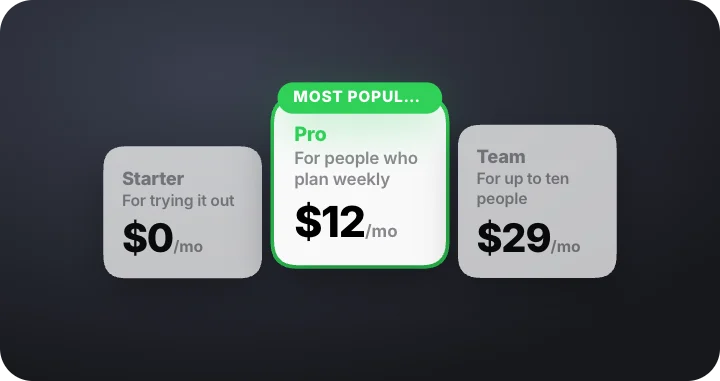 ProThree plans, one lifted
Three plan cards rise in turn, then the middle one lifts with an outline and a ribbon pops on top
Open in editor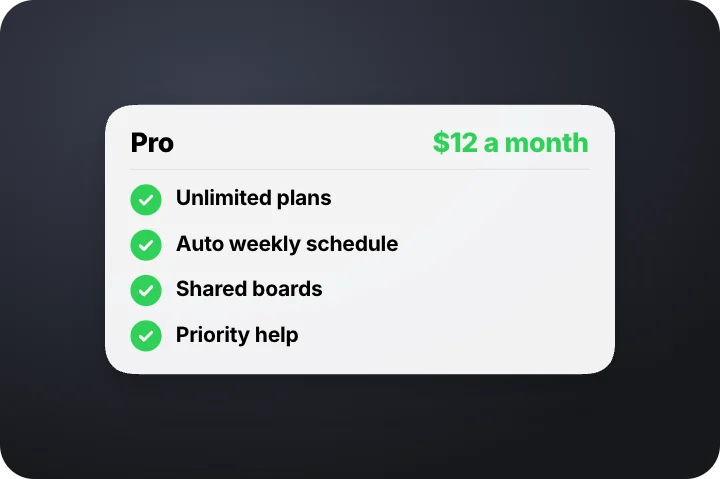 ProWhat you get list
A card shows a plan name and price, then up to six lines appear in turn, each with a green tick
Open in editor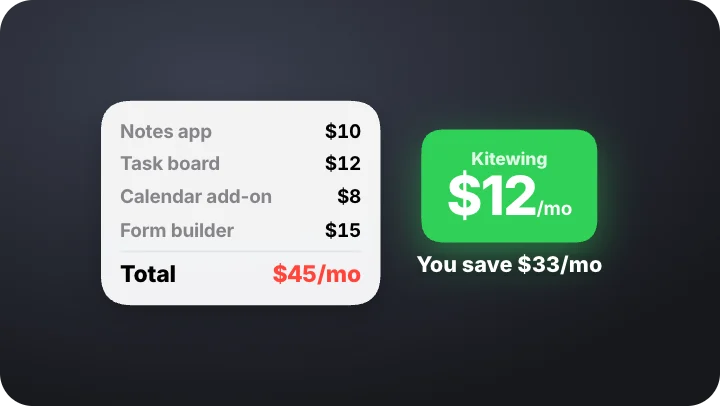 ProOther tools cost
A card lists other tools with prices and a red total, then your single price appears beside it with the saving
Open in editor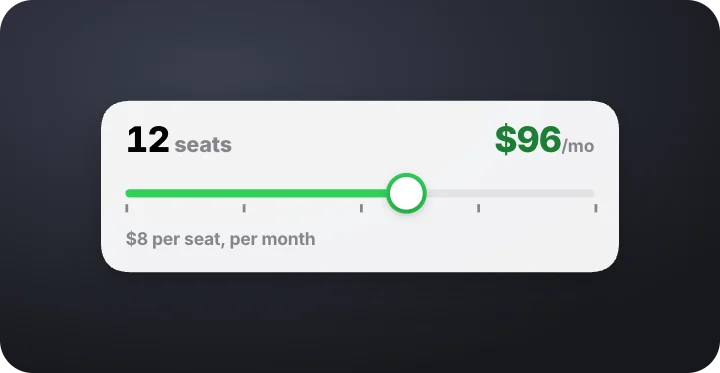 ProPer-seat slider
A slider thumb glides from a small seat count to a larger one while the seat number and total follow
Open in editor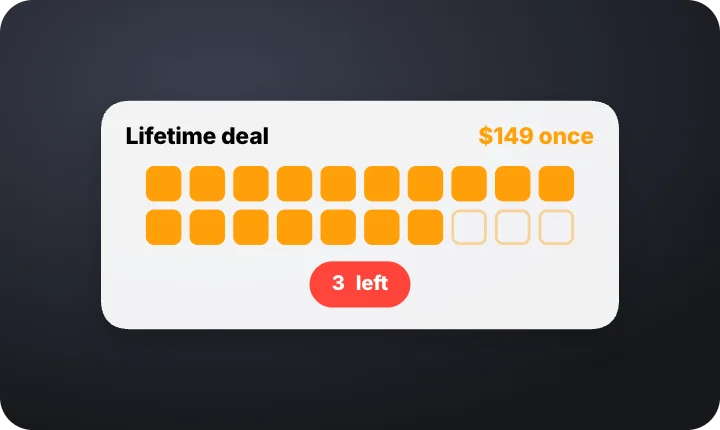 ProLifetime deal slots
A deal card with a title and price shows slots filling one by one, then a red chip says few are left
Open in editor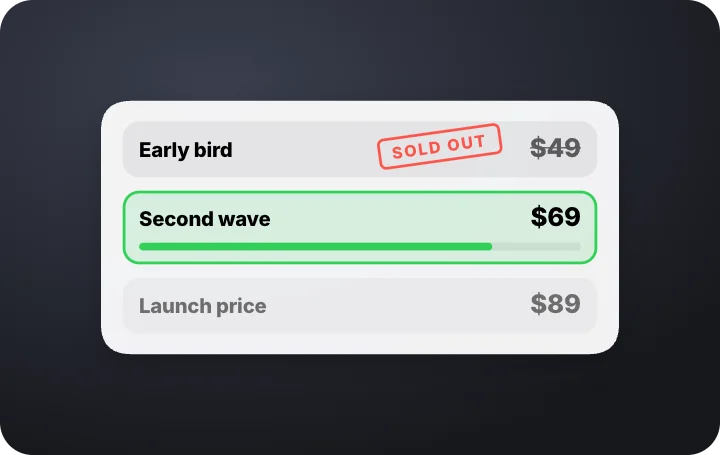 ProEarly-bird tiers
Three price tiers slide in, the first gets a struck price and sold-out stamp, the second shows a bar filling
Open in editor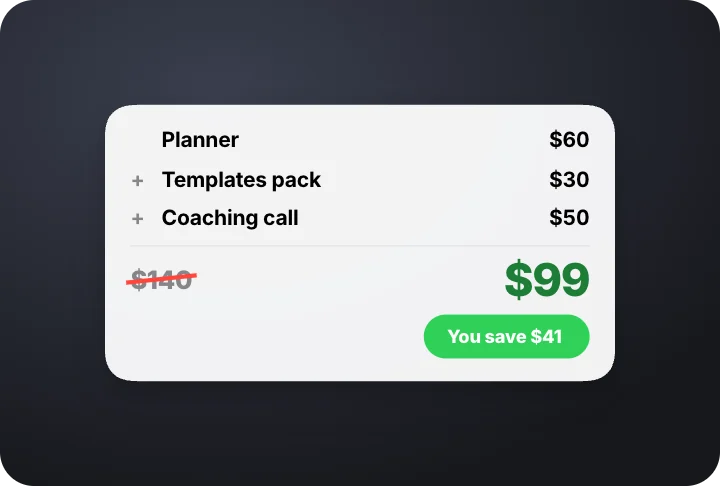 ProBundle math
Items list with plus signs, a red line strikes their sum, then the lower bundle price lands with a saving chip
Open in editor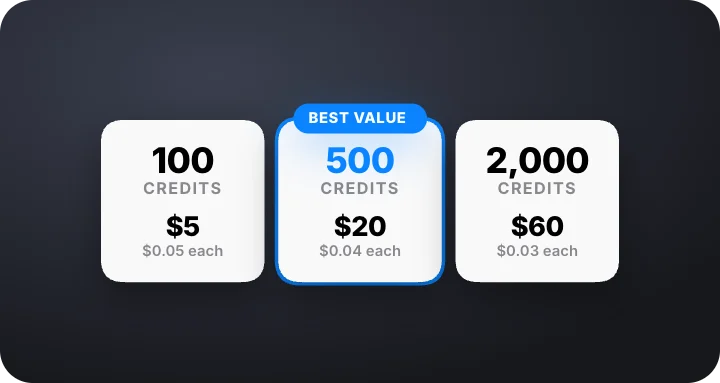 ProCredit packs
Three credit pack cards with price and cost per credit rise in turn, then a best value ribbon marks the middle
Open in editor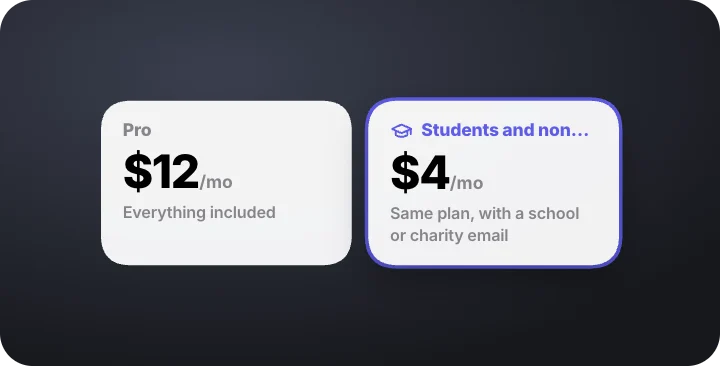 ProStudent and non-profit rate
A main price card sits first, then a second card with a cap icon and a lower price slides in beside it
Open in editor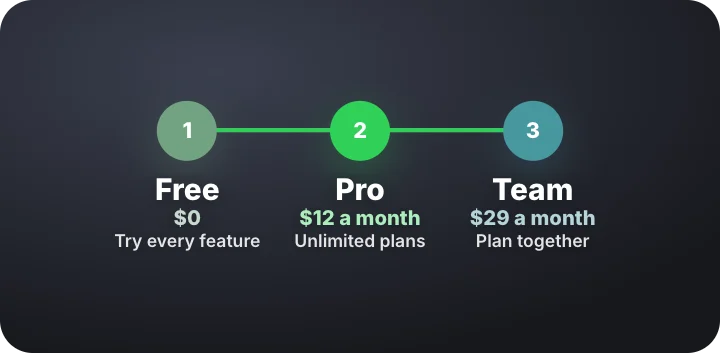 ProStart free, grow
Three numbered circles for Free, Pro and Team light up along a filling line, each with a price and a short line
Open in editor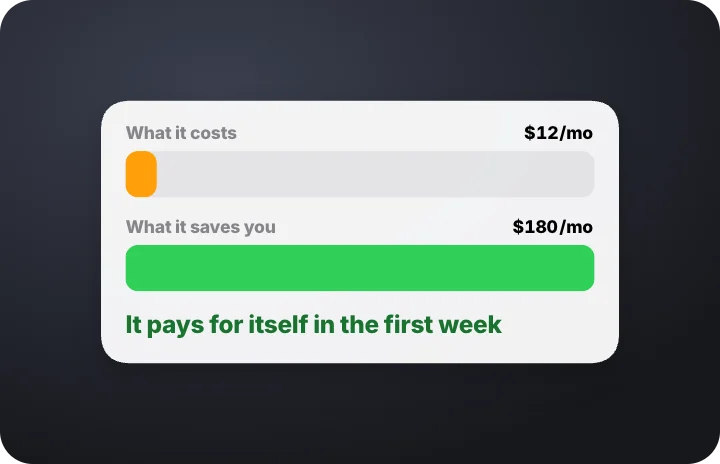 ProPays for itself
A short cost bar then a much longer saving bar count up in turn, and a line says it pays for itself
Open in editor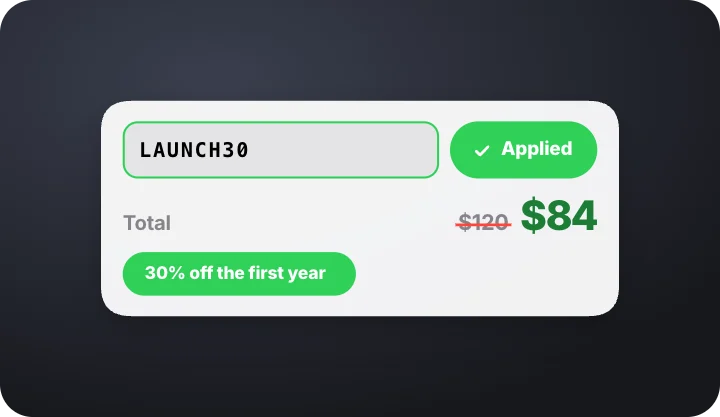 ProCode applied
A promo code types into a box, Apply is tapped and turns to Applied, and the total drops
Open in editor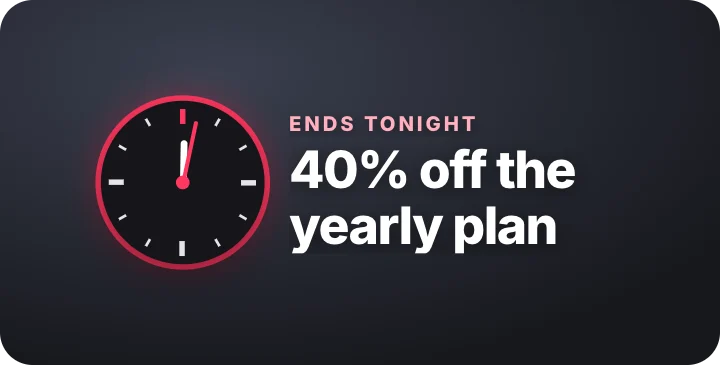 ProEnds tonight clock
A dark clock with a glowing ring pops in and its hands sweep toward midnight beside an ends tonight line
Open in editor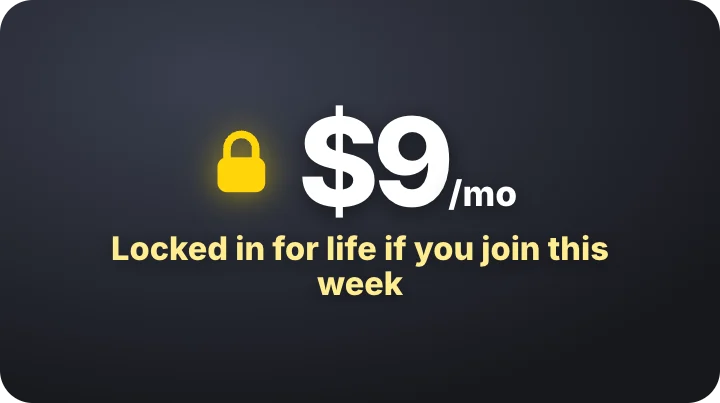 ProPrice locked in
A large price rises into place, a padlock drops in and closes with a thud, then a lifetime promise line appears
Open in editor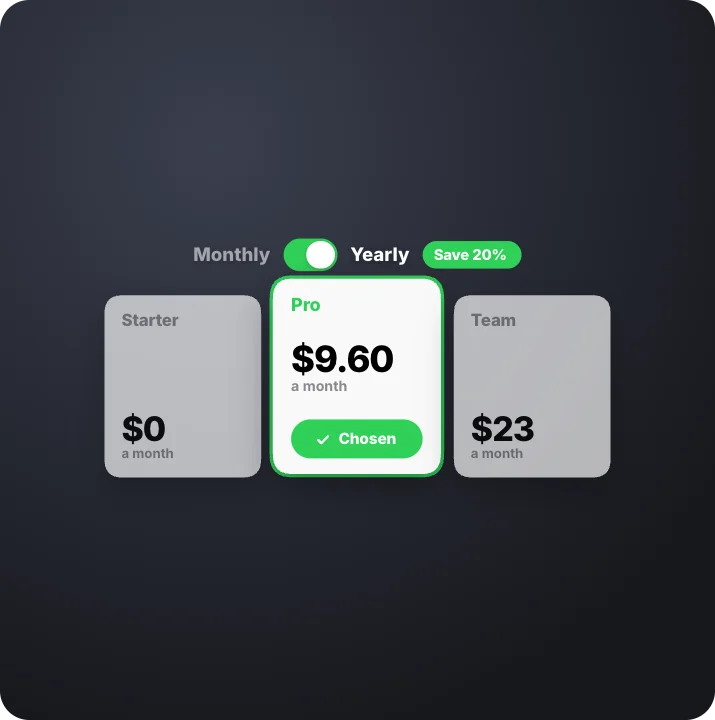 Pro MaxPricing in one scene
Three plan cards appear, a monthly and yearly switch flips with a saving chip, then a pointer taps the middle plan
Open in editor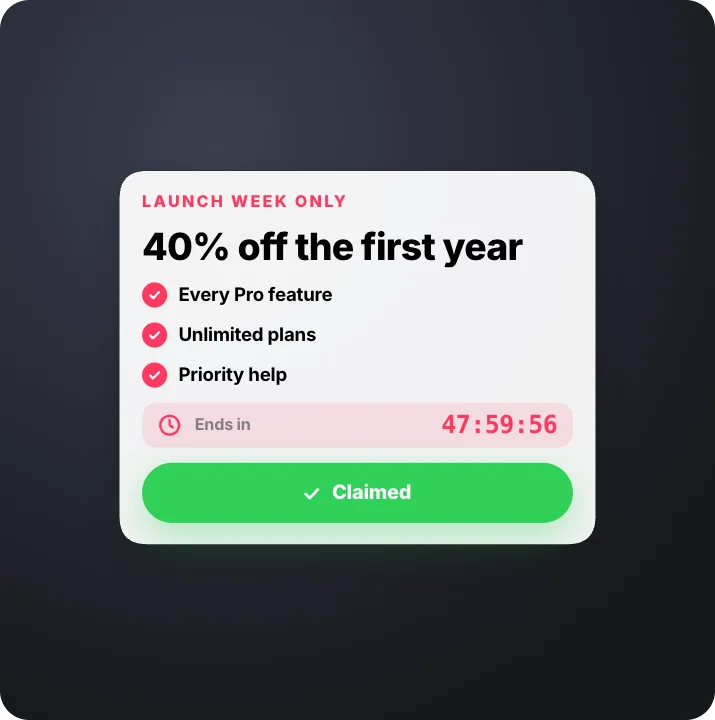 Pro MaxLaunch offer
An offer card shows a headline, three lines tick in, a countdown clock runs, then the claim button is pressed
Open in editor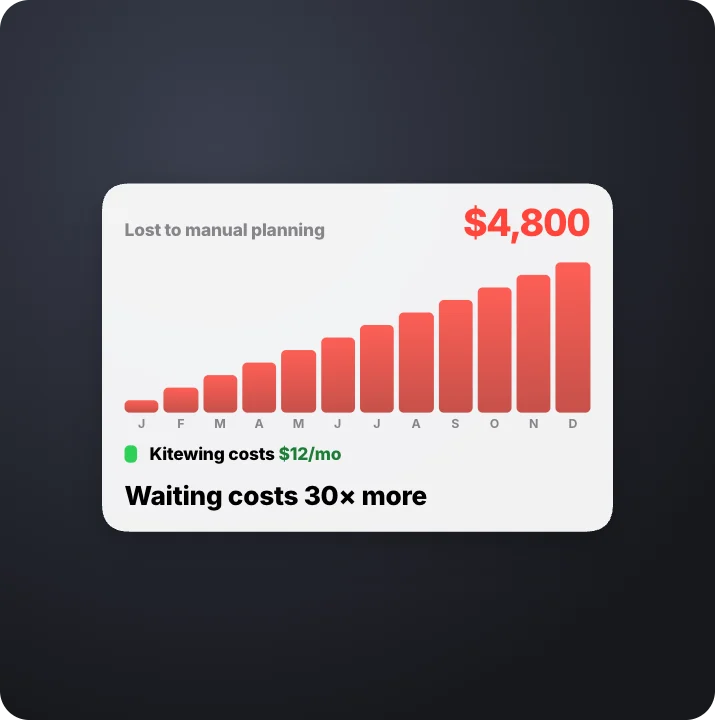 Pro MaxCost of waiting
Twelve red monthly bars grow while the money lost counts up, then your small price bar and a last line land
Open in editor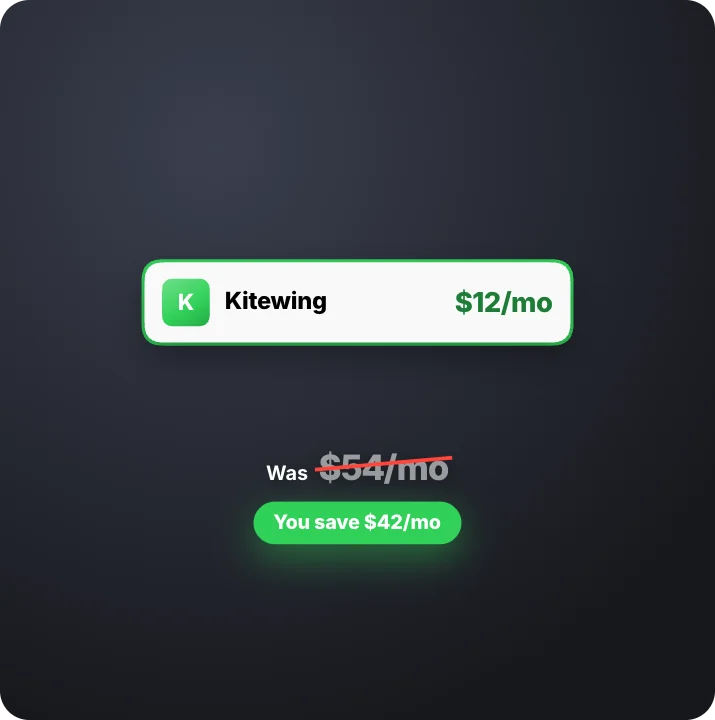 Pro MaxFive tools or one
Five subscription cards stack up with a struck total, then fold away for one card with your price and a saving chip
Open in editor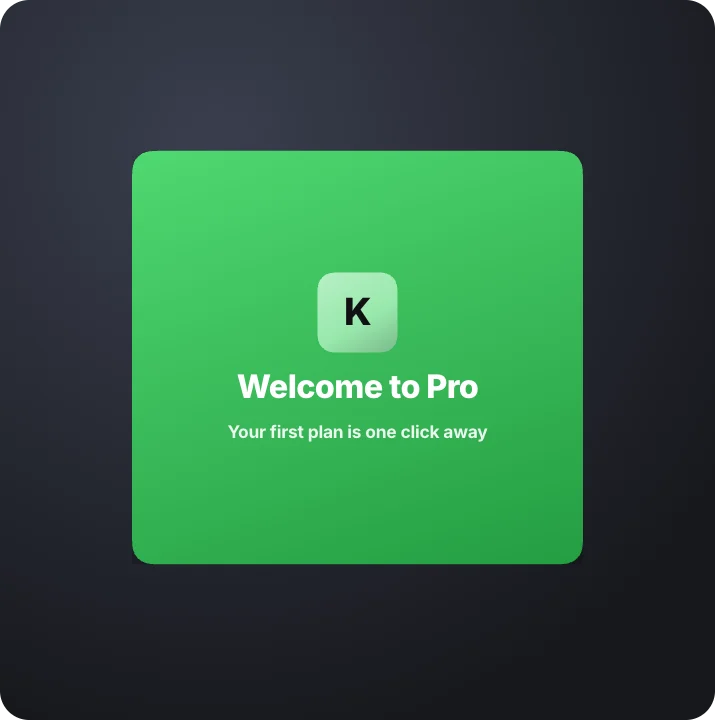 Pro MaxFrom plan to paid
A checkout form shows the plan, a name and card type in, the pay button spins to Paid, then a welcome shows
Open in editorMake the amount charged and the billing period explicit. If you display a monthly equivalent, keep the upfront annual total visible too.
These are pricing illustrations, not a checkout or a live discount system.
All packs for product launches