
 FreeComing up corner card
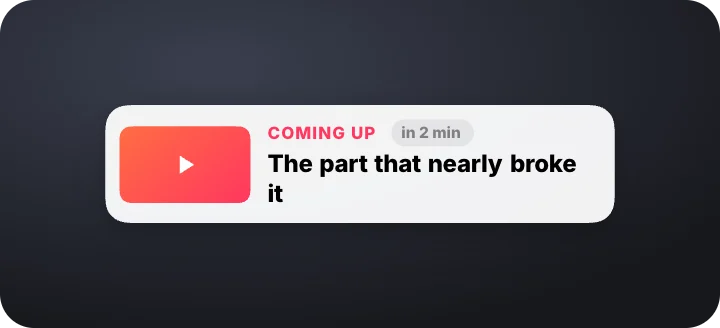
A small corner card with a thumbnail, “Coming up”, what is coming and how soon
Open in editorYouTubers · Template pack
Help viewers follow a video with several stages. Coming-up cards, progress cues and recaps make the structure visible without replacing your explanation.
6 Free · 14 Pro · 5 Pro Max. Choose individual templates below; export each piece and combine it in your edit.
Preview the next section, mark progress during the explanation, and recap the result.
Progress and recap text come from you; the overlays do not analyze viewer behavior.
Every one opens free in your browser to edit and preview. Free ones export with no watermark (a free account after 3 exports); Pro and Pro Max need Pro, and Pro Max scenes are included with it.
FreeComing up corner cardA small corner card with a thumbnail, “Coming up”, what is coming and how soon
Open in editor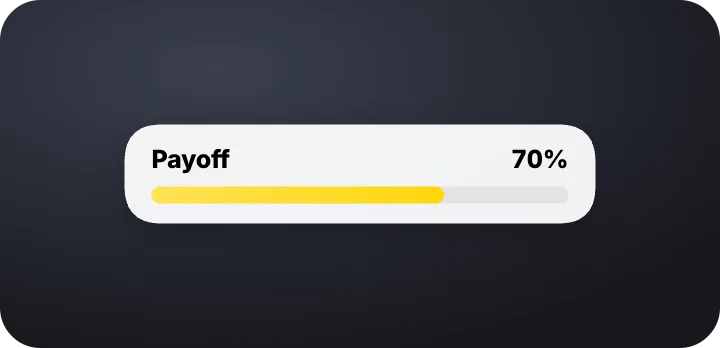 FreePayoff meter
A labelled bar in the corner that fills toward the reveal, with the percentage counting up
Open in editor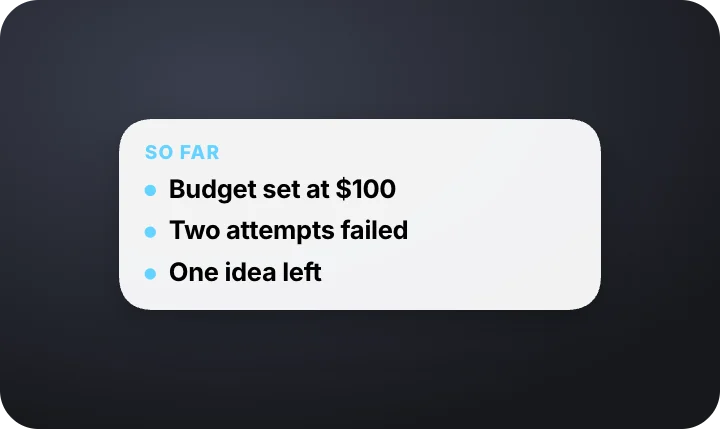 FreeTwo-second recap
Three short bullets slide in quickly under “So far”, to bring late viewers up to speed
Open in editor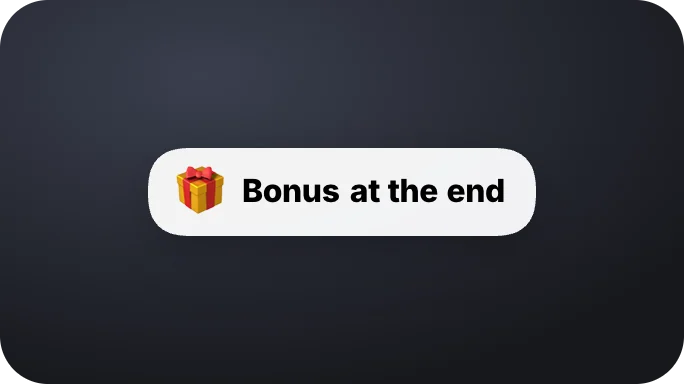 FreeBonus at the end chip
A small chip with a gift that wiggles now and then: bonus at the end
Open in editor FreePause to read
A pause icon with a pulsing ring beside “Pause to read”, for dense screens
Open in editor FreeDid you spot it?
An eye blinks twice and a hand-drawn circle draws around it, beside your question
Open in editor ProPattern interrupt flash
The edge of the frame flashes your colour twice and one word punches in on a tilted label
Open in editor ProSide note drawer
A note slides in from the side it sits on, with a colour edge and a small label
Open in editor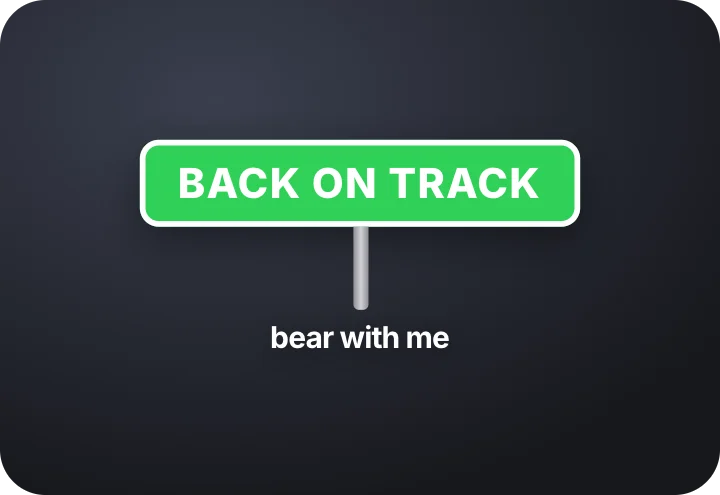 ProDetour sign
A road sign swings in saying Tangent, then flips to Back on track in a second colour
Open in editor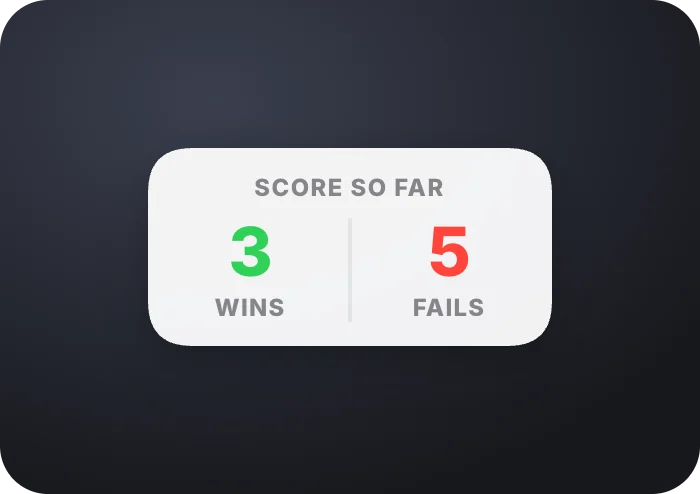 ProScore so far strip
Wins and fails side by side; one of them rolls up by one
Open in editor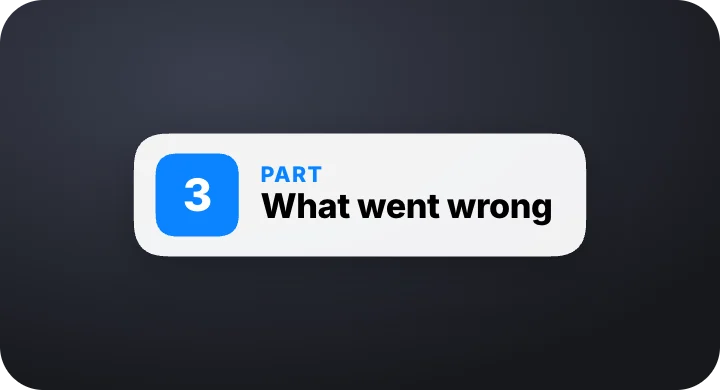 ProSection handoff
The number tile rolls to the next part and the old section name is swapped for the new one
Open in editor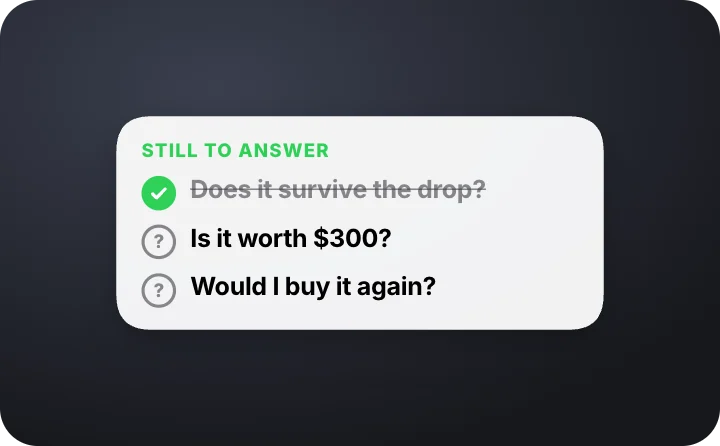 ProOpen questions list
A list of questions the video still owes the viewer; one gets ticked and struck through
Open in editor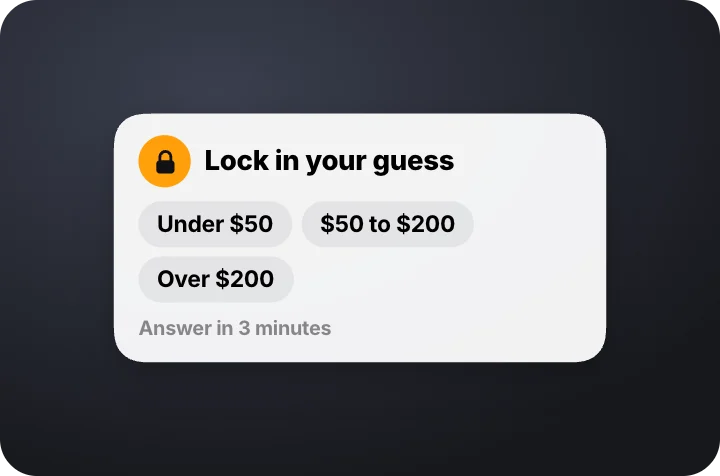 ProLock in your guess
Options pop in, a padlock snaps shut and a line says when the answer comes
Open in editor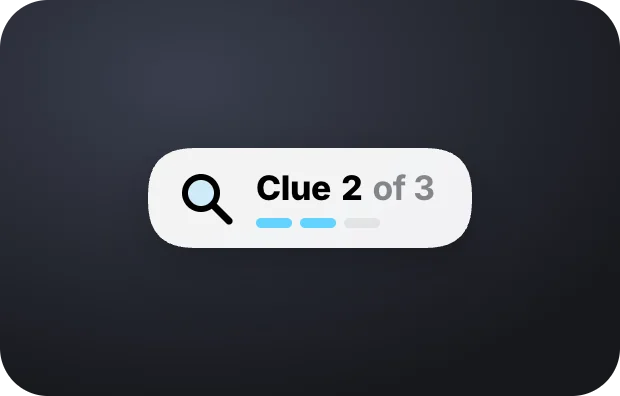 ProClue counter
A magnifier chip rolls from one clue to the next with a row of dots filling
Open in editor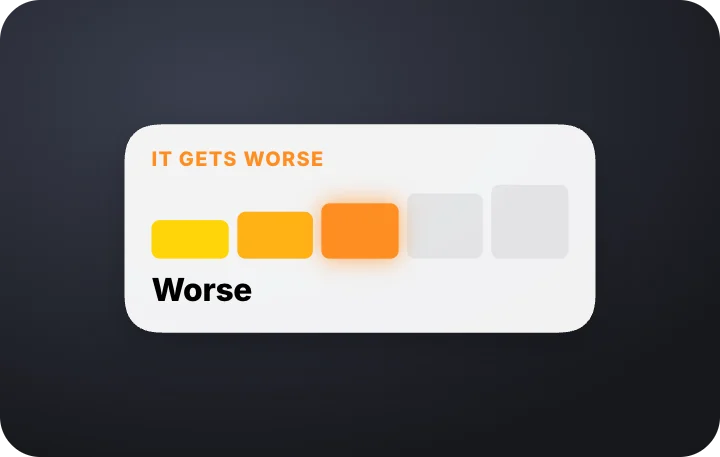 ProIt gets worse meter
A row of rising bars lights one more notch and the level name changes with it
Open in editor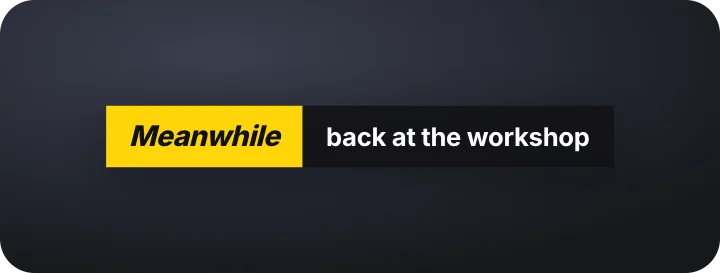 ProMeanwhile label
A two-part label wipes across: Meanwhile in colour, then where we are now
Open in editor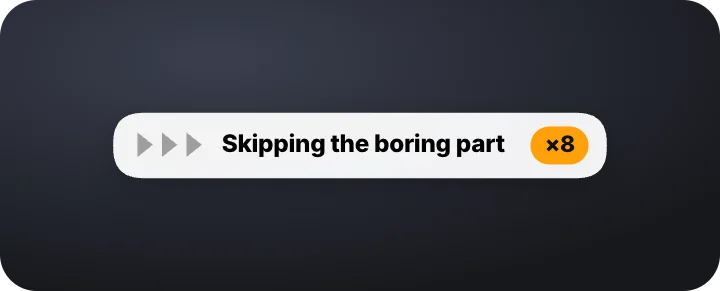 ProSkipping ahead
Three arrows pulse in turn beside “Skipping the boring part” and a speed badge
Open in editor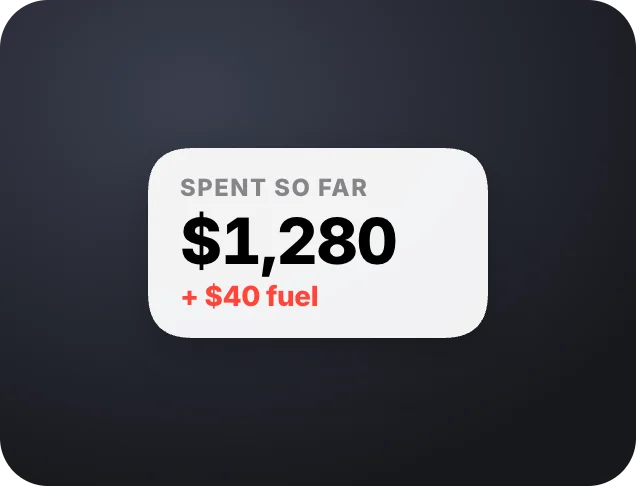 ProCost so far ticker
The latest spend arrives under the total, and the total rolls up to include it
Open in editor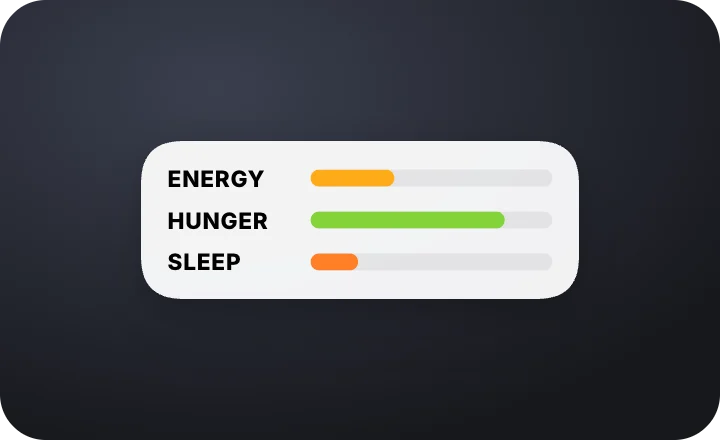 ProHost status bars
Small named bars for energy, hunger and sleep move from one level to another and change colour
Open in editor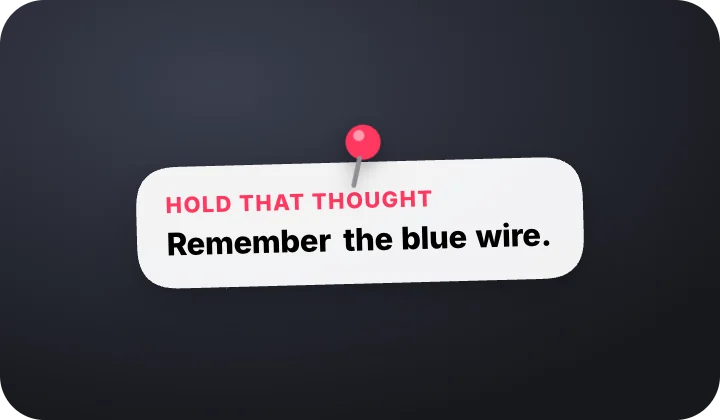 ProHold that thought pin
A note with your line tilts in and a pin drops onto it, to come back to later
Open in editor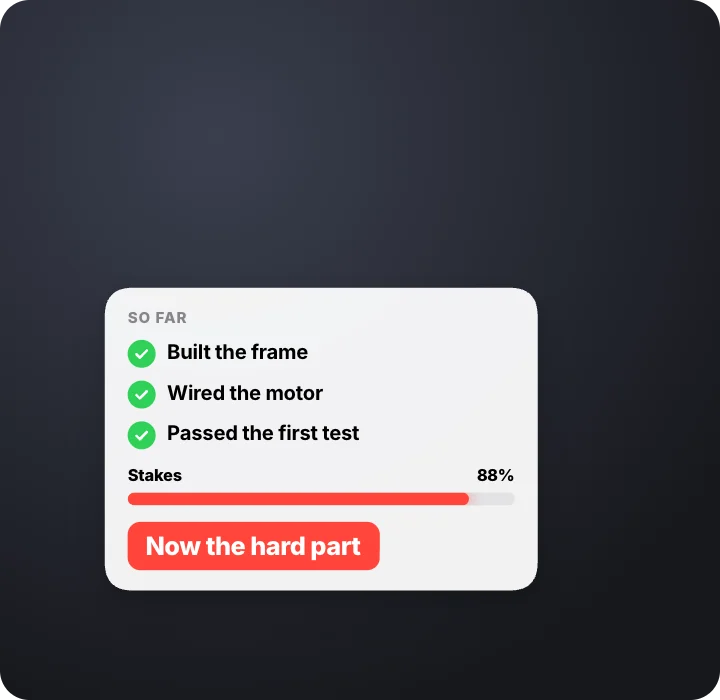 Pro MaxMid-video reset
Three things done tick in, a stakes bar climbs and changes colour, then “Now the hard part” slams in
Open in editor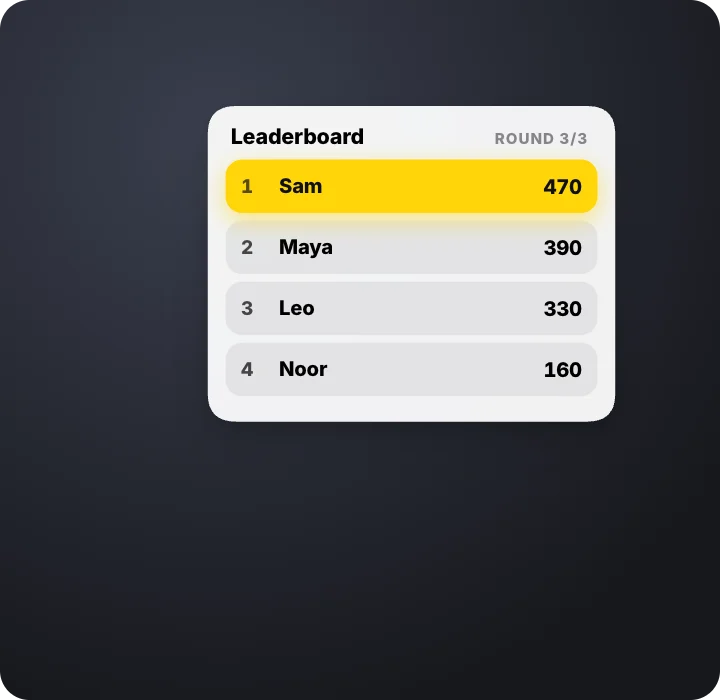 Pro MaxLeaderboard shuffle
Four rows reorder over three rounds while their scores roll, and the climber takes first place
Open in editor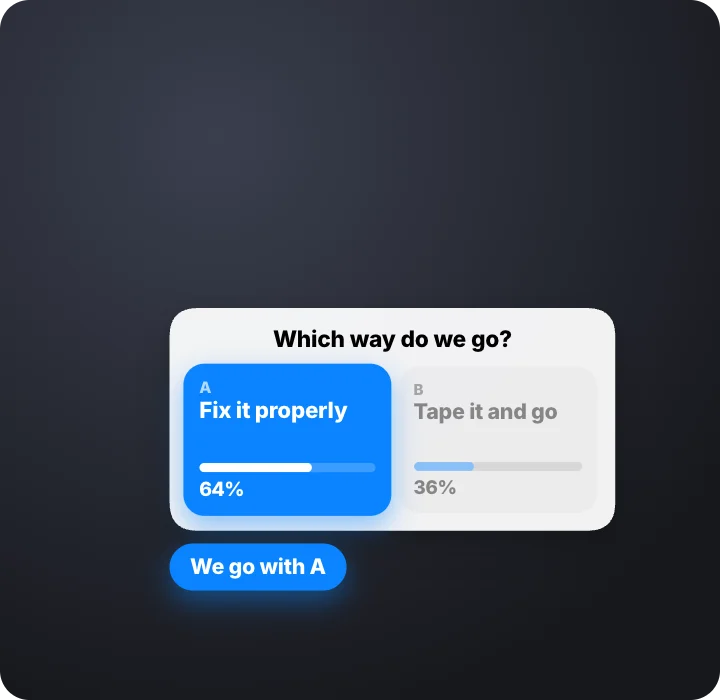 Pro MaxFork in the road
Two options fill with votes, the winner lights up and the decision chip pops
Open in editor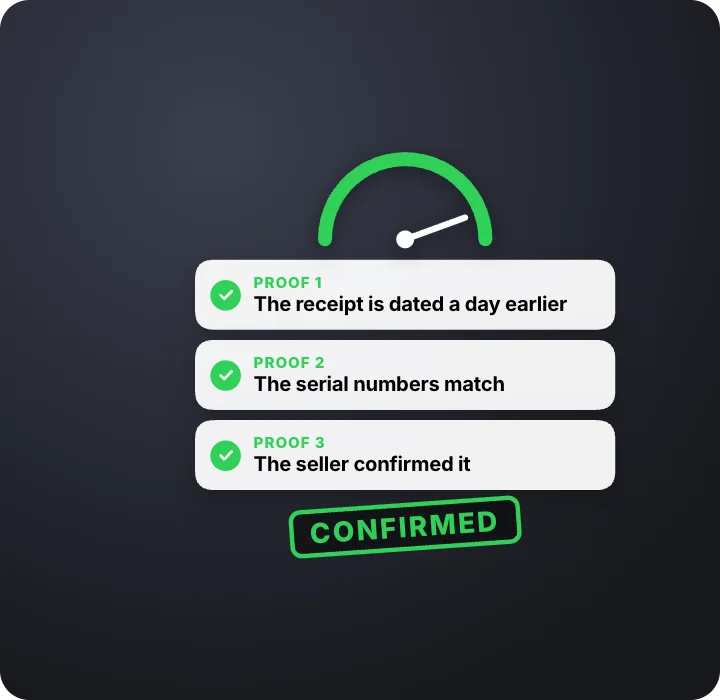 Pro MaxProof stacks up
Three proof cards slam down, a gauge swings further toward true each time, then the verdict is stamped
Open in editor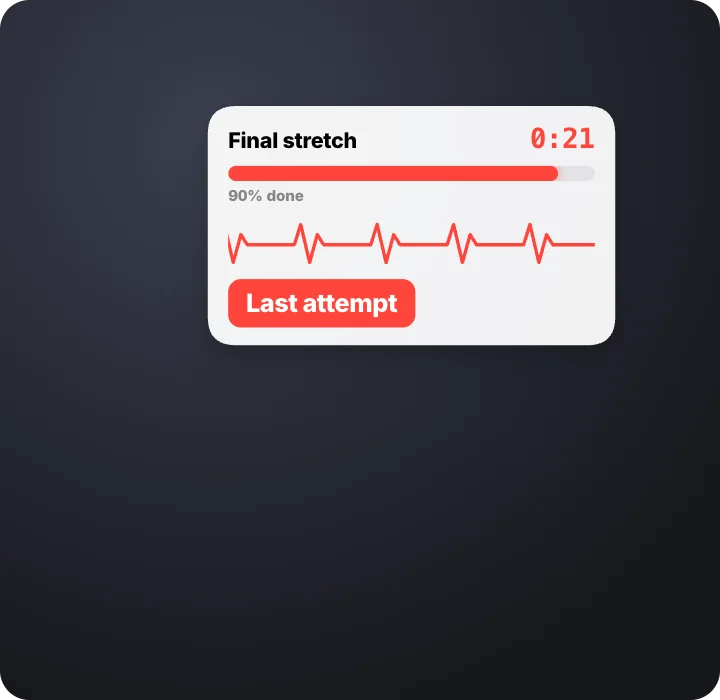 Pro MaxFinal stretch
Progress climbs to 90%, a timer counts down, a heartbeat line runs, then “Last attempt” slams in
Open in editorUse a recap after a complicated section or before a change of topic. Summarize what has already been demonstrated rather than adding a second introduction.
Progress and recap text come from you; the overlays do not analyze viewer behavior.