
AI chats template PRO
Upload and ask-style answer animation
Free to open, edit and preview. Exporting needs Pro. Full refund within 7 days, cancel any time.
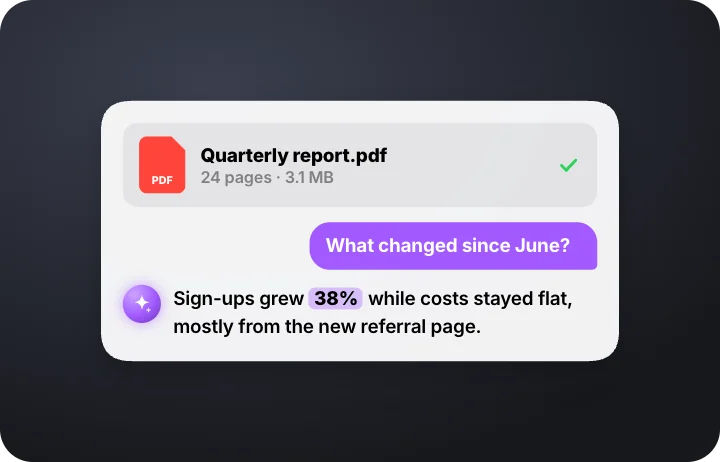
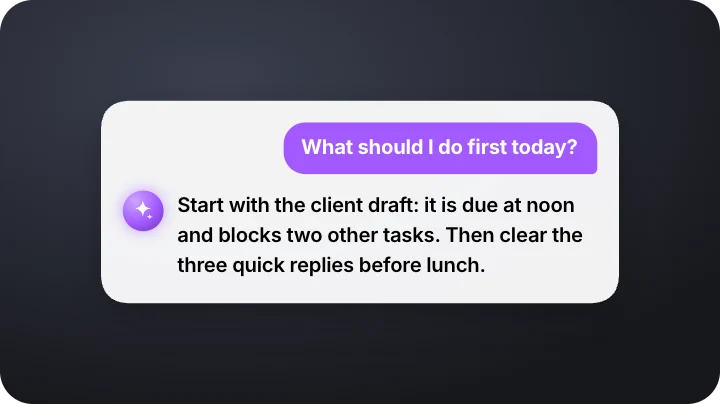
Show a prompt and an answer streaming in word by word, in the style of Upload and ask. You type both; gizzMotion animates them. Nothing is sent to any AI service.
It starts on a transparent background, so you can export a MOV or WebM and lay it over your own footage. The example reads “Quarterly report.pdf”, “PDF”; replace it with your own. With the example text it plays for about 3.5 seconds; longer text gets more time.
Good for: for-product-launch, upload and ask, chat with a file, document question, file ai, ask a pdf.
Part of the AI products pack.
What you can customise
Upload and ask
- Background card
- Answer
- File name
- File type
- File size
- Question
- Answer, before the highlight
- Highlighted part
- Answer, after the highlight
Style
- Position
- Theme
- Accent
- Size
How to make it
- Open the template. It opens in the free editor in your browser, already animated.
- Make it yours. Edit background card, answer, file name in the Content tab. The preview updates as you type.
- Pick the format. Choose 9:16 for TikTok, Reels and Shorts, or 16:9 for YouTube, and set the background (it is transparent by default).
- Export. Save an MP4 to post, a transparent MOV for Premiere Pro, Final Cut, DaVinci Resolve or CapCut, or a PNG still.
Export formats
- MP4, 720p or 1080p, 30 or 60 fps
- MOV (ProRes 4444) with transparency
- WebM with transparency (web pages, OBS)
- PNG image
Questions
Is the Upload and ask template free?
It's a Pro template. You can open, edit and preview it for free in your browser; exporting it needs gizzMotion Pro ($9 a month or $90 a year), which unlocks every template. The free templates export with no watermark and no card.
Can I export Upload and ask with a transparent background?
Yes, it starts transparent. Export a ProRes 4444 MOV for Premiere Pro, Final Cut Pro, DaVinci Resolve or CapCut, or a WebM for OBS and web pages, and the background stays see-through with no green screen or keying.
How long is the Upload and ask animation?
About 3.5 seconds with the example text. Longer text gets more time so it stays readable.
Do I need After Effects or an account to use it?
No After Effects and nothing to install: it runs in your web browser. The first 3 exports need no account; after that, a free account (just your email, no card) keeps exports unlimited. Your text, images and the exported video are made on your own device and are never uploaded.
Related templates
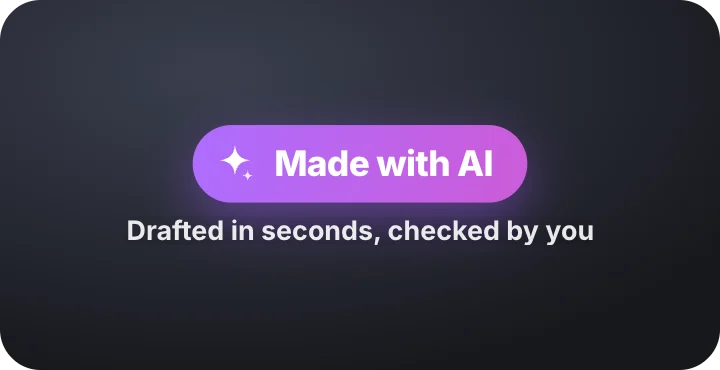 Made with AI labelAI chats · transparent
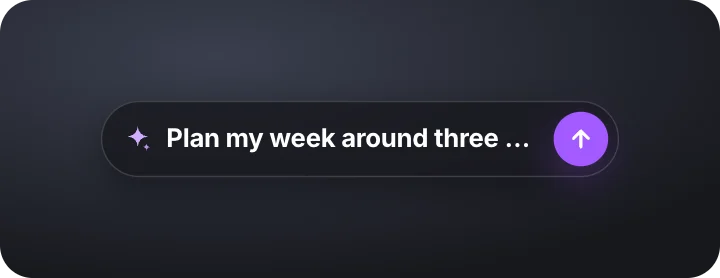 Prompt chipAI chats · transparent
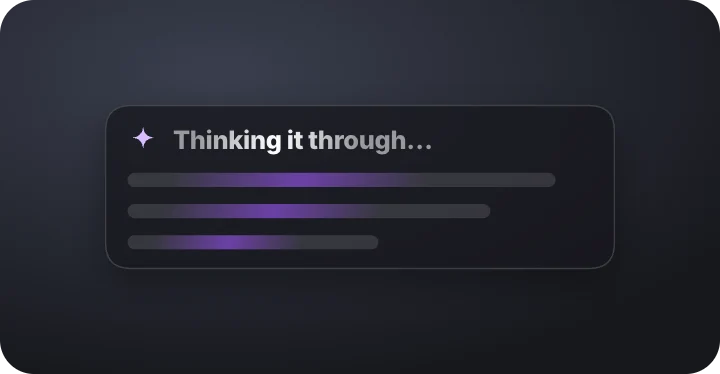 Thinking shimmerAI chats · transparent
 Speed chipAI chats · transparent
 Stays private lineAI chats · transparent
 Human reviewed tickAI chats · transparent
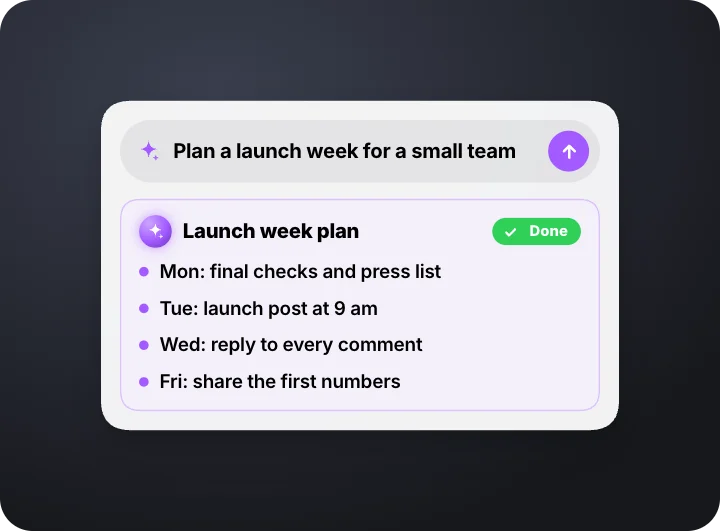 Prompt to resultAI chats · transparent
 Answer streamsAI chats · transparent