
Products & apps template PRO
What's inside animation
Free to open, edit and preview. Exporting needs Pro. Full refund within 7 days, cancel any time.
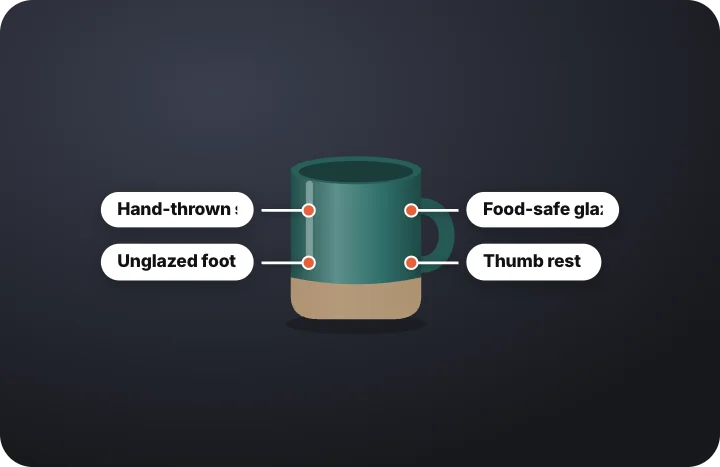
Leader lines draw out from points on your product to up to four labels around it. A ready-made products & apps animation: change the content, pick the style and motion, then export a video for TikTok, Reels, Shorts or YouTube.
It starts on a transparent background, so you can export a MOV or WebM and lay it over your own footage. With the example text it plays for about 3.5 seconds; longer text gets more time.
Good for: for-product-launch, what's inside, product features, callouts, leader lines, product video.
Part of the Products and shops pack.
What you can customise
Parts
- Leader lines
- Labels
- Photo
- Product colour (drawn mug)
- Parts (up to 4)
Style
- Position
- Accent
- Size
How to make it
- Open the template. It opens in the free editor in your browser, already animated.
- Make it yours. Edit leader lines, labels, photo in the Content tab. The preview updates as you type.
- Pick the format. Choose 9:16 for TikTok, Reels and Shorts, or 16:9 for YouTube, and set the background (it is transparent by default).
- Export. Save an MP4 to post, a transparent MOV for Premiere Pro, Final Cut, DaVinci Resolve or CapCut, or a PNG still.
Export formats
- MP4, 720p or 1080p, 30 or 60 fps
- MOV (ProRes 4444) with transparency
- WebM with transparency (web pages, OBS)
- PNG image
Questions
Is the What's inside template free?
It's a Pro template. You can open, edit and preview it for free in your browser; exporting it needs gizzMotion Pro ($9 a month or $90 a year), which unlocks every template. The free templates export with no watermark and no card.
Can I export What's inside with a transparent background?
Yes, it starts transparent. Export a ProRes 4444 MOV for Premiere Pro, Final Cut Pro, DaVinci Resolve or CapCut, or a WebM for OBS and web pages, and the background stays see-through with no green screen or keying.
How long is the What's inside animation?
About 3.5 seconds with the example text. Longer text gets more time so it stays readable.
Do I need After Effects or an account to use it?
No After Effects and nothing to install: it runs in your web browser. The first 3 exports need no account; after that, a free account (just your email, no card) keeps exports unlimited. Your text, images and the exported video are made on your own device and are never uploaded.
Related templates
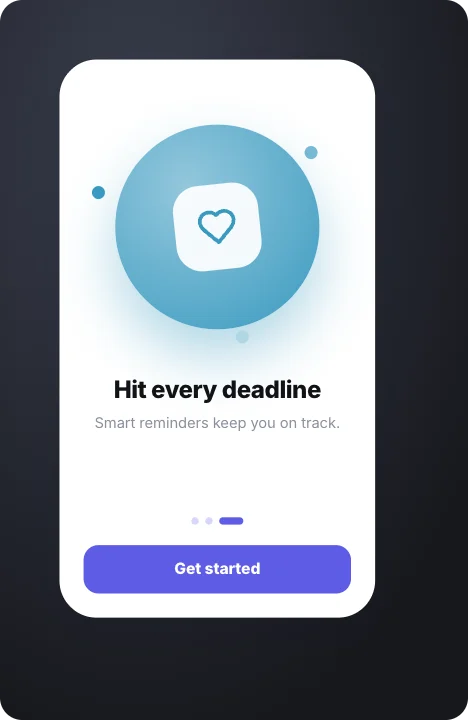 Onboarding slidesProducts & apps · transparent
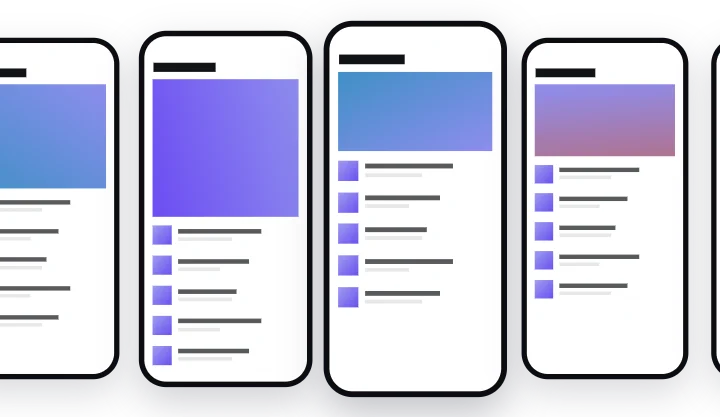 App screens gallery sliderProducts & apps
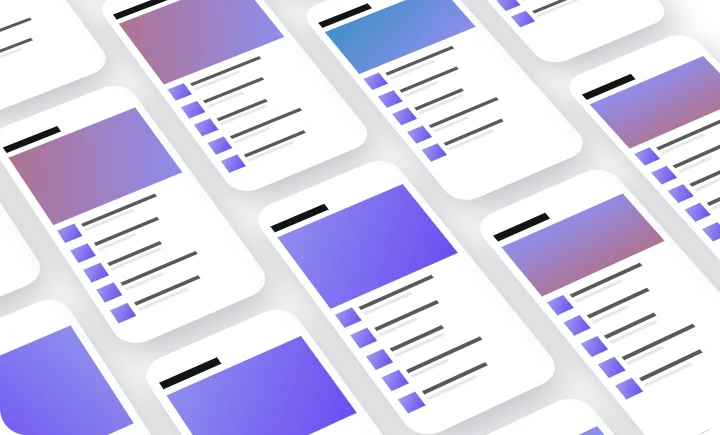 Cascading app screensProducts & apps
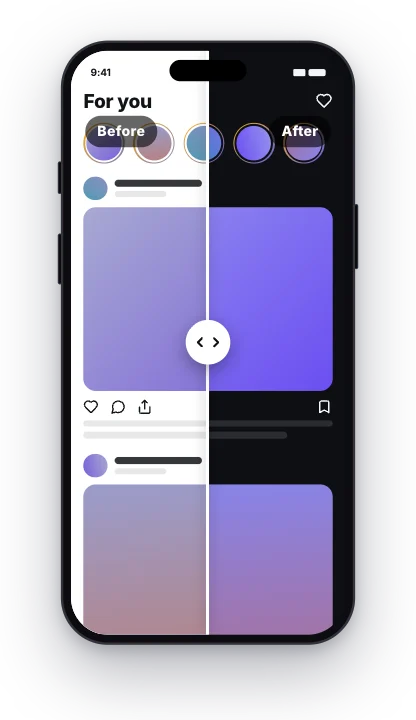 Before and after app screensProducts & apps
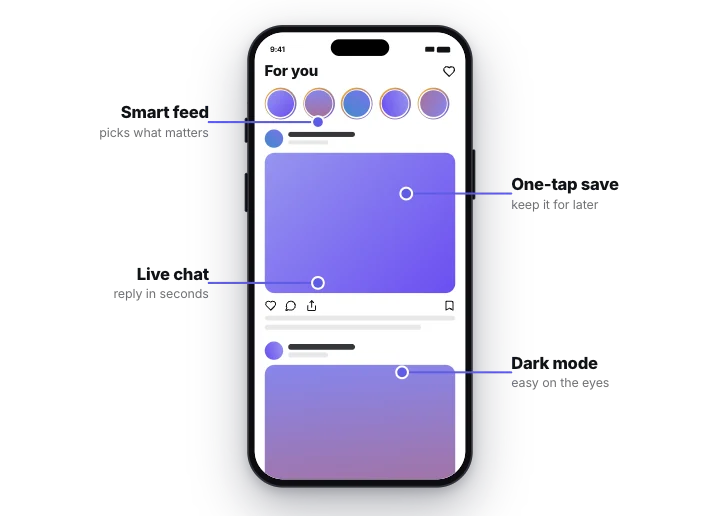 Phone mockup with feature calloutsProducts & apps
 App icon opens the appProducts & apps
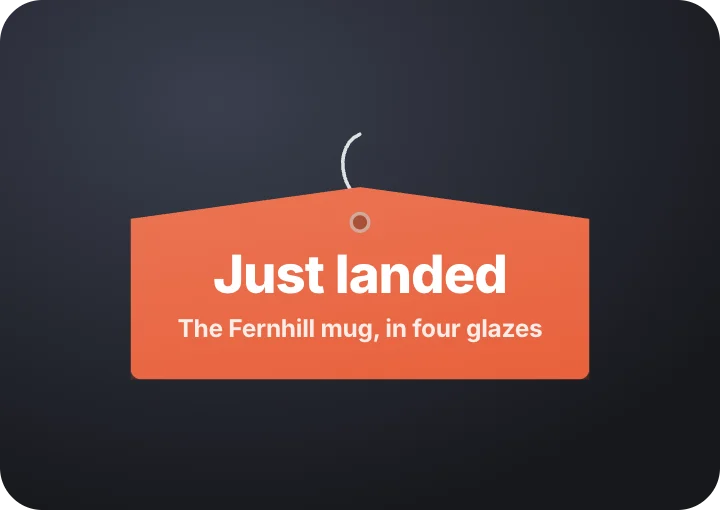 Just landed tagProducts & apps · transparent
 Ships today lineProducts & apps · transparent