
3D Mockups template PRO
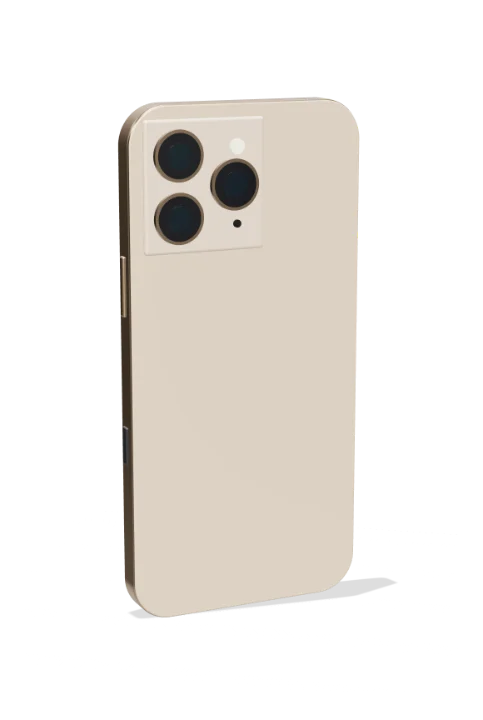
Phone – turns to show the back animation
Free to open, edit and preview. Exporting needs Pro. Full refund within 7 days, cancel any time.
A phone showing your screen spins round to reveal its back and camera module. A ready-made 3d mockups animation: change the content, pick the style and motion, then export a video for TikTok, Reels, Shorts or YouTube.
Put it on a gradient, a color, your own image or a transparent background. The example reads “9:41”, “For you”; replace it with your own. With the example text it plays for about 2.5 seconds; longer text gets more time.
Good for: phone back, camera module, phone reveal, product shot, 3d phone.
What you can customise
Screens
- Screen
- Screen: your screenshot (replaces it)
- Screen accent
- Screens
- Status bar time
Screen pictures
- Picture 1 · product 1, post 1, album cover, hero, photo
- Picture 2 · product 2, post 2, up-next song 1
- Picture 3 · product 3, poster photo, up-next song 2
- Picture 4 · product 4, story 1, up-next song 3
- Picture 5 · product 5, story 2, up-next song 4
- Picture 6 · product 6, story 3
- Picture 7 · product 7, story 4
- Picture 8 · product 8, story 5
Social feed
- Title
- Username
- Place
- Likes line
- Caption
- Story names
Music player
- Song
- Artist
- Time played
- Length
- Progress
- Up next (song | artist, up to 5)
Shop
- Title
- Search placeholder
- Banner
- Products (name | price | old price, up to 8)
Chat
- Name
- Messages (me: / them:)
How to make it
- Open the template. It opens in the free editor in your browser, already animated.
- Make it yours. Edit screen, screen: your screenshot (replaces it), screen accent in the Content tab. The preview updates as you type.
- Pick the format. Choose 9:16 for TikTok, Reels and Shorts, or 16:9 for YouTube, and set the background.
- Export. Save an MP4 to post, a transparent MOV for Premiere Pro, Final Cut, DaVinci Resolve or CapCut, or a PNG still.
Export formats
- MP4, 720p or 1080p, 30 or 60 fps
- MOV (ProRes 4444) with transparency
- WebM with transparency (web pages, OBS)
- PNG image
Questions
Is the Phone – turns to show the back template free?
It's a Pro template. You can open, edit and preview it for free in your browser; exporting it needs gizzMotion Pro ($9 a month or $90 a year), which unlocks every template. The free templates export with no watermark and no card.
How long is the Phone – turns to show the back animation?
About 2.5 seconds with the example text. Longer text gets more time so it stays readable.
Do I need After Effects or an account to use it?
No After Effects and nothing to install: it runs in your web browser. The first 3 exports need no account; after that, a free account (just your email, no card) keeps exports unlimited. Your text, images and the exported video are made on your own device and are never uploaded.
Related templates
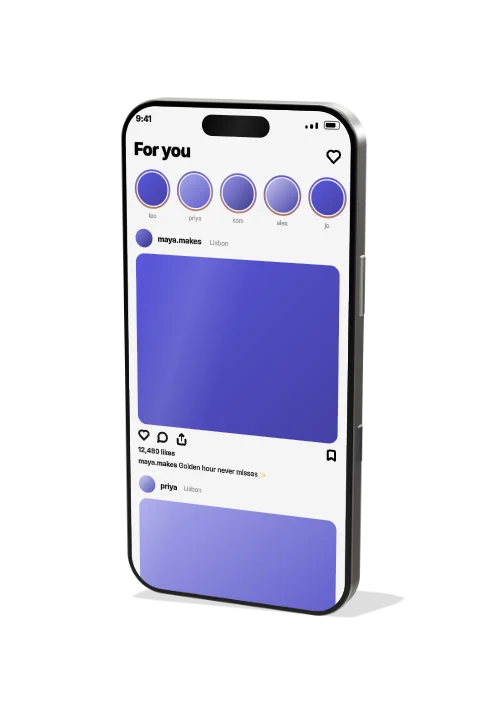 Phone – flat-edge, 3D turn3D Mockups
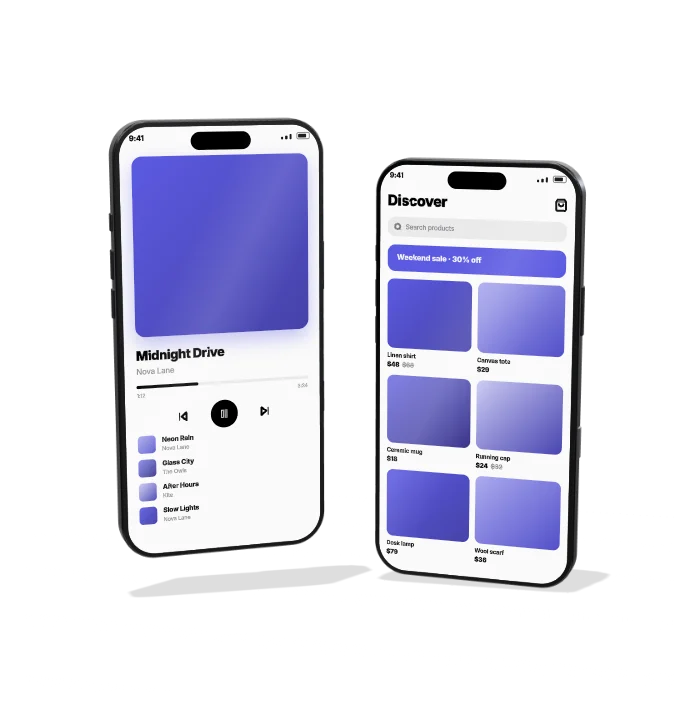 Phone pair – two screens3D Mockups
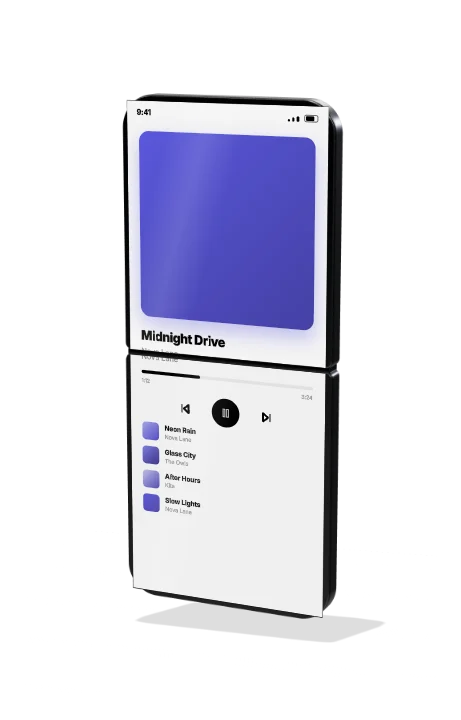 Flip foldable phone3D Mockups
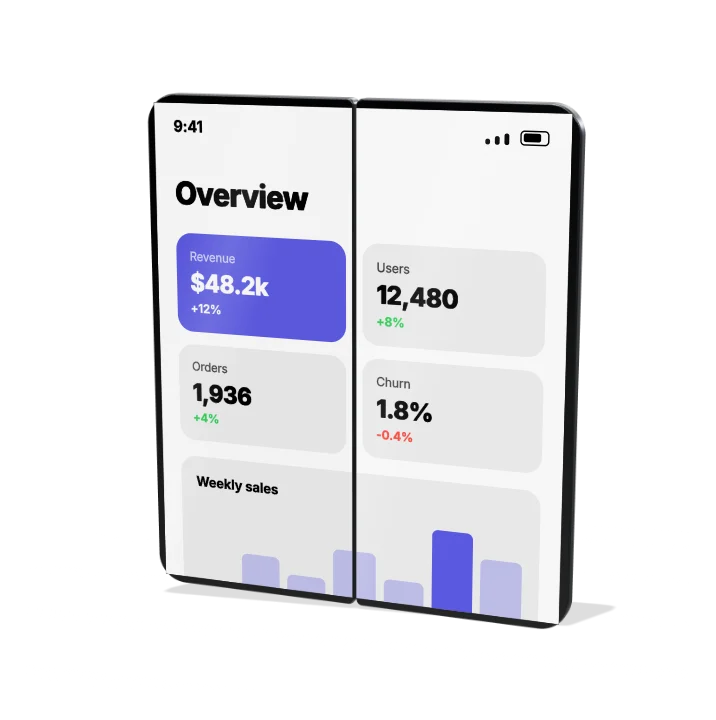 Book foldable phone3D Mockups
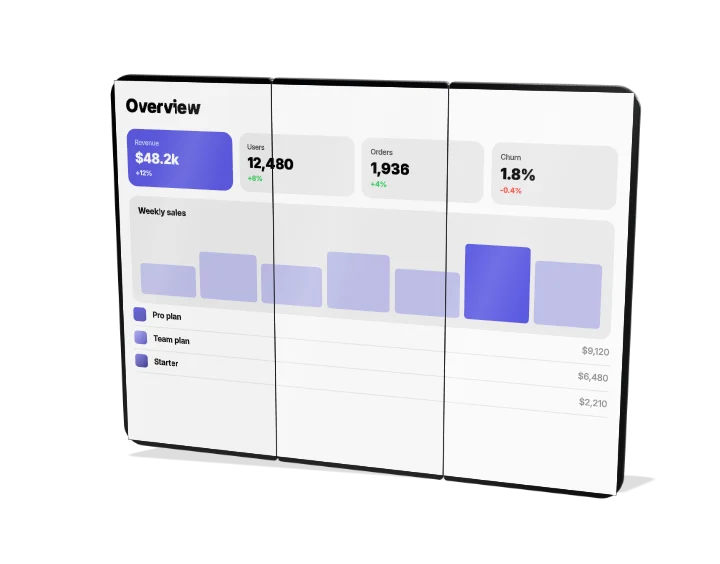 Tri-fold phone3D Mockups
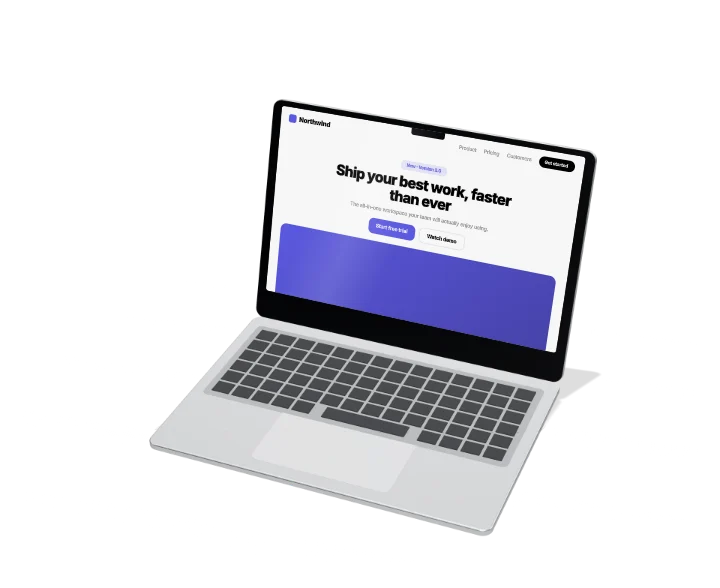 Thin laptop – lid opens3D Mockups
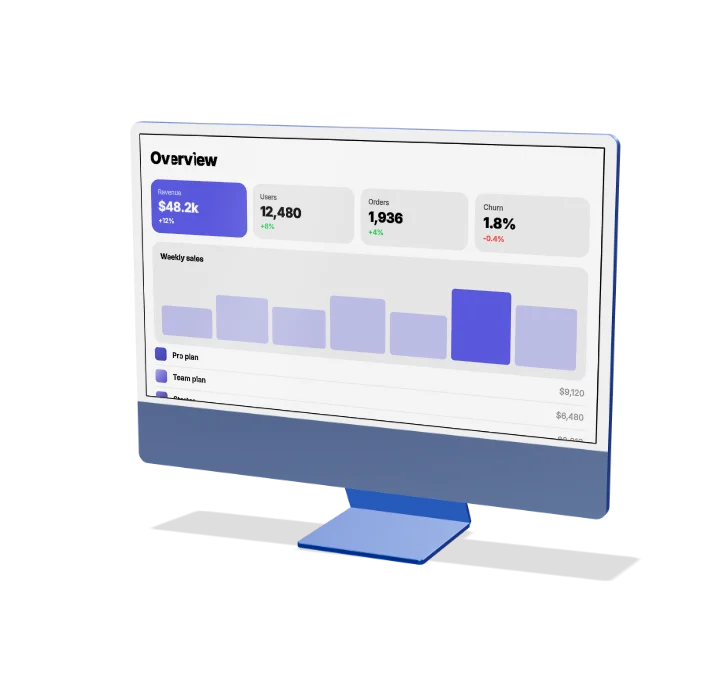 All-in-one desktop3D Mockups
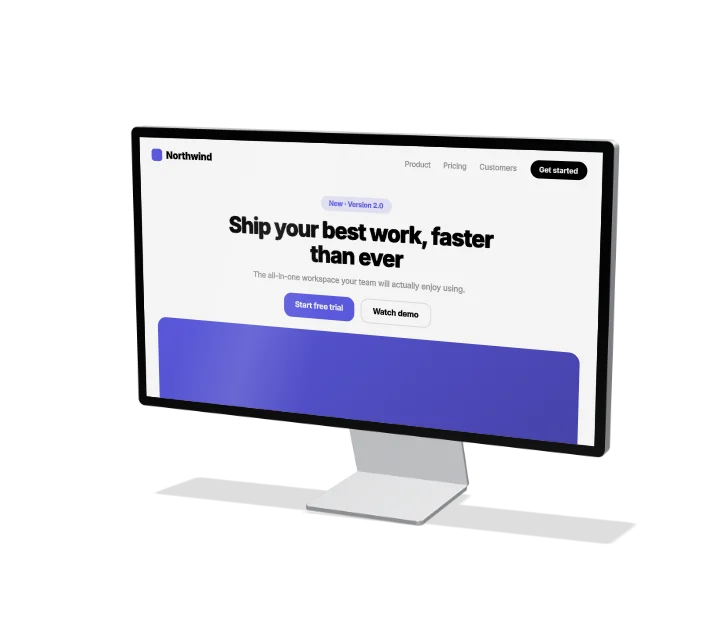 Studio monitor3D Mockups