
Fitness template PRO
PR comparison animation
Free to open, edit and preview. Exporting needs Pro. Full refund within 7 days, cancel any time.
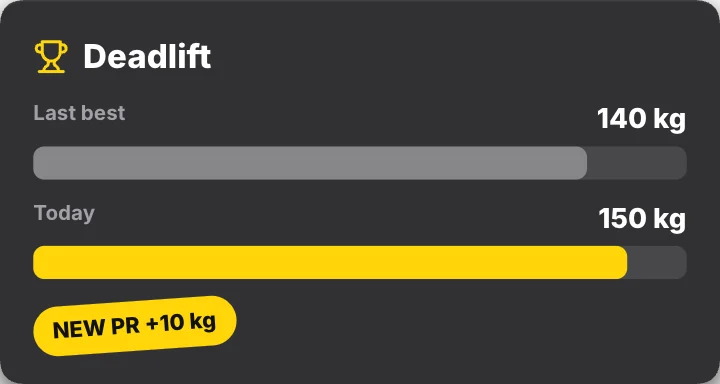
Your last best and today’s lift as bars, then a NEW PR badge. A ready-made fitness animation: change the content, pick the style and motion, then export a video for TikTok, Reels, Shorts or YouTube.
Put it on a gradient, a color, your own image or a transparent background. The example reads “Deadlift”, “Last best”; replace it with your own. With the example text it plays for about 2 seconds; longer text gets more time.
Good for: personal record, lift comparison, gym progress, strength.
What you can customise
Lift
- Title
- Old label
- Old value
- New label
- New value
- Badge
Style
- Accent
- Width
- Size
Your brand
- Your logo (PNG, transparent works best)
- Your name or @handle
- Show badge
- Badge position
- Badge look
- Badge size
- Background photo (card sits on it)
- Background padding
How to make it
- Open the template. It opens in the free editor in your browser, already animated.
- Make it yours. Edit title, old label, old value in the Content tab. The preview updates as you type.
- Pick the format. Choose 9:16 for TikTok, Reels and Shorts, or 16:9 for YouTube, and set the background.
- Export. Save an MP4 to post, a transparent MOV for Premiere Pro, Final Cut, DaVinci Resolve or CapCut, or a PNG still.
Export formats
- MP4, 720p or 1080p, 30 or 60 fps
- MOV (ProRes 4444) with transparency
- WebM with transparency (web pages, OBS)
- PNG image
Questions
Is the PR comparison template free?
It's a Pro template. You can open, edit and preview it for free in your browser; exporting it needs gizzMotion Pro ($9 a month or $90 a year), which unlocks every template. The free templates export with no watermark and no card.
How long is the PR comparison animation?
About 2 seconds with the example text. Longer text gets more time so it stays readable.
Do I need After Effects or an account to use it?
No After Effects and nothing to install: it runs in your web browser. The first 3 exports need no account; after that, a free account (just your email, no card) keeps exports unlimited. Your text, images and the exported video are made on your own device and are never uploaded.
Related templates
 Day 1 vs Day 90Fitness · transparent
 Progress ringsFitness
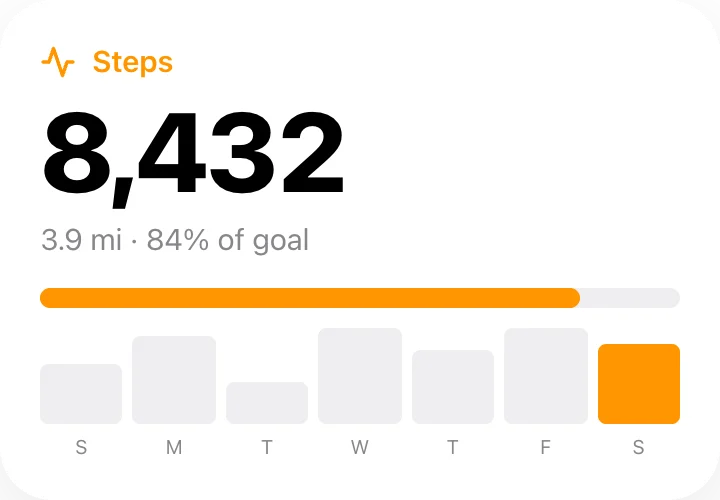 Step counterFitness
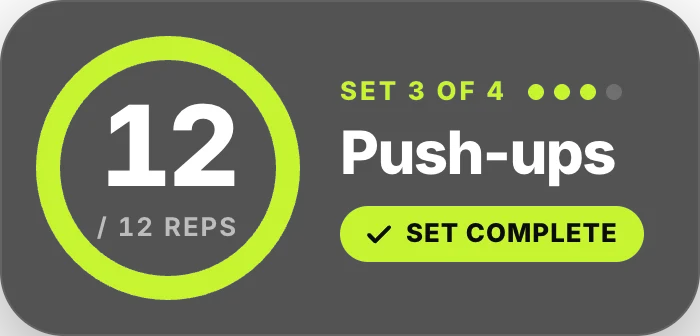 Rep counterFitness · transparent
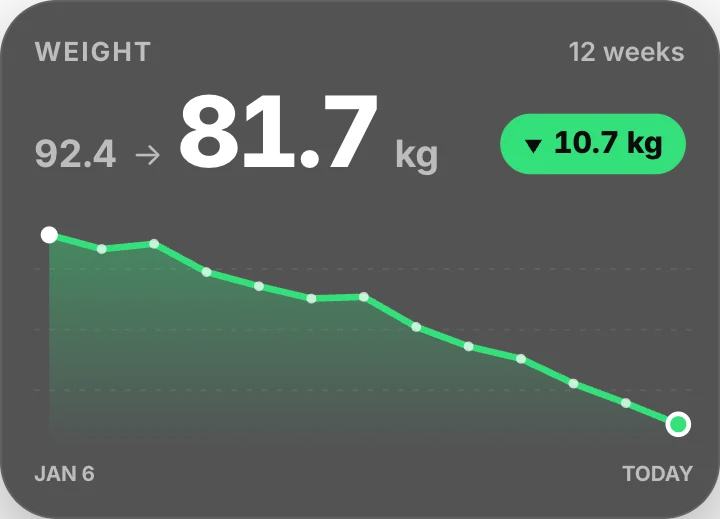 Weight progress chartFitness · transparent
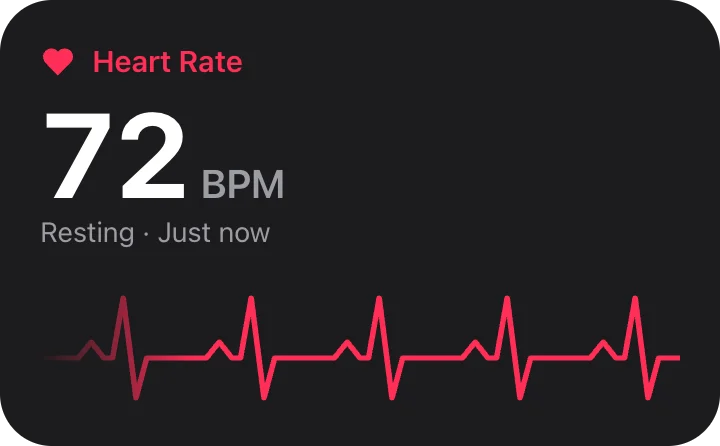 Heart rateFitness
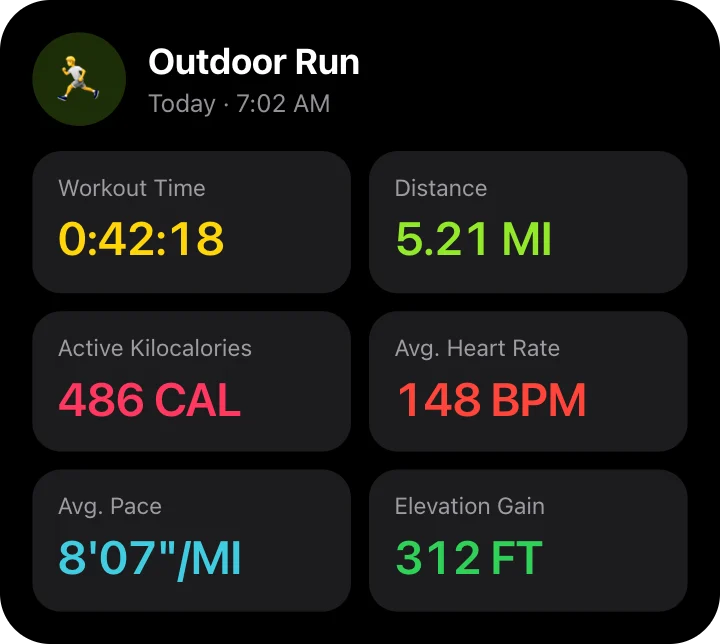 Workout summaryFitness
 HIIT interval timerFitness · transparent