
Motion Clips template PRO
Community chat app – messages and voice animation
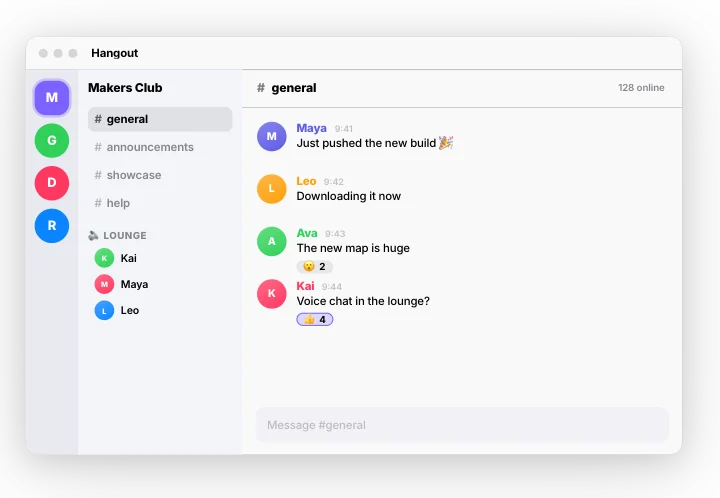
Free to open, edit and preview. Exporting needs Pro. Full refund within 7 days, cancel any time.
A community chat app: messages arrive in a channel, someone is typing, a reaction is added and friends join the voice room. A ready-made motion clips animation: change the content, pick the style and motion, then export a video for TikTok, Reels, Shorts or YouTube.
Put it on a gradient, a color, your own image or a transparent background. The example reads “Hangout”, “Makers Club Game Night Design Crew Runners”; replace it with your own. With the example text it plays for about 8.5 seconds; longer text gets more time.
Good for: chat app mockup, community chat, group chat, server channels, voice chat, app demo.
What you can customise
Community
- App name
- Communities
- Channels
- Online line
- Messages (up to 4)
- Voice room
- People joining
- Composer
- Typing word
Style
- Theme
- Accent
- Pointer
- Size
Your brand
- Your logo (PNG, transparent works best)
- Your name or @handle
- Show badge
- Badge position
- Badge look
- Badge size
- Background photo (card sits on it)
- Background padding
How to make it
- Open the template. It opens in the free editor in your browser, already animated.
- Make it yours. Edit app name, communities, channels in the Content tab. The preview updates as you type.
- Pick the format. Choose 9:16 for TikTok, Reels and Shorts, or 16:9 for YouTube, and set the background.
- Export. Save an MP4 to post, a transparent MOV for Premiere Pro, Final Cut, DaVinci Resolve or CapCut, or a PNG still.
Export formats
- MP4, 720p or 1080p, 30 or 60 fps
- MOV (ProRes 4444) with transparency
- WebM with transparency (web pages, OBS)
- PNG image
Questions
Is the Community chat app – messages and voice template free?
It's a Pro template. You can open, edit and preview it for free in your browser; exporting it needs gizzMotion Pro ($9 a month or $90 a year), which unlocks every template. The free templates export with no watermark and no card.
How long is the Community chat app – messages and voice animation?
About 8.5 seconds with the example text. Longer text gets more time so it stays readable.
Do I need After Effects or an account to use it?
No After Effects and nothing to install: it runs in your web browser. The first 3 exports need no account; after that, a free account (just your email, no card) keeps exports unlimited. Your text, images and the exported video are made on your own device and are never uploaded.
Related templates
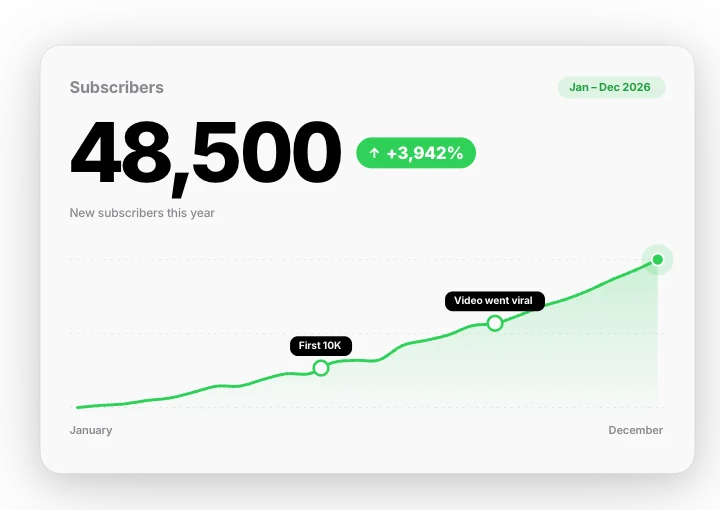 Number growth – count and chartMotion Clips
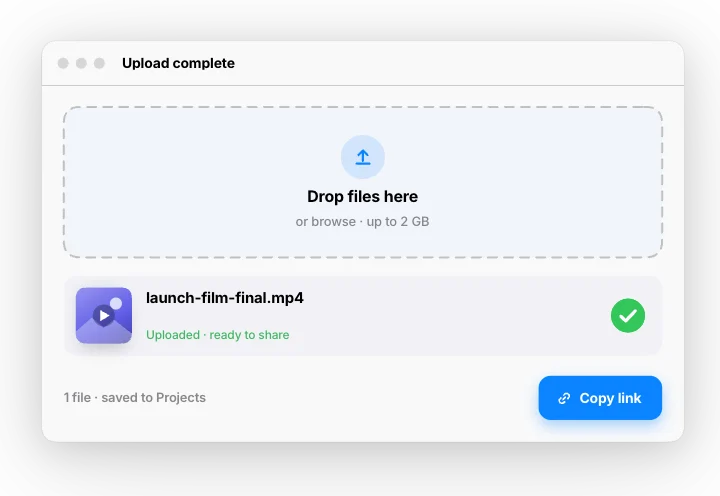 Upload complete – drag, progress, doneMotion Clips
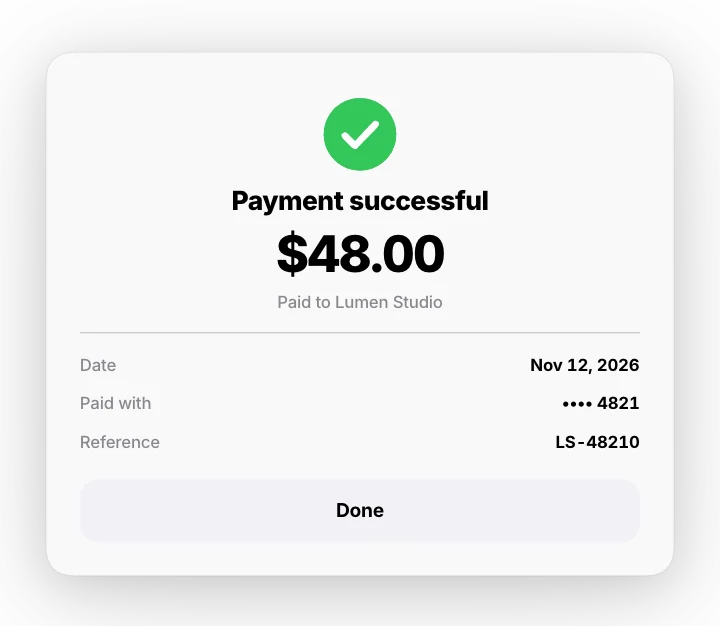 Payment success – pay, spinner, receiptMotion Clips
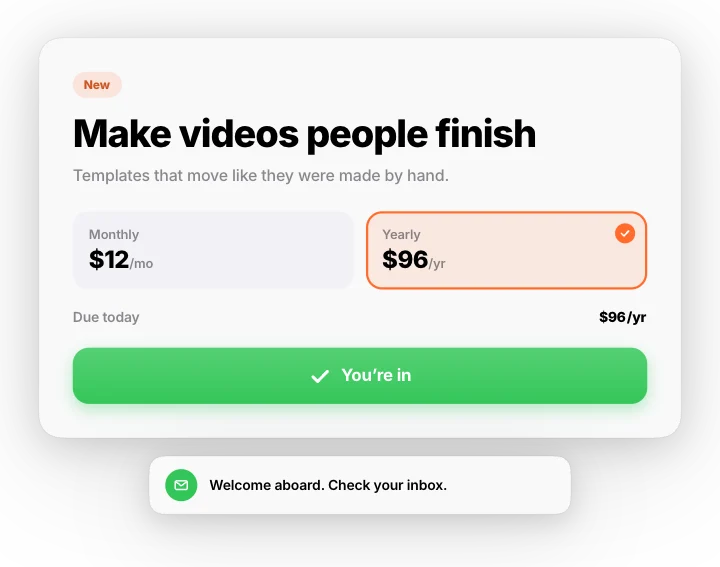 Cursor click – pick a plan and sign upMotion Clips
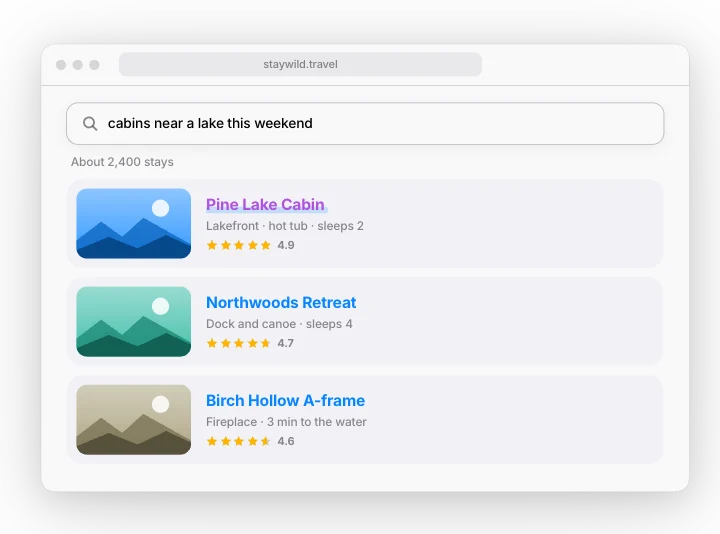 Website search – type, suggest, resultsMotion Clips
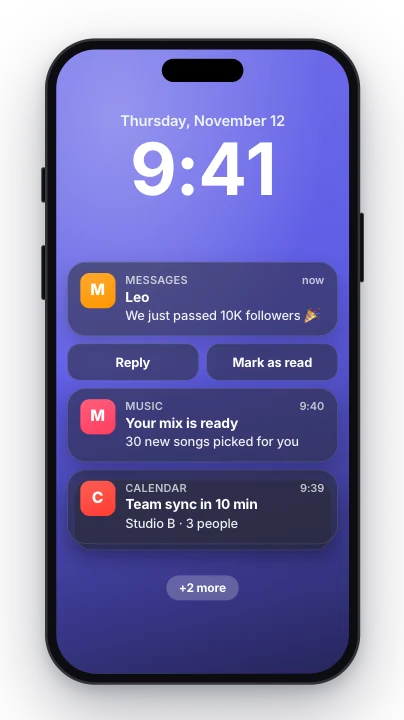 Notification stack – phone lock screenMotion Clips
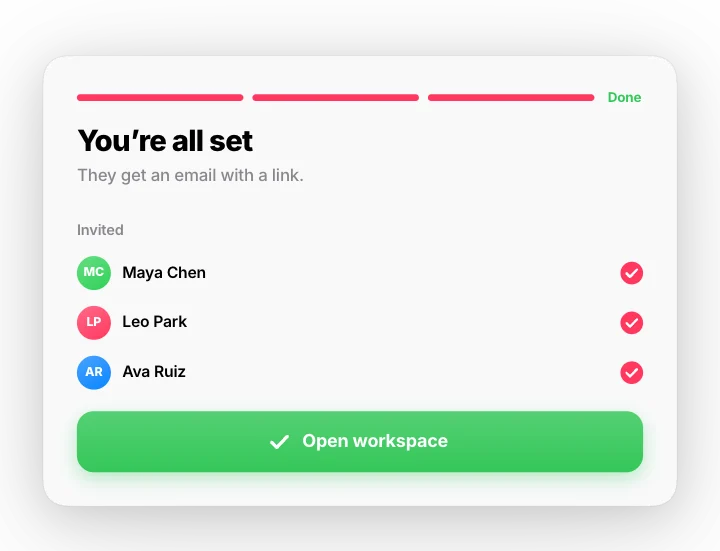 Setup wizard – three steps to readyMotion Clips
 Two-step sign in – code arrives, you’re inMotion Clips