
Social & reviews template PRO
What I thought, what I said animation
Free to open, edit and preview. Exporting needs Pro. Full refund within 7 days, cancel any time.
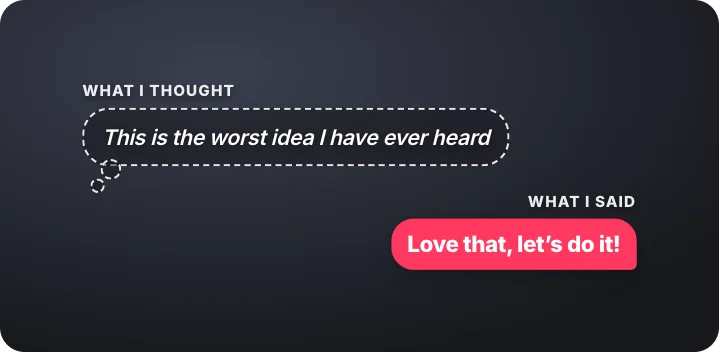
A dashed thought bubble with trailing circles appears first, then a solid pink speech bubble answers it on the other side. A ready-made social & reviews animation: change the content, pick the style and motion, then export a video for TikTok, Reels, Shorts or YouTube.
It starts on a transparent background, so you can export a MOV or WebM and lay it over your own footage. The example reads “What I thought”, “This is the worst idea I have ever heard”; replace it with your own. With the example text it plays for about 3 seconds; longer text gets more time.
Good for: for-short-video, what i thought vs said, thought bubble, inner voice, storytime, awkward moment.
Part of the Storytime and POV pack.
What you can customise
Bubbles
- Thought bubble
- Said bubble
- Labels
- First label
- Thought
- Second label
- Said
Style
- Theme
- Accent
- Size
Your brand
- Your logo (PNG, transparent works best)
- Your name or @handle
- Show badge
- Badge position
- Badge look
- Badge size
- Background photo (card sits on it)
- Background padding
How to make it
- Open the template. It opens in the free editor in your browser, already animated.
- Make it yours. Edit thought bubble, said bubble, labels in the Content tab. The preview updates as you type.
- Pick the format. Choose 9:16 for TikTok, Reels and Shorts, or 16:9 for YouTube, and set the background (it is transparent by default).
- Export. Save an MP4 to post, a transparent MOV for Premiere Pro, Final Cut, DaVinci Resolve or CapCut, or a PNG still.
Export formats
- MP4, 720p or 1080p, 30 or 60 fps
- MOV (ProRes 4444) with transparency
- WebM with transparency (web pages, OBS)
- PNG image
Questions
Is the What I thought, what I said template free?
It's a Pro template. You can open, edit and preview it for free in your browser; exporting it needs gizzMotion Pro ($9 a month or $90 a year), which unlocks every template. The free templates export with no watermark and no card.
Can I export What I thought, what I said with a transparent background?
Yes, it starts transparent. Export a ProRes 4444 MOV for Premiere Pro, Final Cut Pro, DaVinci Resolve or CapCut, or a WebM for OBS and web pages, and the background stays see-through with no green screen or keying.
How long is the What I thought, what I said animation?
About 3 seconds with the example text. Longer text gets more time so it stays readable.
Do I need After Effects or an account to use it?
No After Effects and nothing to install: it runs in your web browser. The first 3 exports need no account; after that, a free account (just your email, no card) keeps exports unlimited. Your text, images and the exported video are made on your own device and are never uploaded.
Related templates
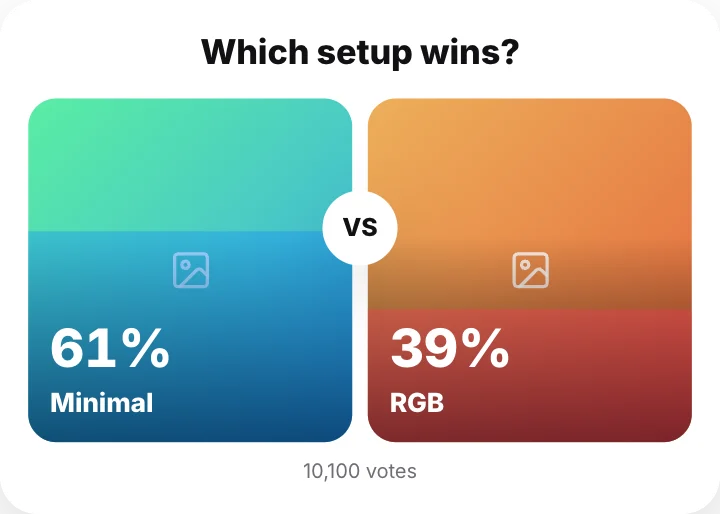 Vote A or BSocial & reviews
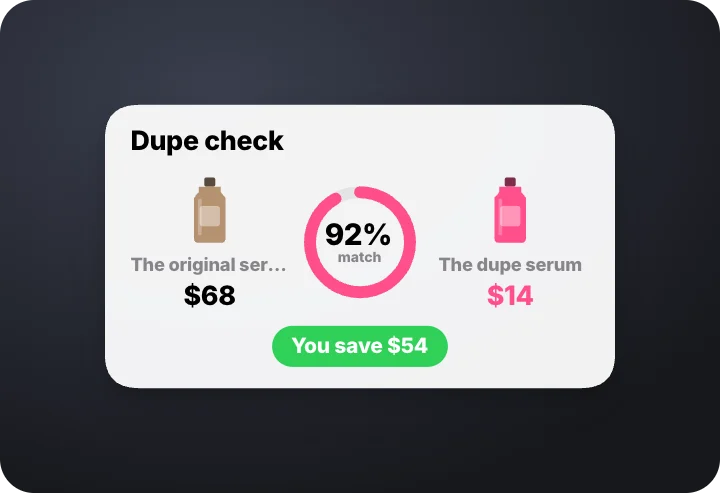 Dupe checkSocial & reviews · transparent
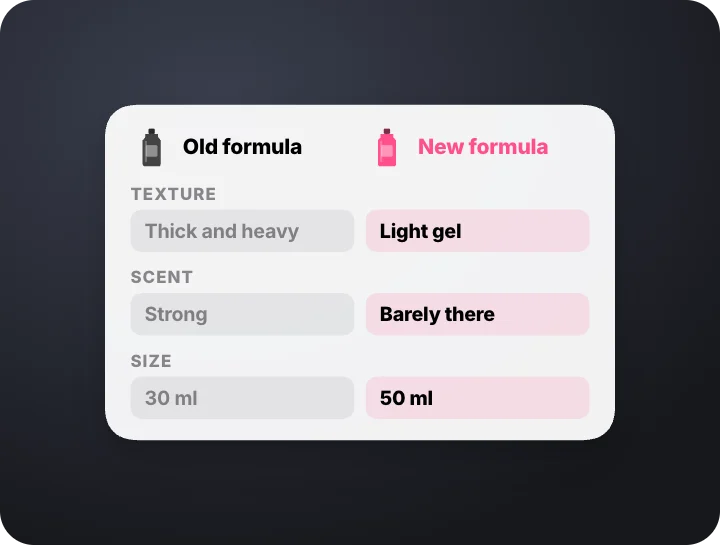 Old one vs new oneSocial & reviews · transparent
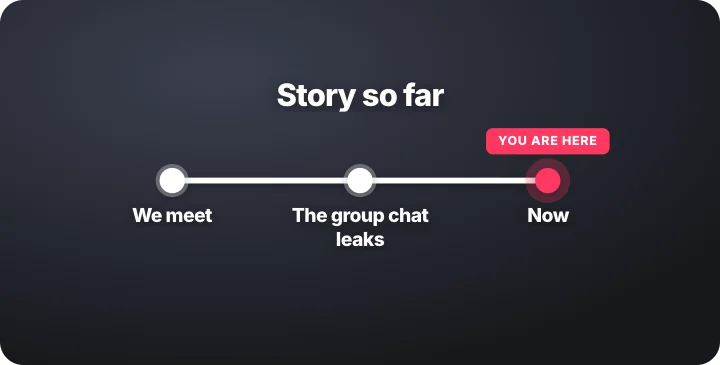 Story so farSocial & reviews · transparent
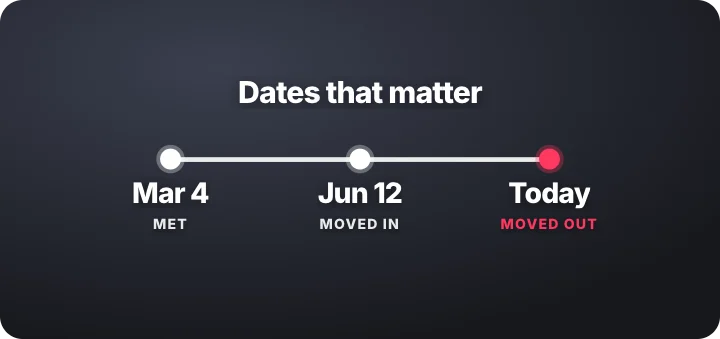 Dates that matterSocial & reviews · transparent
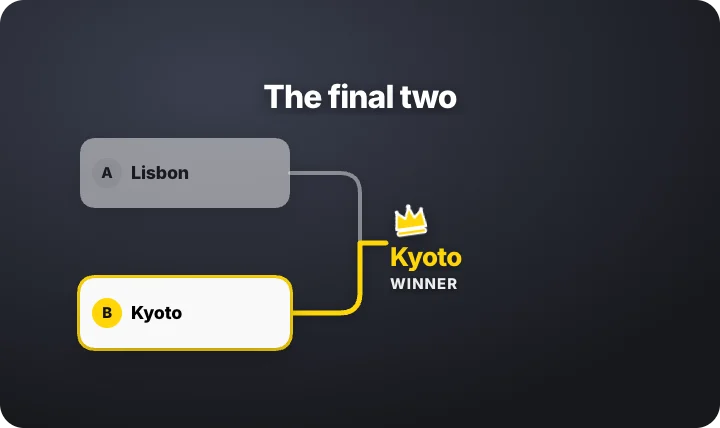 Final two face-offSocial & reviews · transparent
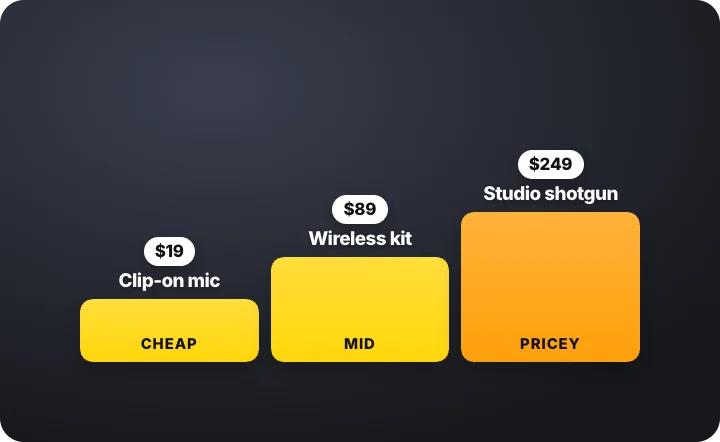 Cheap, mid, priceySocial & reviews · transparent
 Forum postSocial & reviews