
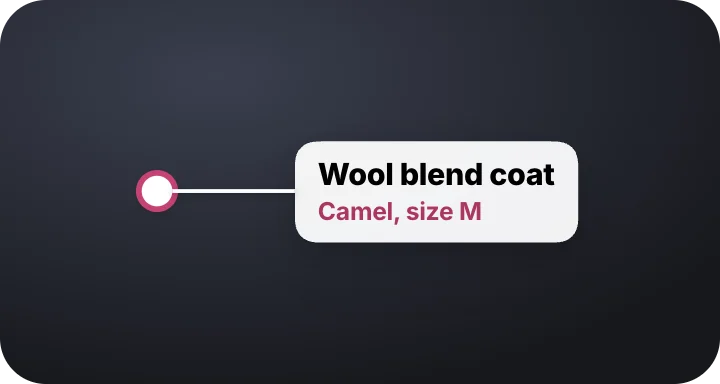
 FreeOutfit item tag
A pulsing dot and a thin line draw out to a small tag naming the piece, with its colour and size
Open in editorShort video · Template pack
Identify an outfit, a shade or a step in a routine without covering the subject. The pack gives product and styling details a consistent place in a short edit.
6 Free · 14 Pro · 5 Pro Max. Choose individual templates below; export each piece and combine it in your edit.
Introduce the look, label the relevant items, then show the completed result.
Product names, shade matches and results come from your own content.
Every one opens free in your browser to edit and preview. Free ones export with no watermark (a free account after 3 exports); Pro and Pro Max need Pro, and Pro Max scenes are included with it.
FreeOutfit item tagA pulsing dot and a thin line draw out to a small tag naming the piece, with its colour and size
Open in editor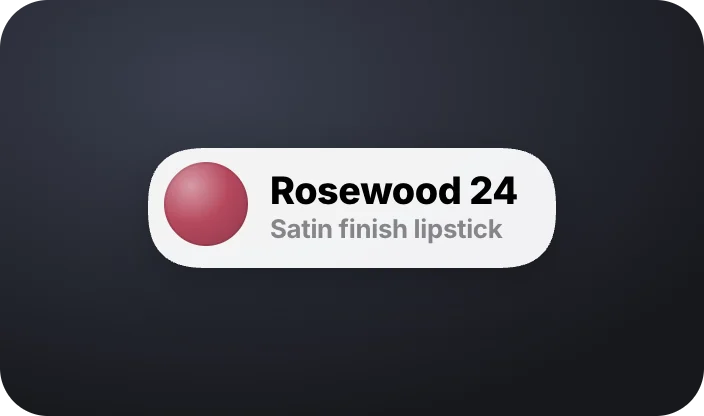 FreeShade name chip
A glossy colour swatch pops in beside the shade name, with the product type under it
Open in editor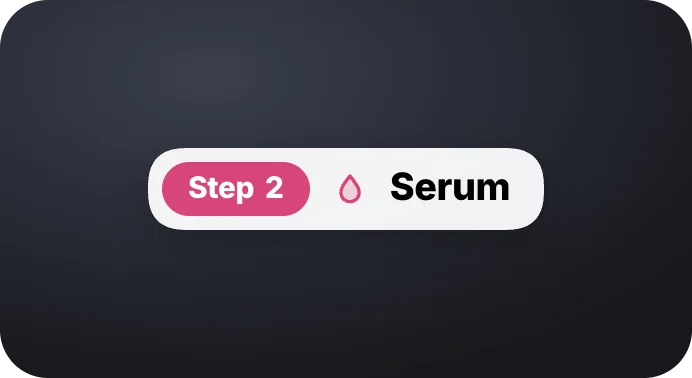 FreeRoutine step chip
A step pill with its number rolling in, a small drop icon and the product name, such as step 2: serum
Open in editor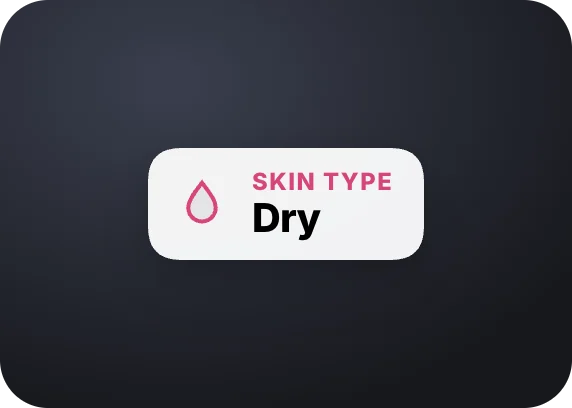 FreeSkin type tag
A drop icon fills to show how oily or dry beside a skin type label and your type, such as dry
Open in editor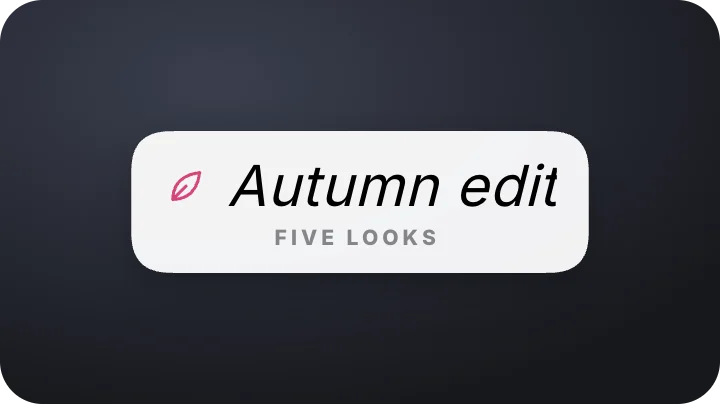 FreeSeason label
A soft italic title such as autumn edit appears letter by letter beside a swaying season icon, with a spaced line under it
Open in editor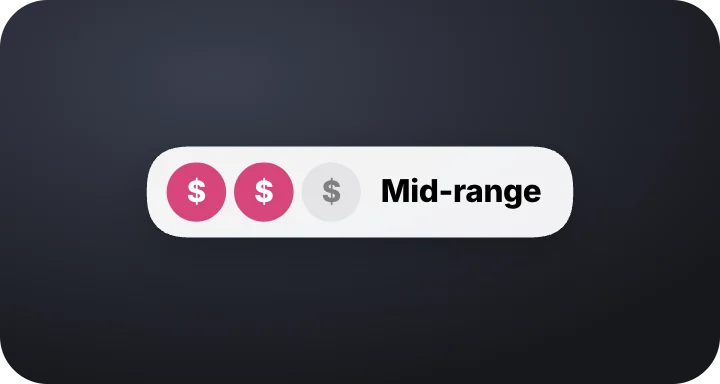 FreePrice tier dots
One to three price symbols light up in turn, then the tier word lands, such as mid-range
Open in editor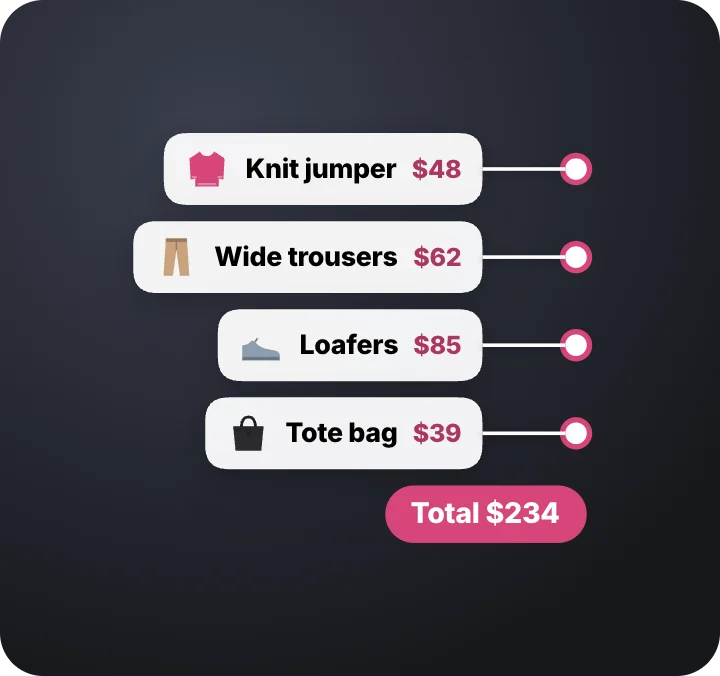 ProOutfit breakdown
Dots and lines draw out one by one to tags for each piece with a drawn garment and price, then the total
Open in editor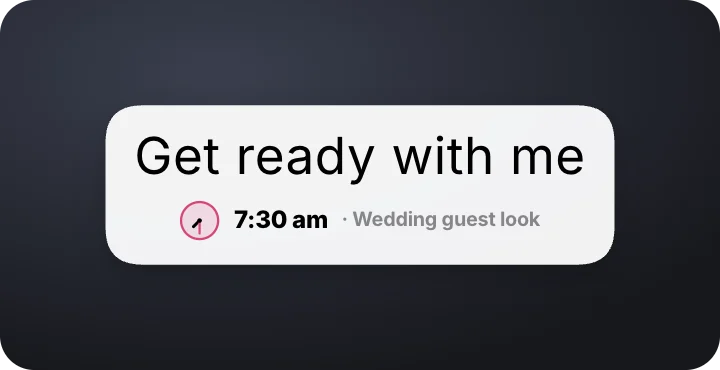 ProGet ready with me title
A light, soft get ready with me title blurs in word by word over a small clock whose hands turn to the time
Open in editor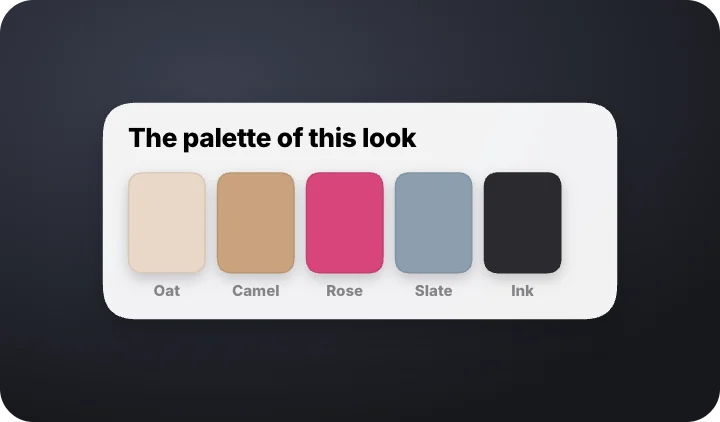 ProColour palette pull
Five colour swatches rise and tilt into a row one by one, each with its name under it
Open in editor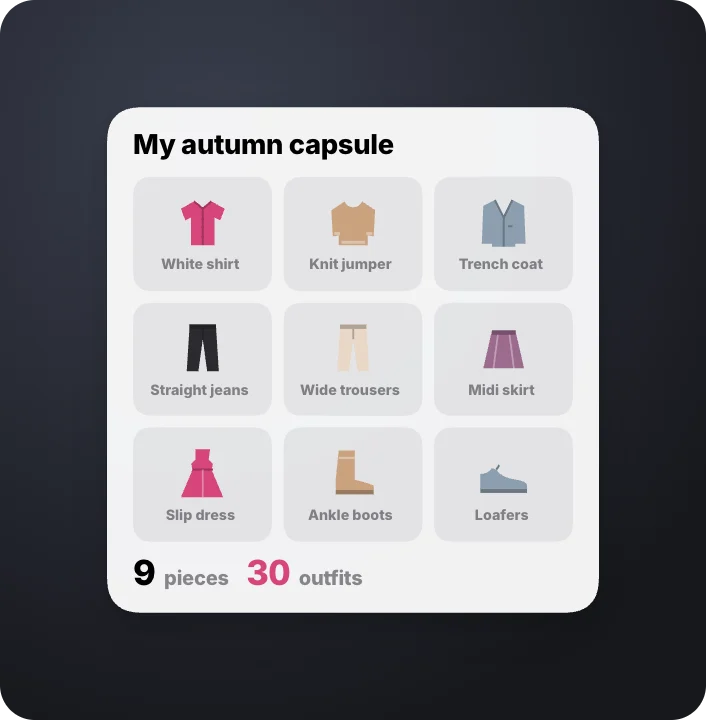 ProCapsule wardrobe grid
A grid of drawn pieces pops in one by one, then the piece count and how many outfits they make
Open in editor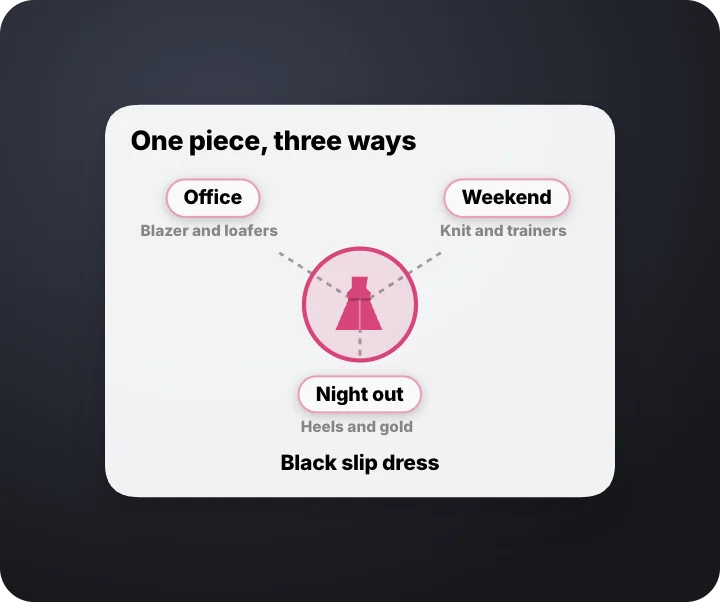 ProOne piece, three ways
A piece sits in a ringed circle as dashed lines reach out to three ways to wear it, each with a note
Open in editor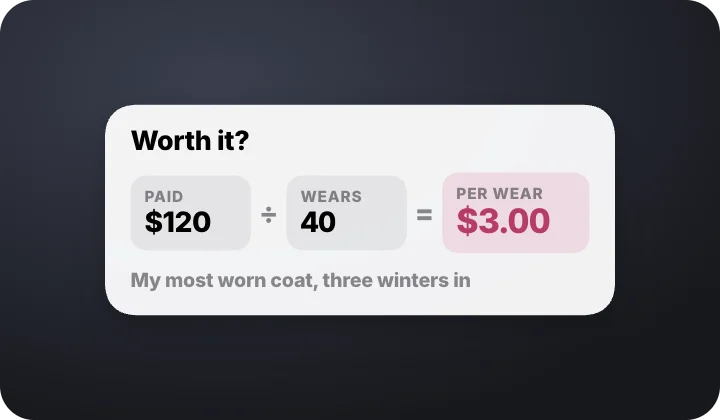 ProCost per wear
The price divided by the number of wears counts out to the cost per wear in a highlighted box
Open in editor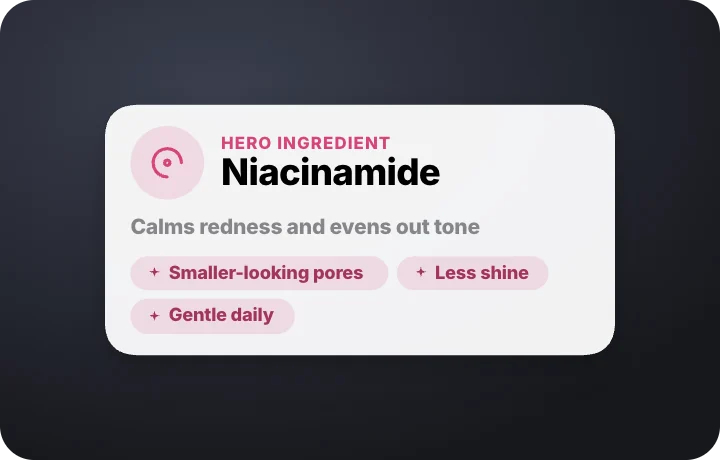 ProHero ingredient
A spinning molecule tile beside the ingredient name, a line on what it does and three benefit chips
Open in editor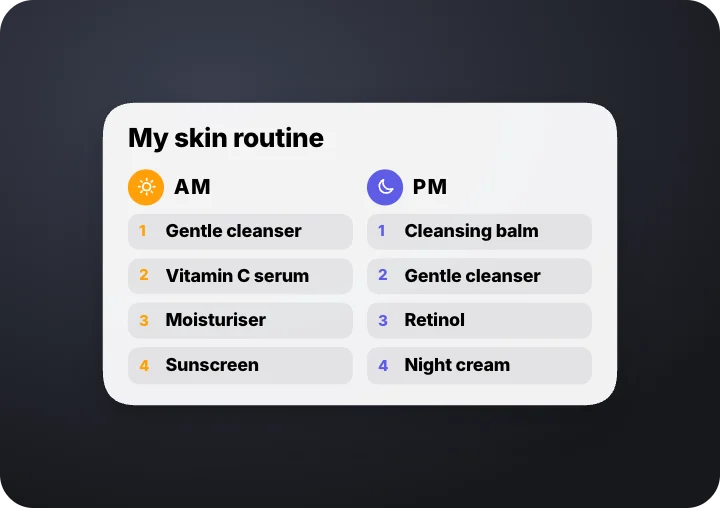 ProAM and PM routine columns
Morning and evening columns under a sun and a moon fill with numbered steps in turn
Open in editor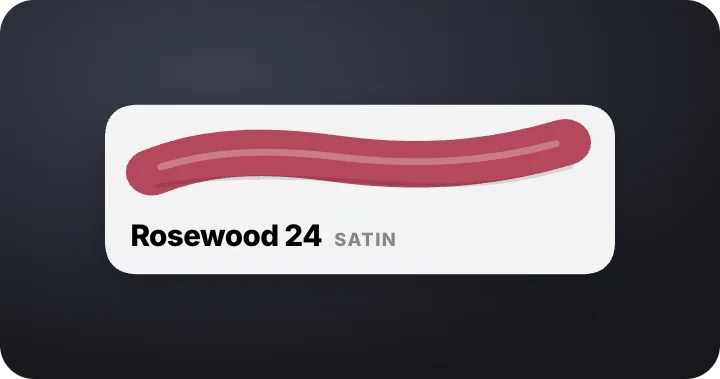 ProSwatch stroke
A brush stroke of colour sweeps across with a soft shine, then the shade name and finish land
Open in editor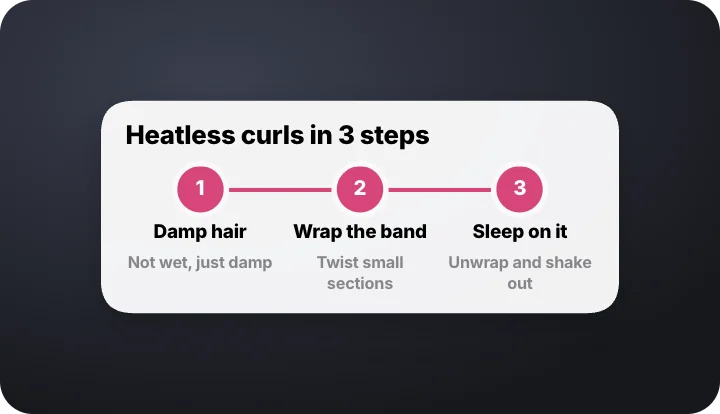 ProHair in three steps
Three numbered step cards pop in along a line that fills, each with a short detail
Open in editor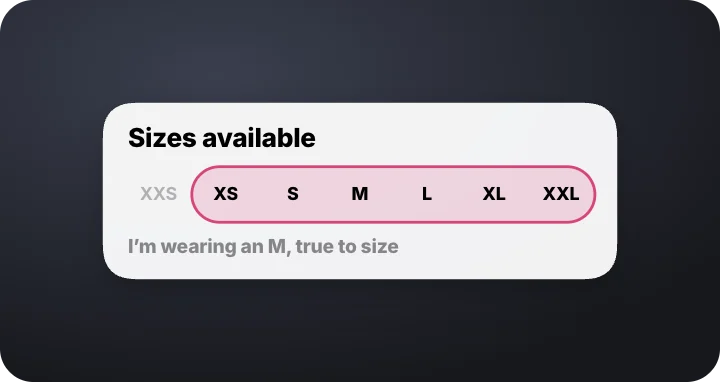 ProSize range bar
Size chips pop in a row and a ringed bar grows over the sizes available, with a fit note under it
Open in editor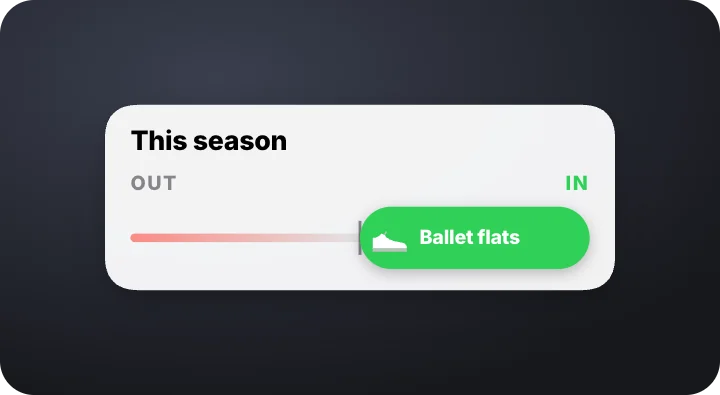 ProIn or out
A chip with a drawn piece slides from the middle to the in or out end and turns green or red
Open in editor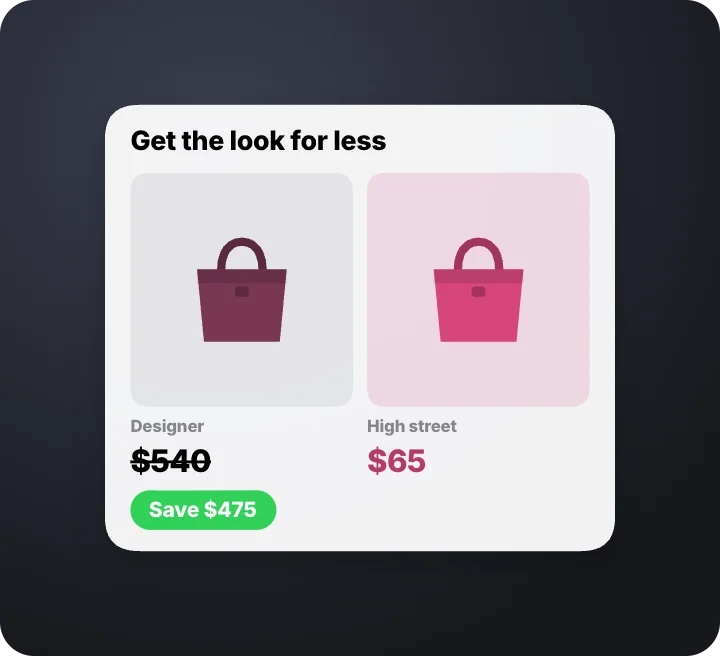 ProLook for less
Two frames with your photos or a drawn piece show a high price struck through and a low one, then the saving
Open in editor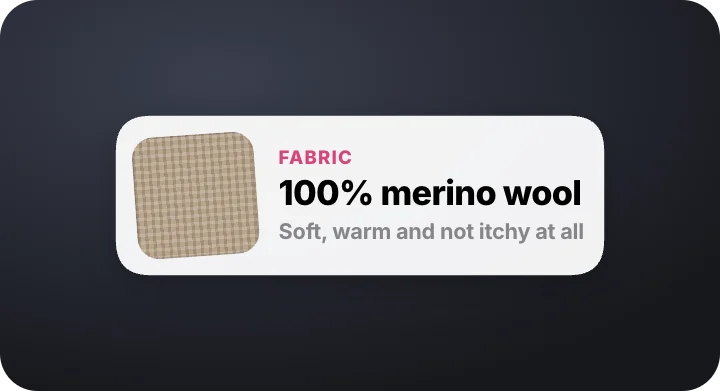 ProFabric close-up label
A woven fabric square wipes in and tilts beside the fabric name and a line on how it feels
Open in editor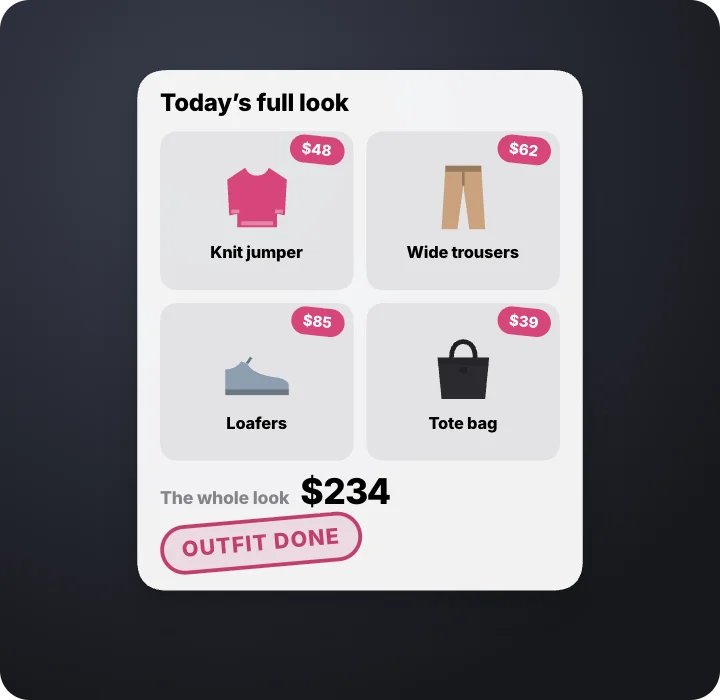 Pro MaxThe full look
Four pieces fly into a grid, price tags snap onto each, the total counts up and an outfit done stamp lands
Open in editor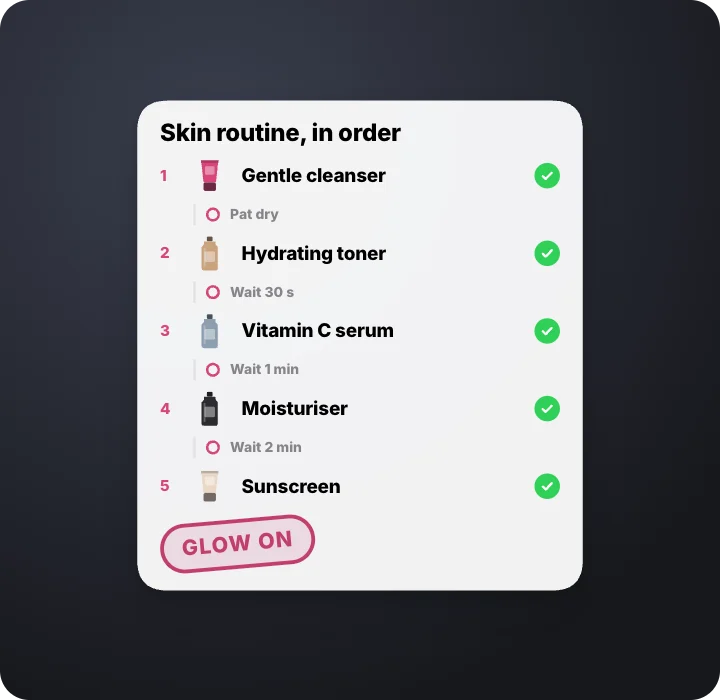 Pro MaxSkin routine, in order
Five products light up in order with wait-time rings filling between them, each ticking, then a glow stamp
Open in editor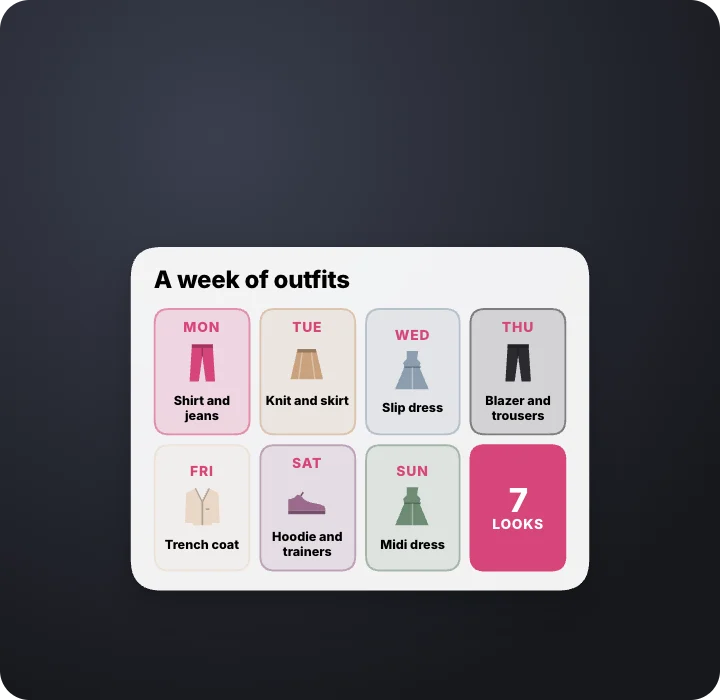 Pro MaxA week of outfits
Seven day cards flip one by one to a drawn outfit and its name, then a count tile pops in
Open in editor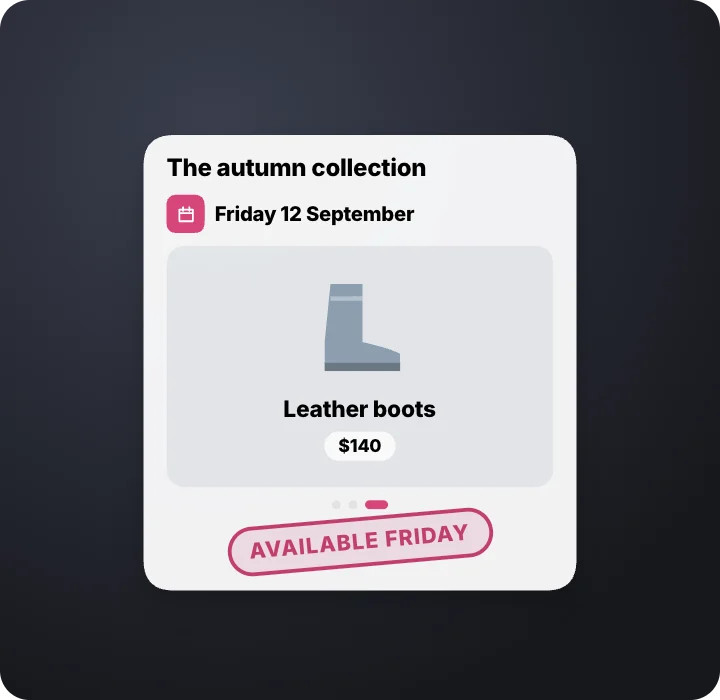 Pro MaxCollection drop
The date lands, three pieces slide by one at a time with their prices, then an available Friday stamp
Open in editor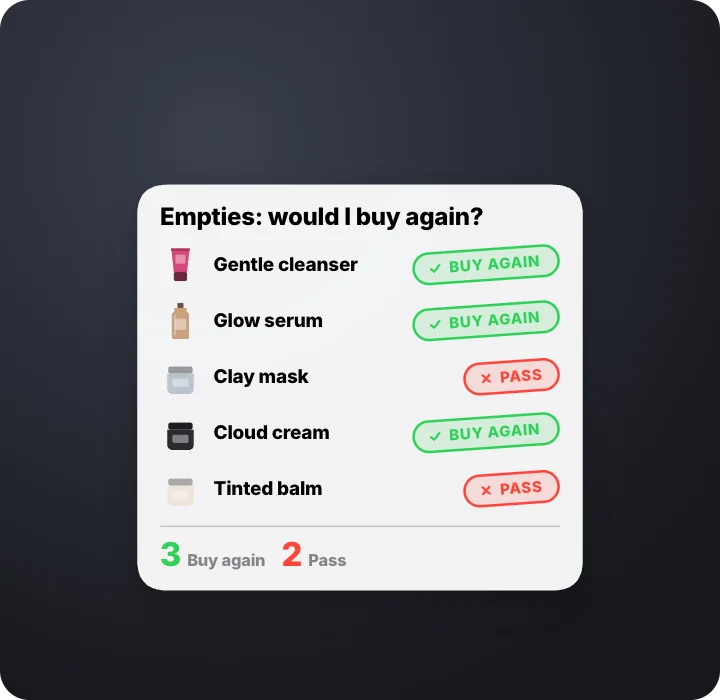 Pro MaxEmpties verdict
Five finished products get a buy again or pass stamp one by one, then the two counts land
Open in editorPair the written shade name with the relevant product shot. Avoid using a graphic color alone as proof of how a product looks in different lighting.
Product names, shade matches and results come from your own content.