
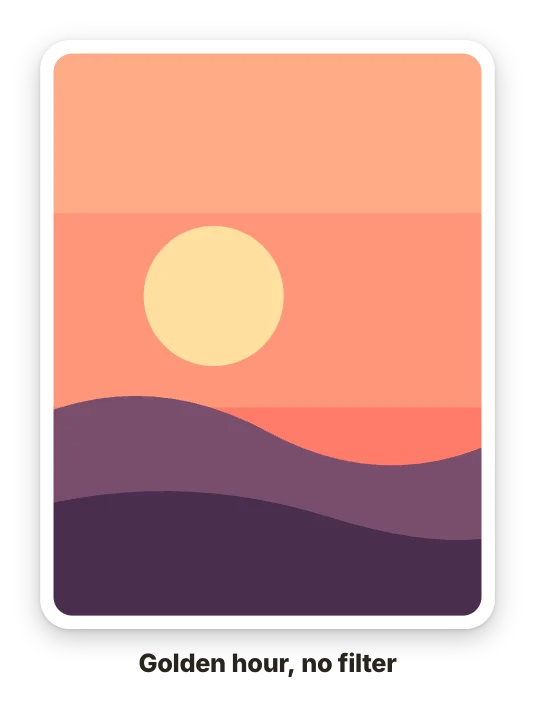
 FreeOne photo, slow drift
Your photo in a white border pushes in slowly while a caption rises under it, on a paper background
Open in editorShort video · Template pack
Build a visual recap around photos you choose. Single-image movement and multi-photo layouts give a photo post or slideshow a readable rhythm.
6 Free · 14 Pro · 5 Pro Max. Choose individual templates below; export each piece and combine it in your edit.
Open with the strongest image, group related photos, then close on the detail that sums up the set.
You provide the photos; the pack does not generate images or assemble a finished slideshow automatically.
Every one opens free in your browser to edit and preview. Free ones export with no watermark (a free account after 3 exports); Pro and Pro Max need Pro, and Pro Max scenes are included with it.
FreeOne photo, slow driftYour photo in a white border pushes in slowly while a caption rises under it, on a paper background
Open in editor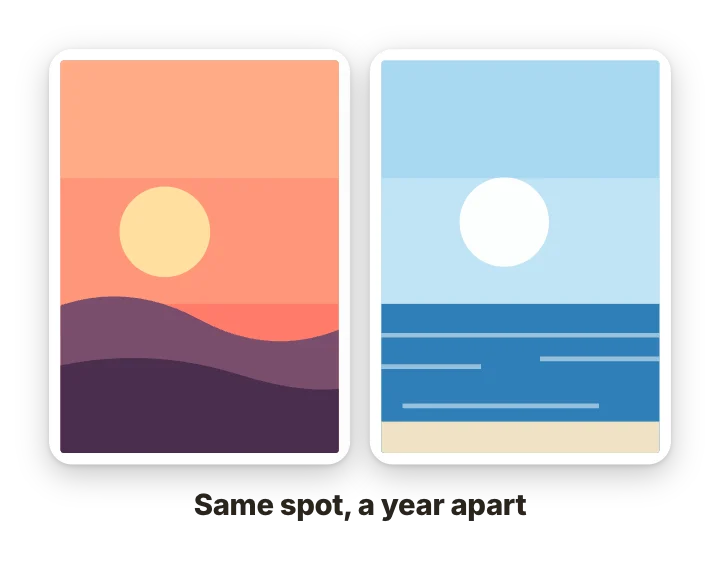 FreeTwo photos side by side
Two bordered photos slide in from opposite sides and settle next to each other, with a caption under them
Open in editor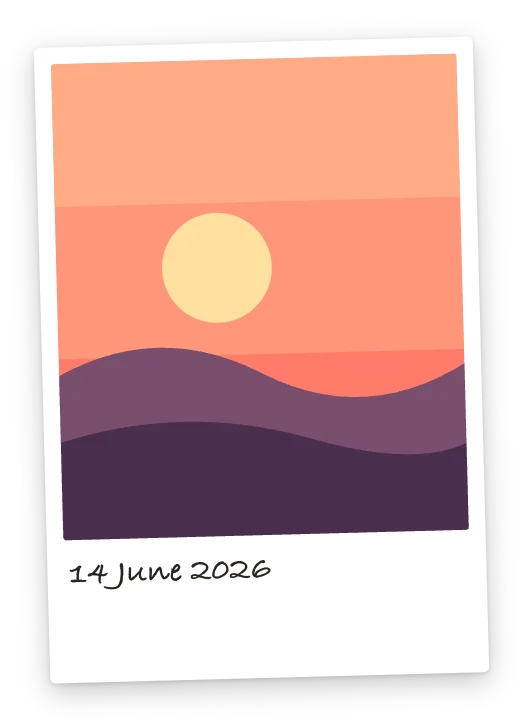 FreePhoto with date line
A tilted print of your photo with a handwritten date that writes itself across the border
Open in editor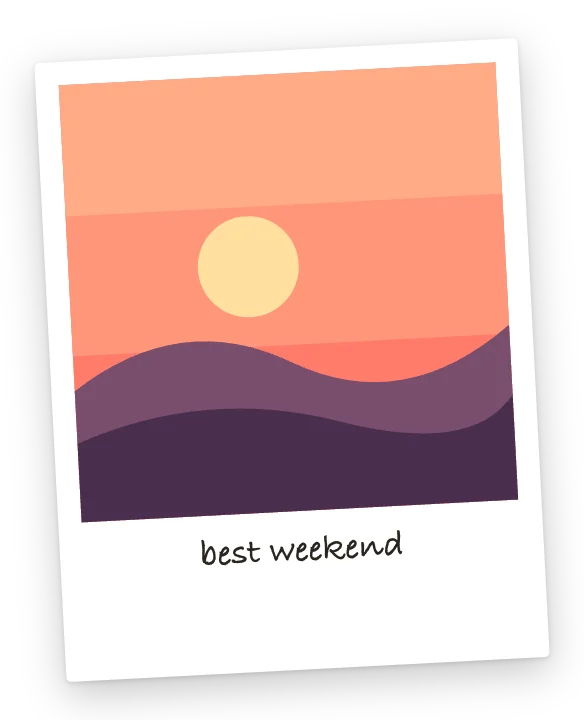 FreeWhite border print
Your photo drops in like a white-border print, tilts and settles, with a handwritten caption on the border
Open in editor FreeSlide dots
A row of slide dots where the current one stretches into a pill, with the slide count beside them
Open in editor FreeSwipe hint
A small swipe pill with three chevrons that nudge left or right to say there is more
Open in editor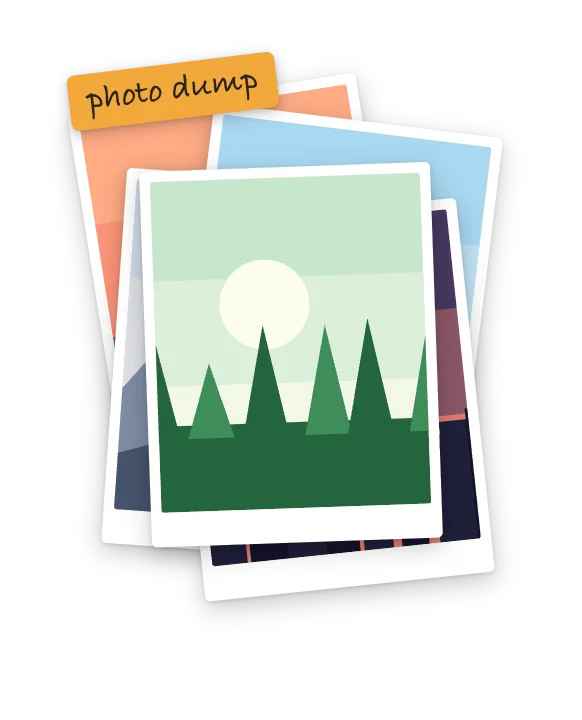 ProPhoto dump stack
Five bordered photos toss onto a pile at angles one by one, then a handwritten photo dump sticker lands
Open in editor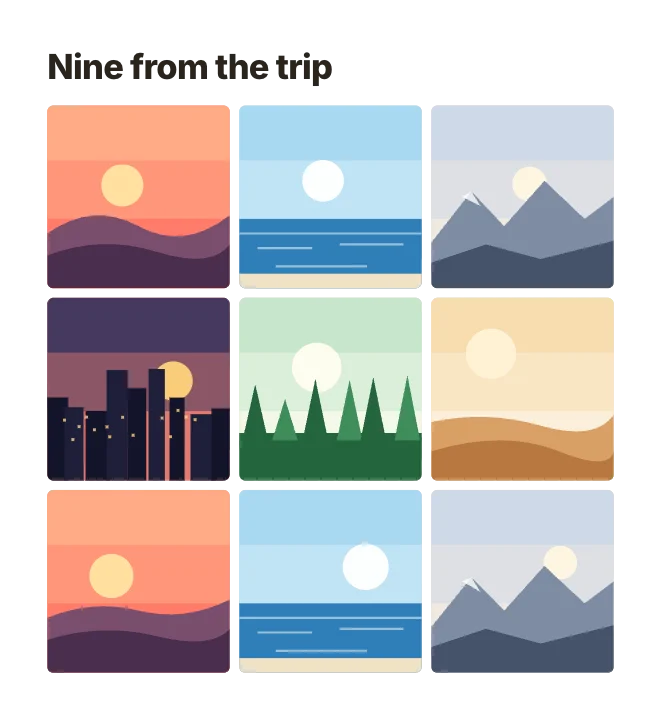 ProNine-grid fill
A three by three grid of your photos fills in one by one in reading order under a short title
Open in editor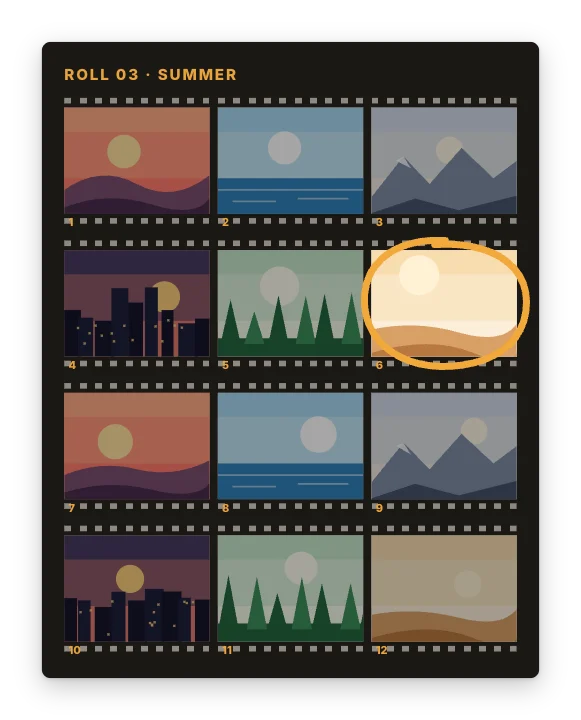 ProContact sheet
A dark contact sheet of twelve frames fills strip by strip, then a pencil ring draws round your pick
Open in editor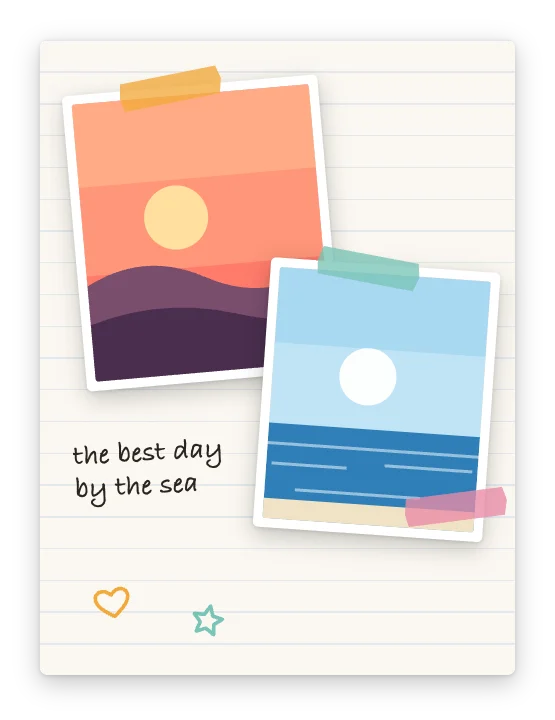 ProScrapbook page
Two photos land on a lined page, strips of tape press on, a handwritten note writes itself and doodles pop
Open in editor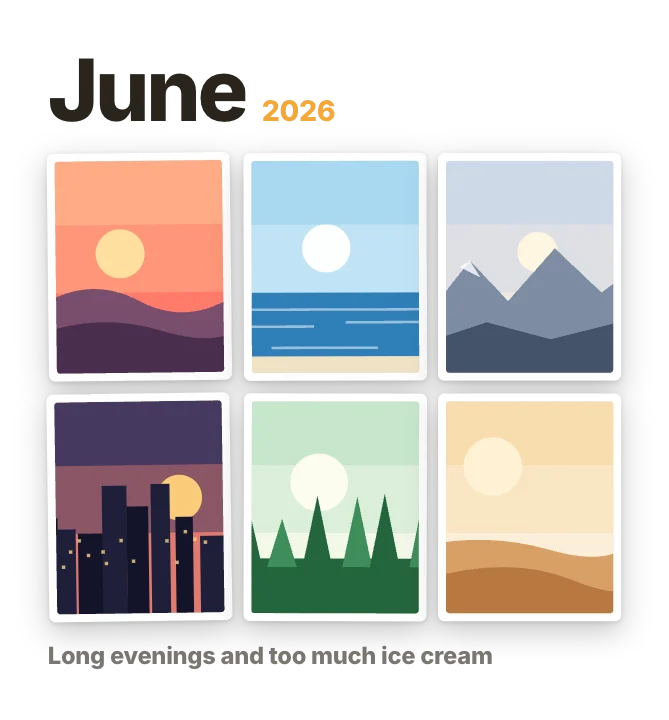 ProMonth in photos
A big month name rises letter by letter, then six photos fall into a grid with the year and a line
Open in editor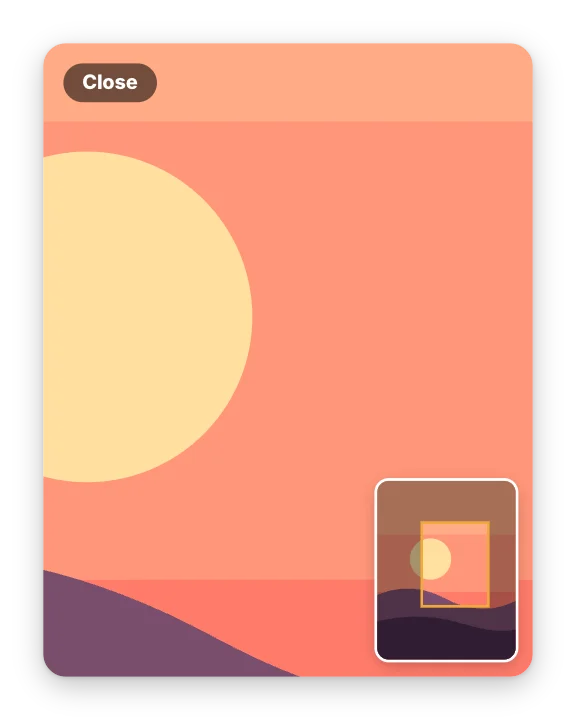 ProWide then close
Your photo shows wide, then cuts with a flash to a close crop of the same photo, with an inset of the whole
Open in editor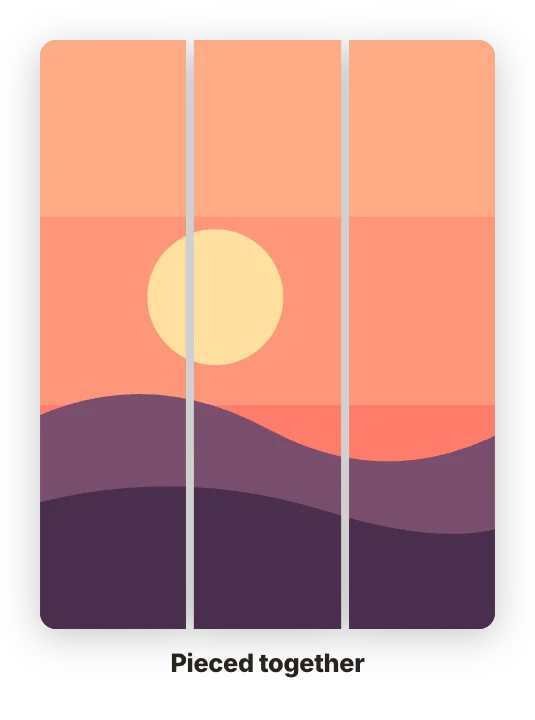 ProThree-strip split
One photo in three vertical strips that slide in from above and below and lock together
Open in editor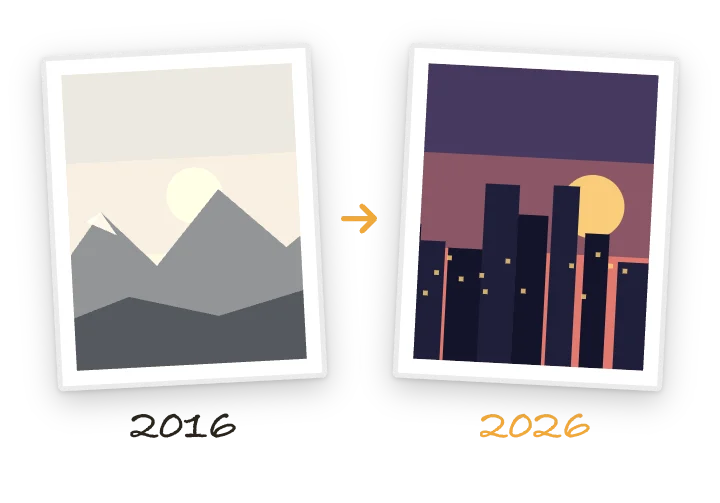 ProThen and now frames
Two framed photos pop in, the older one faded, with handwritten years and an arrow between them
Open in editor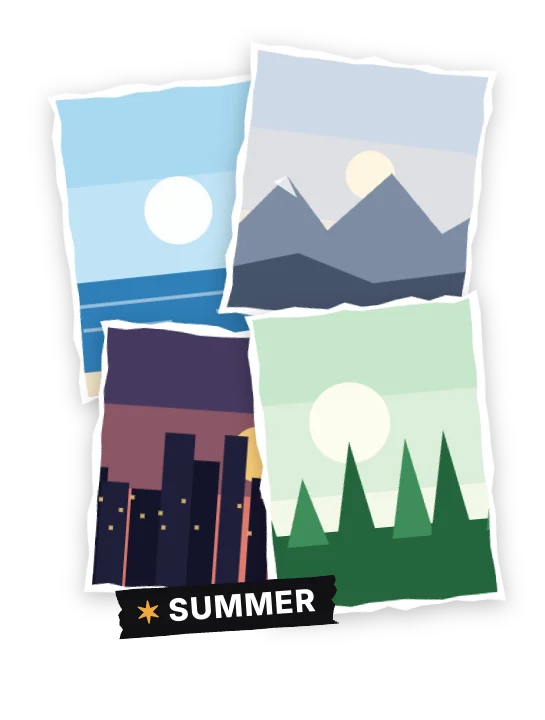 ProCut-out collage
Four photos with rough cut edges layer up at angles, then a torn label sticker lands
Open in editor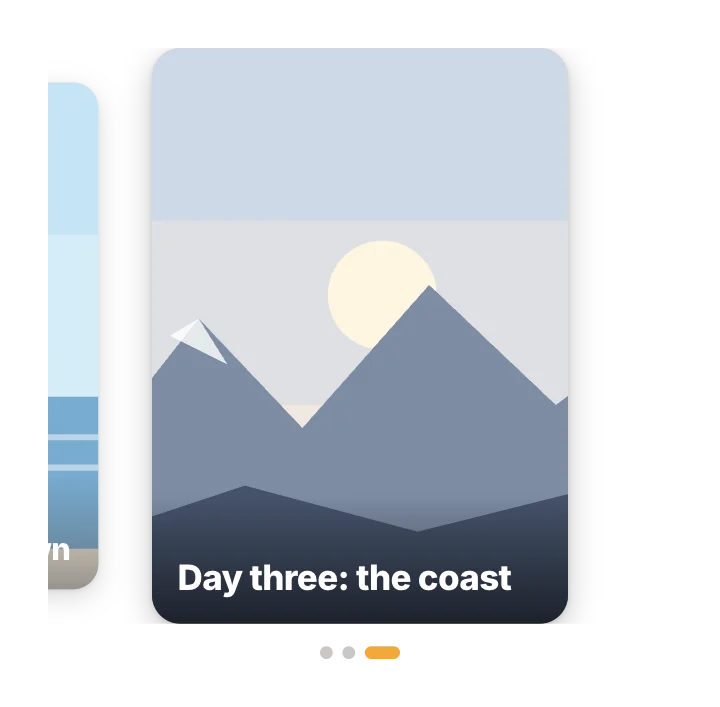 ProCarousel cards
Photo cards slide past one by one with a title on each, the others shrinking aside, with dots under
Open in editor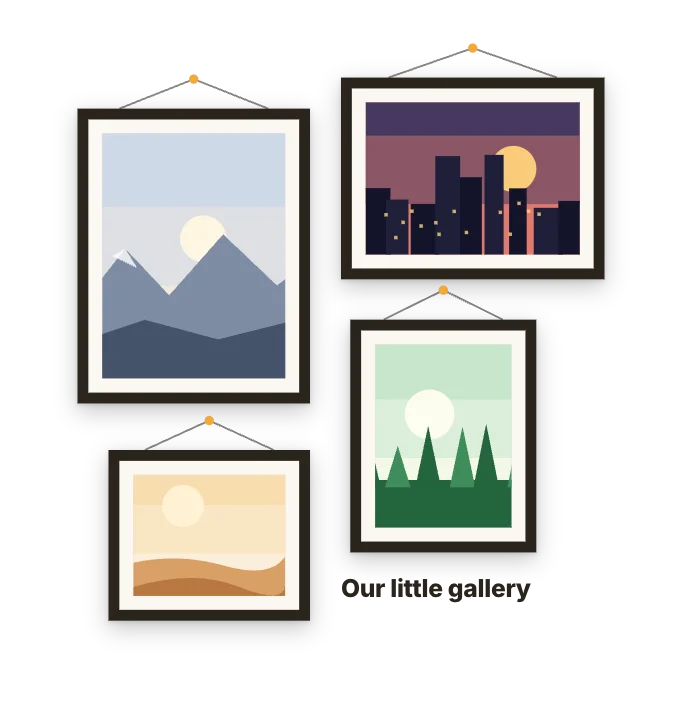 ProGallery wall
Framed photos of different sizes drop onto nails and swing gently as they hang one by one
Open in editor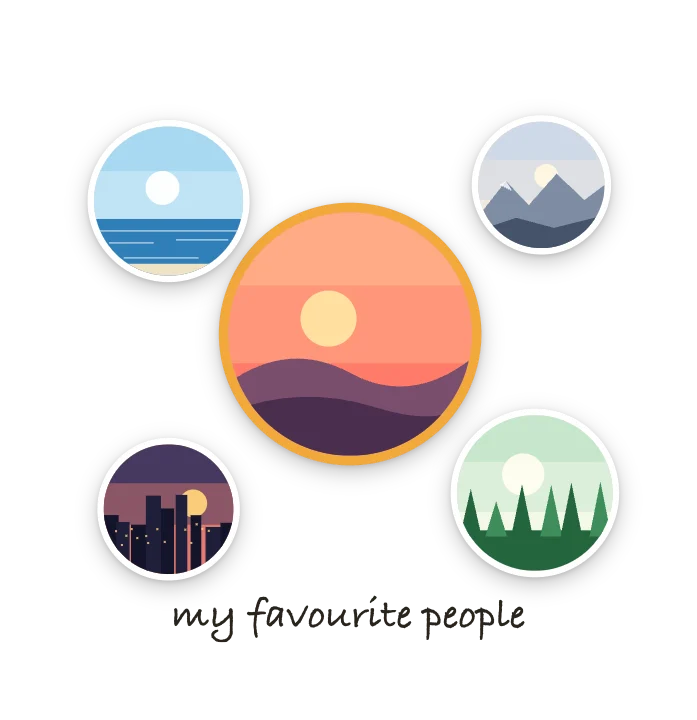 ProCircle crops
Round photo crops pop in a cluster around a larger ringed one, with a handwritten caption
Open in editor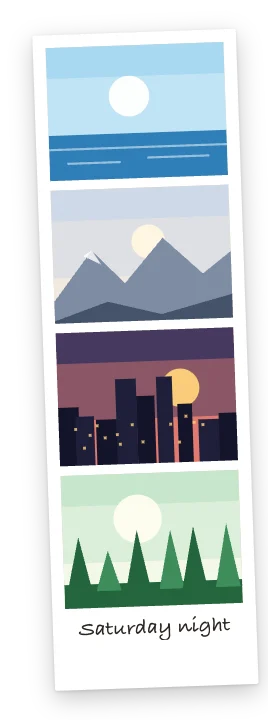 ProPhoto booth strip
A four-frame photo booth strip drops in and sways as each frame flashes in turn, with a caption
Open in editor ProCover slide with title
Your photo settles and dims as a kicker and a big title rise over it, with a slide count in the corner
Open in editor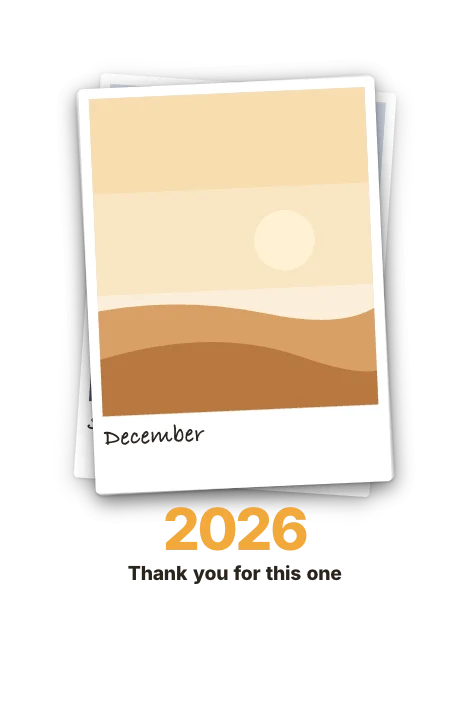 Pro MaxYear in photos
Twelve photos drop onto a pile with their months one after another, then the year and a closing line land
Open in editor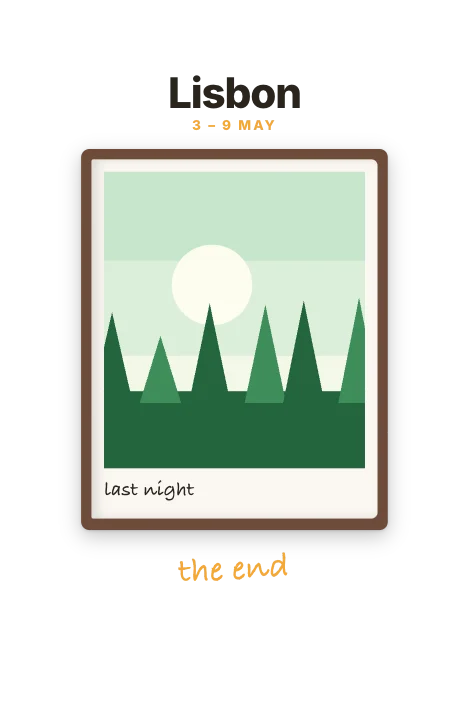 Pro MaxTrip album
The place name rises over an album whose pages of photos and captions turn one by one, then the end
Open in editor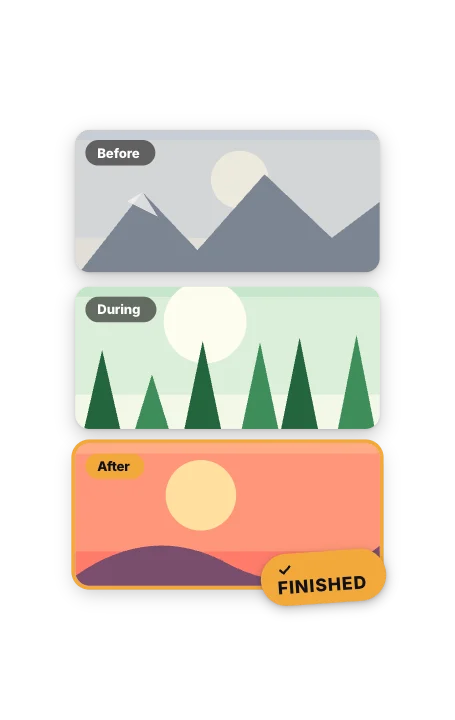 Pro MaxBefore, during, after
Three labelled photos land one after another, the last gets a ring and a finished stamp
Open in editor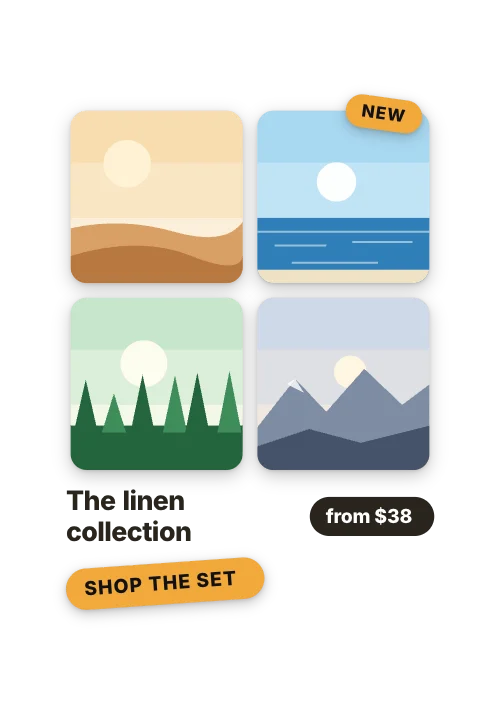 Pro MaxProduct photo set
Four product photos pop into a grid, the name and price land, a new tag swings on and a shop button stamps
Open in editor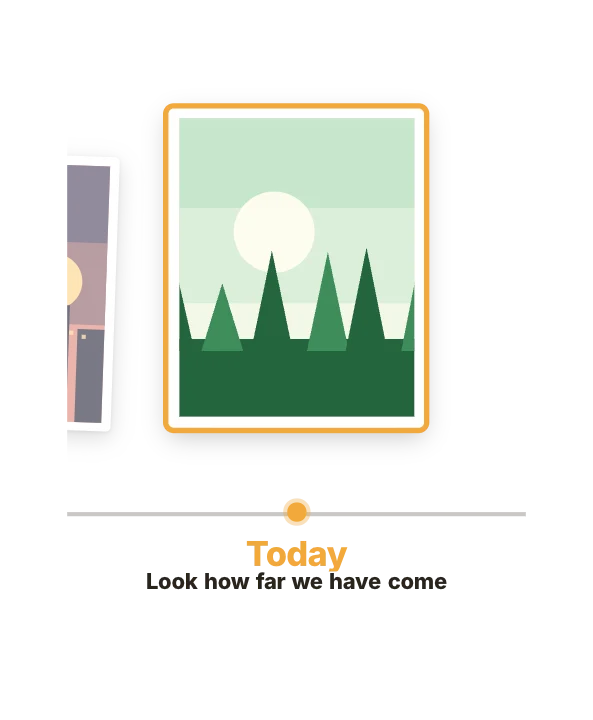 Pro MaxMemory lane
Photos slide along a line of years one at a time until today, which gets a ring and a closing line
Open in editorUse a consistent treatment for related pictures, then change the layout when the story changes. Check the crop of each supplied photo in the preview.
You provide the photos; the pack does not generate images or assemble a finished slideshow automatically.