
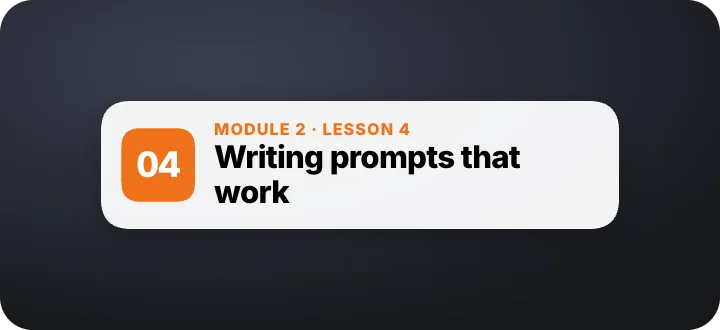
 FreeLesson title
A lesson number rolls up in an accent tile beside the module line, then the lesson title lands word by word
Open in editorTalking to camera · Template pack
Orient a learner with a lesson title, level or assignment label. Course graphics connect a teaching video to its module and give exercises a clear place in the lesson.
6 Free · 14 Pro · 5 Pro Max. Choose individual templates below; export each piece and combine it in your edit.
State the lesson outcome, explain the material, then label the exercise and next lesson.
The pack illustrates course information; it does not host lessons, grade work or track learners.
Every one opens free in your browser to edit and preview. Free ones export with no watermark (a free account after 3 exports); Pro and Pro Max need Pro, and Pro Max scenes are included with it.
FreeLesson titleA lesson number rolls up in an accent tile beside the module line, then the lesson title lands word by word
Open in editor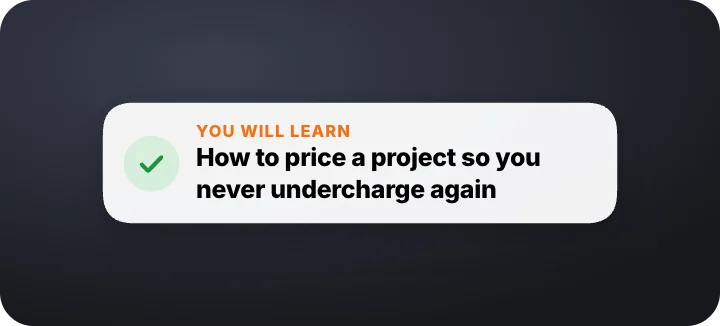 FreeYou will learn
A tick draws in a soft green circle and pops, beside a you will learn label and the one outcome
Open in editor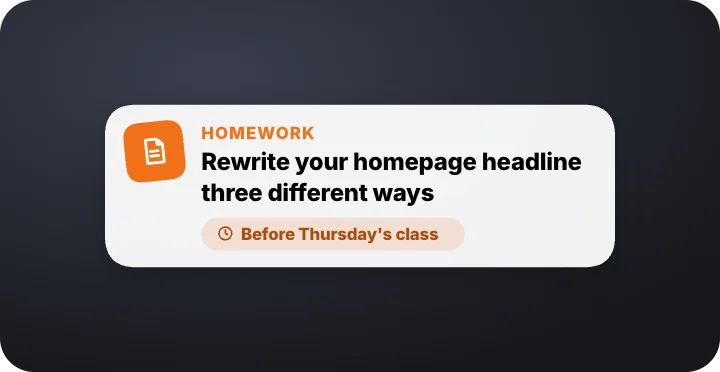 FreeHomework chip
A tilted sheet tile wobbles in beside a homework label and the task, with a due pill under it
Open in editor FreeLevel tag
Three bars rise up to the chosen level beside a level label and its name, from beginner to advanced
Open in editor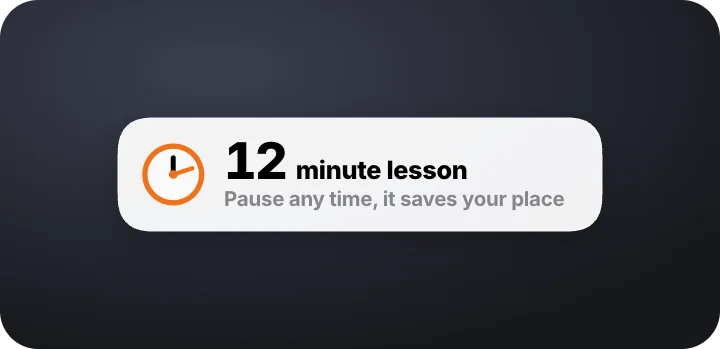 FreeLesson length
A small clock hand sweeps round as the minutes roll up, with the lesson length and a short note
Open in editor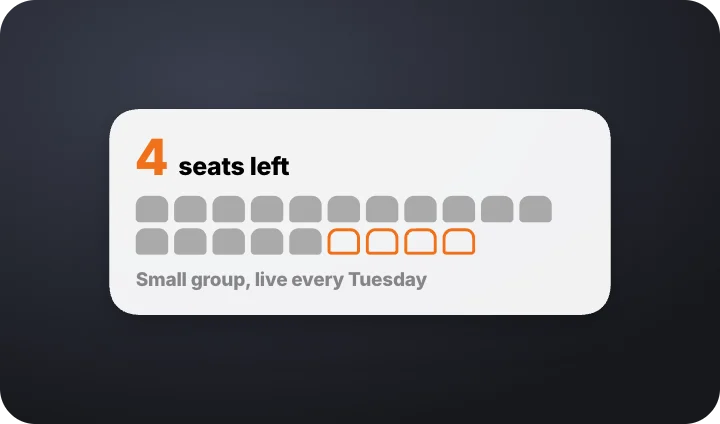 FreeSeats left
Seats fill in one by one as the number left rolls down, the empty seats outlined in the accent
Open in editor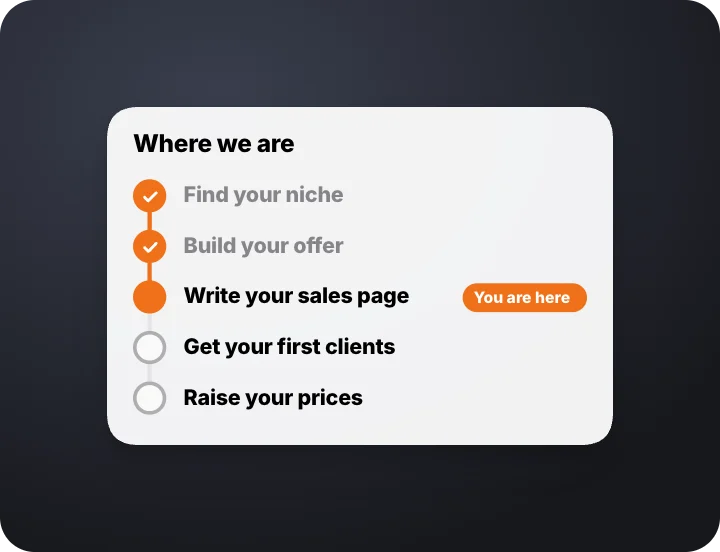 ProCourse map
A path of modules fills up to your place, finished ones ticked, with a you are here tag and a pulsing ring
Open in editor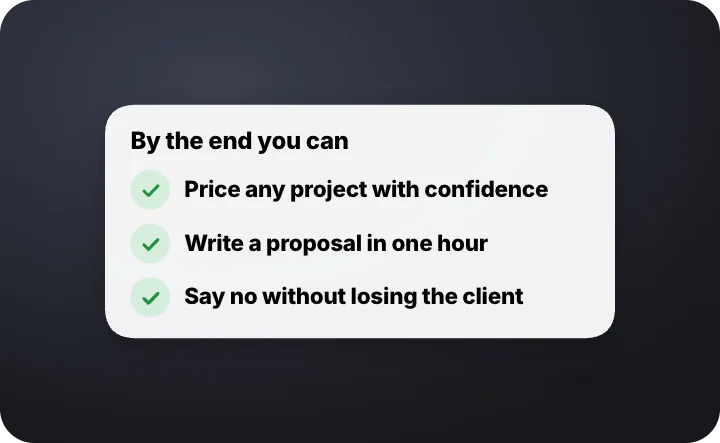 ProBy the end you can
Three outcomes slide in under a title, each with a tick that draws and pops in a soft green circle
Open in editor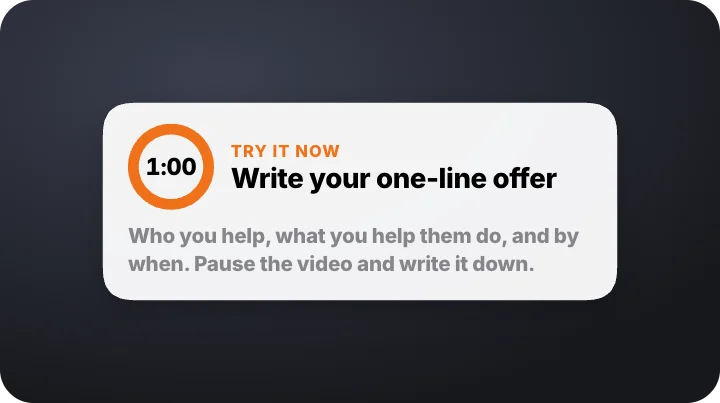 ProTry it now
A timer ring counts down beside a try it now label and the exercise, with steps fading in under it
Open in editor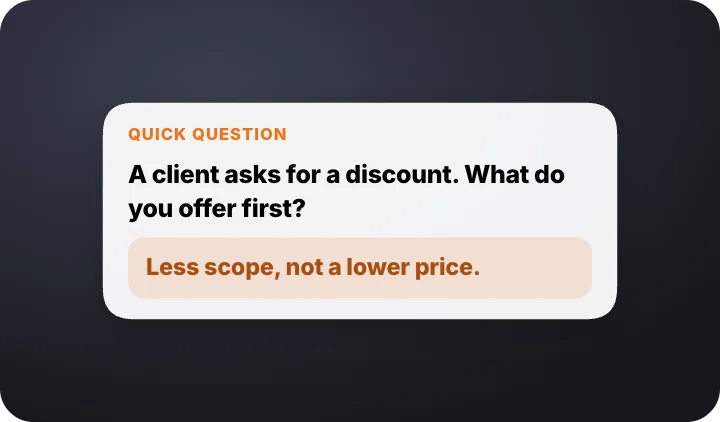 ProAnswer after a pause
A question lands, a striped cover counts down three, two, one, then slides off to show the answer
Open in editor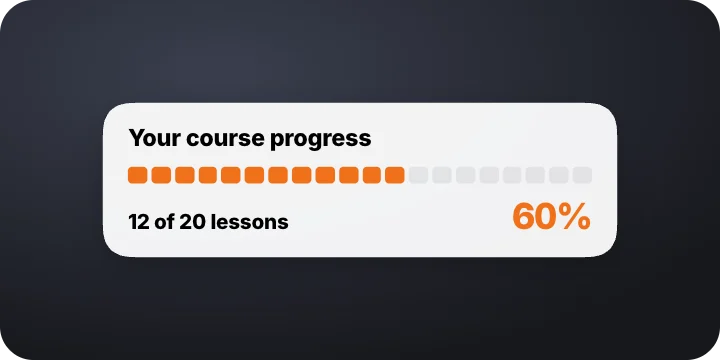 ProCourse progress
Lesson blocks light up one by one along a bar while the percentage counts up beside the lessons done
Open in editor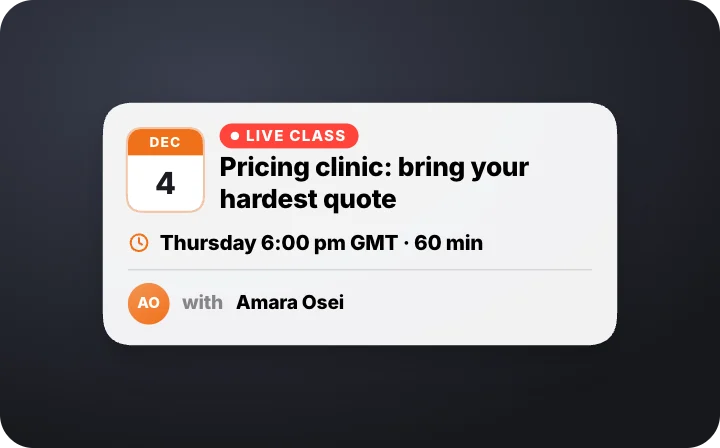 ProLive class slate
A date tile and a blinking live tag pop in with the class title, the time and time zone and the host
Open in editor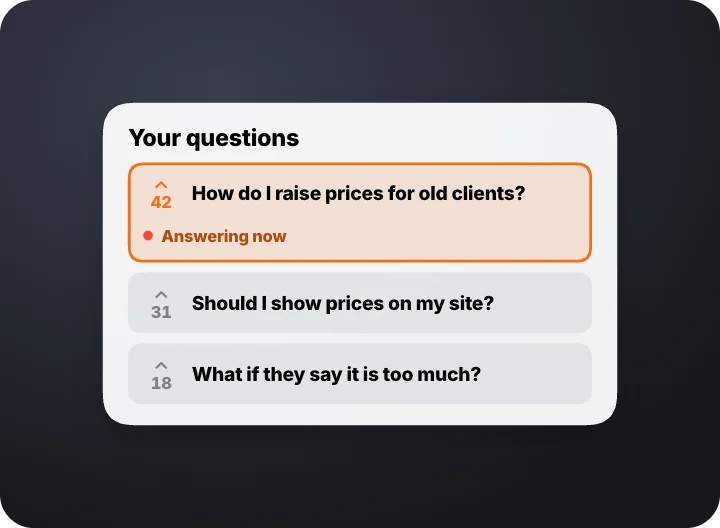 ProQuestions queue
Question cards stack in with their vote counts, then the top one opens with an answering now line
Open in editor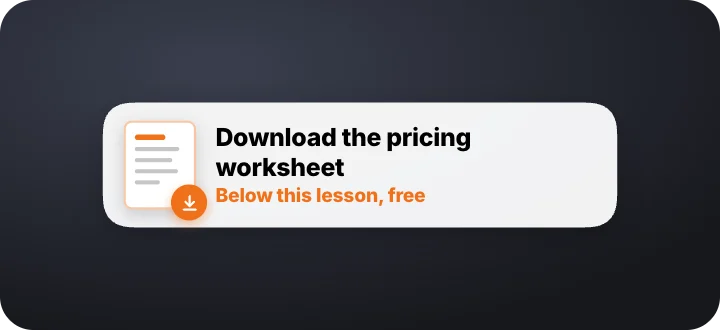 ProDownload the worksheet
A drawn sheet fills its lines, a download arrow bobs on its corner, then the title and where to get it
Open in editor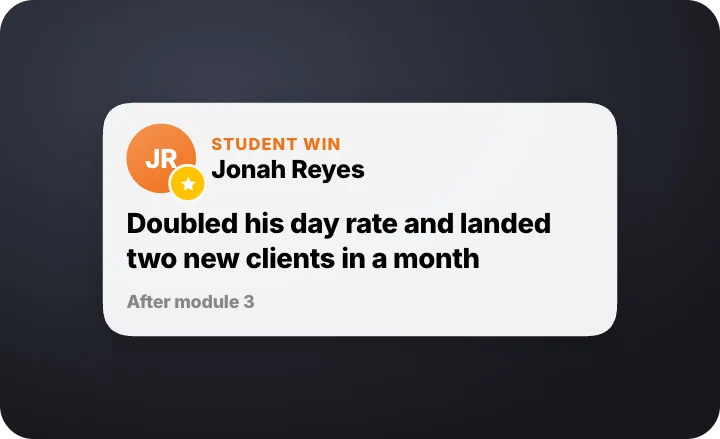 ProStudent result
A student's face gets a swinging gold star, then their name and what they achieved land word by word
Open in editor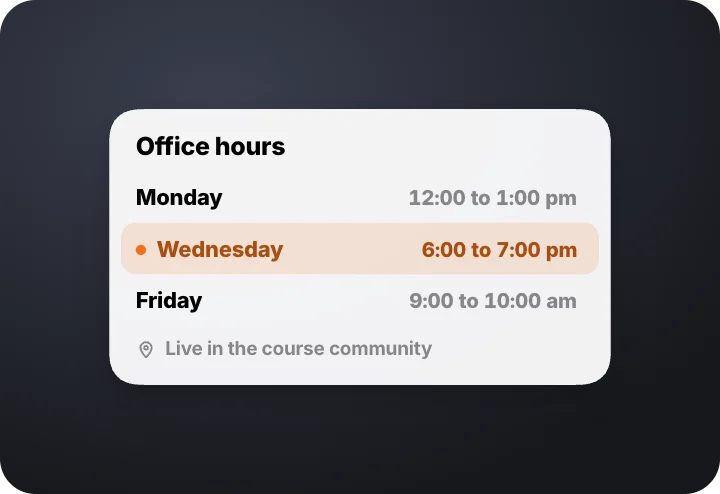 ProOffice hours
Days and times slide into a small table with one row highlighted, then where it happens
Open in editor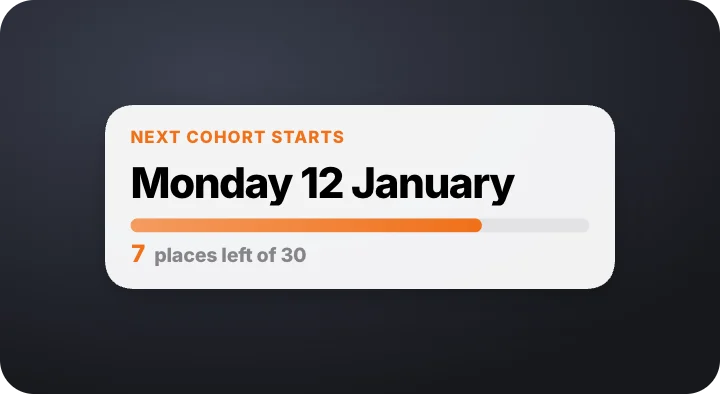 ProNext cohort starts
The start date pops in word by word, a bar fills with the places taken and the places left roll down
Open in editor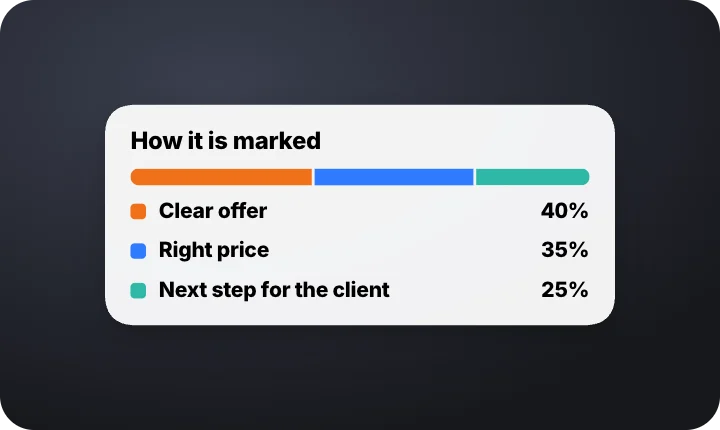 ProHow it is marked
A stacked bar draws the weight of each criterion, then each one slides in as its share counts up
Open in editor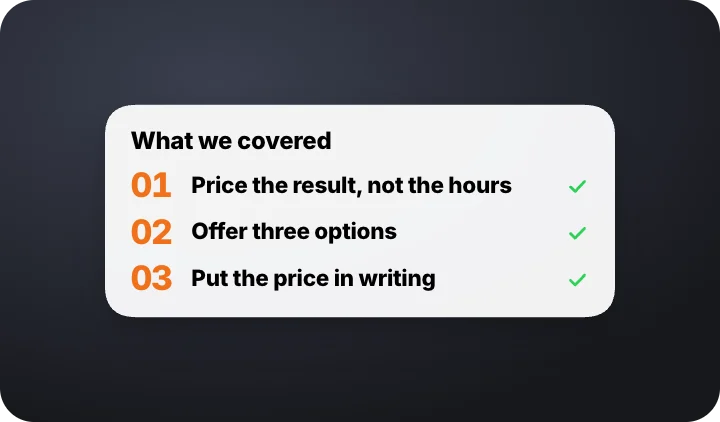 ProLesson recap
Three numbered points slide in under a title, each with a tick that draws at its end
Open in editor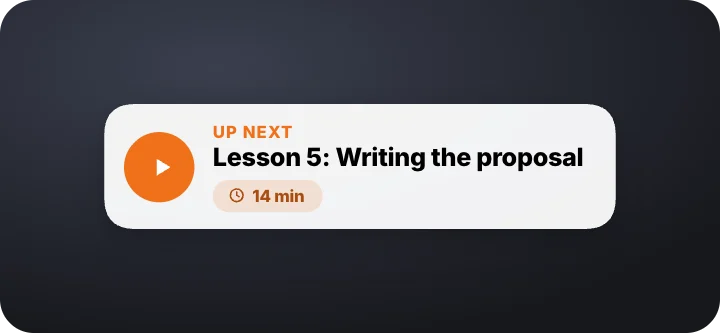 ProUp next lesson
A pulsing play button sits beside an up next label, the next lesson title and its length
Open in editor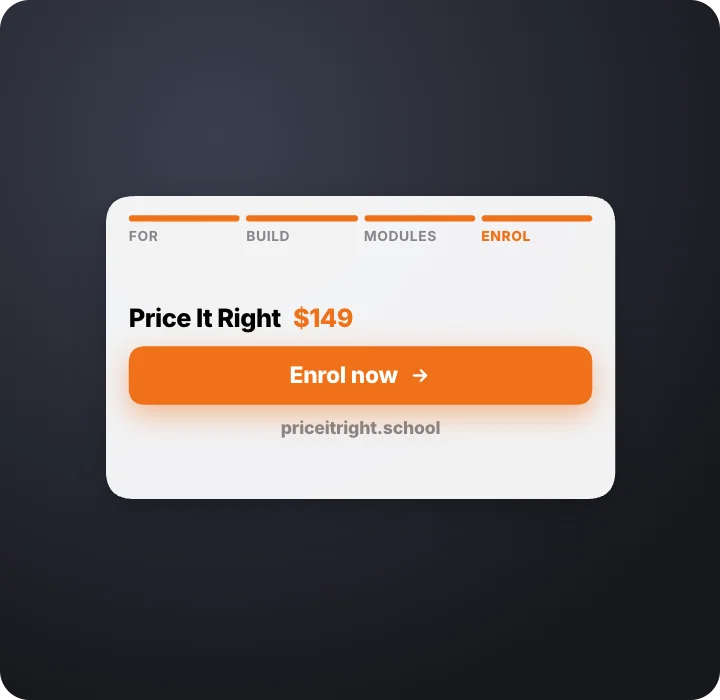 Pro MaxCourse trailer
Four beats fill a rail: who it is for, what you will build, the modules, then an enrol button pressed with a burst
Open in editor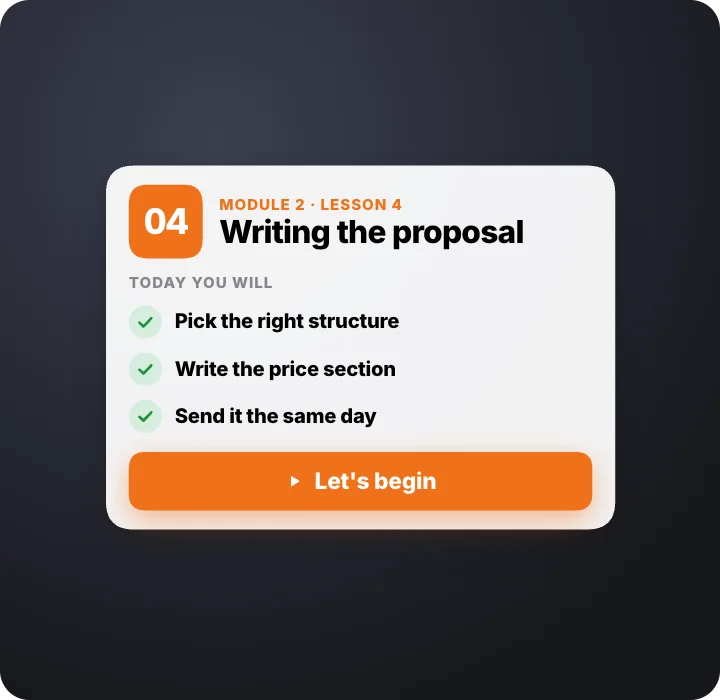 Pro MaxLesson opener
The lesson number rolls in with the module and title, three goals tick in, then a begin button is pressed
Open in editor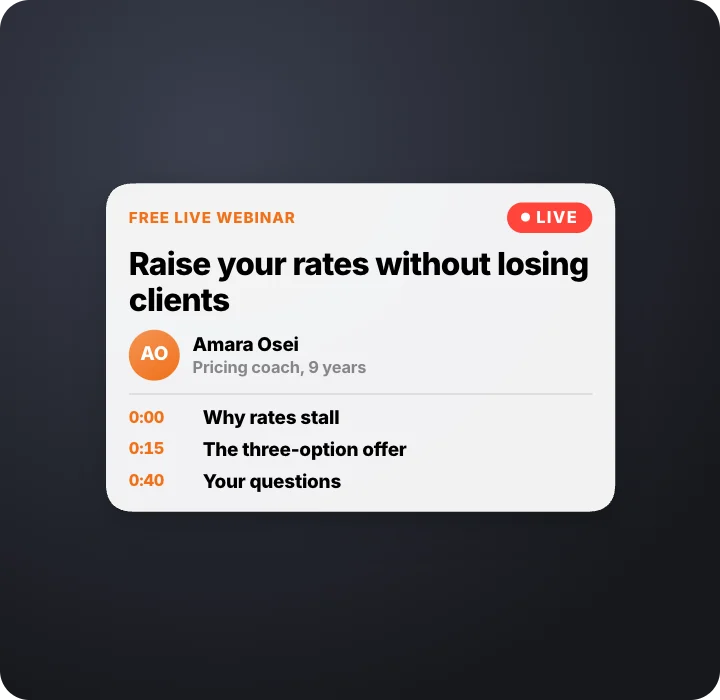 Pro MaxWebinar opener
The title, host and agenda land, a starting in countdown ticks down, then a live tag pops with a burst
Open in editor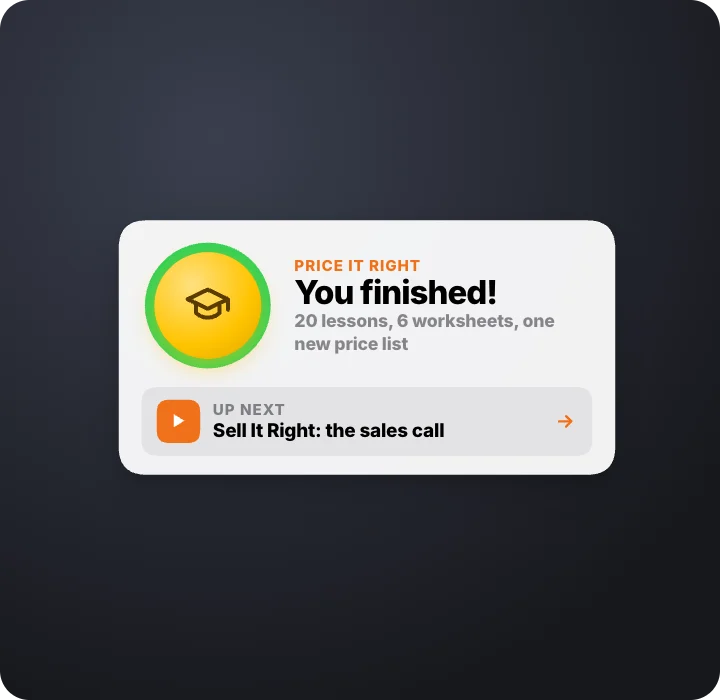 Pro MaxYou finished
A ring fills to 100 percent, a gold cap medal springs out with a burst and the next course slides in
Open in editor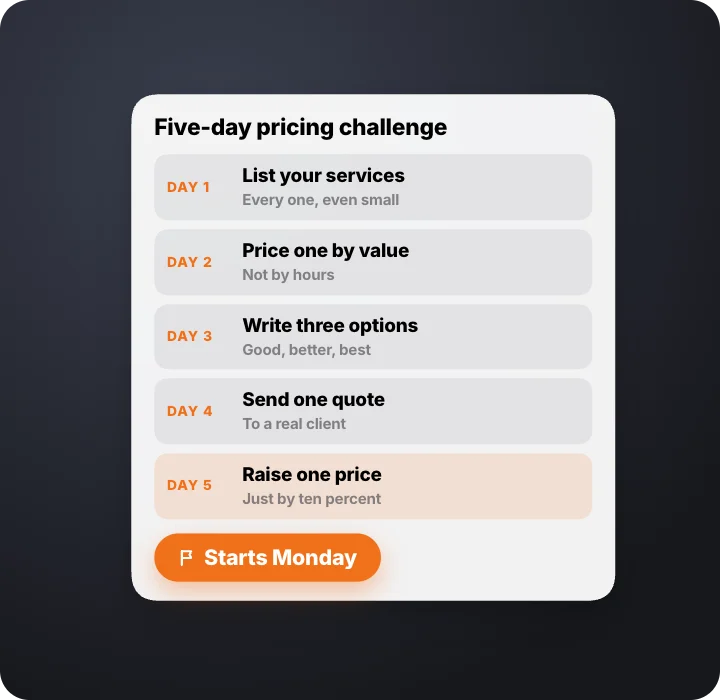 Pro MaxFive-day challenge
Five day cards land one per beat with a task and a tip each, then a start pill springs in with a burst
Open in editorState the skill a learner should be able to use after the lesson. Keep it specific enough that the exercise can practice that same skill.
The pack illustrates course information; it does not host lessons, grade work or track learners.
All packs for talking to camera