
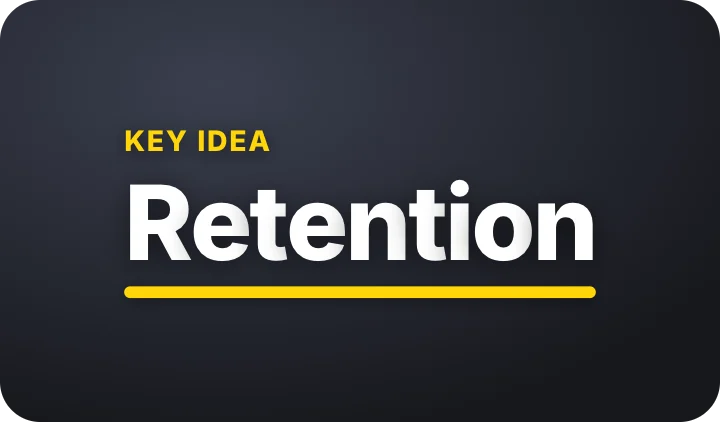
 FreeKeyword beside you
One word pops in letter by letter beside the speaker and an underline draws under it
Open in editorTalking to camera · Template pack
Place a key phrase, numbered point or statistic beside the speaker. These overlays help a camera-led explanation stay readable while preserving the person as the focus.
6 Free · 14 Pro · 5 Pro Max. Choose individual templates below; export each piece and combine it in your edit.
Introduce the point, emphasize the key word, then remove the graphic before the next idea.
The pack does not transcribe speech or choose emphasis automatically.
Every one opens free in your browser to edit and preview. Free ones export with no watermark (a free account after 3 exports); Pro and Pro Max need Pro, and Pro Max scenes are included with it.
FreeKeyword beside youOne word pops in letter by letter beside the speaker and an underline draws under it
Open in editor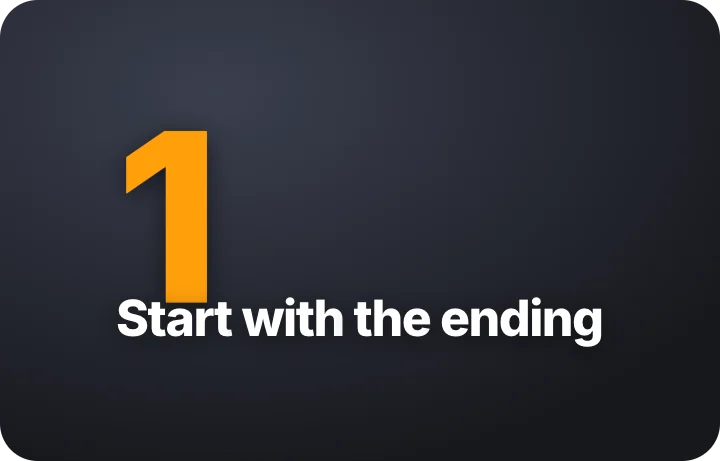 FreePoint number
A big 1, 2 or 3 lands with a short label over it, to number the points as you talk
Open in editor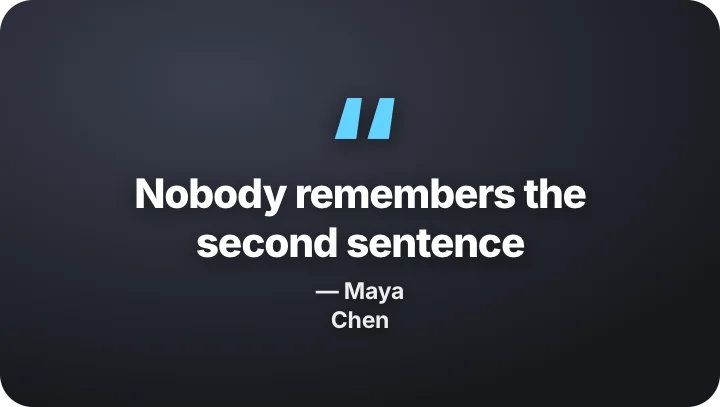 FreeSay-it-again line
The line you just said, set as a pull quote with a large quote mark and your name
Open in editor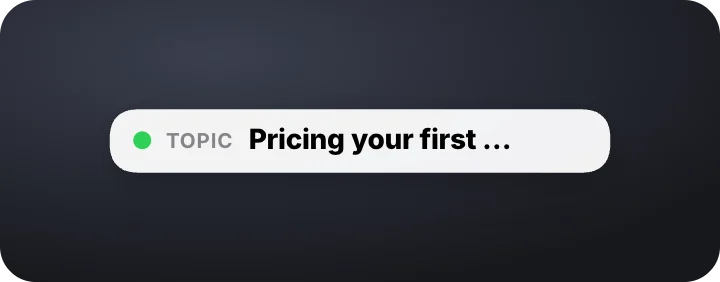 FreeTopic pill
A small pill in the top corner names what you are talking about, with a pulsing dot
Open in editor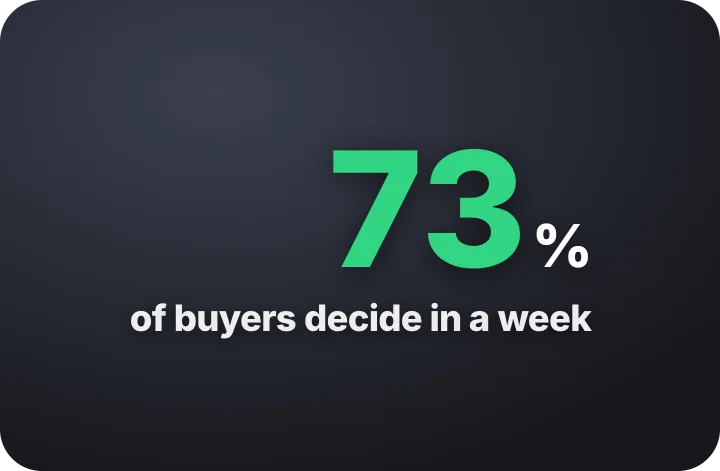 FreeSide stat
One number rolls in with its unit beside the speaker, with a short label under it
Open in editor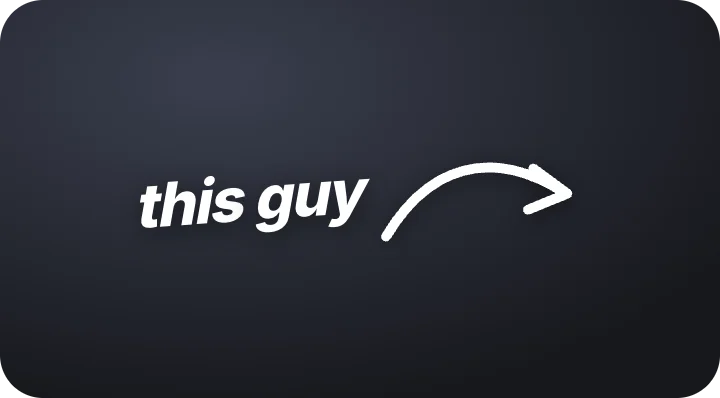 FreeArrow to the speaker
A hand-drawn arrow curves from two words toward the person in the middle of the frame
Open in editor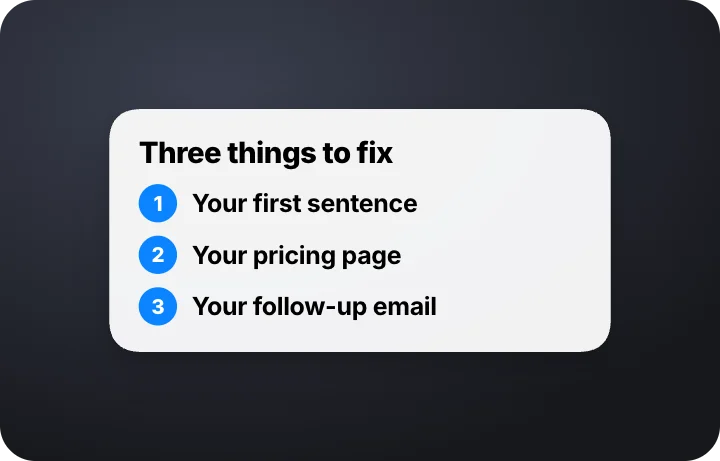 ProList builds as you talk
A titled list where each point is added in turn, at the pace you set
Open in editor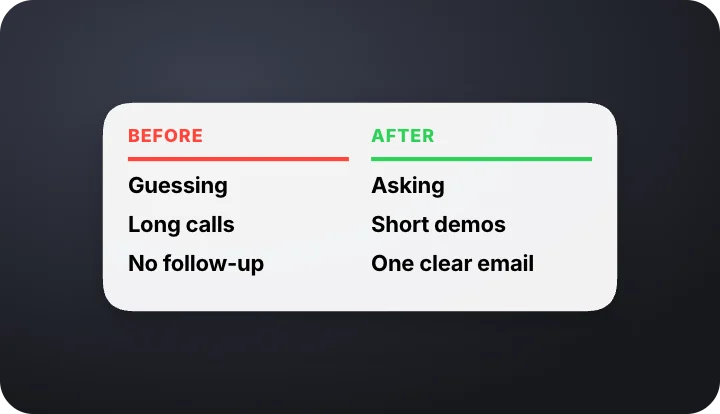 ProThis vs that beside you
Two short columns with coloured headings fill in row by row
Open in editor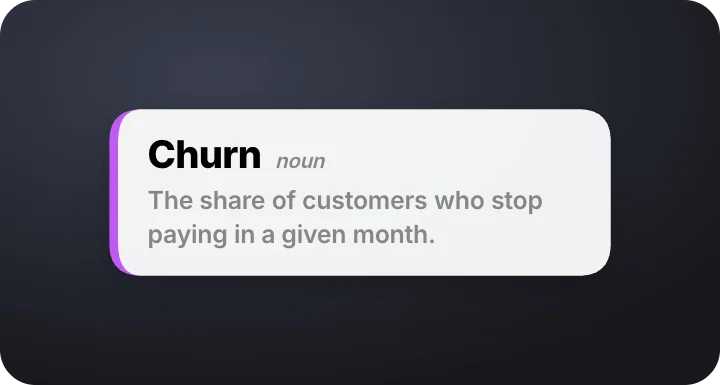 ProTerm explained
A term, its word type and a one-line meaning slide in on a card with a colour edge
Open in editor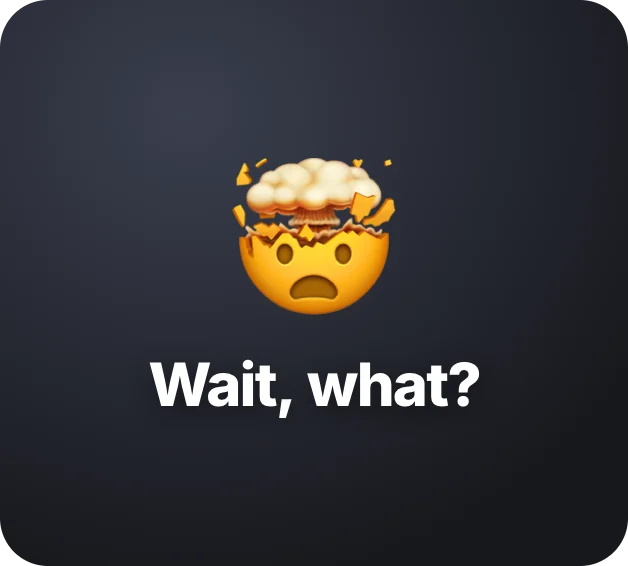 ProEmoji on the beat
One emoji pops with a burst, with a word under it, where you place it
Open in editor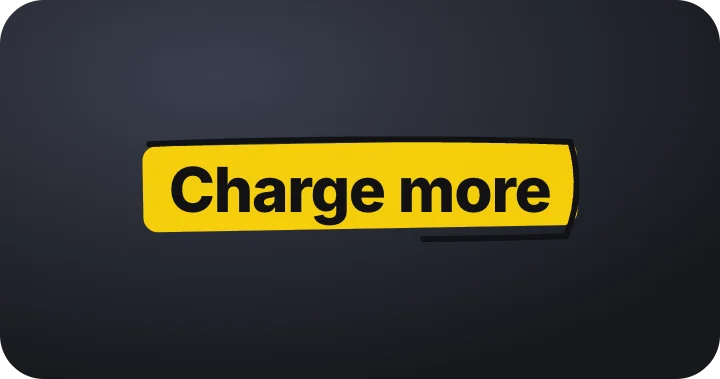 ProPhrase in a marker box
A marker fill sweeps behind your phrase and a hand-drawn box draws around it
Open in editor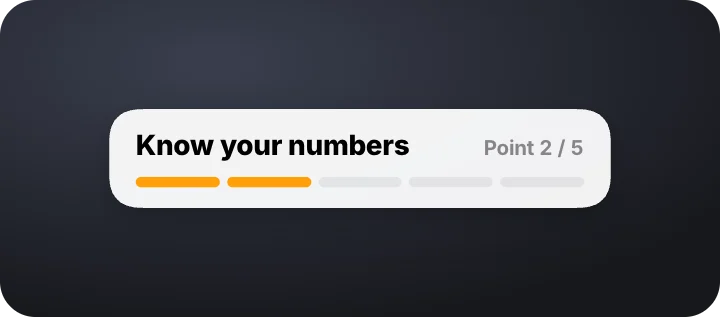 ProPoint 2 of 5 rail
A thin rail of segments shows which point you are on, with the point’s title
Open in editor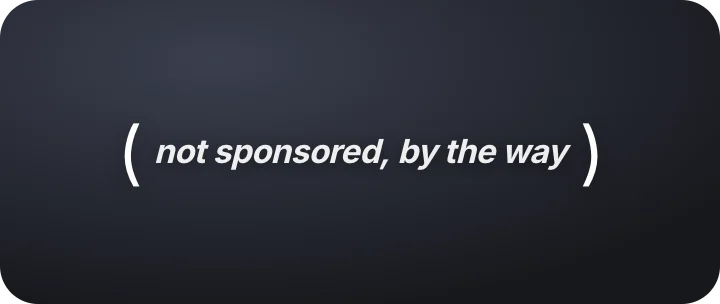 ProSmall aside
A quiet line in italics between two brackets that close in, for a by-the-way
Open in editor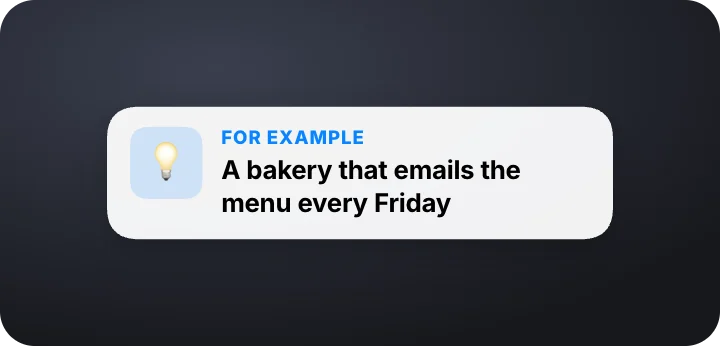 ProFor example card
A small card with an emoji tile, a “for example” label and your example
Open in editor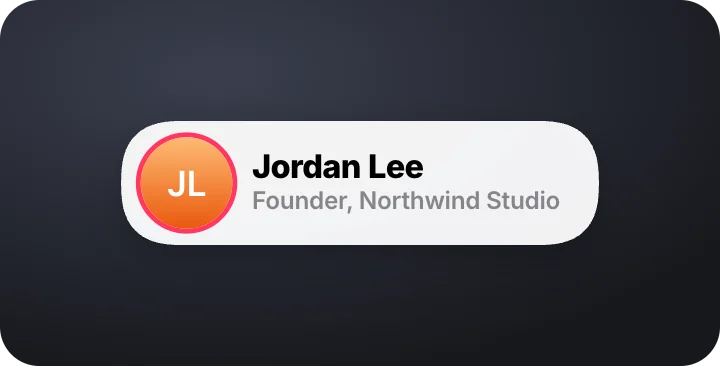 ProPerson mentioned
A round photo, a name and a role appear when you mention someone
Open in editor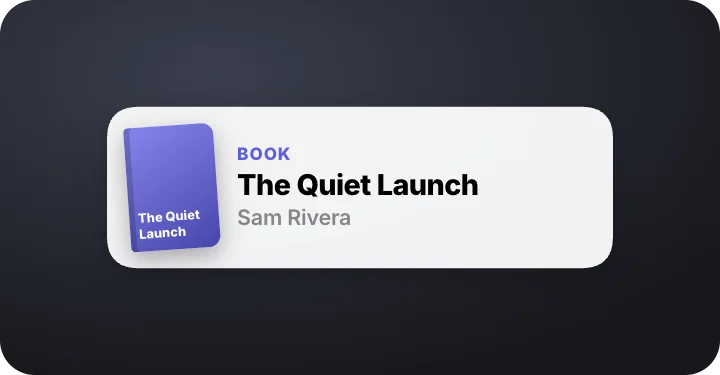 ProThing mentioned
A small cover with a kind label, a title and an author, for a book, film or tool you name
Open in editor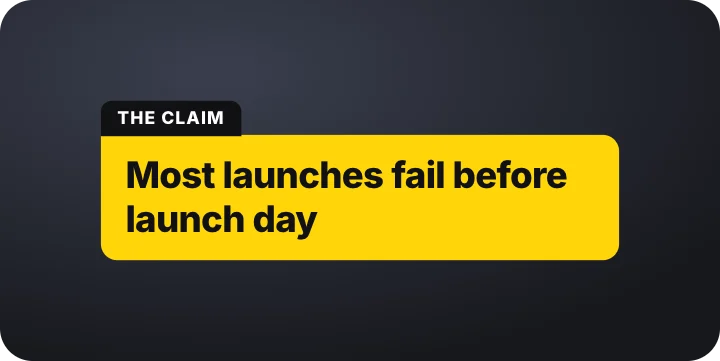 ProBig claim bar
A full-width colour bar wipes in with your claim and a small tab above it
Open in editor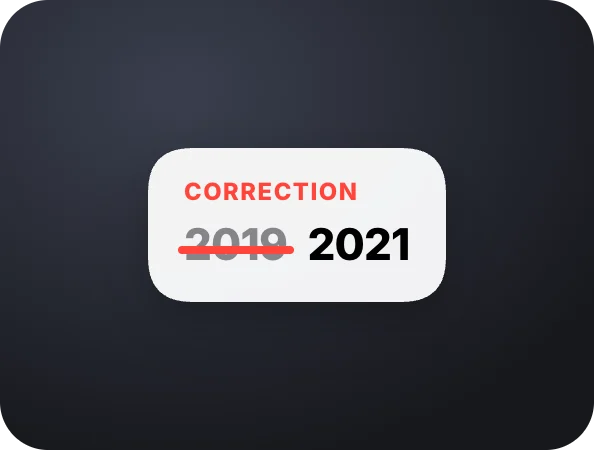 ProQuick correction
A small note strikes out what you said and pops in what you meant
Open in editor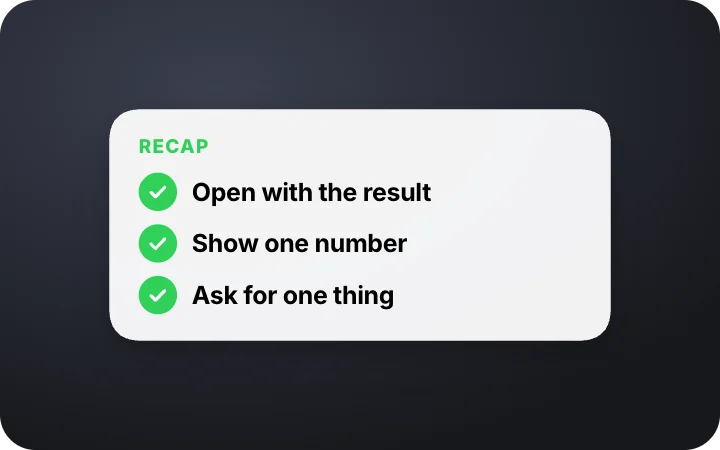 ProRecap in three
Three ticked lines land one after another at the end of a section
Open in editor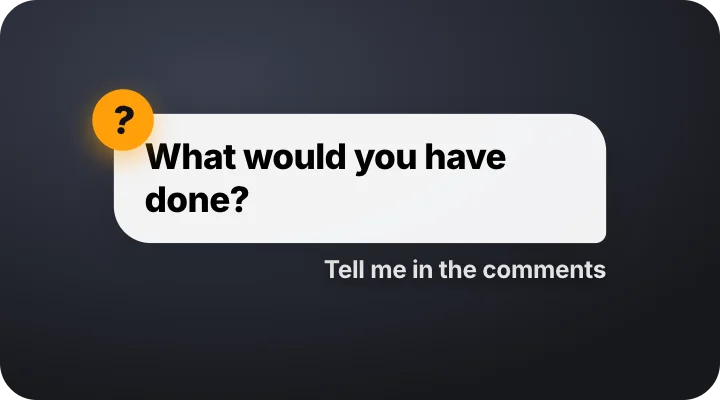 ProQuestion to the viewer
A speech bubble with your question and a wobbling question mark on its corner
Open in editor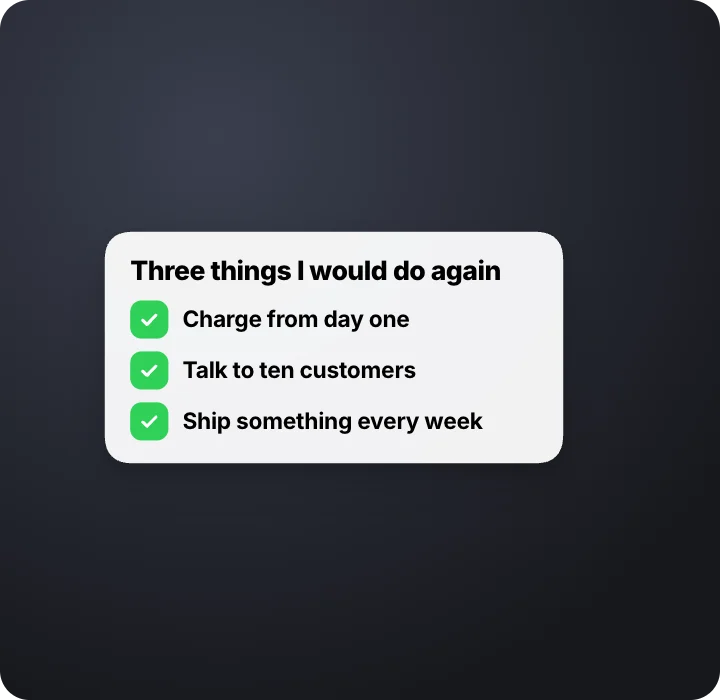 Pro MaxThree points, built live
A title, then three points land in time with you; each one dims as the next arrives, and all three tick at the recap
Open in editor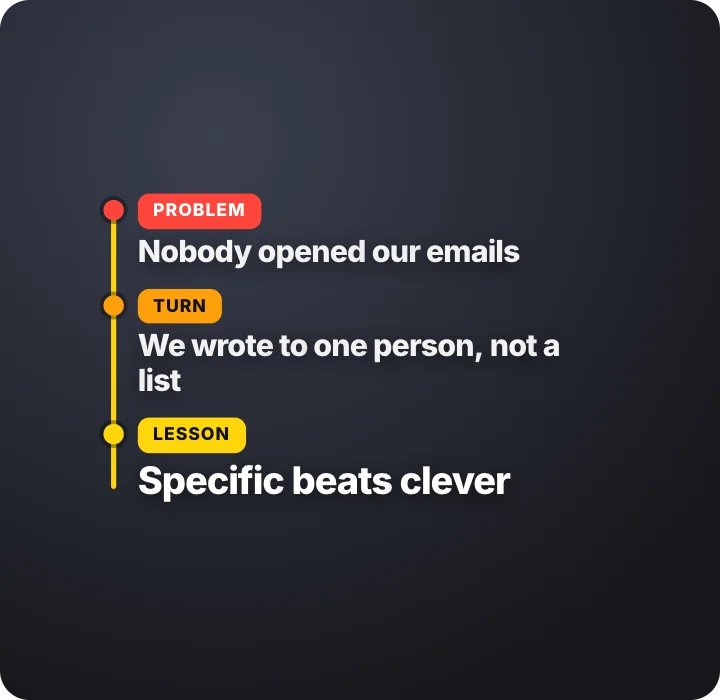 Pro MaxProblem, turn, lesson
Three labelled beats appear down a rail that grows with the story, and the lesson lands largest
Open in editor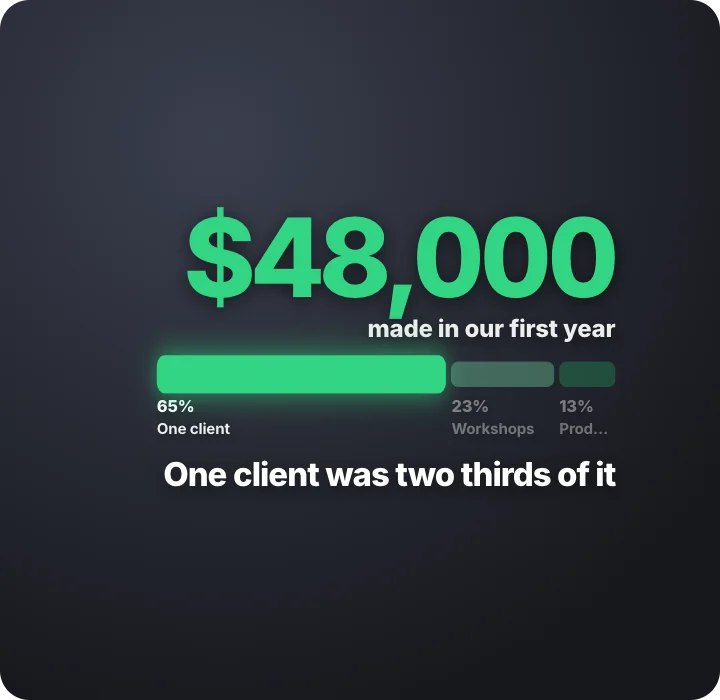 Pro MaxA number, explained
A number rolls in, breaks into its parts with labels, and the one part that matters lights up with your point
Open in editor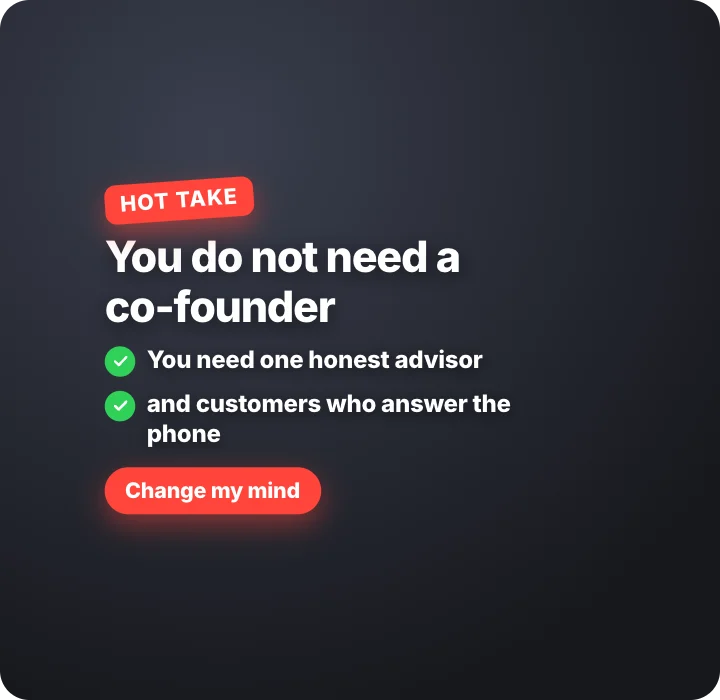 Pro MaxHot take, backed up
A label slams in, your take lands, two supports tick in under it, and a closing chip pops
Open in editor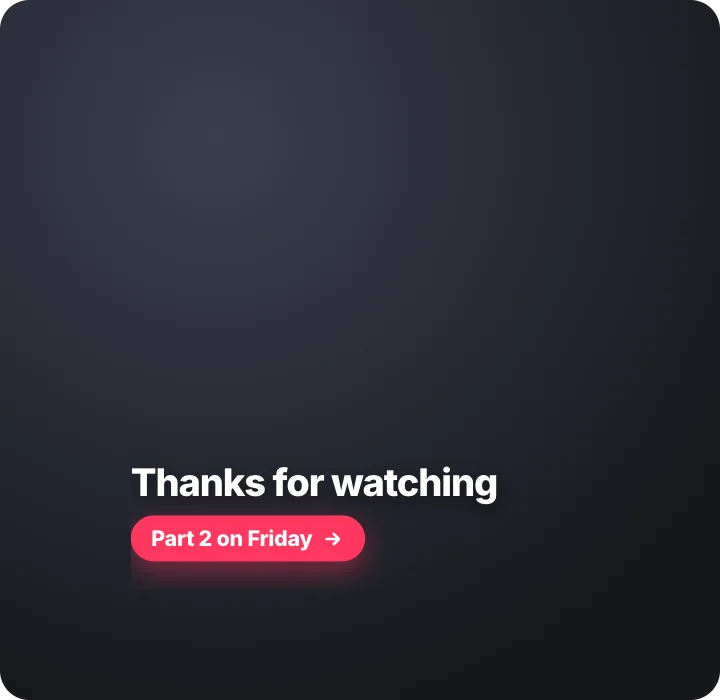 Pro MaxOpener and sign-off
Your name and topic at the start, then a push to a thank-you line and a next-step chip
Open in editorChoose the clear area of your frame and check the crop at the final video shape. Keep essential text away from the face and publishing-interface controls.
The pack does not transcribe speech or choose emphasis automatically.
All packs for talking to camera