
 FreeApp icon drops in
Your app icon falls onto a home screen of plain glass icons, squashes as it lands, and its name appears underneath
Open in editorProduct launches · Template pack
Frame an app announcement around screens, an icon and a first-use moment. The layouts help connect the identity of the app to the experience you want to show.
6 Free · 14 Pro · 5 Pro Max. Choose individual templates below; export each piece and combine it in your edit.
Introduce the icon, show the main screen, then demonstrate the first useful action.
App screens and install messages are presentation graphics, not working app-store controls.
Every one opens free in your browser to edit and preview. Free ones export with no watermark (a free account after 3 exports); Pro and Pro Max need Pro, and Pro Max scenes are included with it.
FreeApp icon drops inYour app icon falls onto a home screen of plain glass icons, squashes as it lands, and its name appears underneath
Open in editor FreeGet the app line
A phone outline draws itself, a download arrow drops onto its screen, and Get the app rises beside it with a pill
Open in editor FreeApp rating chip
A dark chip counts up to your rating in an accent circle while five stars fill in and the ratings count appears
Open in editor FreeFree download pill
An accent pill with a bouncing down arrow says free download, with a short line underneath that reads on any footage
Open in editor FreeUpdate available dot
Your app icon pops in, a red number dot springs onto its corner, and a version card slides out beside it
Open in editor FreeScan to download frame
Four corner marks fly in around your own code image, a glowing line sweeps across it, and a scan label pops below
Open in editor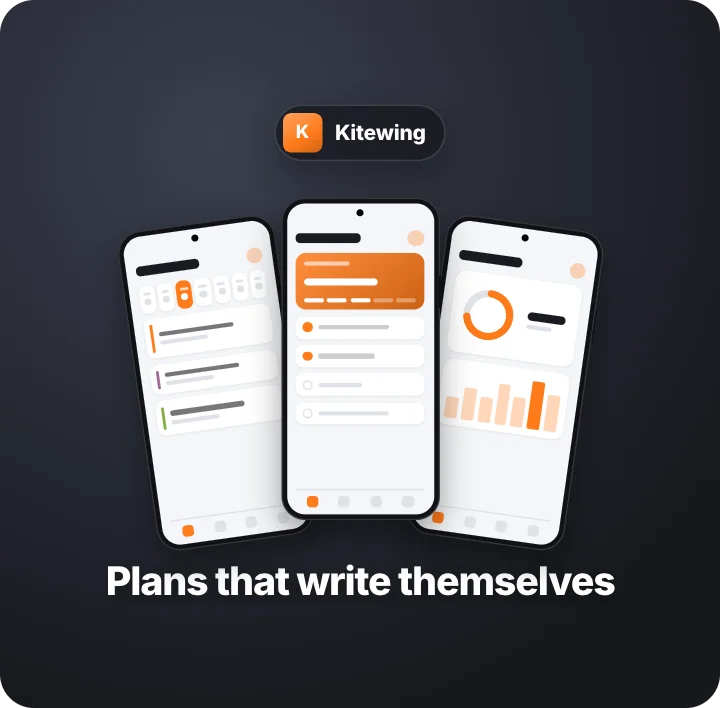 ProThree screens fan
Three phones rise together and fan out with your screenshots, with a name chip above them and your line underneath
Open in editor ProInstall ring
A ring fills around your greyed icon with a percent count, then the icon opens into a full splash screen with your name
Open in editor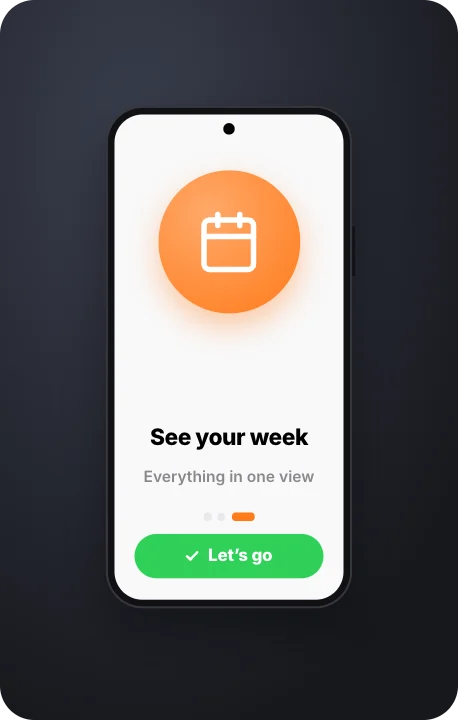 ProFirst three swipes
Three welcome screens swipe by on a phone as a finger drags, the page dots follow, and the last button is tapped
Open in editor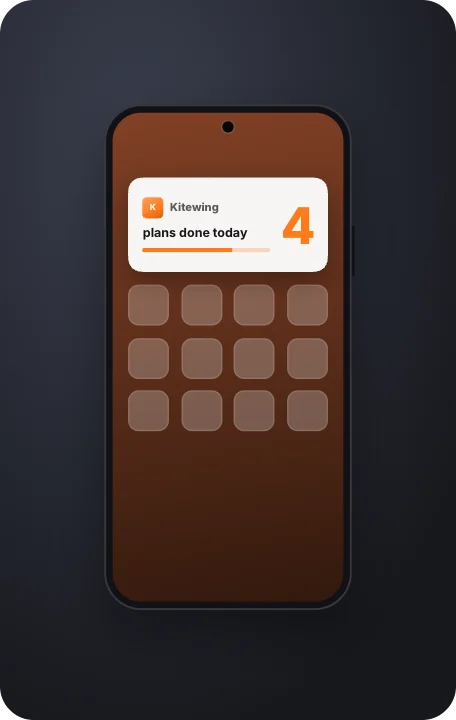 ProHome screen widget
A wide widget with your name lands at the top of a home screen among plain icons, and its number rolls up
Open in editor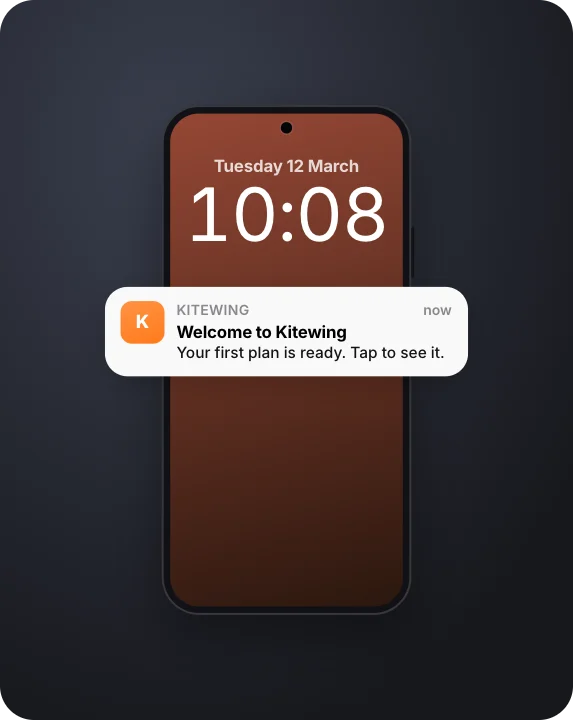 ProFirst notification
A welcome notification slides down over a lock screen clock and pops out past the phone edge so it reads large
Open in editor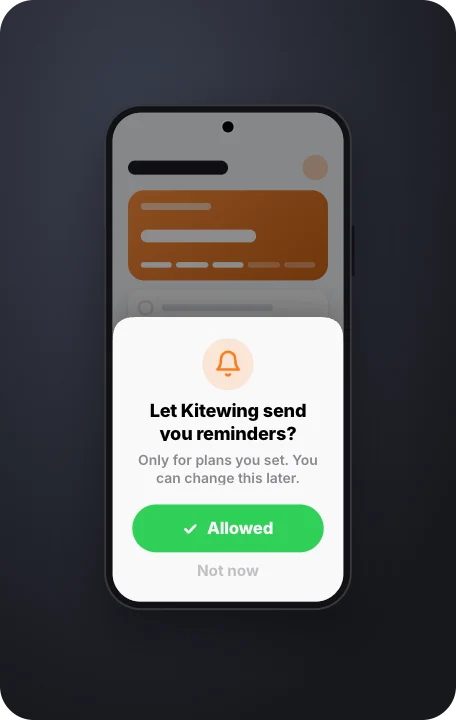 ProAllow once
The app screen dims, a reminder permission sheet rises with a bell, and a finger taps Allow, which turns green
Open in editor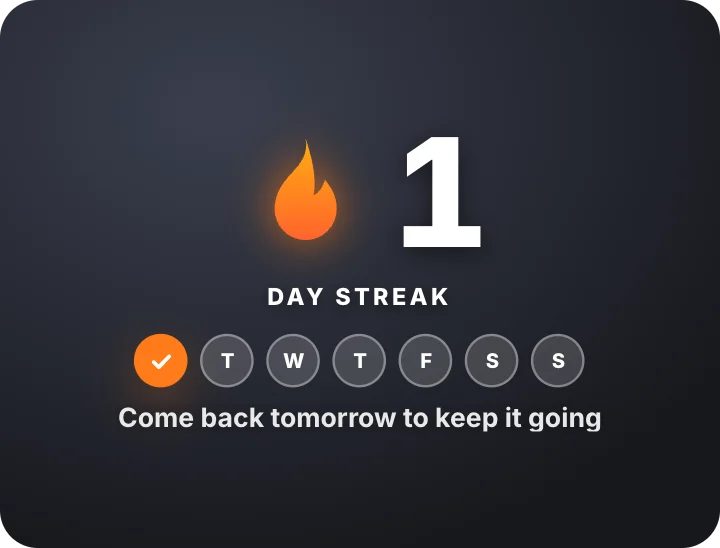 ProDay one streak
A flame lights up next to a number that rolls to one, then the first day of the week gets its tick
Open in editor ProProfile made
A round photo or initials pop in, the name types itself, a green tick lands on the photo and a ready pill appears
Open in editor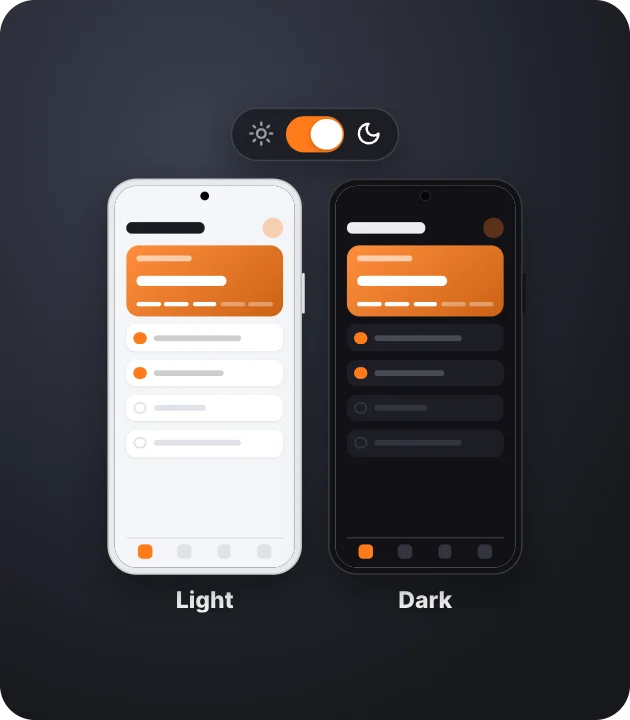 ProLight and dark pair
Two phones rise side by side, a sun and moon switch flips, and the right phone turns to the dark look
Open in editor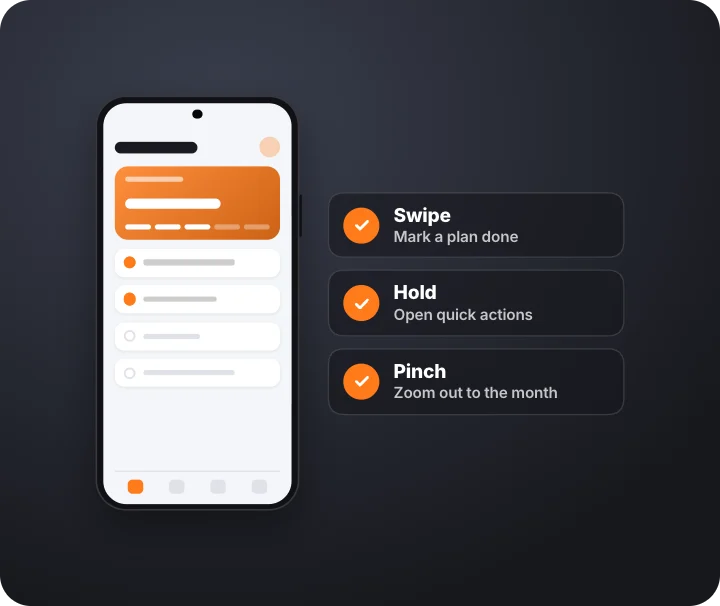 ProGestures to know
One phone shows a swipe, a press and hold and a pinch in turn while a list beside it ticks off each gesture
Open in editor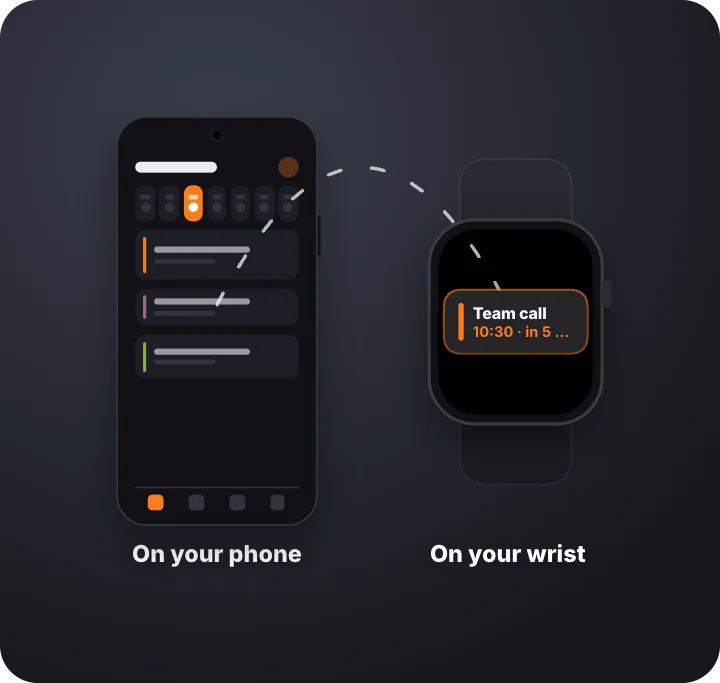 ProPhone to wrist
A plan card lifts off a phone screen, arcs along a dotted path and lands on the face of a plain smartwatch
Open in editor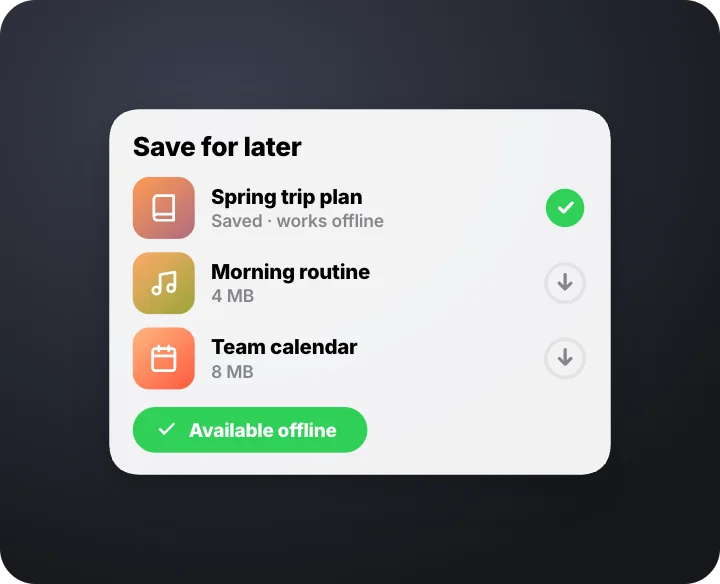 ProDownload for later
In a list of three, the first item downloads with a filling ring, turns into a green tick and shows an offline chip
Open in editor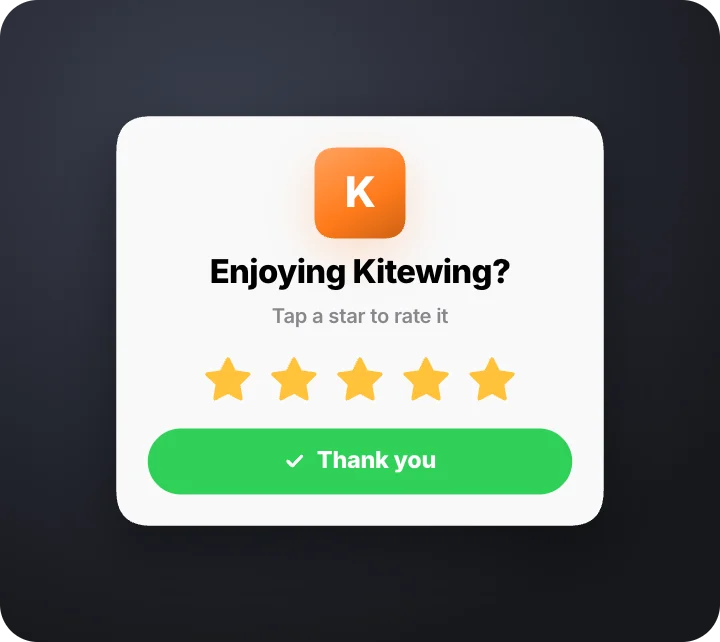 ProEnjoying the app?
A rating sheet with your icon asks if people enjoy the app, then a finger taps the fifth star and Submit
Open in editor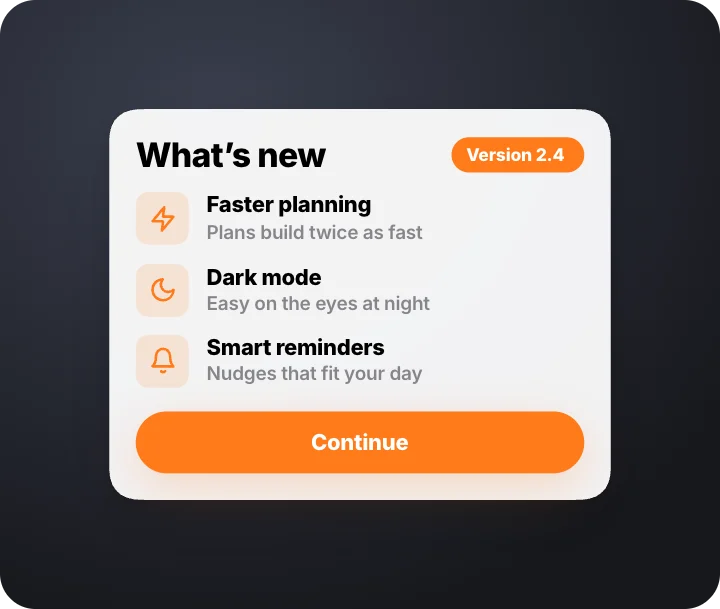 ProWhat's new sheet
A sheet with a version chip lists three changes with small icons that slide in one by one, then a Continue button
Open in editor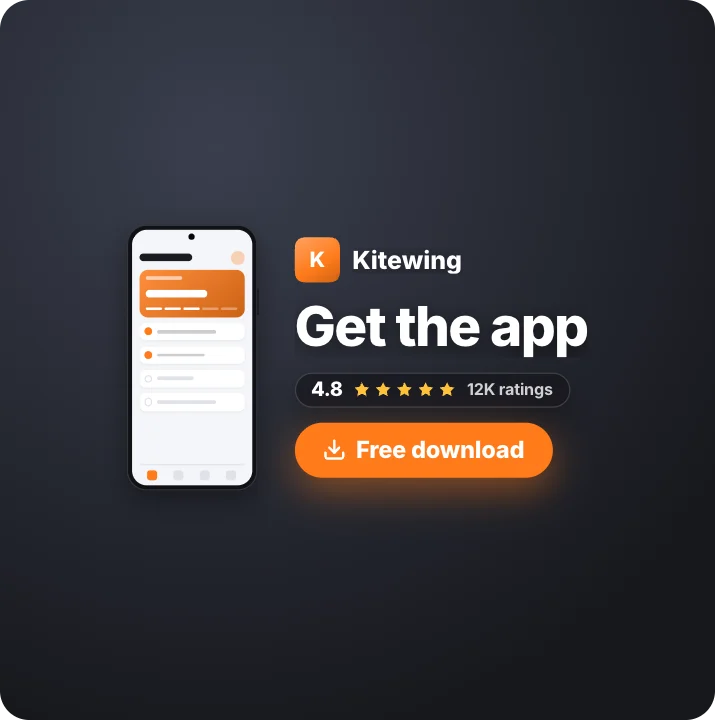 Pro MaxApp in four shots
Your icon lands on a home screen, three screens fan out, one feature is tapped, then get the app with a rating
Open in editor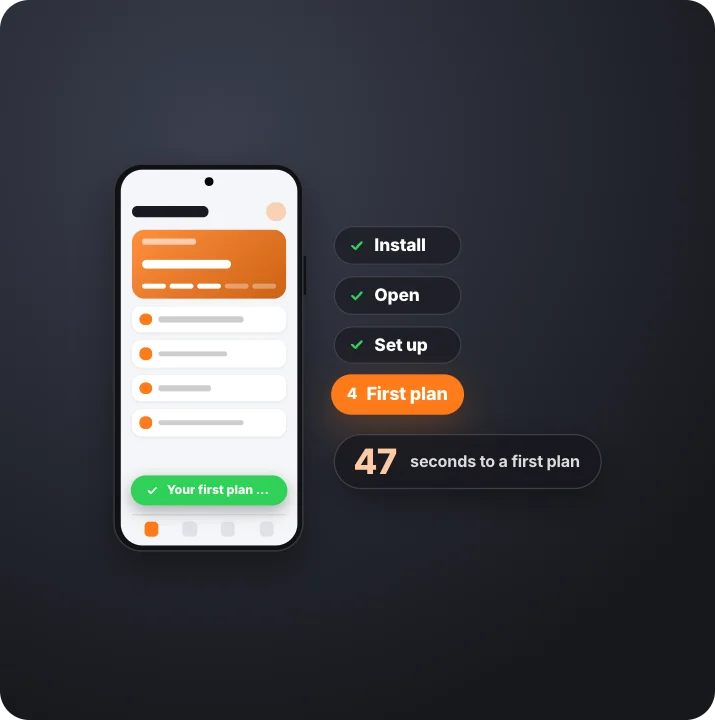 Pro MaxInstall to first result
A phone installs your app, opens to its splash, picks two choices in set-up and shows the first plan with the time taken
Open in editor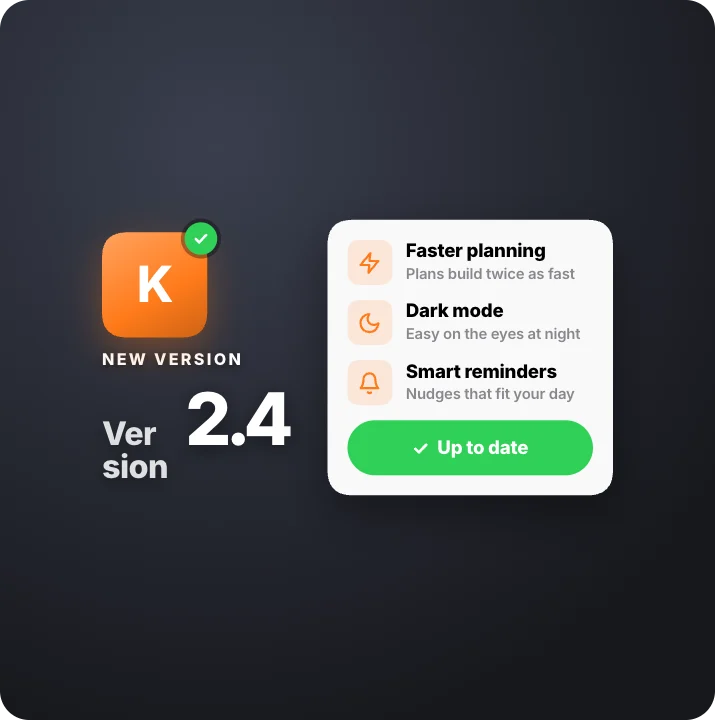 Pro MaxVersion update film
The version number rolls up beside your icon, three changes land in a card, and Update now fills to up to date
Open in editor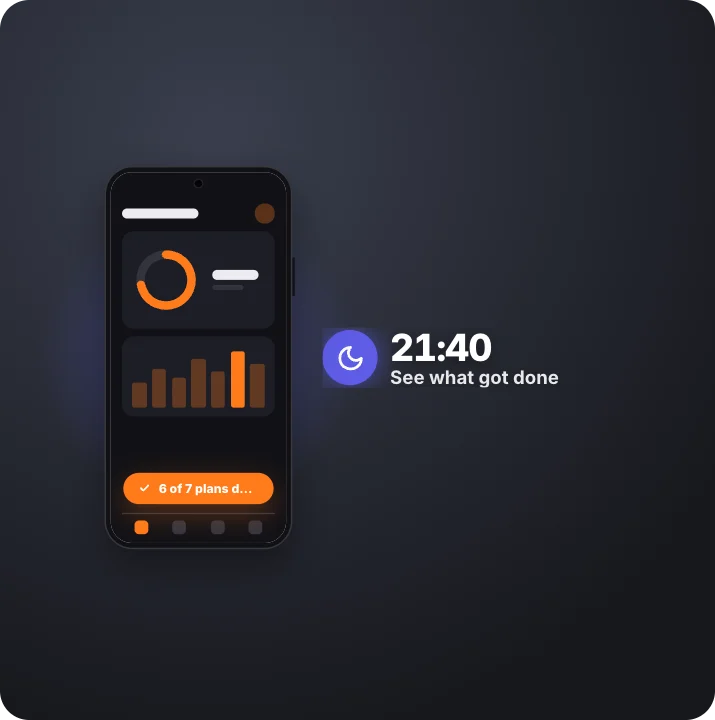 Pro MaxMorning to night in the app
One phone through a day: a morning plan, a midday nudge and a night summary in the dark look, each with its time
Open in editor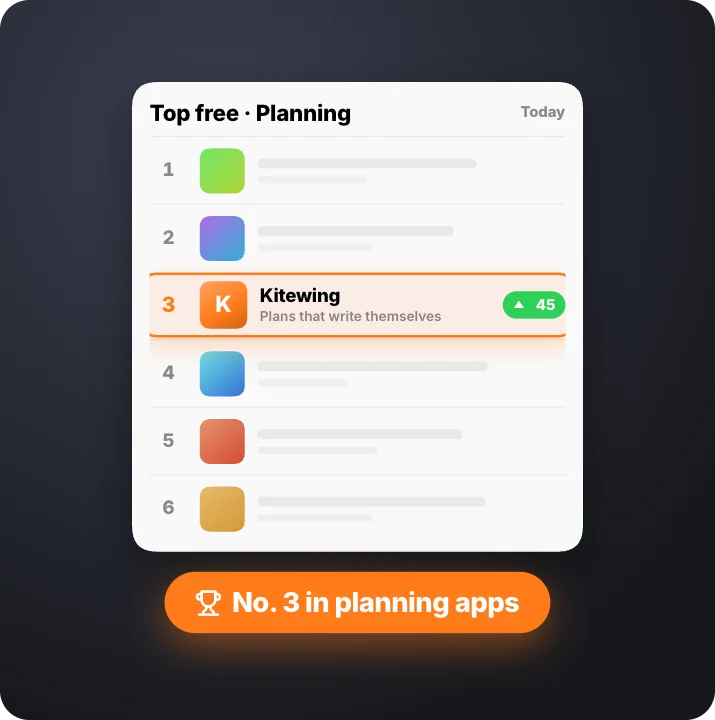 Pro MaxClimbing the chart
Your app climbs a generic chart list from 48th to 3rd as other rows scroll past, then a badge pops with sparks
Open in editorIn an exported video it remains a picture. Put a real install link in the publishing destination and keep the graphic wording consistent with that destination.
App screens and install messages are presentation graphics, not working app-store controls.
All packs for product launches