
 FreeFeature number title
A large feature number rises into place, a short line draws beneath it, and the feature name fades in below
Open in editorProduct launches · Template pack
Guide a viewer through a feature instead of listing every capability. Numbered labels, new-feature markers and before-and-after cues keep a short walkthrough organized.
6 Free · 14 Pro · 5 Pro Max. Choose individual templates below; export each piece and combine it in your edit.
Name the task, demonstrate the feature, then show the changed outcome.
Use supplied screenshots or footage; these graphics do not operate your product.
Every one opens free in your browser to edit and preview. Free ones export with no watermark (a free account after 3 exports); Pro and Pro Max need Pro, and Pro Max scenes are included with it.
FreeFeature number titleA large feature number rises into place, a short line draws beneath it, and the feature name fades in below
Open in editor FreeNew feature tag
A small new tag with a sparkle drops into your chosen corner, wobbles to a stop, then the feature name fades in
Open in editor FreeFeature one-liner
A card pops in with an icon, then the feature name and a single line of detail appear beside it
Open in editor FreeShortcut hint
A card shows a feature name while a short key combination appears key by key beside it, then the keys press
Open in editor FreeFaster chip
A pill with speed streaks counts from one times up to your number, wobbles, and a line explains the gain
Open in editor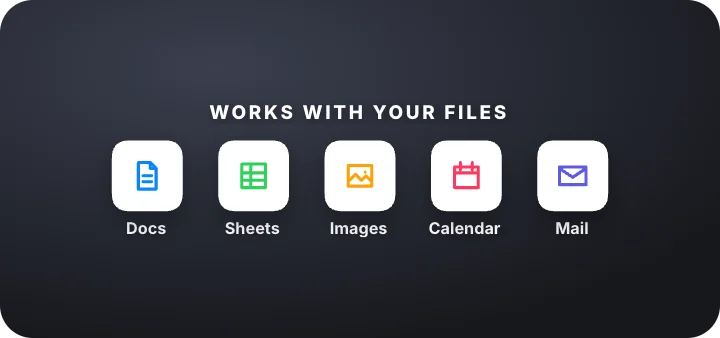 FreeWorks with row
A heading fades in and up to five labelled file icons pop in left to right with a small bounce
Open in editor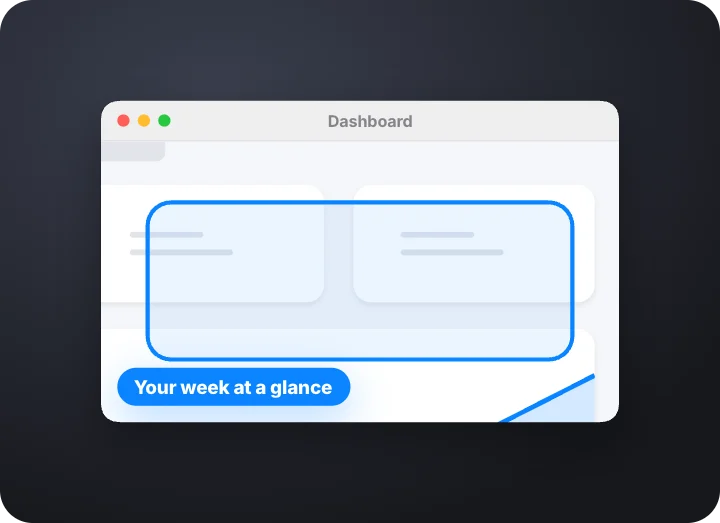 ProZoom into a region
A rectangle draws itself around part of your screenshot, then the window zooms in on it and a label appears
Open in editor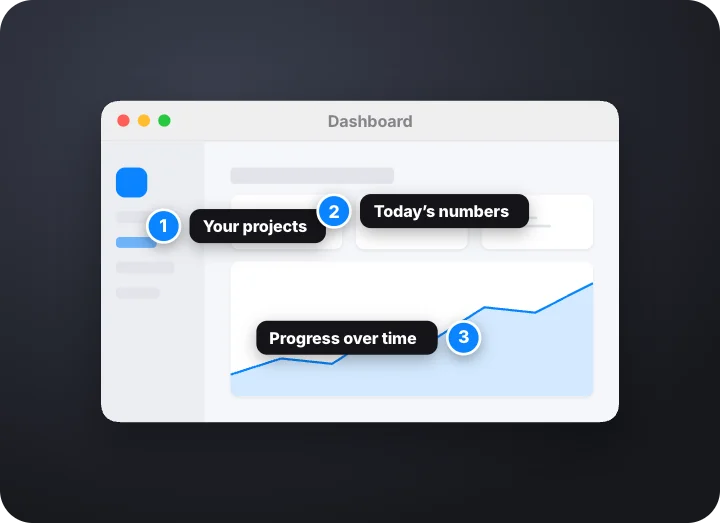 ProThree callouts
Three numbered dots pop onto your screenshot one after another, each pulsing and then opening a short label beside it
Open in editor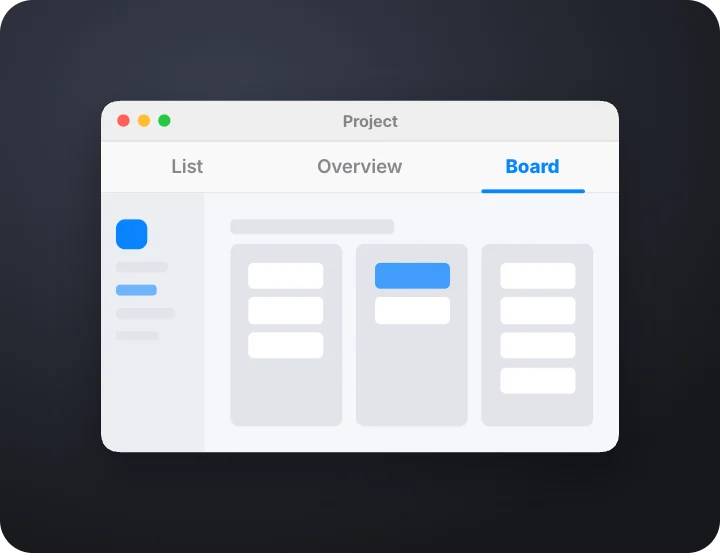 ProTab by tab
A cursor moves up to a row of tabs and taps through them, and the panel below changes after each tap
Open in editor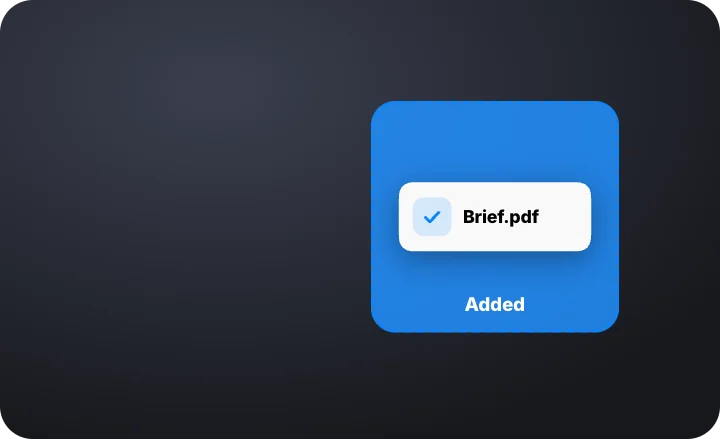 ProDrag it in
A cursor lifts an item and drags it onto a dashed drop zone, which turns solid and shows an added tick
Open in editor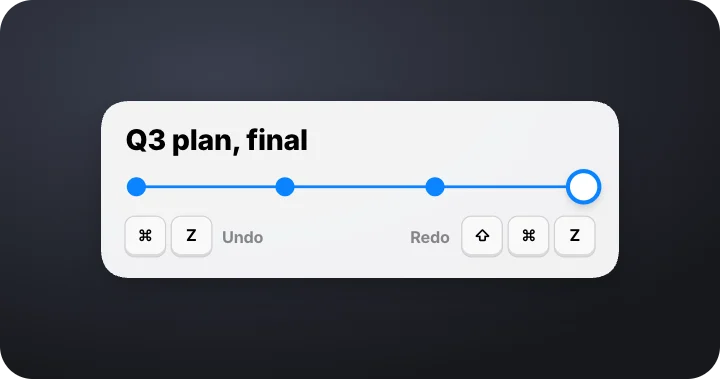 ProUndo history
A version title steps back along a small history rail on undo, then forward on redo, with the keys shown
Open in editor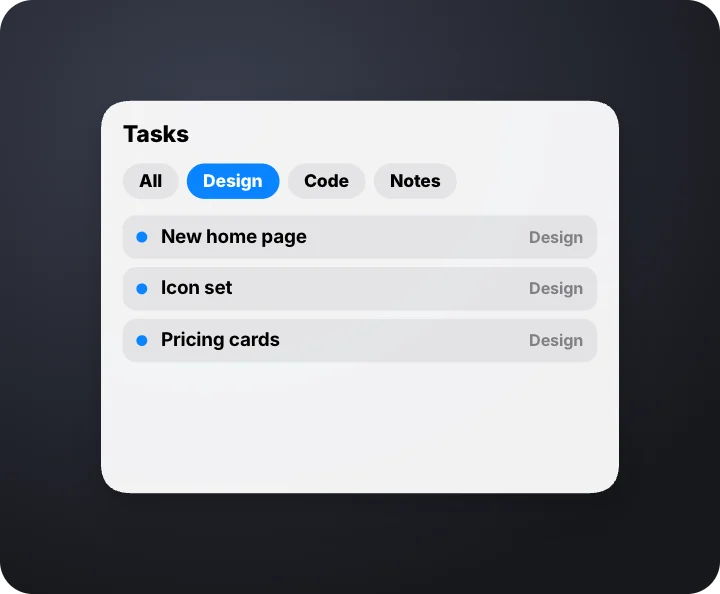 ProFilter chips
A row of chips sits above a list, one chip is tapped, and the rows that do not match fade out
Open in editor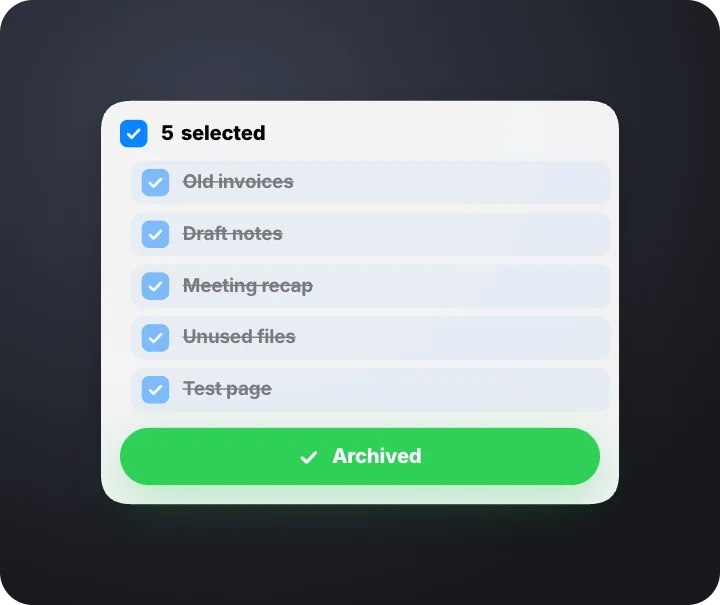 ProSelect all, act once
Checkboxes tick down a list while a counter rolls up, then one button is pressed and every row is struck through
Open in editor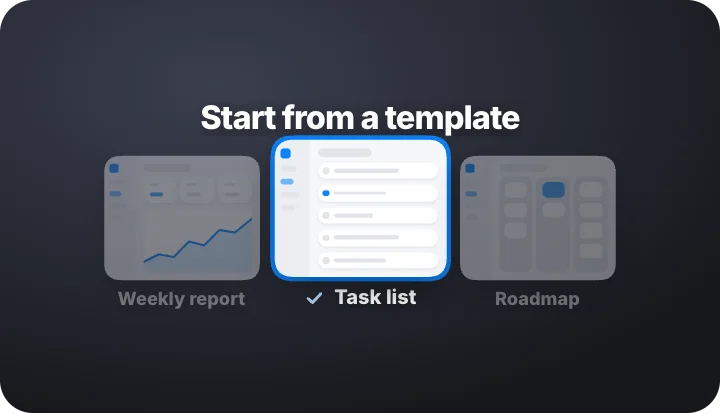 ProPick a starting point
Three starter cards appear in turn, the chosen card lifts and gets an outline, then it opens with a tick
Open in editor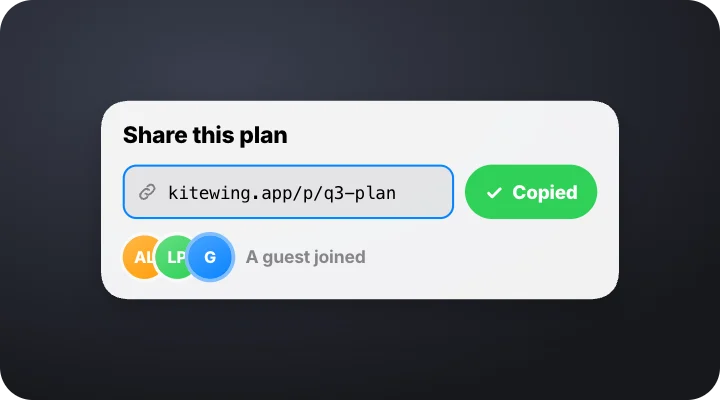 ProShare with a link
A link box sits beside a button that turns to copied when pressed, then a guest avatar joins the people row
Open in editor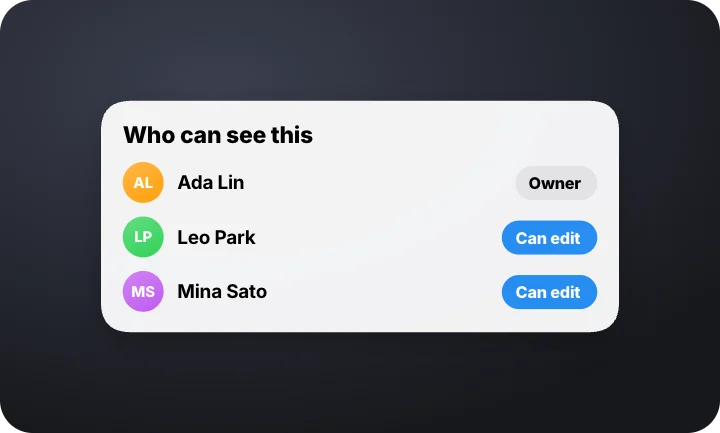 ProWho can see what
A list of people with role chips appears, then one chip is pressed and its role changes from view to edit
Open in editor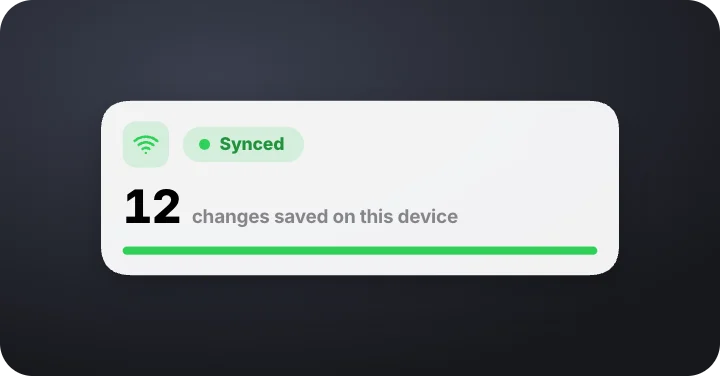 ProWorks offline
A connection icon is crossed out and the status goes offline while a counter keeps climbing, then it syncs back
Open in editor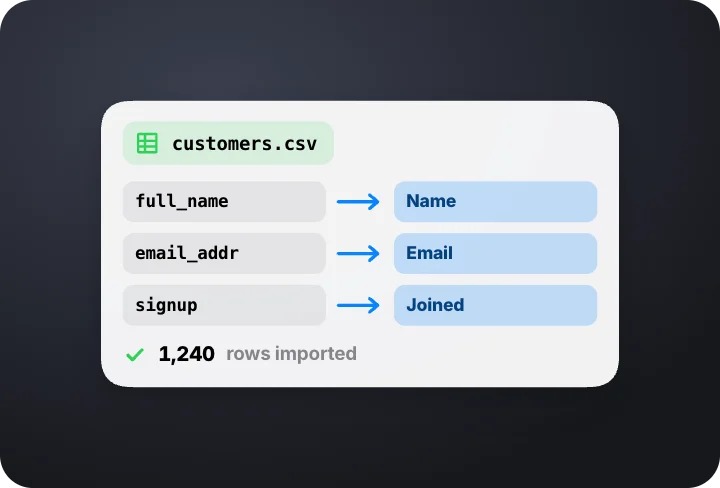 ProImport in one step
A file chip drops into a card, drawn arrows join its column names to new names, and a row count ticks up
Open in editor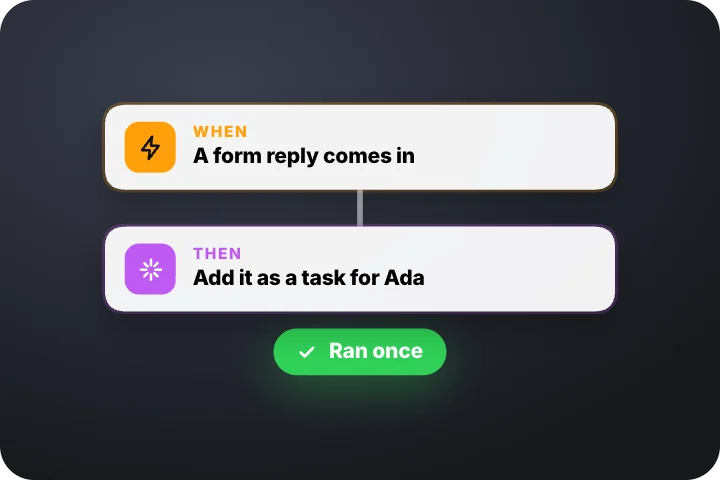 ProWhen this, do that
A trigger block and an action block drop in, a line joins them, a dot runs down it, and a ran once chip lands
Open in editor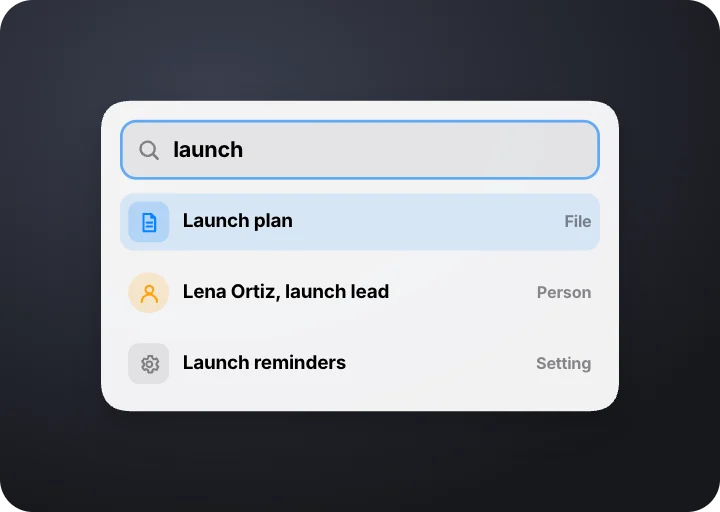 ProSearch everything
A search word types into the box, then a file, a person and a setting appear as results one after another
Open in editor Pro MaxThree features, nine seconds
Three feature scenes push through one frame, each with a number, title, line and window, then the name closes
Open in editor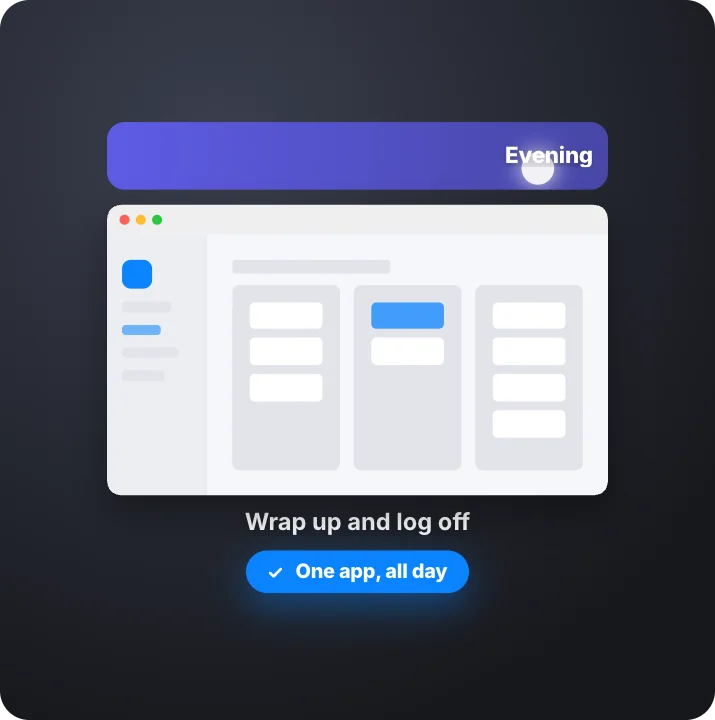 Pro MaxA day with the product
A sun crosses a sky strip from morning to evening while the window and line change, then a closing chip pops
Open in editor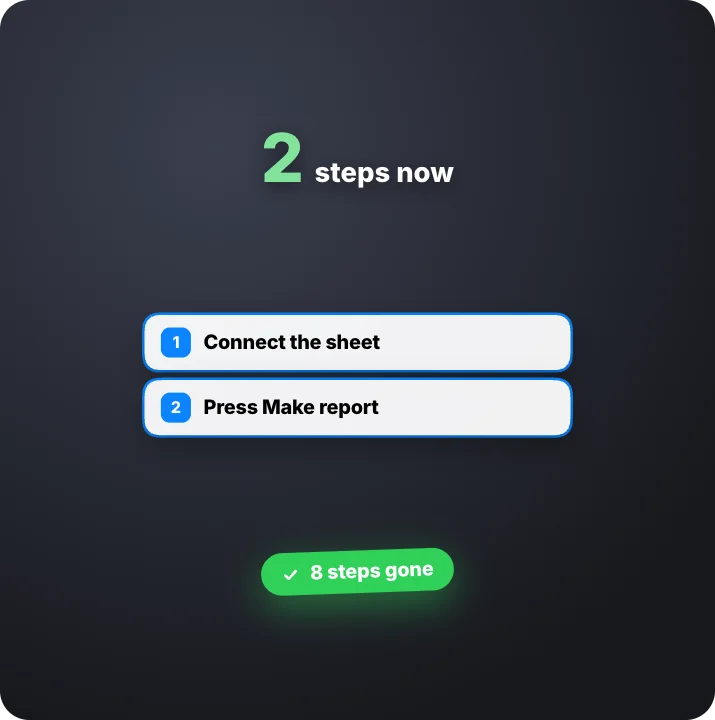 Pro MaxTen steps become two
Ten old steps stack up one by one, then collapse into two clean steps as the count rolls down and a chip lands
Open in editor Pro MaxGuided tour
A spotlight moves across your screen to four parts in turn, each with a numbered label, then widens to a chip
Open in editor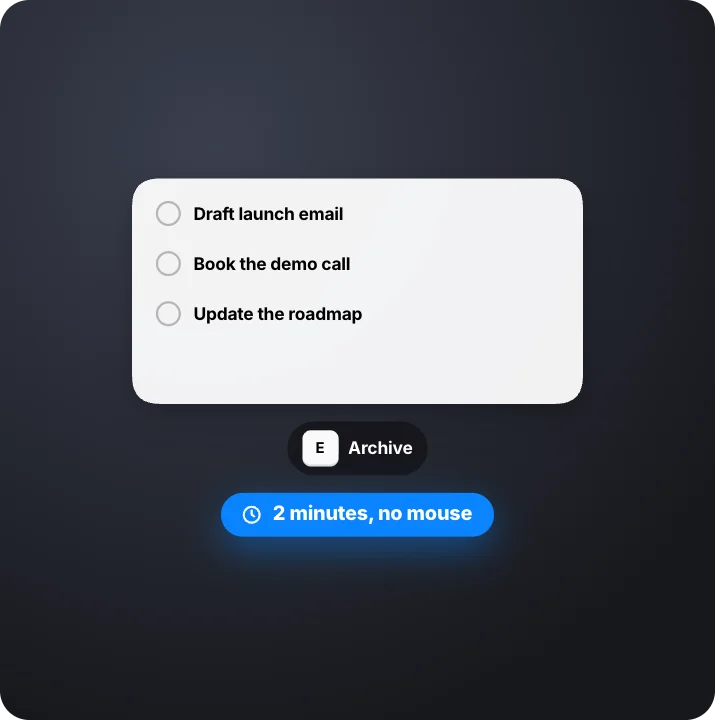 Pro MaxKeyboard-only run
Four key presses flash while a new row is added, selected, ticked and filed away, then a time saved chip appears
Open in editorChoose the features needed to complete one task. Split unrelated tasks into separate edits so the viewer can follow a single path.
Use supplied screenshots or footage; these graphics do not operate your product.
All packs for product launches