
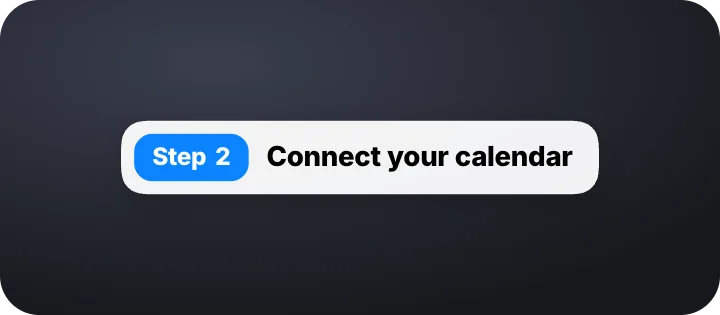
 FreeStep label
A step chip rolls to its number beside a short instruction, in the corner of a screen recording
Open in editorTalking to camera · Template pack
Direct attention to the next action in a recorded demonstration. Step labels, spotlights and key graphics help explain a workflow without narrating every pointer movement.
6 Free · 14 Pro · 5 Pro Max. Choose individual templates below; export each piece and combine it in your edit.
Label the step, highlight the target, then show the resulting state.
The graphics annotate an edit; they do not record a screen or interact with software.
Every one opens free in your browser to edit and preview. Free ones export with no watermark (a free account after 3 exports); Pro and Pro Max need Pro, and Pro Max scenes are included with it.
FreeStep labelA step chip rolls to its number beside a short instruction, in the corner of a screen recording
Open in editor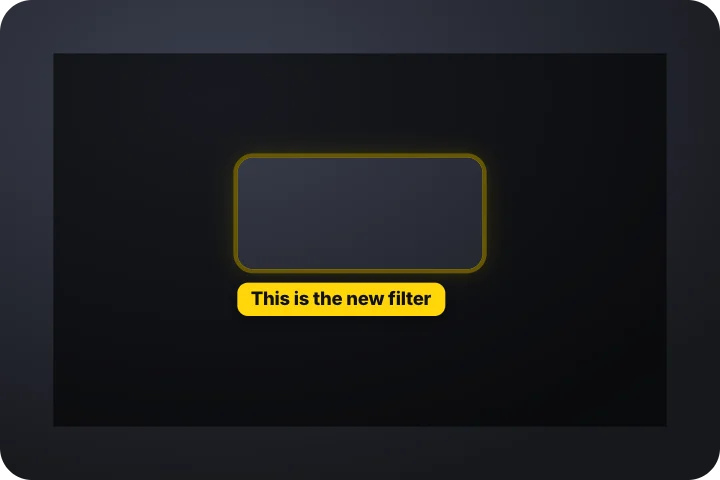 FreeDim and spotlight
The frame dims and a lit rectangle closes in on the part of the screen that matters, with a label
Open in editor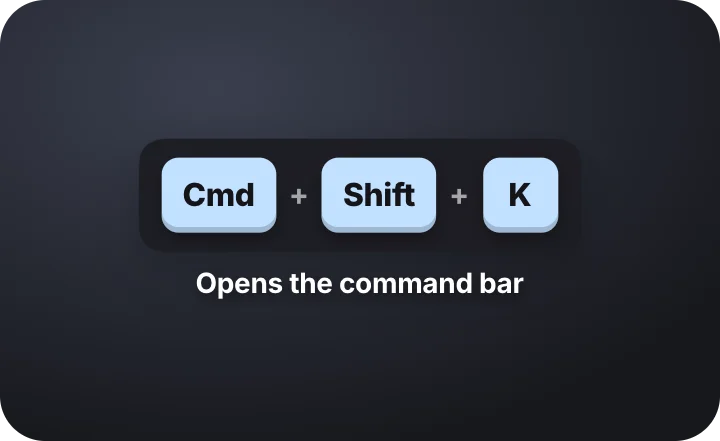 FreeKeys pressed
Key caps for the shortcut you type pop in one by one and press together, with what it does
Open in editor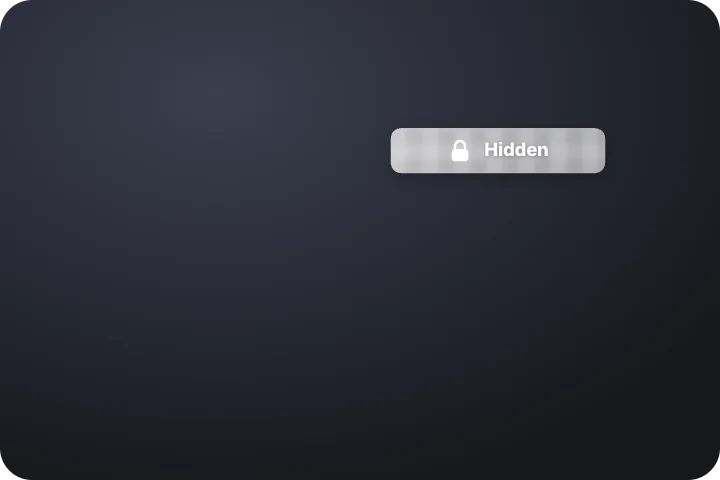 FreeCover private details
A soft frosted block with a lock covers an email, a key or a name on the recording
Open in editor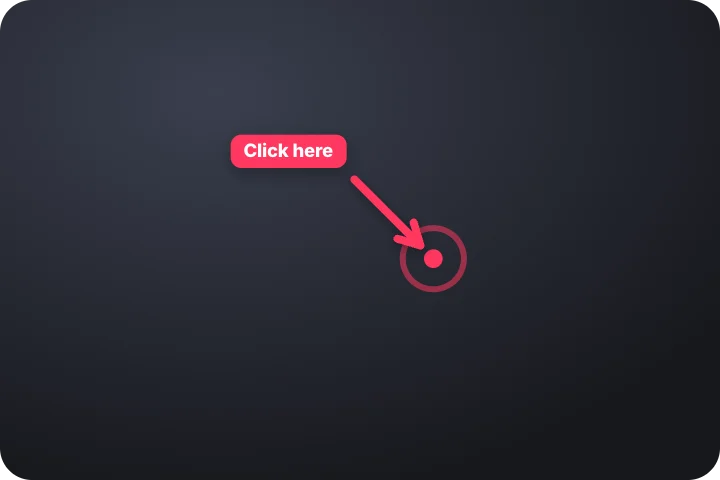 FreeClick here arrow
An arrow springs toward the spot you set, with a pulsing ring and a label
Open in editor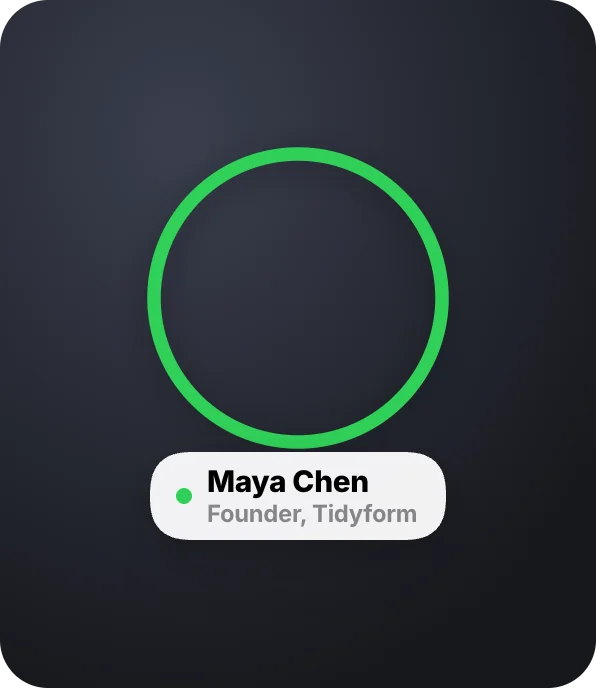 FreeFace camera ring
A ring draws itself around your round face camera and a name tag pops under it
Open in editor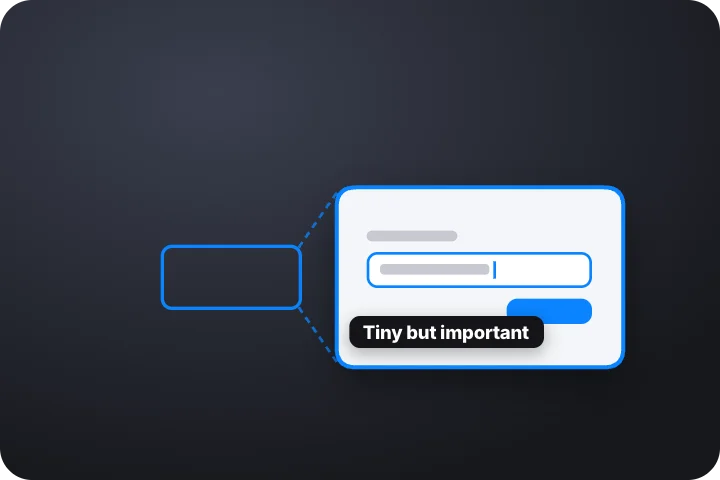 ProMagnifier box
A small area is outlined and a magnified panel opens beside it with guide lines
Open in editor ProScroll down hint
A mouse with a moving wheel nudges down beside one word
Open in editor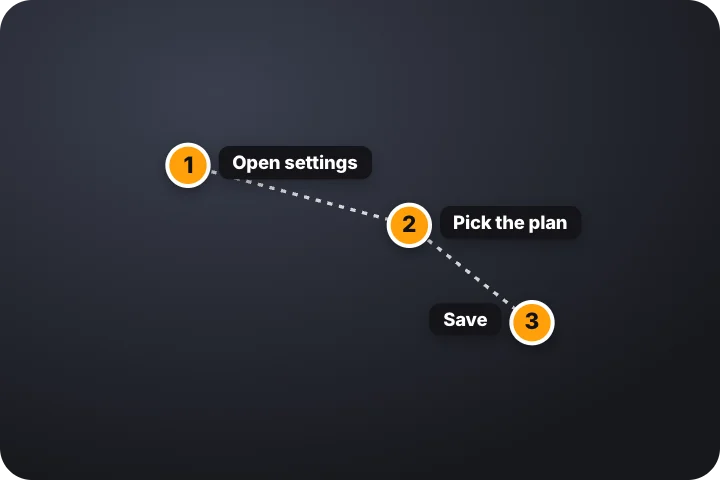 ProNumbered spots
Numbers 1, 2, 3 land on three places in order, joined by a dotted path, each with a label
Open in editor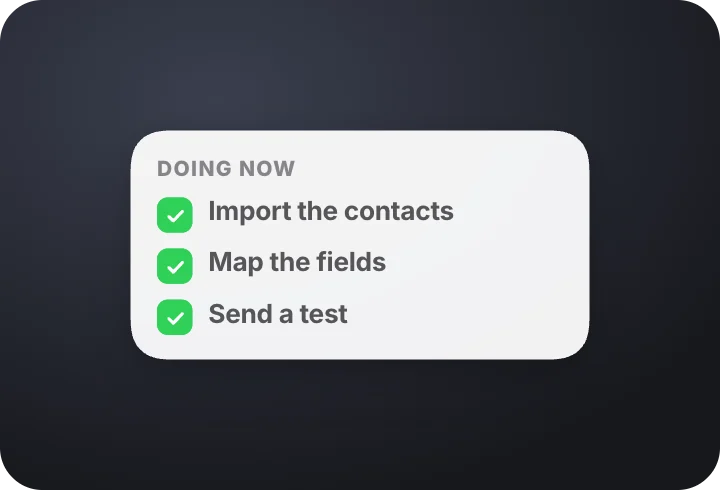 ProNotes panel
A side panel slides in listing what is being done, each step ticking off in turn
Open in editor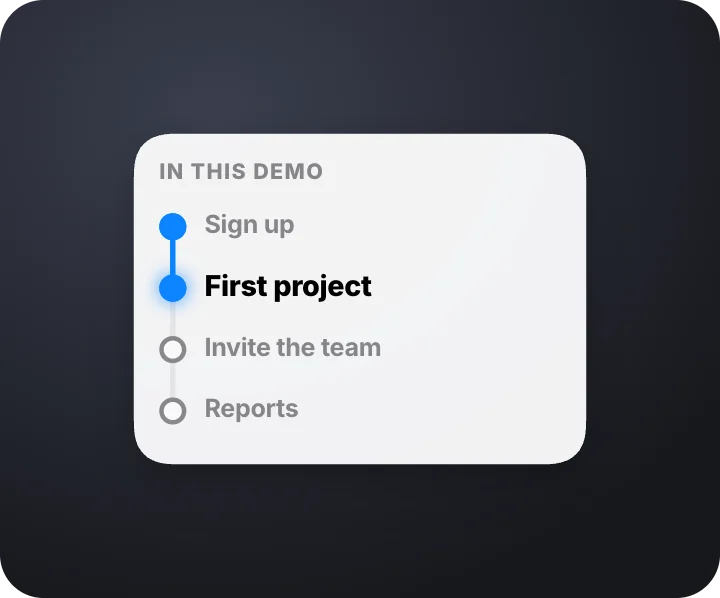 ProDemo chapters
A rail of chapters with a progress line; the current one lights up
Open in editor ProSped up label
A chip with pulsing arrows flips from ×1 to ×4 during the fast part
Open in editor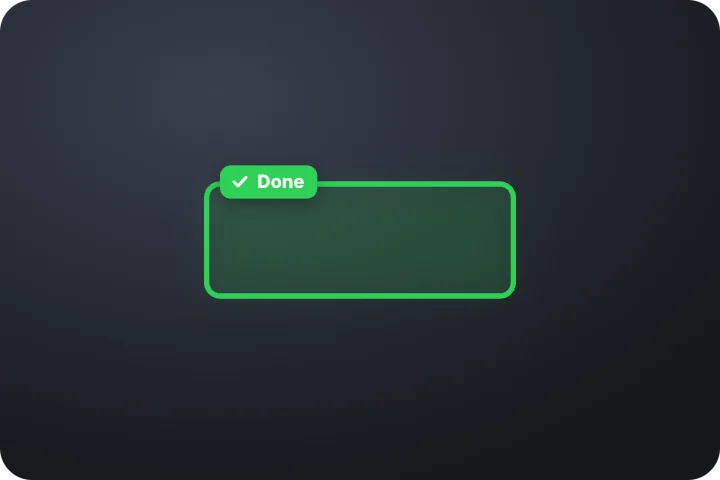 ProResult highlight
A green box draws itself around the outcome and a Done tag ticks
Open in editor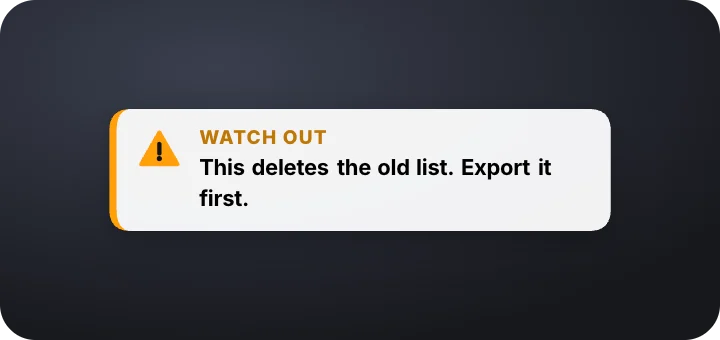 ProWatch out box
An amber note with a warning sign that shakes once, beside a risky step
Open in editor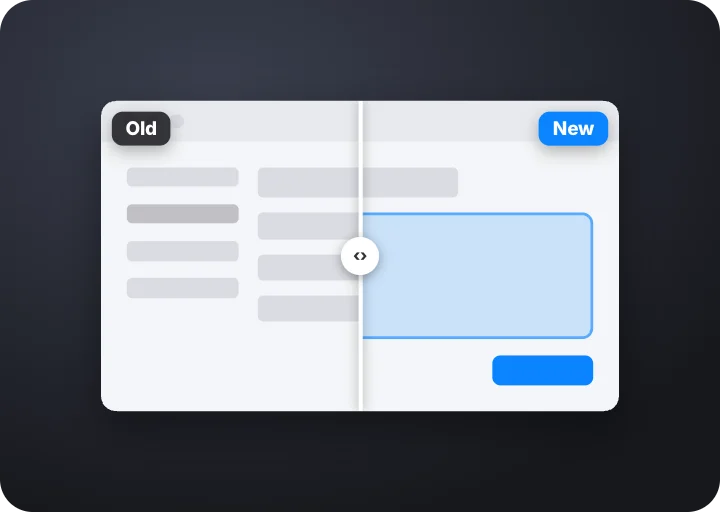 ProOld screen, new screen
A wipe moves across two screens with Old and New labels and a handle
Open in editor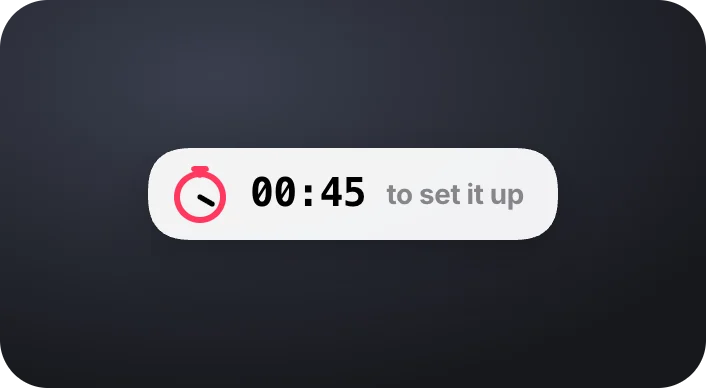 ProTime taken
A stopwatch chip runs the seconds while the task is done
Open in editor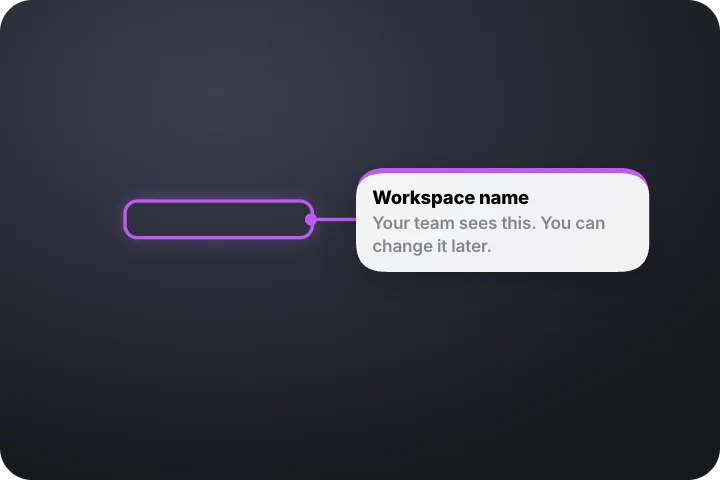 ProField explained
A form field is outlined and a line runs to a note that explains it
Open in editor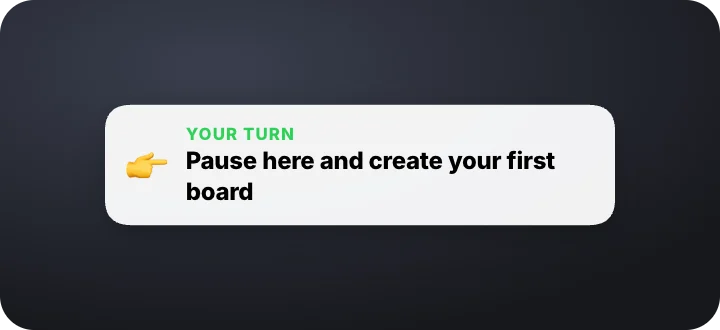 ProYour turn card
A card with a pointing hand tells the viewer what to try now
Open in editor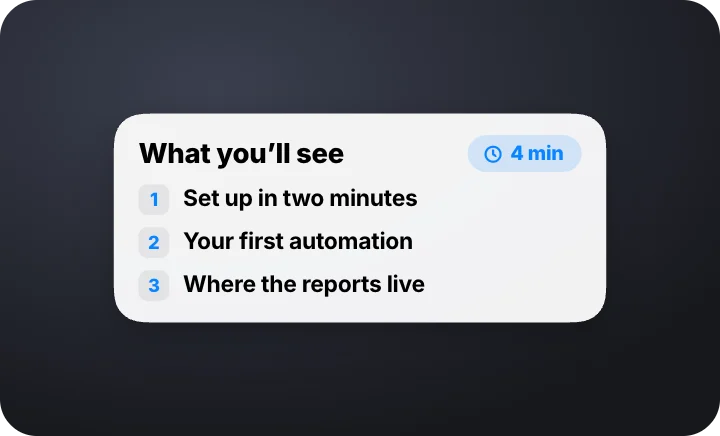 ProWhat you’ll see card
What the demo covers in numbered points, with a chip for how long it takes
Open in editor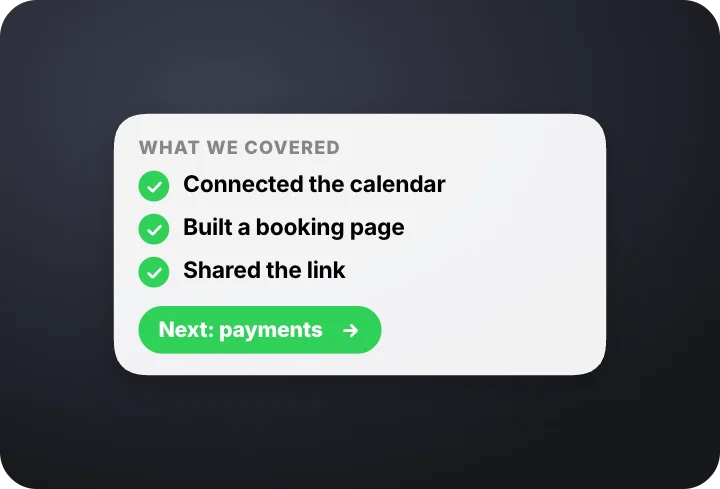 ProWhat we covered card
Ticked points of what was covered and a chip for what comes next
Open in editor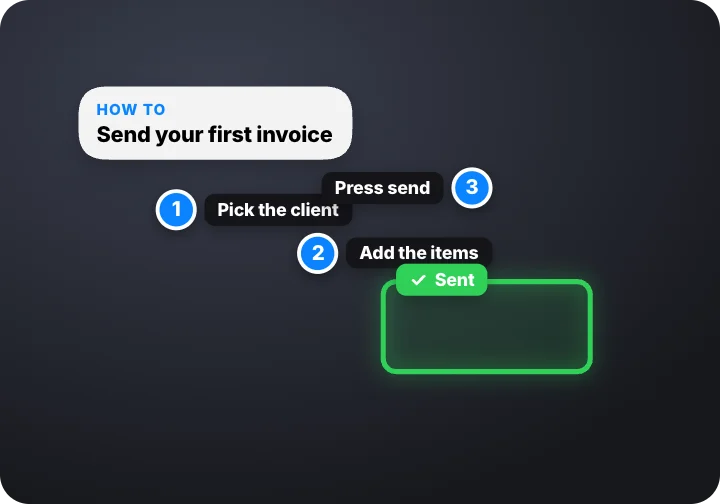 Pro MaxWalkthrough frame set
A title card, three numbered steps landing on the screen in time, then a green box around the result
Open in editor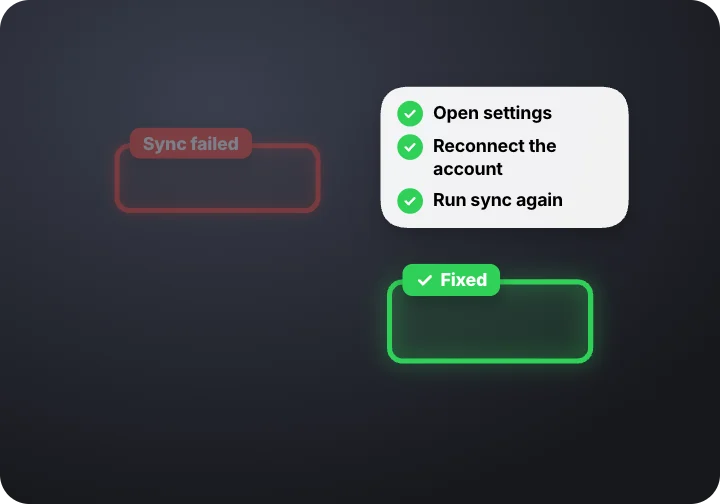 Pro MaxProblem, then the fix
A red box shakes on the problem, the steps tick off, then a green box marks the fix
Open in editor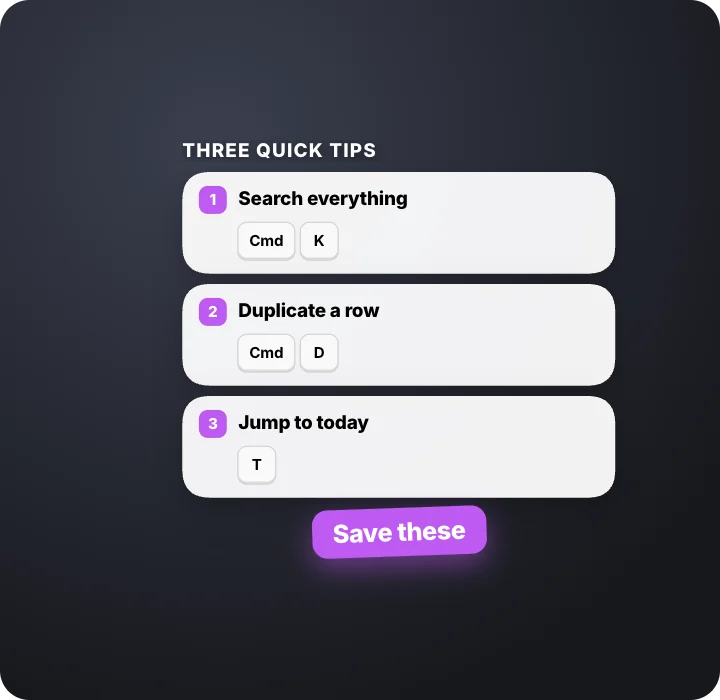 Pro MaxThree quick tips
Three tip cards arrive one after another, each with its shortcut keys pressing
Open in editor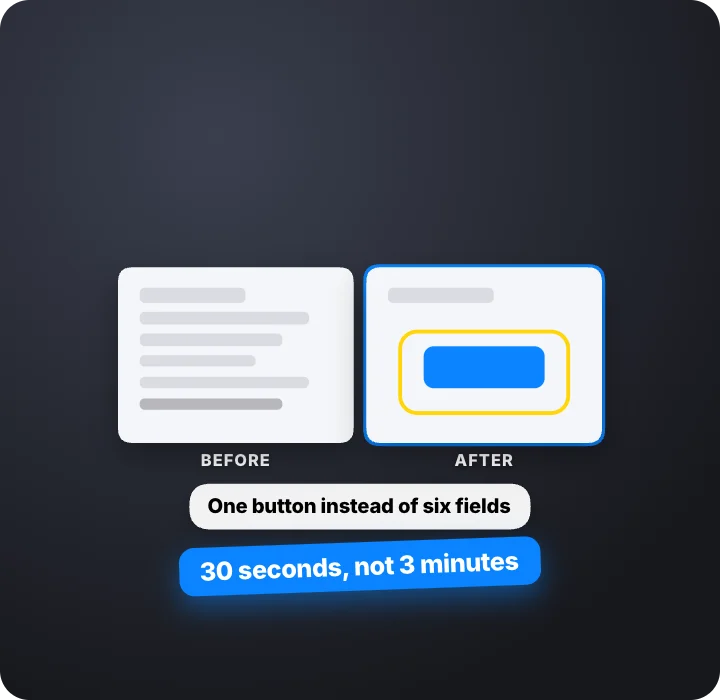 Pro MaxBefore and after the feature
Two screens rise side by side, the change is ringed and labelled, then the verdict lands
Open in editor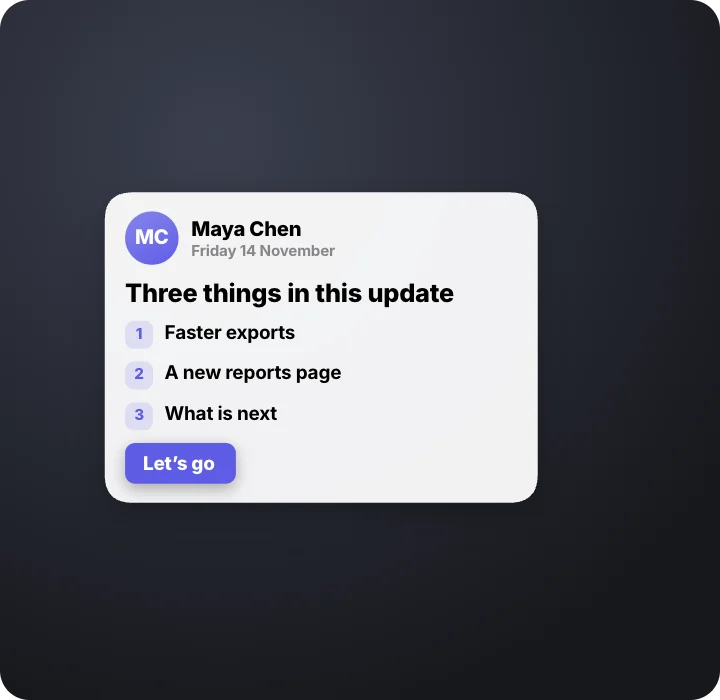 Pro MaxShort update opener
Your name and the date, the update title, then the three things it covers
Open in editorUse it when the target is hard to locate. Place the spotlight over the relevant recorded control and allow enough time to see the action.
The graphics annotate an edit; they do not record a screen or interact with software.
All packs for talking to camera